
1Click - Screen Recorder 4.3.0
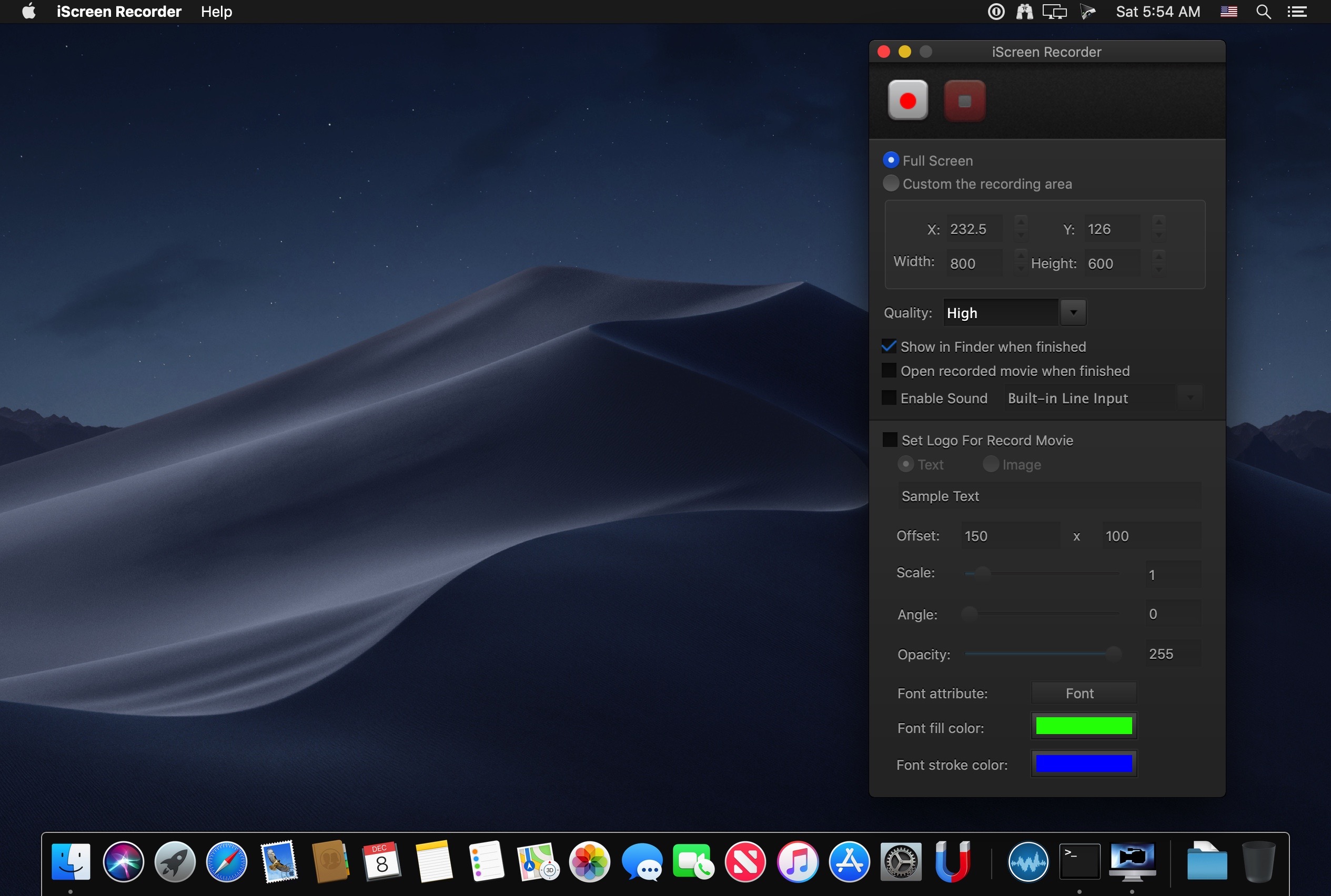
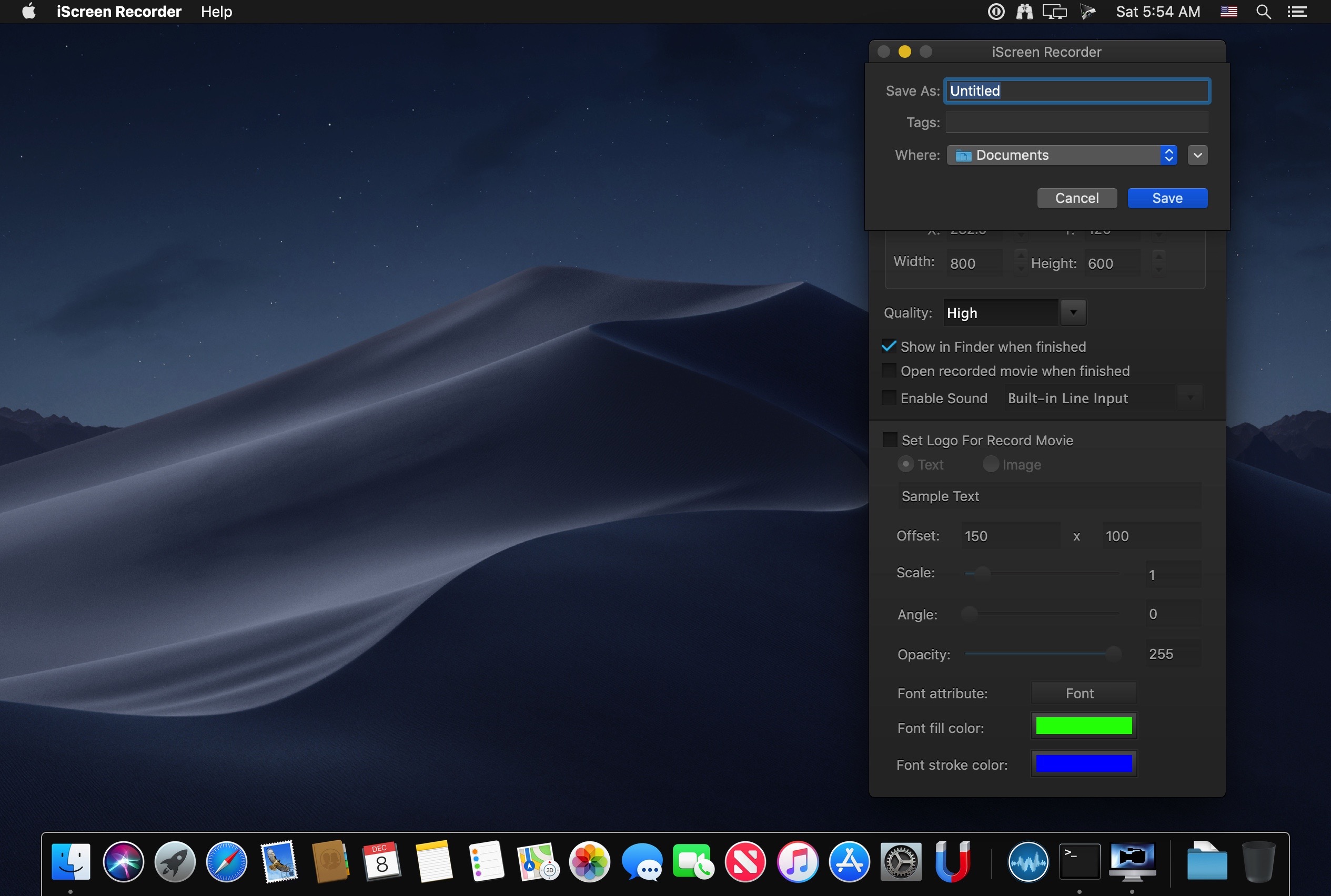
iScreen Recorder is an easy-to-use, efficient screen recording tool.Using it you can record the full screen, can record custom region. If you require high-quality video, then you only need a simple select recording quality.Enabled the recording equipment if you want to record narration. To increase the personalization of the video if you want by setting the text or picture watermark.
Key Feature:
- Record the full screen, or any size video
- Record high-quality video if you request
- Show it in "Finder", or play it with "QuickTime" when recording finished
- Easy to record narration
- Add a unique sign to the record video
- Click START button on the toolbar to start recording
- Click STOP button on the right side of the menu bar to stop recording
- No time limit for record video
- Using the most popular, the most efficient H264 video encoder and AAC audio encoder, as well as the most commonly used mp4 format
- Create demonstration videos for any software
- Create video tutorials for schools
- Create video-based information products
- Create videos for PPT
- Create videos for image's slideshow
Version 4.0.0:
- Greatly improve performance
- Support 5K screen recording
- Redesign the user interface
- Fixed some bugs
Frequently asked questions
How do I install the app?
Mount the image, drag the app into the "Applications" folder and launch it. If the system blocks the launch, allow it in "System Settings → Privacy & Security".
The app is damaged or won't launch
Reinstalling from a fresh image usually helps. Make sure your macOS version matches the one listed in the compatibility specs.
How do I update?
Download the new version from the site and install it over the current one — your settings will be preserved.
The download link doesn't work
Try a mirror or a download manager. For large files the browser often drops the connection.
How do I completely remove the app?
Use an uninstaller utility — it cleans up the service files that remain after moving the app to the trash.





Choose a download source
1Click - Screen Recorder 4.3.0 · 5.25 MB
Previous versions
1Click - Screen Recorder 4.3.0
Previous versions are available to registered users.
Comments 1