InstaBeauty 4 - Face Retouch 4.11

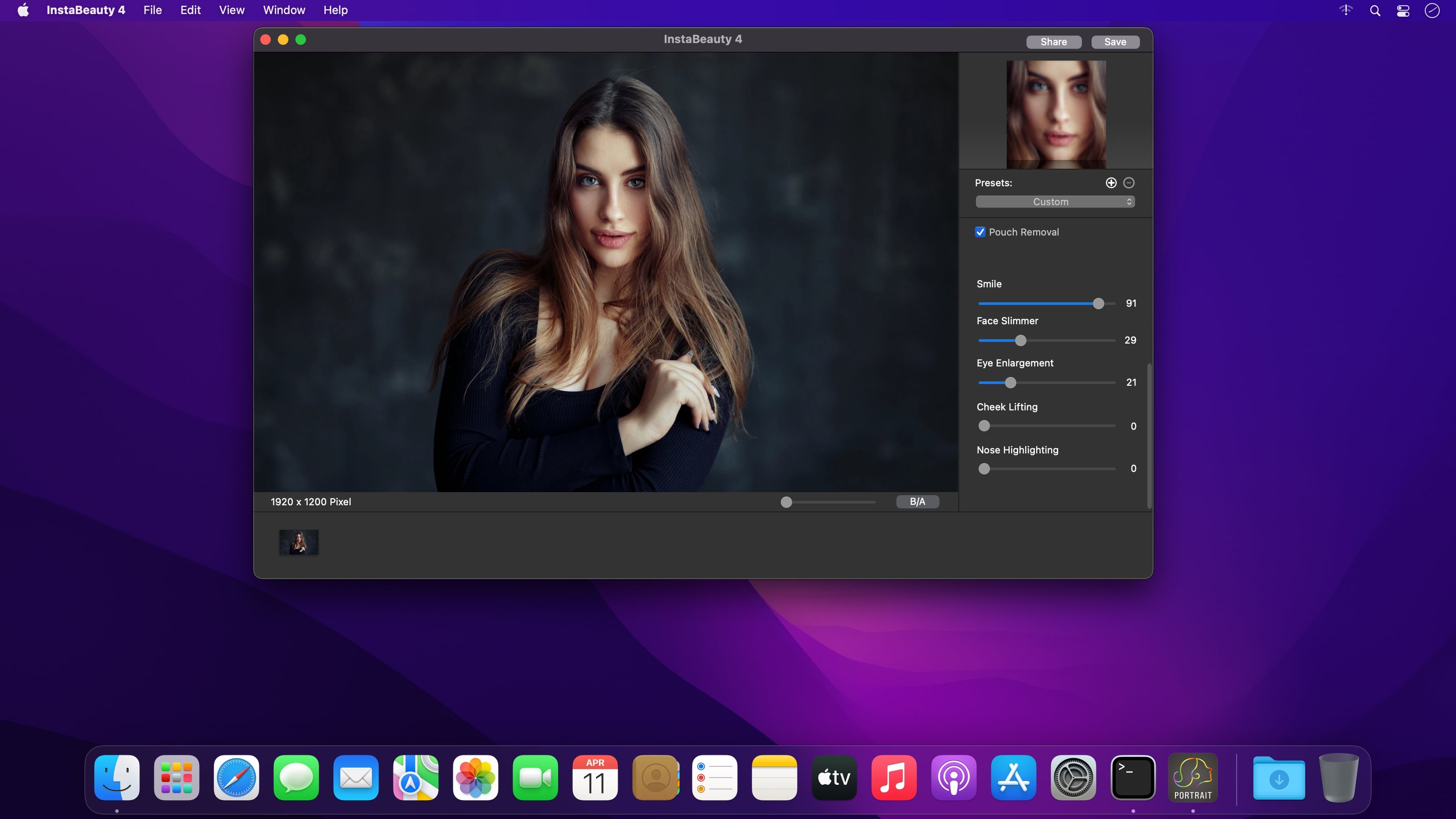
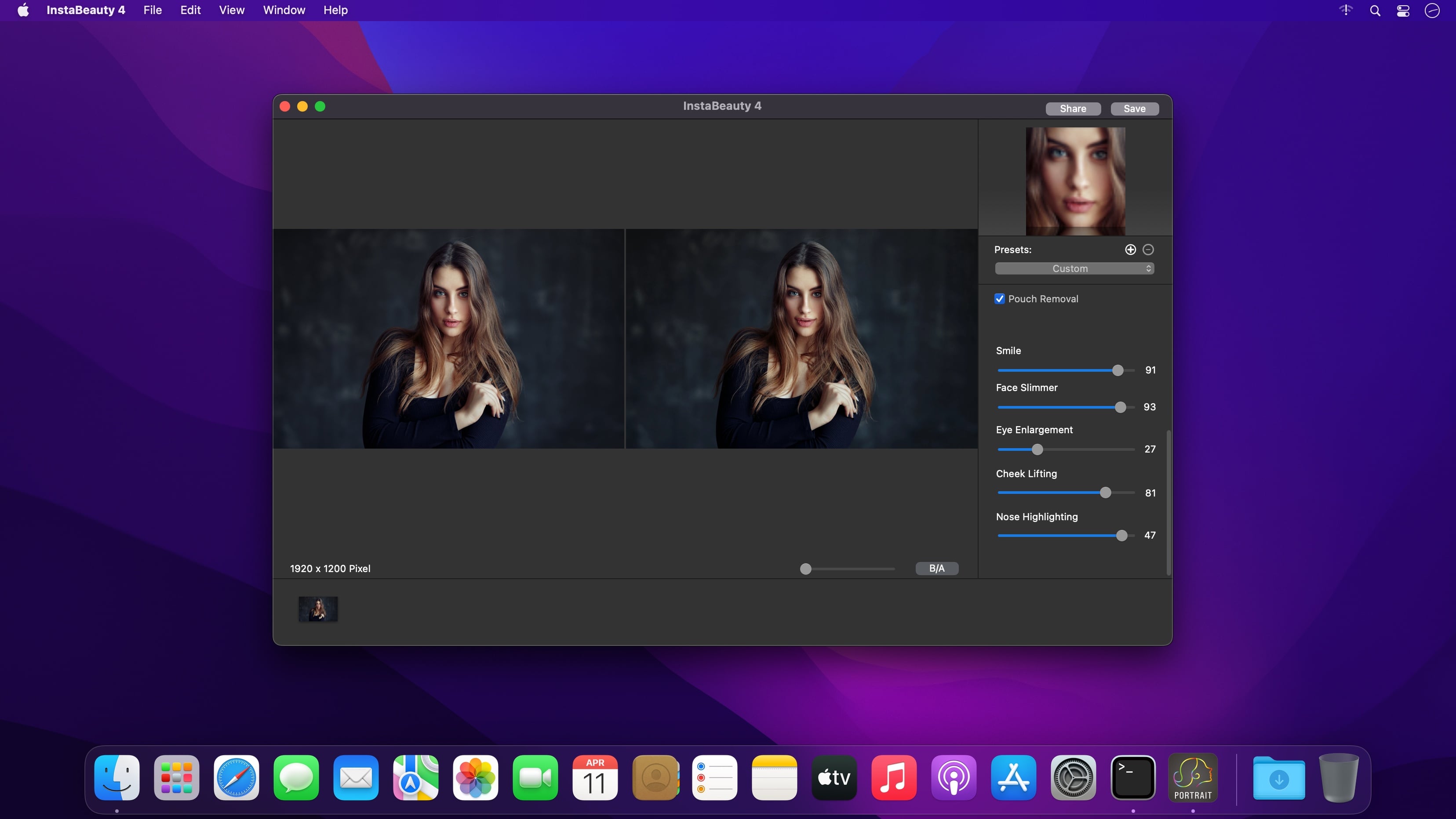
InstaBeauty 4 is easy and efficient portrait editing software. It has a full makeup control and skin management. Moreover, you can use some one-click portrait touchup options or presets to customize portrait with ease. The advanced face recognition algorithm helps you detect portraits in different situations.
Full Make-up Control
- Manage the skin with skin soften and skin whiten
- Adjust and apply the skin color tone
- Shine removal
- Teeth whitening
- Adjust the smile
- Face slimmer
- Eye enlargement
- Cheek lifting
- Nose highlighting
One-Click Portrait Editing
- Blemishes removal
- Pouch removal
- Apply customized presets
- Batch process for all portraits
- Before-and-After preview
Photos Plug-in
- Works as Photos Plugin
- Compatible JPEG and RAW formats
Version 4.11.1520
- Full support BigSur.
- Fix some critical issues for the 2021 M1 Mac.
Frequently asked questions
How do I install the app?
Mount the image, drag the app into the "Applications" folder and launch it. If the system blocks the launch, allow it in "System Settings → Privacy & Security".
The app is damaged or won't launch
Reinstalling from a fresh image usually helps. Make sure your macOS version matches the one listed in the compatibility specs.
How do I update?
Download the new version from the site and install it over the current one — your settings will be preserved.
The download link doesn't work
Try a mirror or a download manager. For large files the browser often drops the connection.
How do I completely remove the app?
Use an uninstaller utility — it cleans up the service files that remain after moving the app to the trash.
Choose a download source
InstaBeauty 4 - Face Retouch 4.11 · 27.9 MB