InstaBeauty Pro 2.2
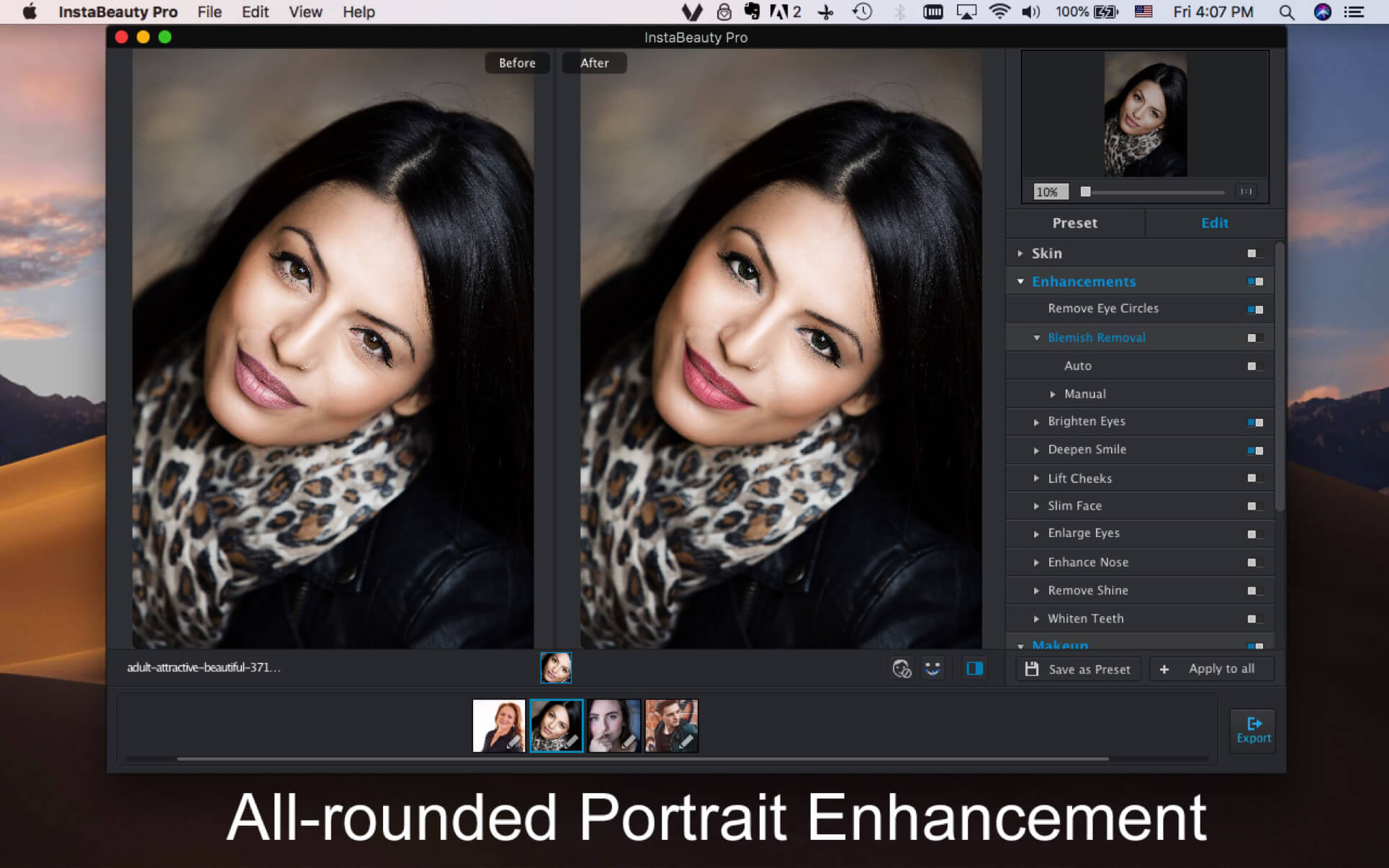
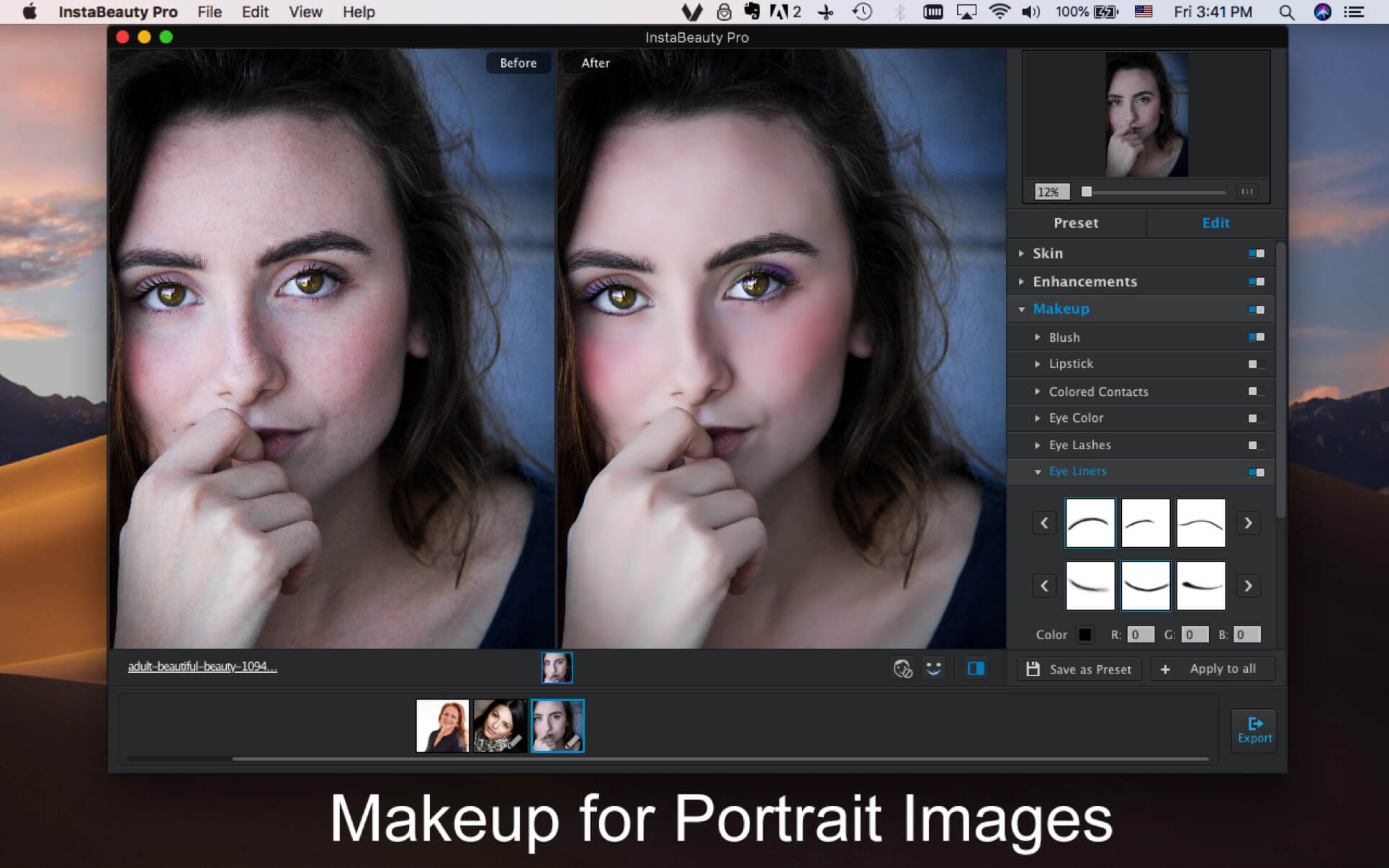
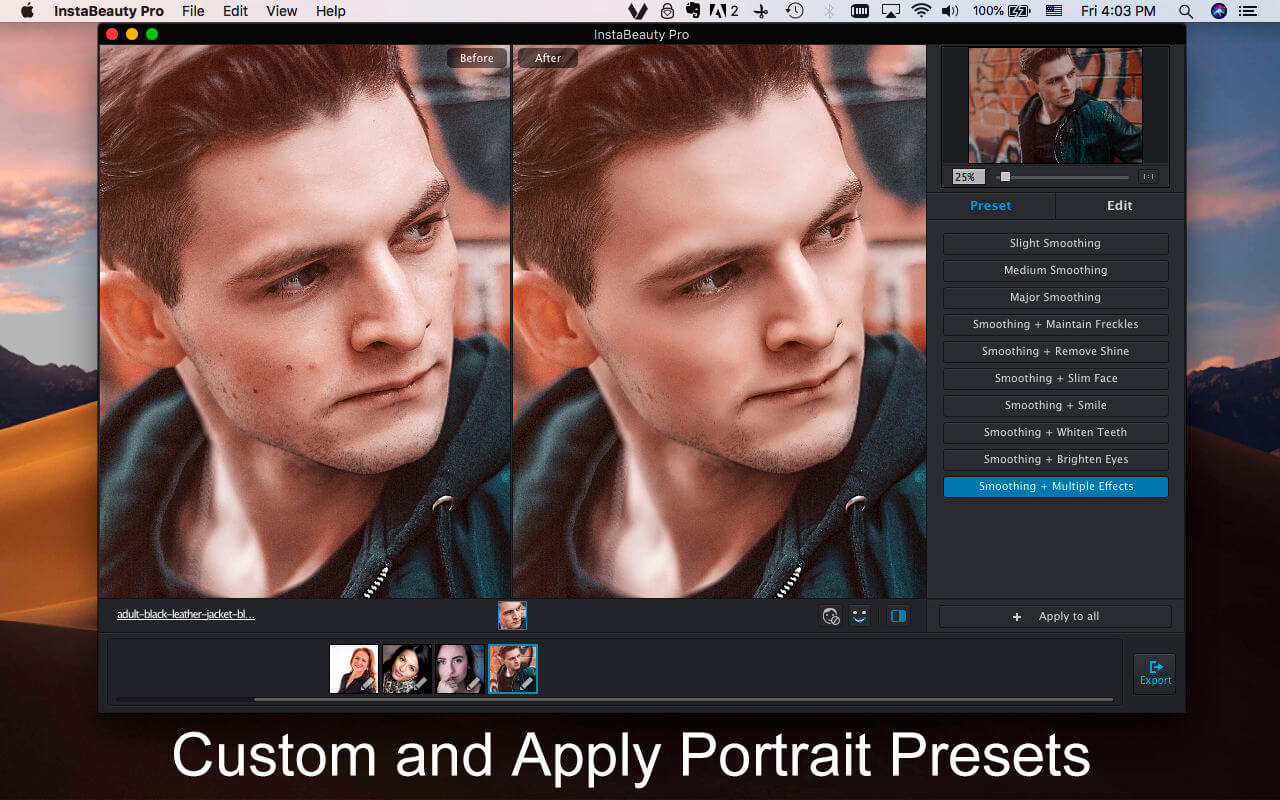
InstaBeauty Pro is a versatile portrait editing and makeup program. It enables you to manage and optimize all the skin areas, enhance different portrait points and makeup for stunning portraits. Just custom and apply presets, you can edit the desired portrait images in a batch process.
Full Skin Management
- Automatically detect/manually adjust the skin areas.
- Smooth skin/brighten skin in 3 different levels or manually.
- Change skin tone with different colors.
- Remove eye circles within one-click.
- Blemish removal automatically or manually.
- Brighten eyes in 3 different levels or manually.
- Deepen smile in 3 different levels or manually.
- Lift cheeks in 3 different levels or manually.
- Slim face in 3 different levels or manually.
- Enlarge eyes in 3 different levels or manually.
- Enhance nose in 3 different levels or manually.
- Remove shine in 3 different levels or manually.
- Whiten teeth in 3 different levels or manually.
- 7 blush makeup modes with different colors and intensity.
- Custom lipsticks with different colors, intensities and glosses.
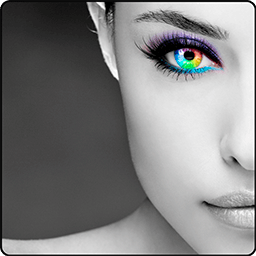
- 14 different colored contacts eye with stunning design.
- 7 different eye makeup modes in different colors.
- Dozens of eye lashes in different colors and intensity.
- Dozens of eyeliners in different colors and intensity.
- Tens of eye shadows with different positions, colors, intensities and glitters.
- 10 default presets to apply portrait touchup with ease.
- Custom and save the presets with different parameters.
- Apply the preset to all the portrait images within one click.
- Detect all portraits within one image.
- Detect and adjust all the portrait points.
- Export the touched portraits in high quality.
Version 2.2:
- Release notes were unavailable when this listing was updated.
Frequently asked questions
How do I install the app?
Mount the image, drag the app into the "Applications" folder and launch it. If the system blocks the launch, allow it in "System Settings → Privacy & Security".
The app is damaged or won't launch
Reinstalling from a fresh image usually helps. Make sure your macOS version matches the one listed in the compatibility specs.
How do I update?
Download the new version from the site and install it over the current one — your settings will be preserved.
The download link doesn't work
Try a mirror or a download manager. For large files the browser often drops the connection.
How do I completely remove the app?
Use an uninstaller utility — it cleans up the service files that remain after moving the app to the trash.
VersionInstaBeauty Pro 2.2
DeveloperWidsMob Technology Co., Limited
CompatibilityOS X 10.10 or later, 64-bit processor
LanguageEnglish, French, German, Italian, Japanese, Portuguese, Spanish
IncludesK'ed by TNT



Information
Visitors in the group Guests cannot leave comments on this publication.
Choose a download source
InstaBeauty Pro 2.2 · 18.39 MB