Photo & Video HDR 1.6
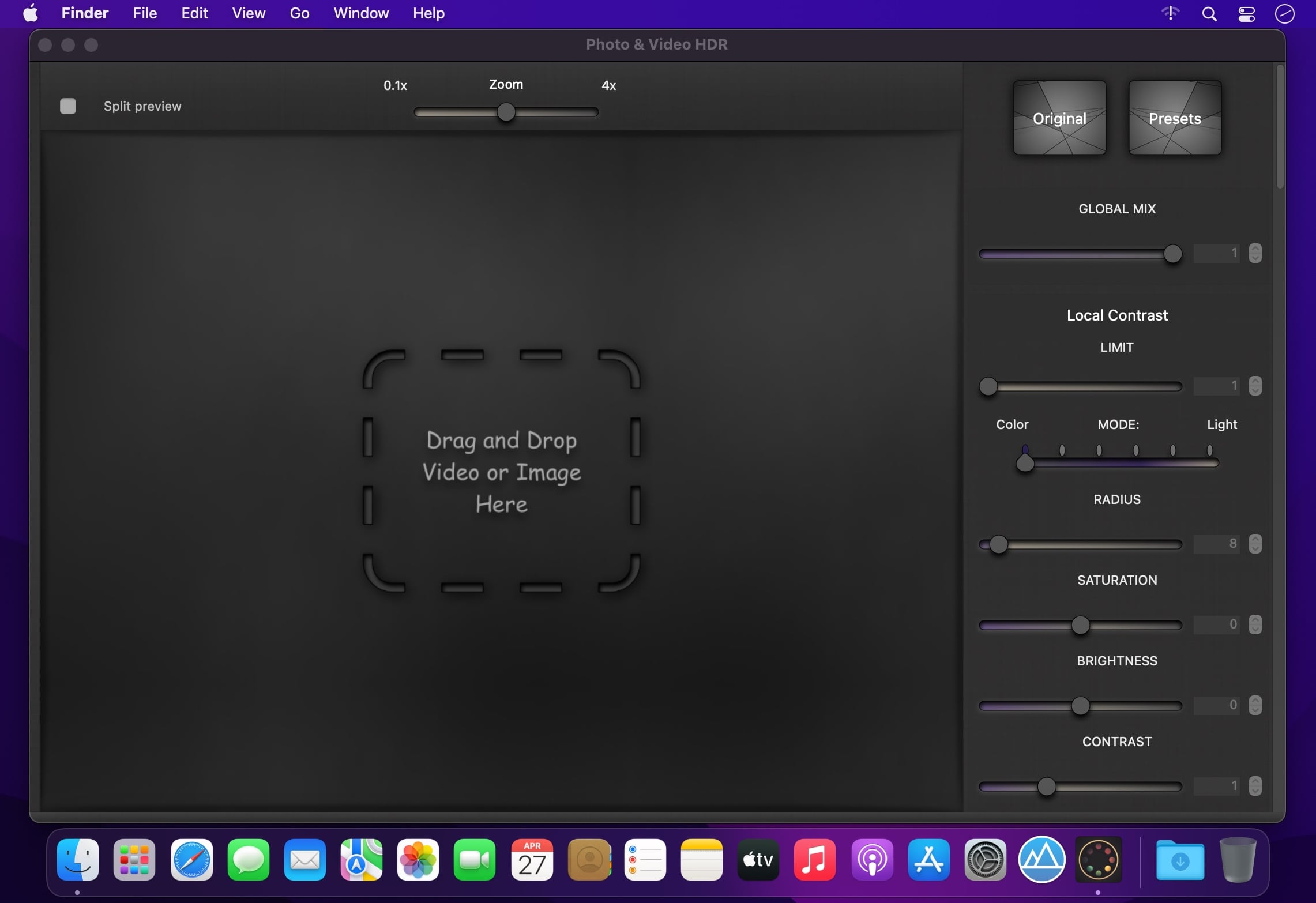
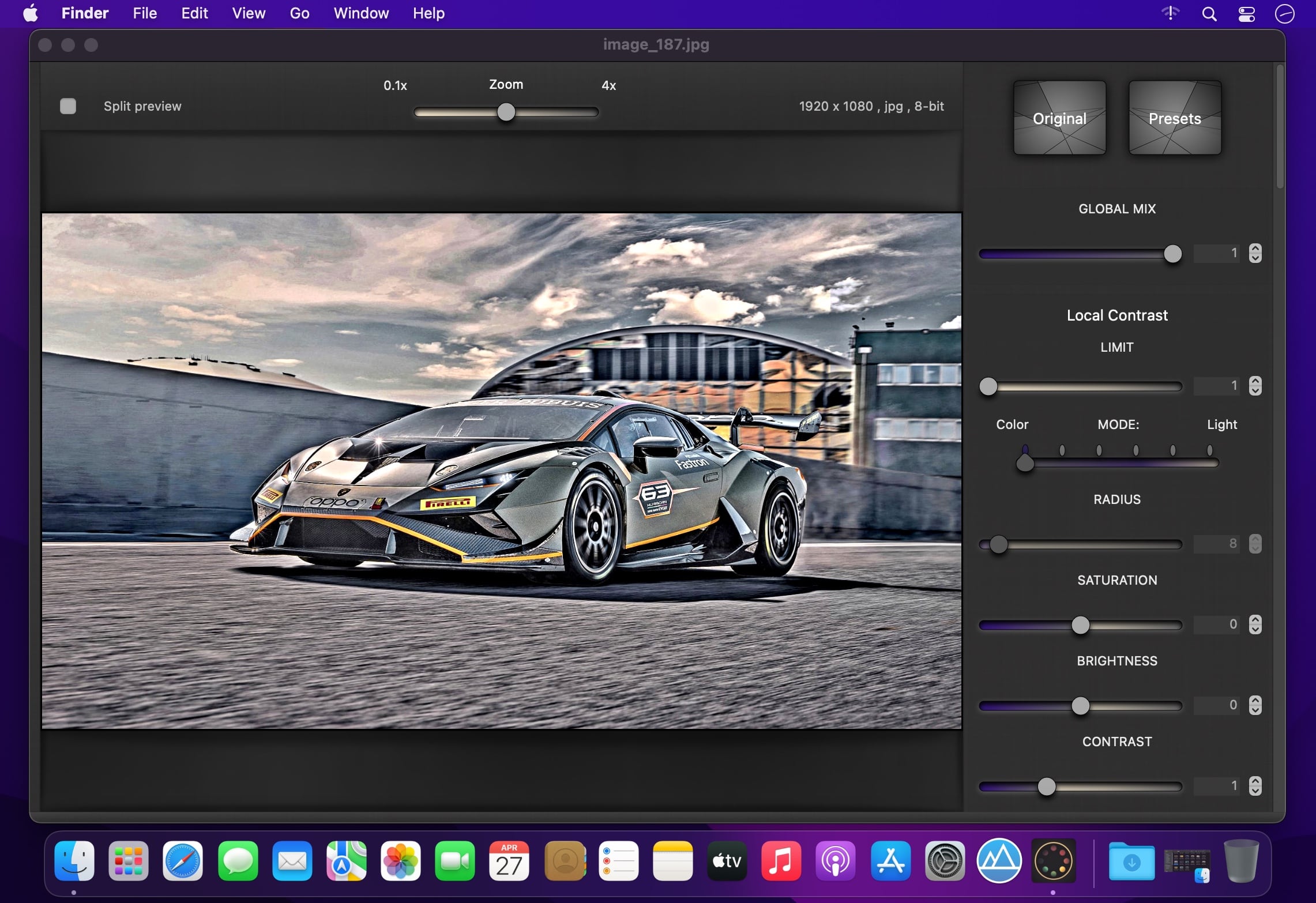
Your photos and your videos will no longer be the same. Simply drag and drop an image or a video and give an HDR-like style to all your favorite contents: you can create a totally new look with a complete set of controls and filters. No limits, only creativity.
Features:
- Supports all the most common image formats, JPG, HEIC, TIFF, PNG, BMP, PDF, ICNS, GIF, PSD... and all the RAW formats supported by macOS.
- Supports all macOS/iOS video formats: MOV, MP4, M4V and AVI with supported codecs.
- High level of customization, emphasize details, contrast and saturation.
- Control local contrast and give a surreal look to your images.
- Transform your images with soft shadows or high lights.
- Different modes of contrast and smoothing.
- You can create dramatic black and white effects or vibrant tones.
- 47 filters ready to use: Color Intensifier, Process, Tonal, Transfer, Analog, Warm colors...
- Post-processing with all the needed controls: Brightness, Exposure, Saturation, Gamma, Vibrancy...
- Save videos with slow-motion and time-lapse effects.
- 25/30 fps real-time preview with dedicated AMD/NVIDIA video cards.
- Vignette effect.
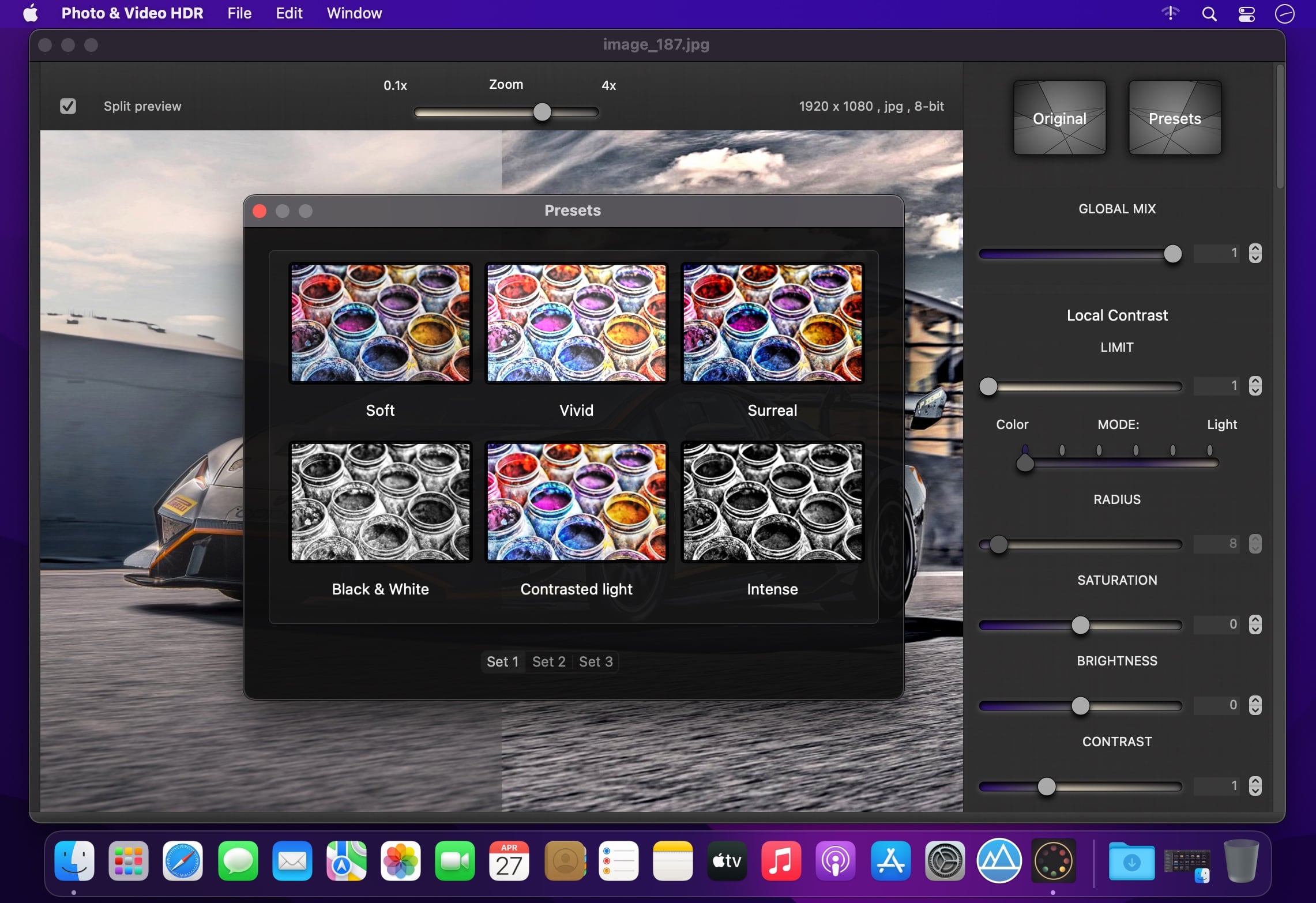
- 18 presets, Soft, Vivid, Surreal, Soft Shadows, Intense Black and White...
- You can save your own presets, all changes will always be ready to use.
In order to work with video files or high resolution images it is recommended a dedicated AMD/NVIDIA or Intel Iris graphics card with at least 256 mb of VRAM.
IMPORTANT: These video cards are not supported: Radeon X1600/X1900, GeForce 7300/7600, Intel GMA Series.
Version 1.6
- Added 4k video export.
- Bug fixes.
Frequently asked questions
How do I install the app?
Mount the image, drag the app into the "Applications" folder and launch it. If the system blocks the launch, allow it in "System Settings → Privacy & Security".
The app is damaged or won't launch
Reinstalling from a fresh image usually helps. Make sure your macOS version matches the one listed in the compatibility specs.
How do I update?
Download the new version from the site and install it over the current one — your settings will be preserved.
The download link doesn't work
Try a mirror or a download manager. For large files the browser often drops the connection.
How do I completely remove the app?
Use an uninstaller utility — it cleans up the service files that remain after moving the app to the trash.
Choose a download source
Photo & Video HDR 1.6 · 18.78 MB