Magic Retouch Pro 4.3 - panel for Adobe Photoshop
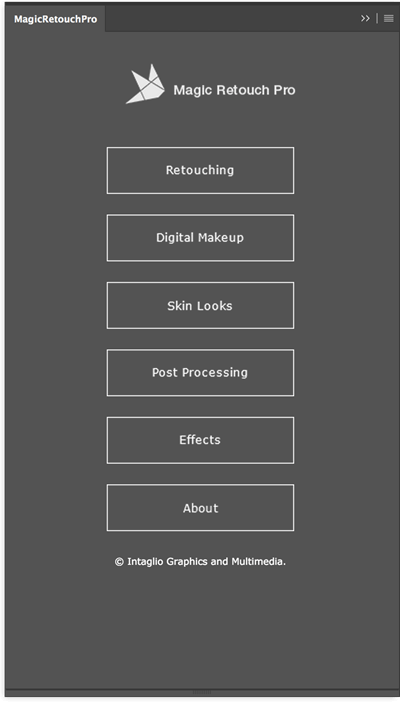
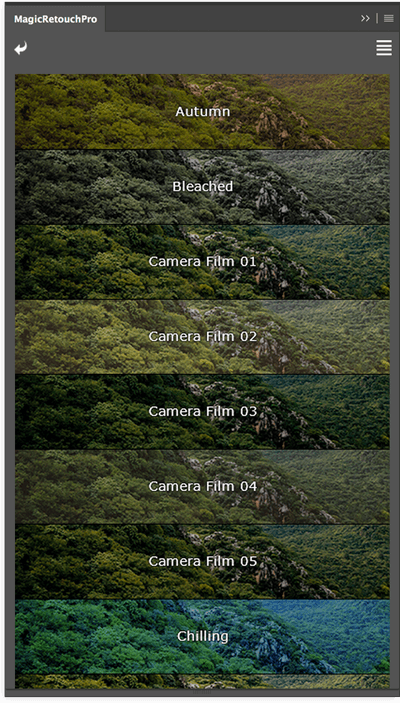
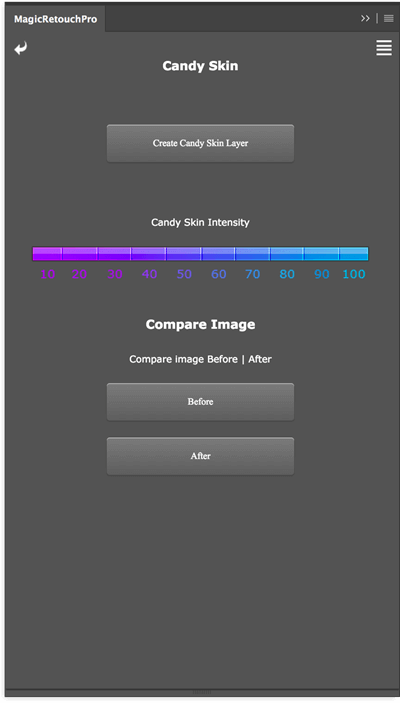
Magic Retouch Pro is a Photoshop extension plug-in with which you can do professional level retouching but without any retouching knowledge or experience. Magic Retouch Pro is perfect for novice users, but also gives time saving tools for more experienced users. Magic Retouch Pro has robust tool set such as Skin Retouching, Teeth Whitening, Eyes Enhancer, Lips Enhancer, Digital Makeup, Skin Looks & more.
Skin Retouching
Easy to use Skin Retouching tools, just paint brush over the skin and MRP will retouch the skin automagicaly.
Teeth Whitening
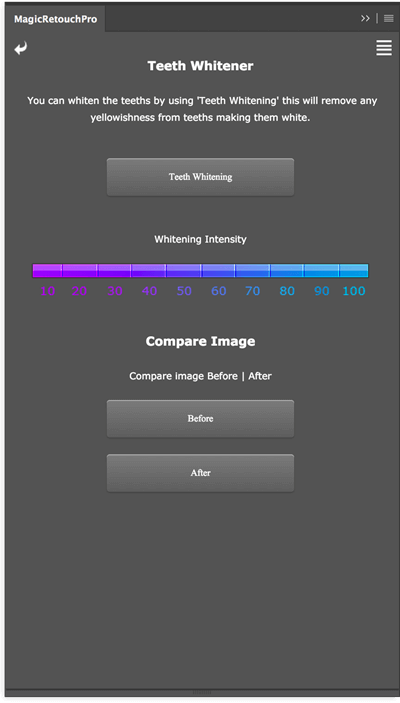
Easy to use One Click Teeth Whitening and option to manually whiten teeth for greater control and precision.
Lip Gloss
Easily apply lip gloss which adds gloss naturally based on lips highlight areas.
Natural Lip Color
Boost natural color of lips just by brushing over the lips.
Eyes Color Changer
Realistically change eyes color with Eyes Color Changer.
Eyes Enhancer
Extract the hidden detail of eyes to bring the focus on eyes with the ability to modify detail strength.
Digital Makeup
Apply Digital Makeup such as Lips Stick, Blush on, & Eye Shade.
Skin Looks
Change look of the skin to Tan Skin, Candy Skin, Gritty Skin, & High Key Skin.
Intuitive Interface
Magic Retouch Pro has user friendly, streamline and intuitive interface. With categorized features and consistent navigation you will never be lost. Easily get the the feature you want with organized layout & descriptive labels. Buttons & slider gives you maximum control over the effect.
- Added support for Photoshop CC 2018.
Frequently asked questions
How do I install the app?
Mount the image, drag the app into the "Applications" folder and launch it. If the system blocks the launch, allow it in "System Settings → Privacy & Security".
The app is damaged or won't launch
Reinstalling from a fresh image usually helps. Make sure your macOS version matches the one listed in the compatibility specs.
How do I update?
Download the new version from the site and install it over the current one — your settings will be preserved.
The download link doesn't work
Try a mirror or a download manager. For large files the browser often drops the connection.
How do I completely remove the app?
Use an uninstaller utility — it cleans up the service files that remain after moving the app to the trash.


Choose a download source
Magic Retouch Pro 4.3 - panel for Adobe Photoshop · 103.06 MB
Previous versions
Magic Retouch Pro 4.3 - panel for Adobe Photoshop
Previous versions are available to registered users.