
Adobe Character Animator 2022 v22.3
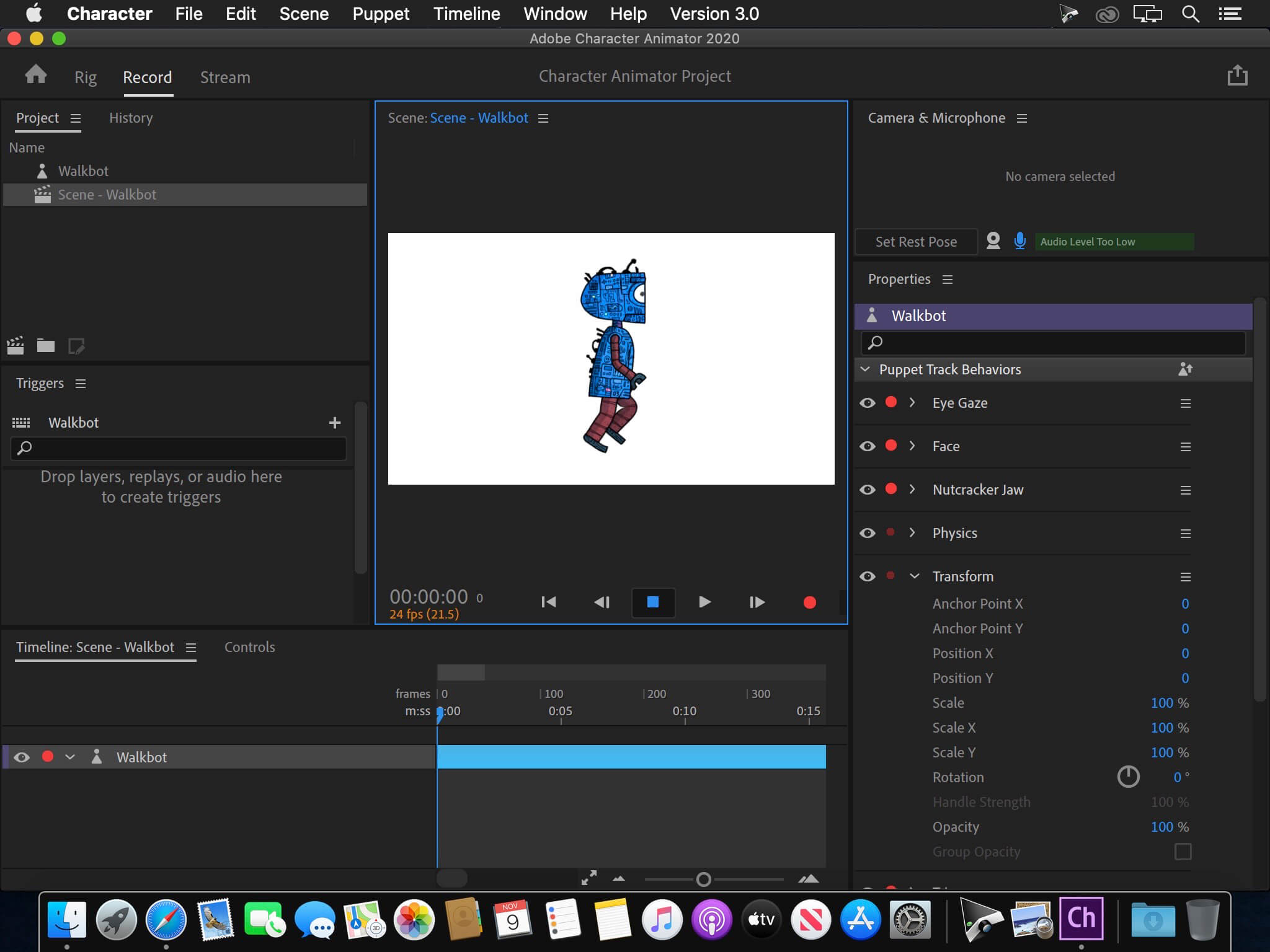
Animate in real time. Really. Create a character and animate it with your own performance. Character Animator uses your expressions and movements to animate your characters in real-time. So when you smile or nod your head, your character does, too. It’s so fast, you can even stream your animations live.
Eye-opening animations. In eye-opening time.
Create animations for cartoons, an animated series, and live broadcasts. Or live stream your character on social media and wow your friends.
Create a character in seconds.
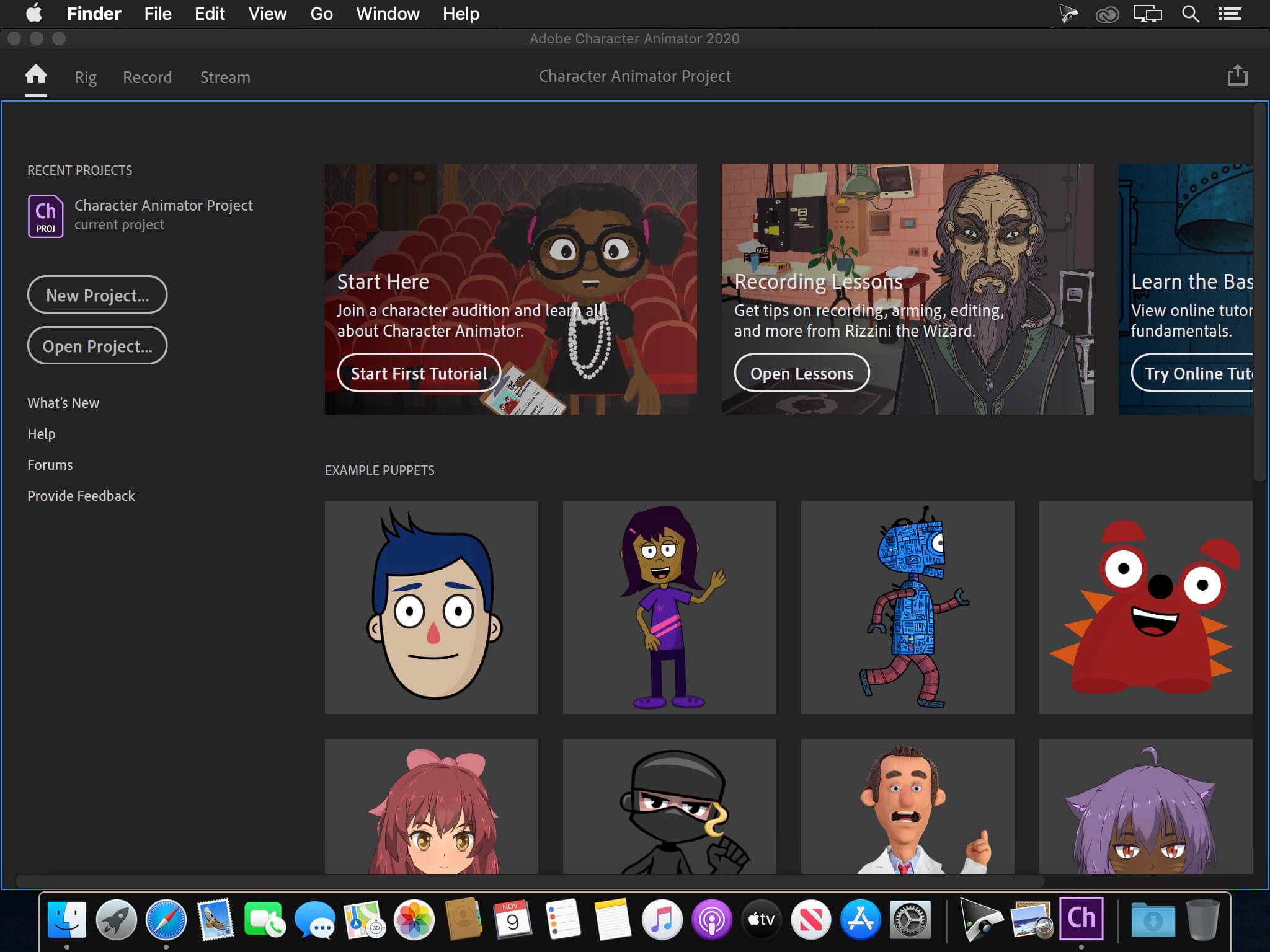
Turn any piece of art into an animated character using your webcam and new Characterizer, powered by Adobe Sensei AI. Or create characters by modifying the built-in character templates available in Character Animator, or importing art from Illustrator or Photoshop.
Put your best face forward.
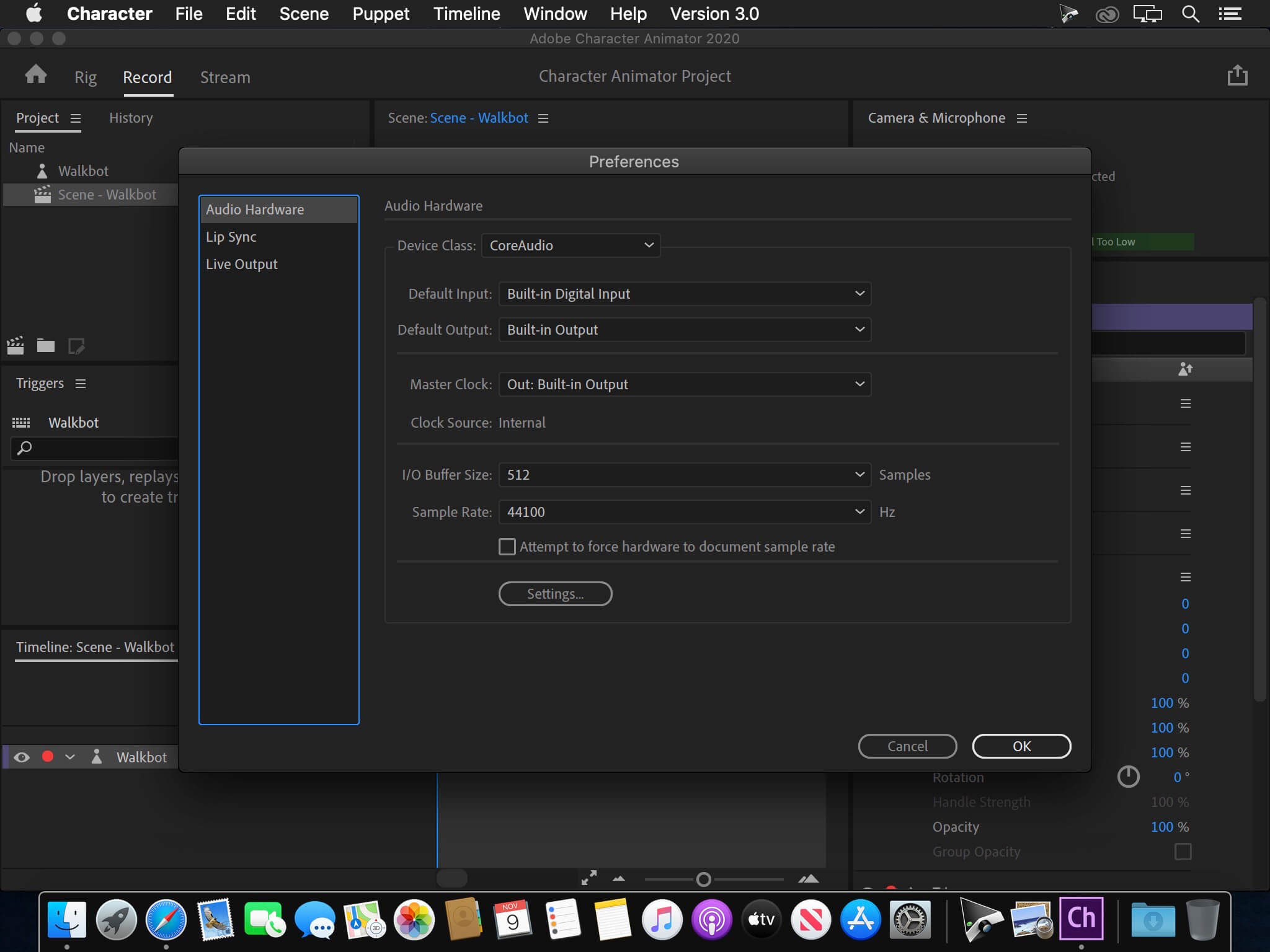
Easily bring your character to life through your own performance. Using your webcam and microphone, Character Animator matches your expressions — from syncing lips to tracking eyes and facial features — to animate your character in real time. Look surprised, happy, or angry and your character does, too.
Animations with legs — and arms and heads.
Getting your character to move doesn’t take a lot of work. Control gestures like waving with your keyboard or MIDI device. Movements can be saved as buttons, so they’re easier to remember than key commands.
It’s showtime.
Check out the Hollywood studios, broadcasters, and online content creators who use Character Animator to bring their characters to life in real time. The app is powerfully fast and integrates with other Adobe apps for a seamless animation workflow. So you can take your own characters live or bring them into Premiere Pro or After Effects to include in bigger projects. It’s the next generation of animation tools. Available now.
Animate in seconds with Characterizer
Create a stylized, animated character using a work of art, your webcam, and Characterizer. Powered by Adobe Sensei AI technology, Characterizer quickly and easily turns art into animations.
Easily re-use your best takes
The new Replays feature lets you choose your best laugh or perfectly timed fist bump and create a trigger that you can re-use live or in your next recording. Adjust the length of your Replays trigger to easily fit into your scene.
Magnets to make your animations livelier
Now your puppet can throw, drop, pick up static items, and do things like drink from a cup or drop a ball.
Improvements to walking behavior
Newly added right and left shoulder and hip tags make a three-quarter drawn character look better when walking.
Version 22.3
Release notes were unavailable when this listing was updated.
- Full list of changes should be available soon here
Frequently asked questions
How do I install the app?
Mount the image, drag the app into the "Applications" folder and launch it. If the system blocks the launch, allow it in "System Settings → Privacy & Security".
The app is damaged or won't launch
Reinstalling from a fresh image usually helps. Make sure your macOS version matches the one listed in the compatibility specs.
How do I update?
Download the new version from the site and install it over the current one — your settings will be preserved.
The download link doesn't work
Try a mirror or a download manager. For large files the browser often drops the connection.
How do I completely remove the app?
Use an uninstaller utility — it cleans up the service files that remain after moving the app to the trash.





Choose a download source
Adobe Character Animator 2022 v22.3 · 2.59 GB