

Mindup X 2020.1
Screenshots
Click to enlarge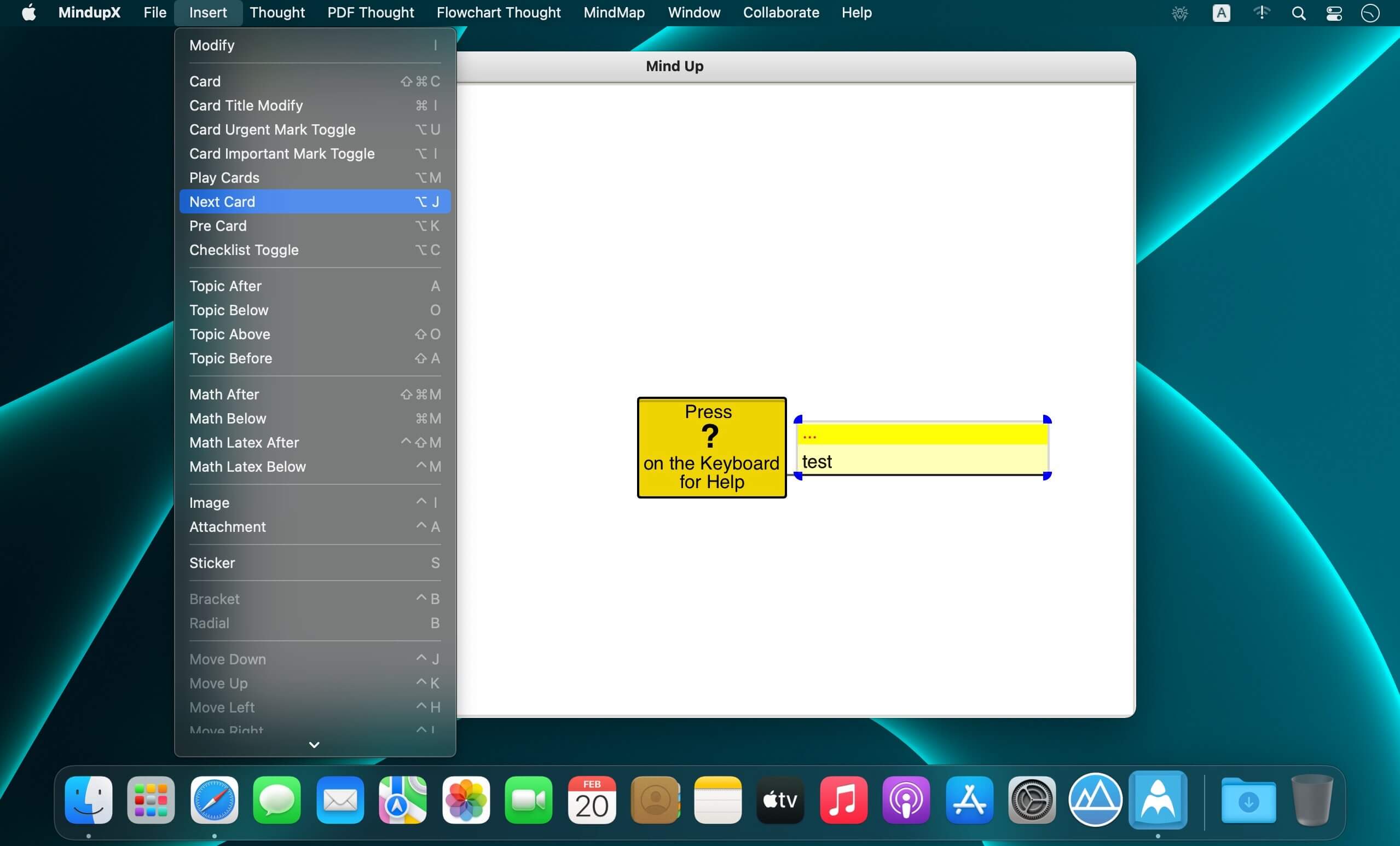

MindupX is an efficient mind mapping App. It can help you focus on your target in fullscreen mode or cooperate with other software in split view mode.
MindupX can present your contents just like keynote or powerpoint but in mind map style ( try to press shift+? on the keyboard after running the App ).
Functions
- Text/Image/Attachment/Math/Radial/Bracket/Sticker/PDF/Flowchart thought creation
- Multi_line thought breaks to single_line thoughts
- Merging thoughts to be a multi_line thought
- Import a map to be a branch of current focused thought
- Export the branch of current focused thought to a new map
- Bookmark/viewmark for fast moving of the cursor instead of only clicking on thought to set the cursor.
- Mark each node on screen in view mark mode by a char or a string , Then type the char or string and press 'return' key finally to move cursor to the thought with the typed mark char or string.
- Thought Attribute or SubText Attribute in a thought setting
- Export to PDF/PNG/JPG/SVG
- Export to tex file, which can be compiled by pdflatex or xelatex to generate a pdf file. It's very helpful in writing paper or book: preparing your manuscript by Mindup.Pro, exporting to latex file (including images and math equations), then generating the paper or book using latex or xelatex.
- Searching even if it's folded
- Load/Save map from/to MongoDB; Sync to MongoDB when opening a file if it's new; each operation synced to MongoDB.
- Presentation mode present contents as Keynote or PowerPoint but in MindMap way ( try ? after running the App )
- Multi_thought copy/paste among Tabs
- Ctrl_Shift_N connect/disconnect to MongoDB
- Ctrl_Command_v paste image from clipboard
- Ctrl_Shift_H/J/K/L select substring in editing mode
- Drill Up: show current selected thought with its children only by Command_d
- Undo/Redo ( Command_u/Command_r) : works on all necessary operations ( such as deletion, cut/paste, copy/paste, modification, property setting, thought creation, merge/split, etc)
- Click_Drag on a non-highlighted thought in view mode to move highlighted nodes or copy highlighted nodes by control key down or merge highlighted nodes to non-highlighted thought by shift key down
- Zoom in/out by shortcut z/Z on image dialog poped up by right click on image thought
- Ctrl_Command_f to fullscreen window; Shift_Command_f to maximized window
Version 2020.1
Bugs Fixed :
- messup location of floating branch on flowchart map when moving map or floating branch
Comments
No comments yet. Be the first.
Information
Visitors in the group Guests cannot leave comments on this publication.