
SessionRestore for Safari 2.7.4
Screenshots
Click to enlarge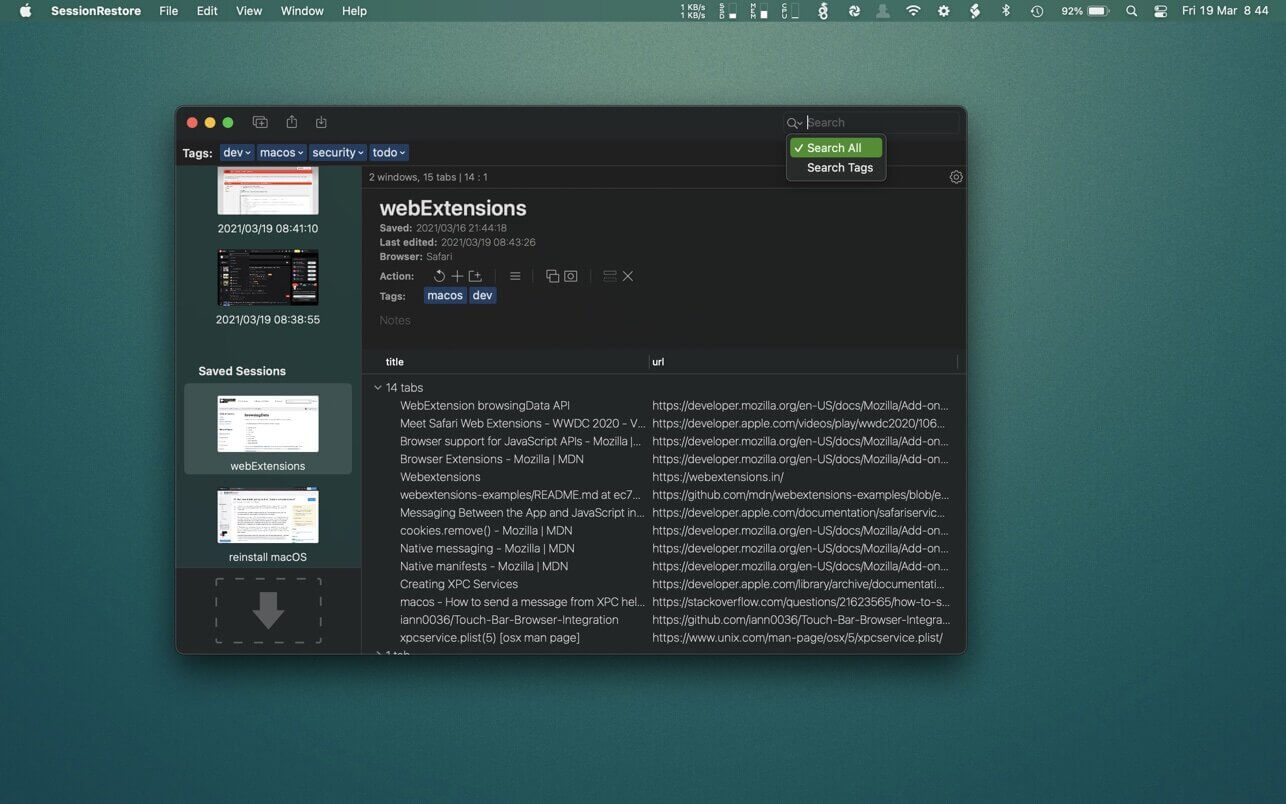
Are you the kind of person who keeps numerous Safari tabs open, with the intent of reading them later?
SessionRestore is here to help.
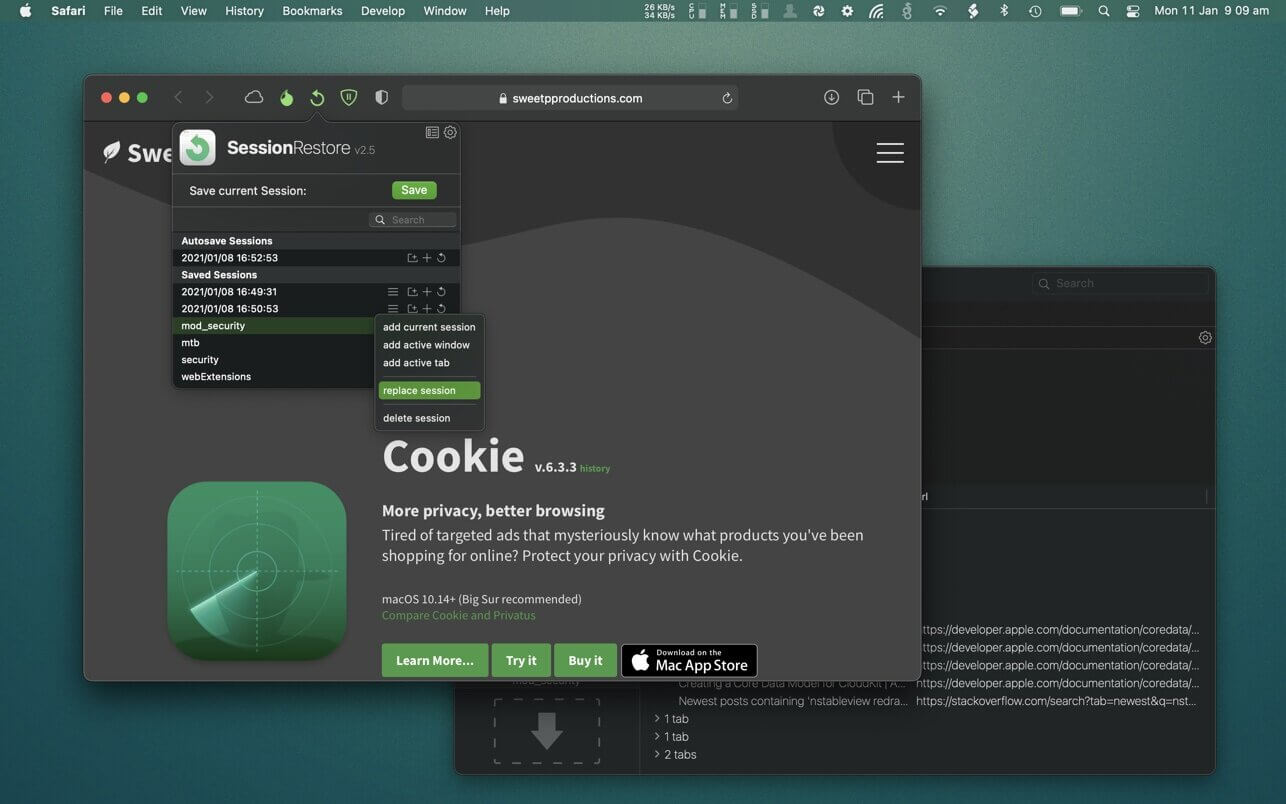
Save your browsing session, close all windows then start with a fresh session. It's super easy to restore a session when ever you need it. Enable the handy autosave feature to always keep a backup!
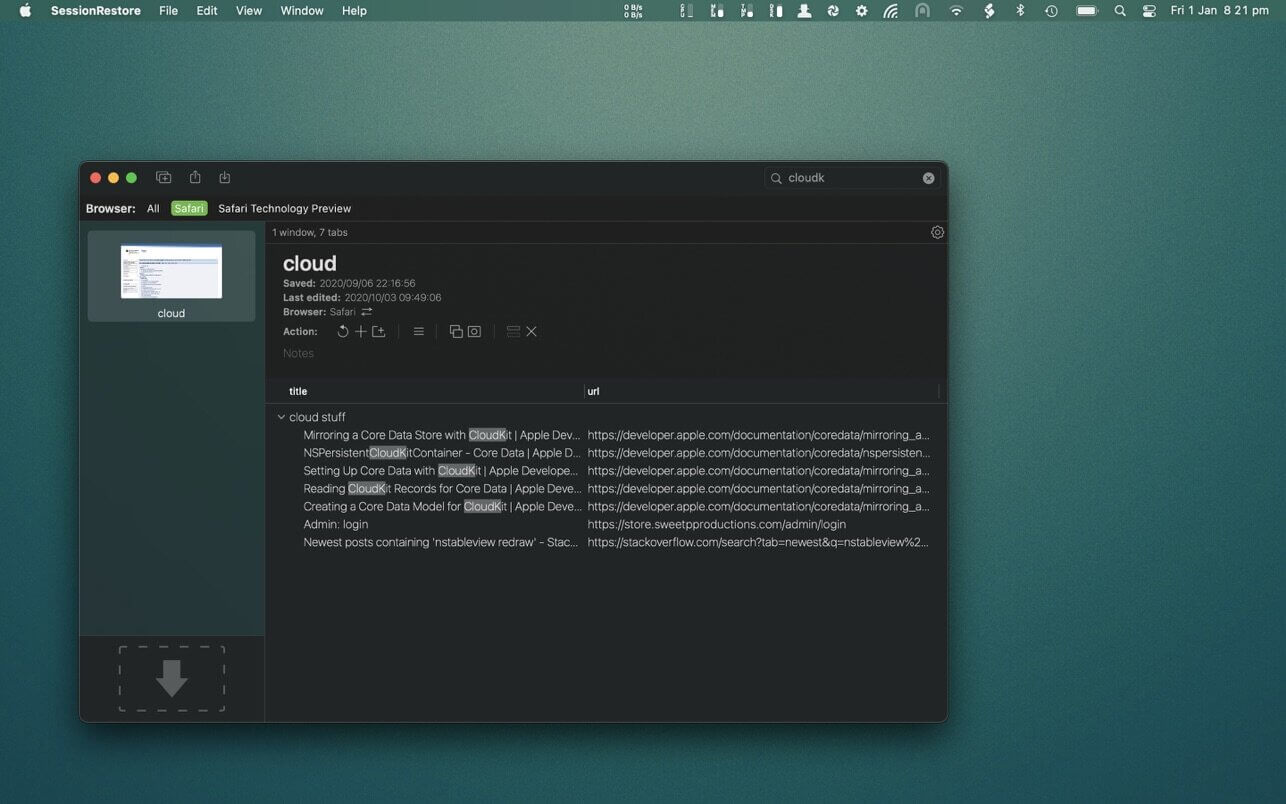
Easily store any number of sessions with a quick button press. You can name sessions, add tags and provide custom notes - so you don't forget why you saved it in the first place!
It's possible to remove unneeded tabs or windows from saved sessions. You can even add tabs and windows to saved sessions. You may also want to combine sessions. This is easy in SessionRestore's powerful dedicated session editor.
You backup your computer often, (well.. you should be) and now you can easily do the same with your browser tabs using SessionRestore. Who needs clumsy bookmarks - Go one step further, and save groups of tabs for instant retrieval anytime.
Built with the latest technologies, and integrated right in to Safari as an Extension, SessionRestore can help streamline how you manage and recall important websites.
*Importing sessions is supported for old jаvascript extensions: "SessionRestore" and "Sessions"
**SessionRestore requires Safari 12.1 or newer**
Version 2.7.4
- updated copyright
- changed Preferences... menu to Settings... to match macOS Ventura naming conventions