Timemator 3.2.2
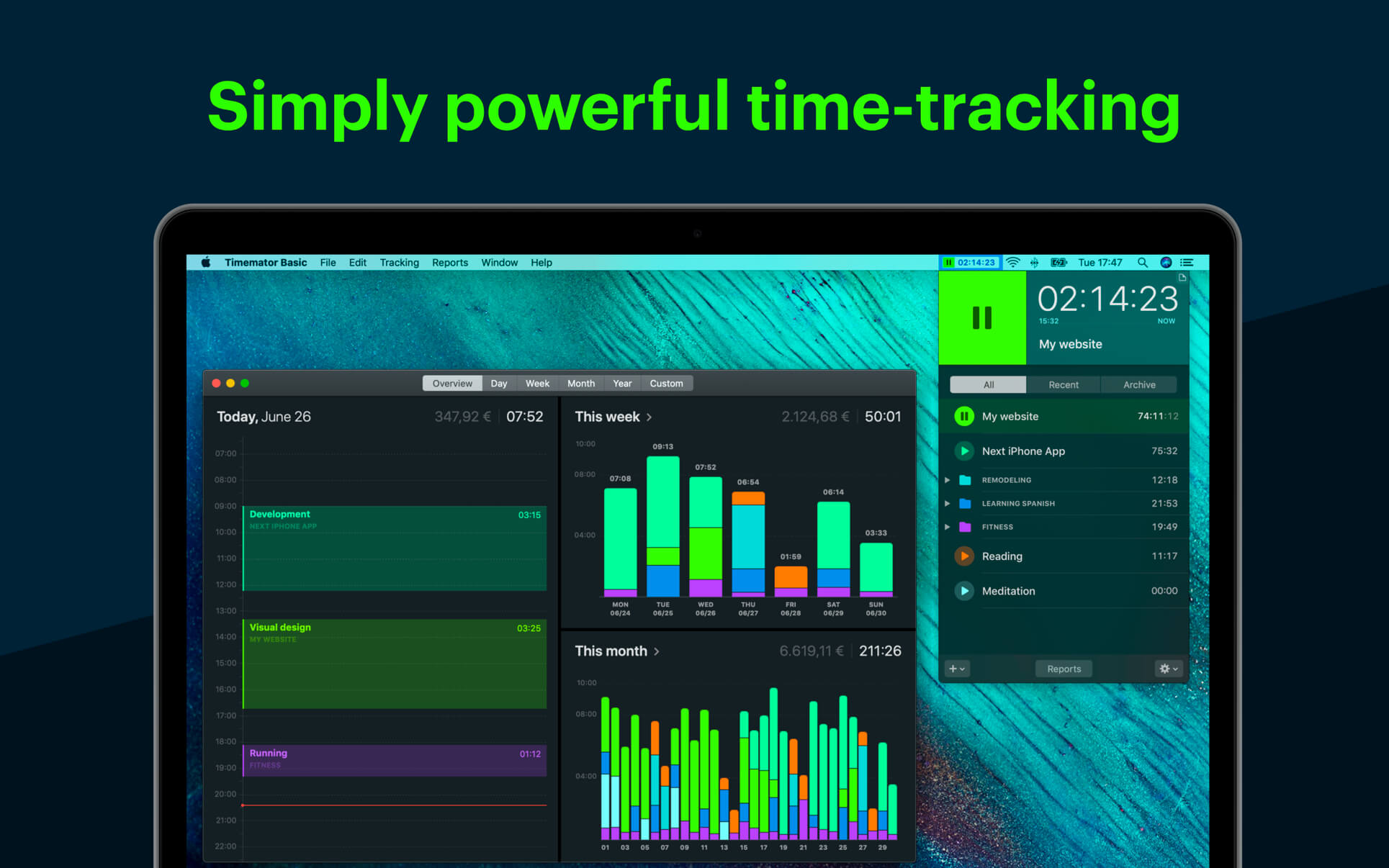
Automate your time-tracking based on your activities on the Mac. Timemator lets you fully automate your time-tracking based on your activities on the Mac. Just tell Timemator what files, applications or websites you use for your work and it will start the timer for you. Automatically!
Features:
- Auto-tracking
- Traditional timer
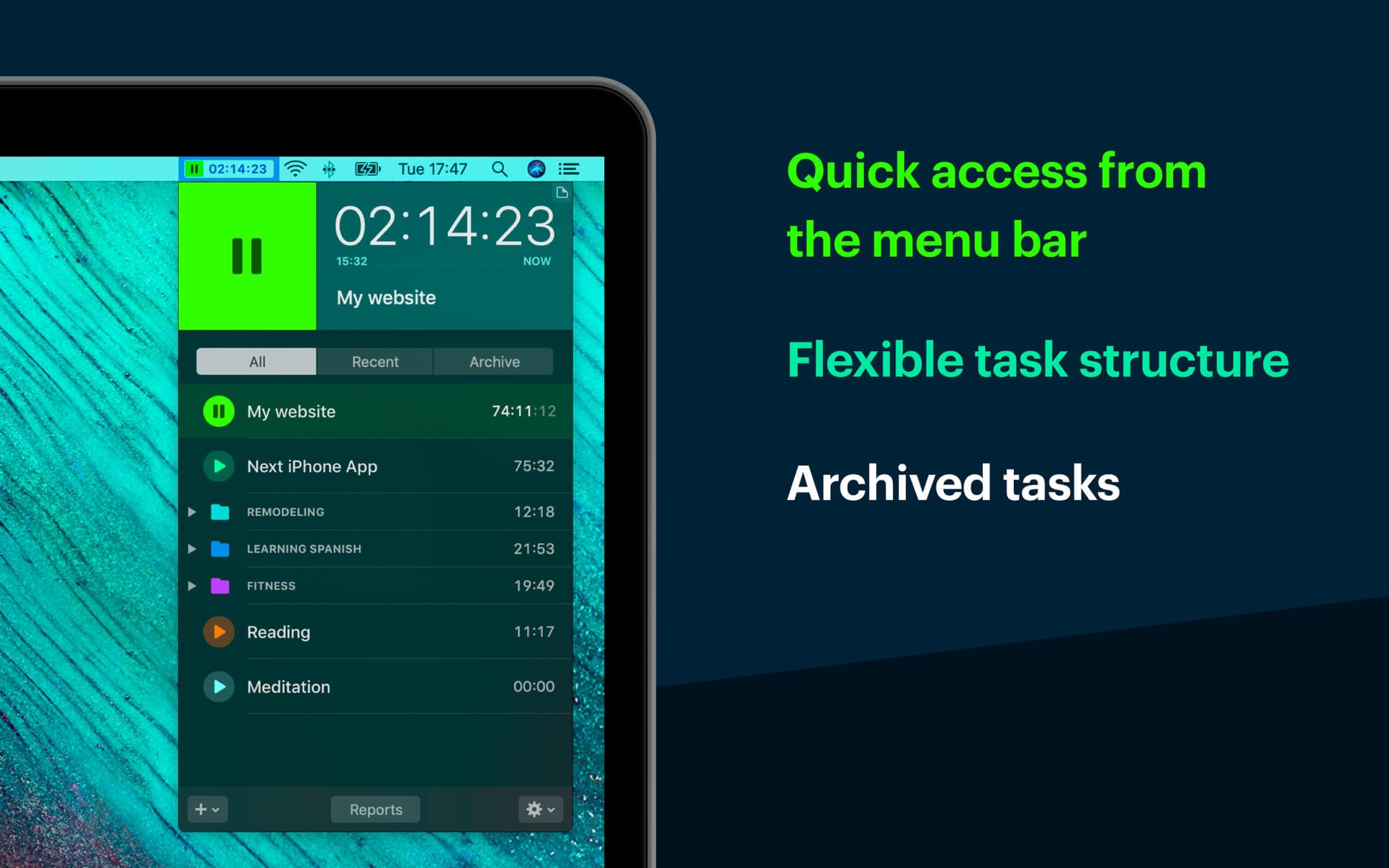
- Flexible tasks structure
- Quick access from the menu bar
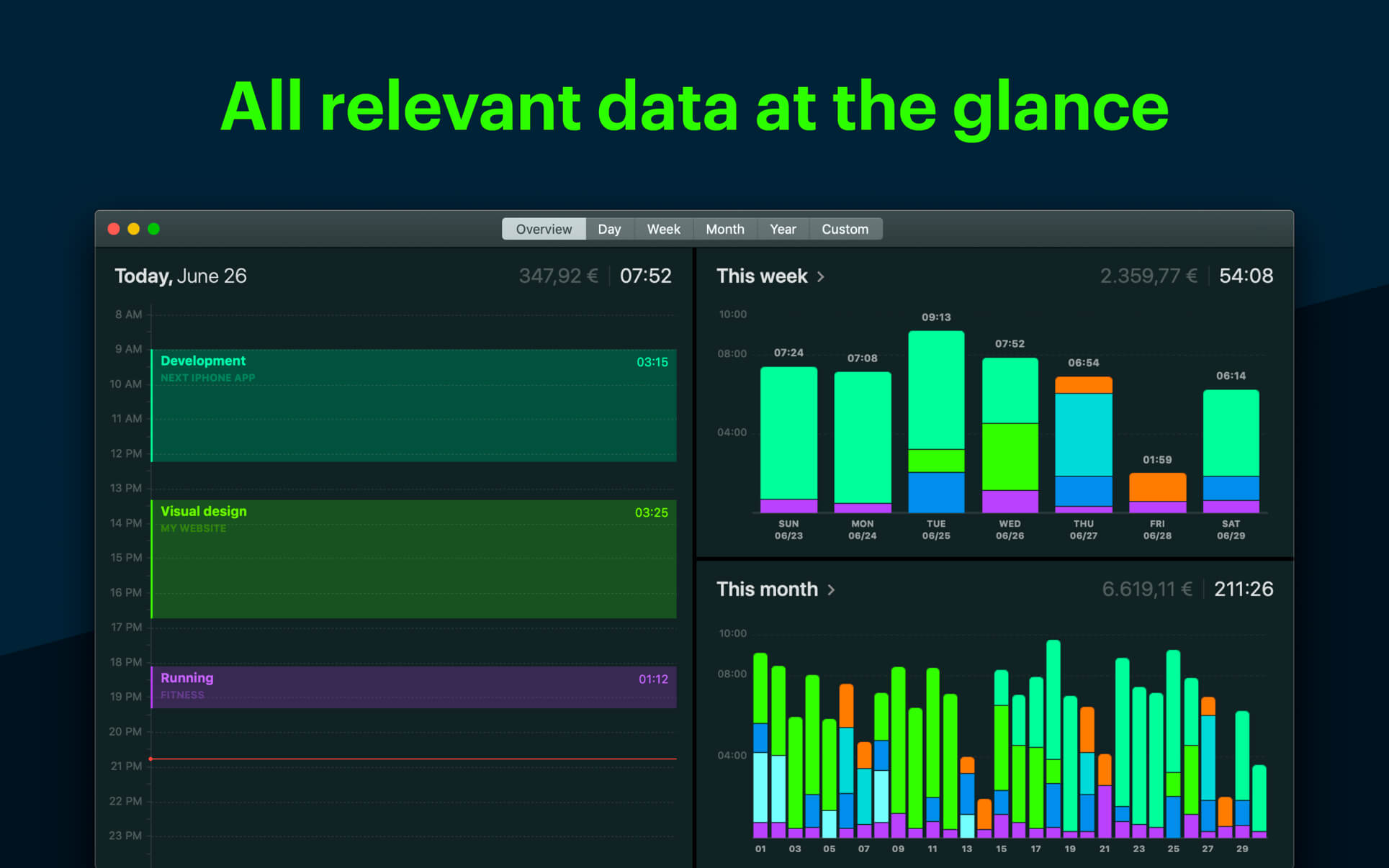
- Track billable hours and your revenue
- Powerful reports
- Works completely offline
- Respects your privacy. No data is sent anywhere.
- Native Mac-app
Version 3.2:
Frequently asked questions
How do I install the app?
Mount the image, drag the app into the "Applications" folder and launch it. If the system blocks the launch, allow it in "System Settings → Privacy & Security".
The app is damaged or won't launch
Reinstalling from a fresh image usually helps. Make sure your macOS version matches the one listed in the compatibility specs.
How do I update?
Download the new version from the site and install it over the current one — your settings will be preserved.
The download link doesn't work
Try a mirror or a download manager. For large files the browser often drops the connection.
How do I completely remove the app?
Use an uninstaller utility — it cleans up the service files that remain after moving the app to the trash.

Choose a download source
Timemator 3.2.2 · 29.26 MB
Previous versions
Timemator 3.2.2
Previous versions are available to registered users.