
Awesome Mails Pro 4 v4.0.8

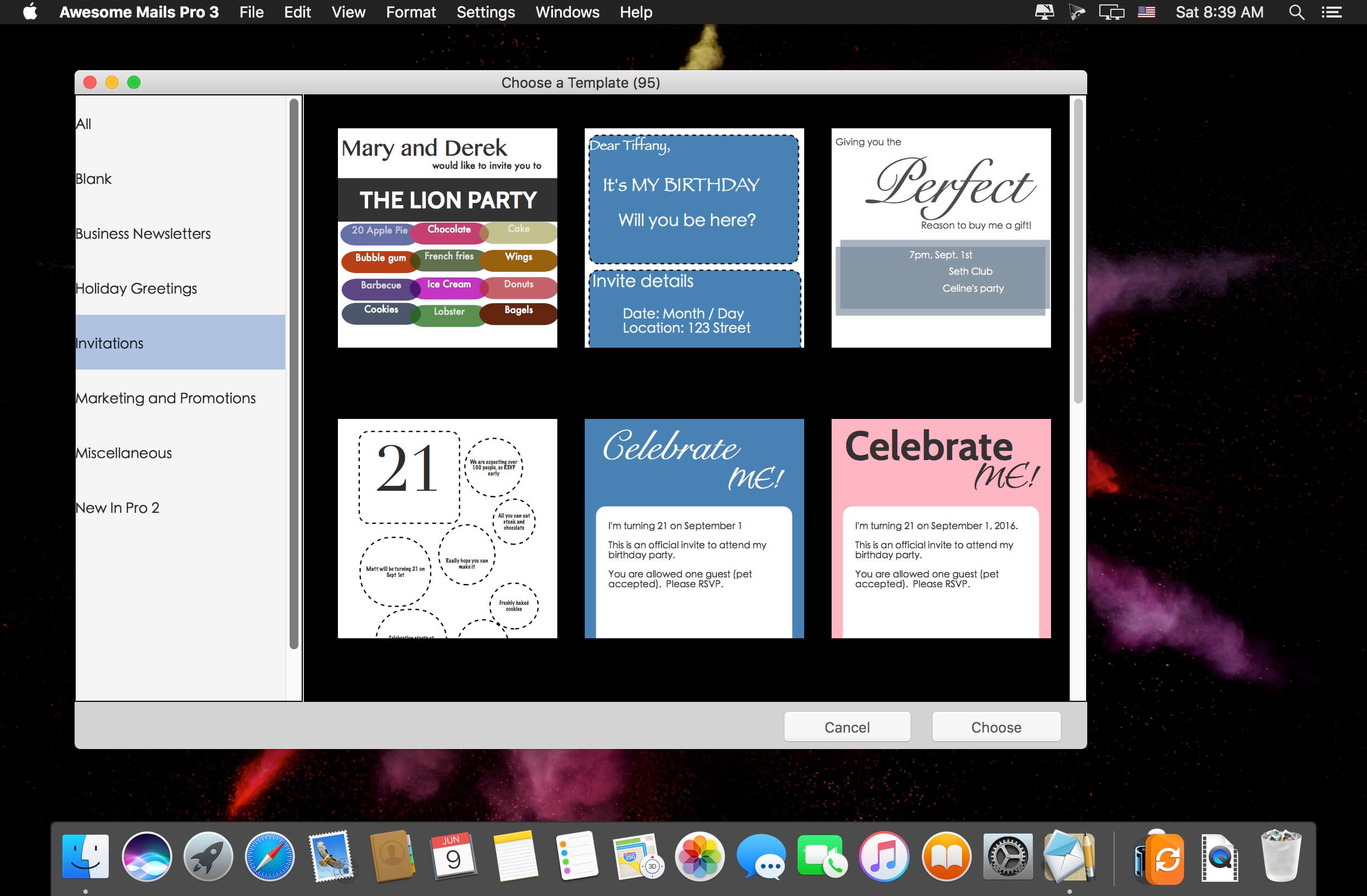
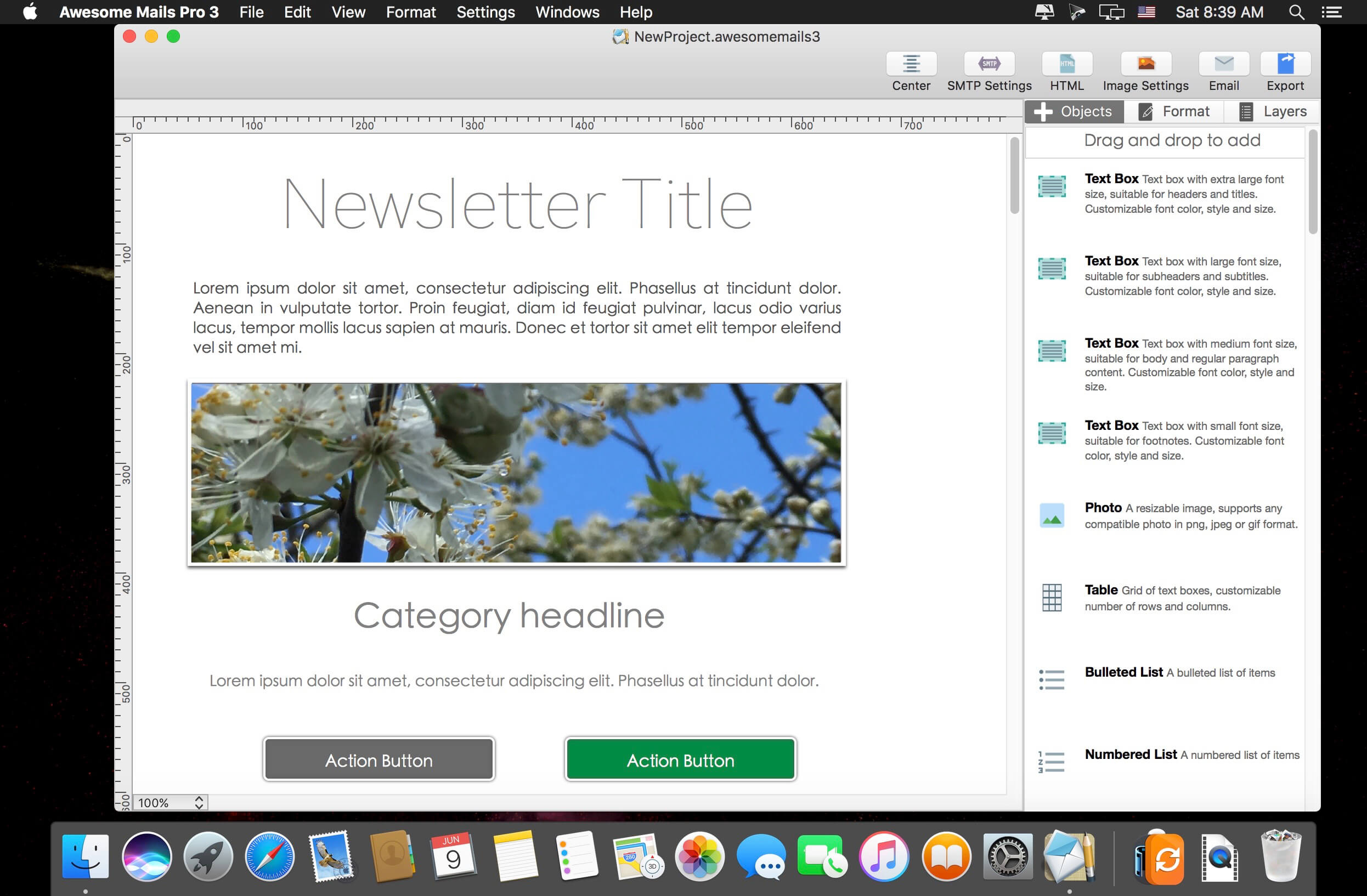
Awesome Mails Pro (was Awesome Mails) is a professional newsletter and marketing email designer. Create beautiful interactive emails with photos, stylish fonts, and web hyperlinks.
Features
- Tested compatible with all major email clients
- Supports full screen mode and retina display
- Supports additions of photos, formatted texts, and hyper links
- Create and save multiple To, CC, and BCC mailing lists
- Integrated with Address Book
- Supports hundreds of font styles including custom web fonts and over 100 colors
- Resize photos within the app
- Add special effects such as borders, opacity, reflection, and shadows
- Opens and edits "awesomemails" documents
- Supports multiple layers and free form arrangement
- Send emails in dynamic image format (PNG Image maps with hyperlink support)
- Multiple options to store images used in emails including in-mail attachment, upload to your own web server with built in FTP uploader or upload to your Dropbox account
- Bundled with over 90 beautifully designed email templates covering various styles including Business Classic, Memo, Notes, Marketing, Holiday, Categories, Retail, Invitation, and more!
Version 4.0:
- Pro 4 creates emails optimized for distribution through Apple Mail
- New support for HTML Snippets
- New output format for direct export to component source files
- New hyperlink action buttons
- New mail templates
Frequently asked questions
How do I install the app?
Mount the image, drag the app into the "Applications" folder and launch it. If the system blocks the launch, allow it in "System Settings → Privacy & Security".
The app is damaged or won't launch
Reinstalling from a fresh image usually helps. Make sure your macOS version matches the one listed in the compatibility specs.
How do I update?
Download the new version from the site and install it over the current one — your settings will be preserved.
The download link doesn't work
Try a mirror or a download manager. For large files the browser often drops the connection.
How do I completely remove the app?
Use an uninstaller utility — it cleans up the service files that remain after moving the app to the trash.
VersionAwesome Mails Pro 4 v4.0.8
DeveloperAidaluu In
CompatibilitymacOS 10.12 or later, 64-bit processor
LanguageEnglish
IncludesK'ed by TNT





Information
Visitors in the group Guests cannot leave comments on this publication.
Choose a download source
Awesome Mails Pro 4 v4.0.8 · 31.46 MB
Previous versions
Awesome Mails Pro 4 v4.0.8
Previous versions are available to registered users.