
Mail Master 1.1.1
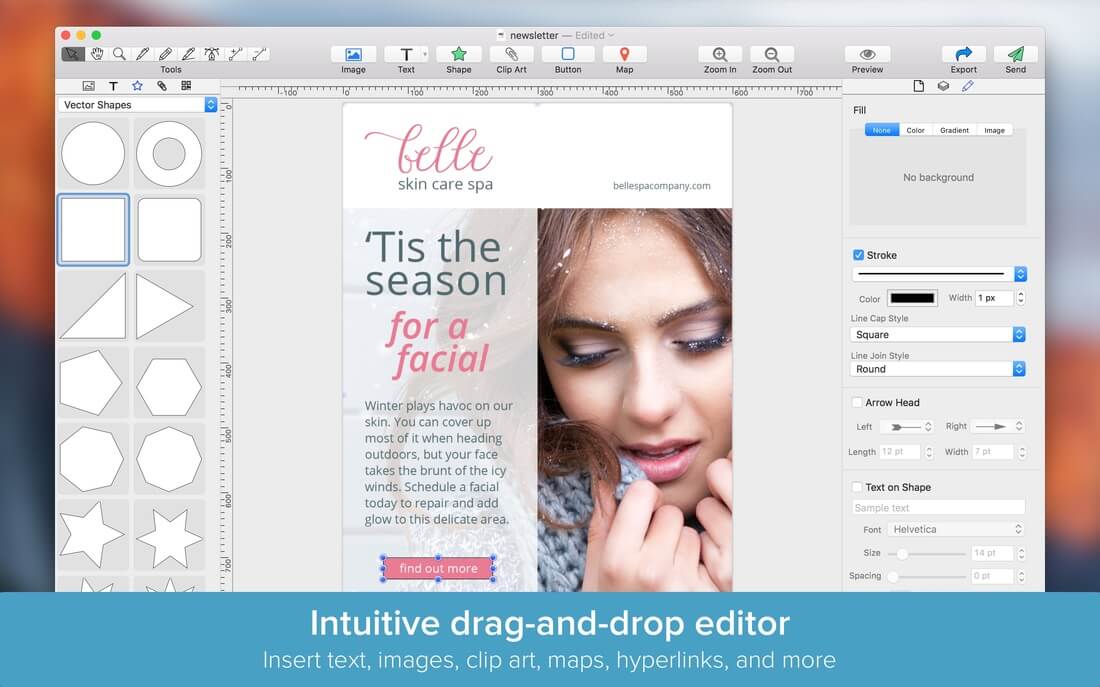
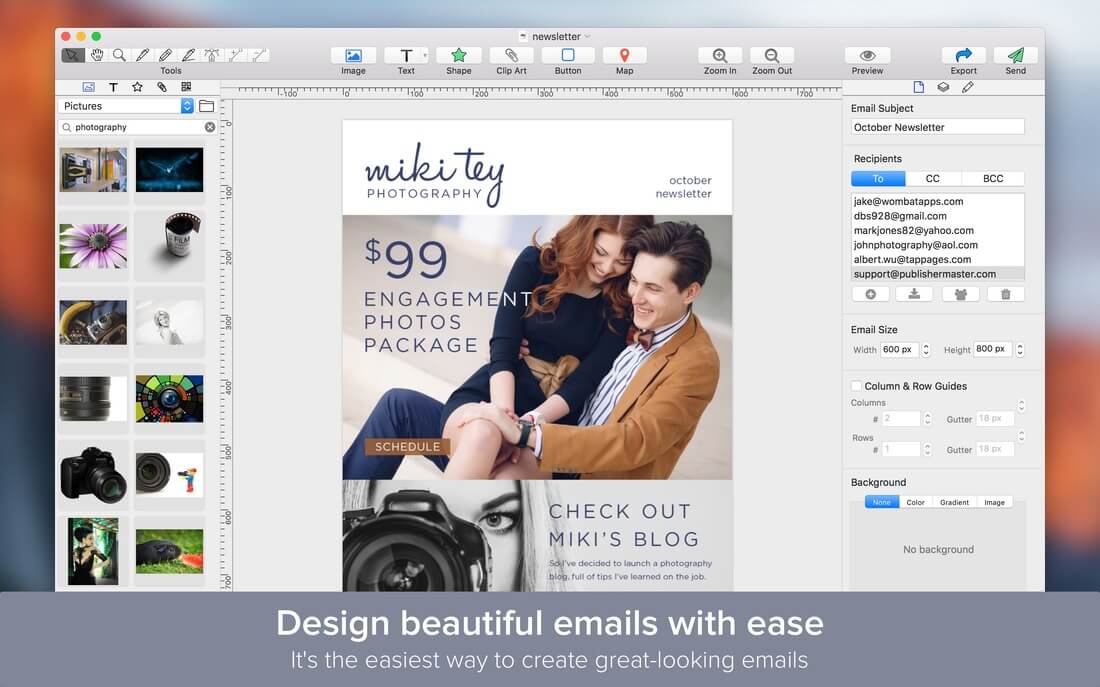
Mail Master is the easiest way to design beautiful emails for business or personal use. Simply drag and drop images, text, buttons, clip art, shapes, and even maps onto an email canvas, then send it to your mailing list with a click.
Design amazing emails for your business, school, church, family, or other organization. Make a vivid impression. Impress your customers with beautifully styled newsletters.
Emails have been tested on all of the major mail clients and render perfectly and consistently. Use your own email account to send your email newsletters to a mailing list directly from the app.
Key Features
- Design beautiful emails with a simple drag-and-drop editor.
- Send emails from your email account via SMTP.
- Create mailing lists by importing contacts or via a text file.
- Export your emails as an HTML file and image.
- Dozens of professionally designed templates.
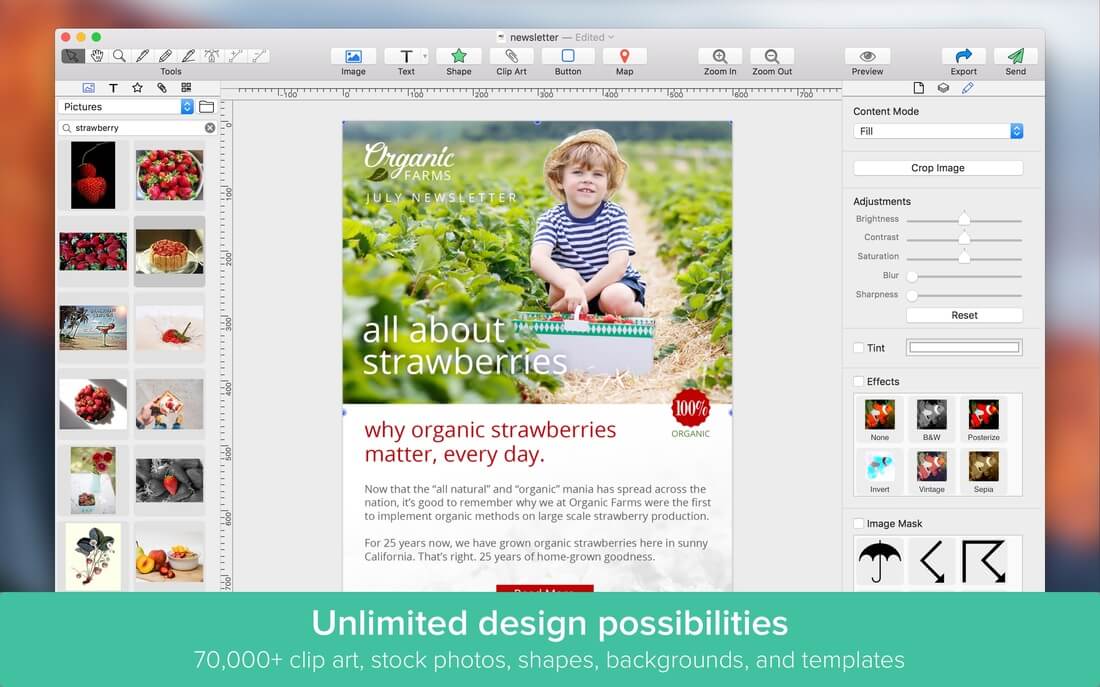
- 70,000+ high-quality, royalty-free clip art and stock photo images, free for personal or business use.
- 100+ background textures, art frames, and image masks.
- 140+ creative fonts.
- Insert images, text, vector and raster shapes, clip art, and QR/barcodes.
- Import images directly from iPhoto and Photos apps.
- Choose from a dozen image filters (Vintage, Sketch, Comic, Sepia, and more).
- Adjust image levels, crop, tint, and apply masks.
- Add a Google map with any address or landmark, along with a place marker.
- Advanced text-formatting controls.
- Insert, style, and rotate 3D text (OS X Yosemite required).
- Vector-based drawing tools (bezier pen, pencil, line).
- Select from 26 vector shapes, or draw your own.
- Style elements with shadows, inner shadows, borders, and reflections.
- Fill elements with colors, radial and linear gradients, textures, frames, or images.
- Change the opacity of any element.
- Layout guides make arranging elements a snap.
- Export to PDF, PNG, JPEG, or TIFF formats.
- Full iCloud support.
- Share to Facebook, Twitter, Flickr, or save to Photos app.
Version 1.1.1
- Bug fixes and performance improvements!
Frequently asked questions
How do I install the app?
Mount the image, drag the app into the "Applications" folder and launch it. If the system blocks the launch, allow it in "System Settings → Privacy & Security".
The app is damaged or won't launch
Reinstalling from a fresh image usually helps. Make sure your macOS version matches the one listed in the compatibility specs.
How do I update?
Download the new version from the site and install it over the current one — your settings will be preserved.
The download link doesn't work
Try a mirror or a download manager. For large files the browser often drops the connection.
How do I completely remove the app?
Use an uninstaller utility — it cleans up the service files that remain after moving the app to the trash.
VersionMail Master 1.1.1
DeveloperWombat Apps LLC
CompatibilityMac OS X 10.10 or later
LanguageEnglish, French, German, Italian, Japanese, Spanish
IncludesK


Choose a download source
Mail Master 1.1.1 · 85.71 MB
Comments 1