

BetterTouchTool 5.632
Screenshots
Click to enlarge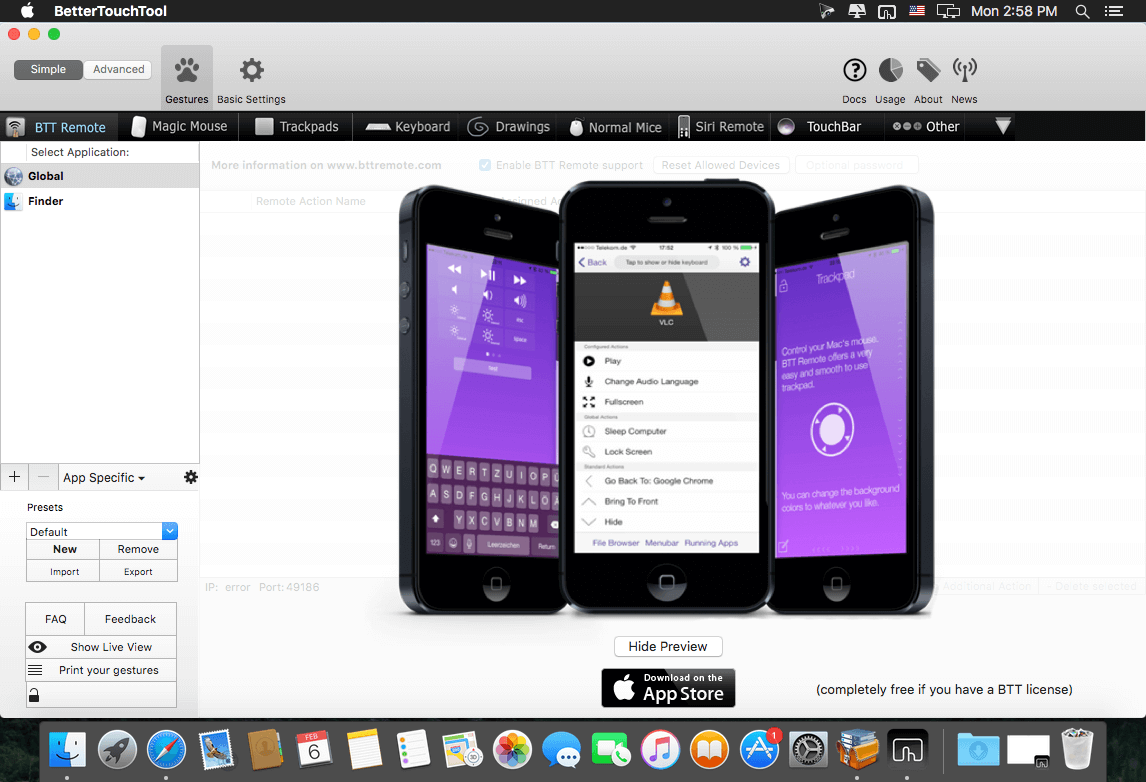
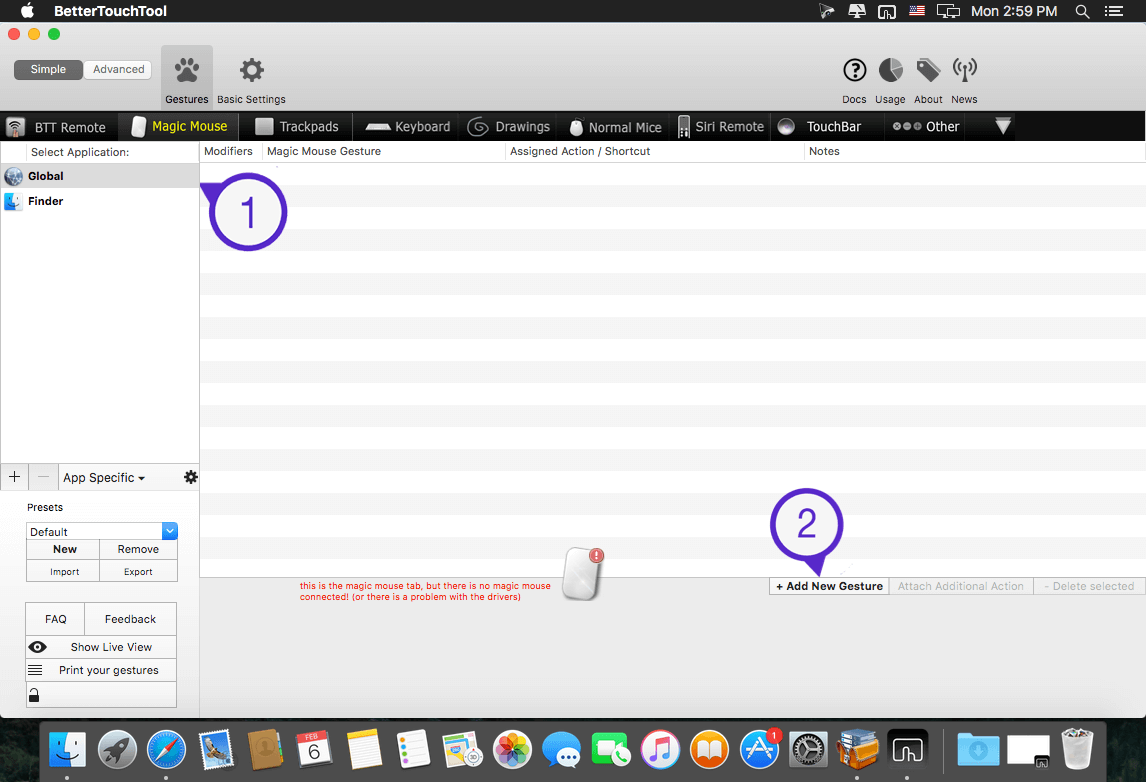
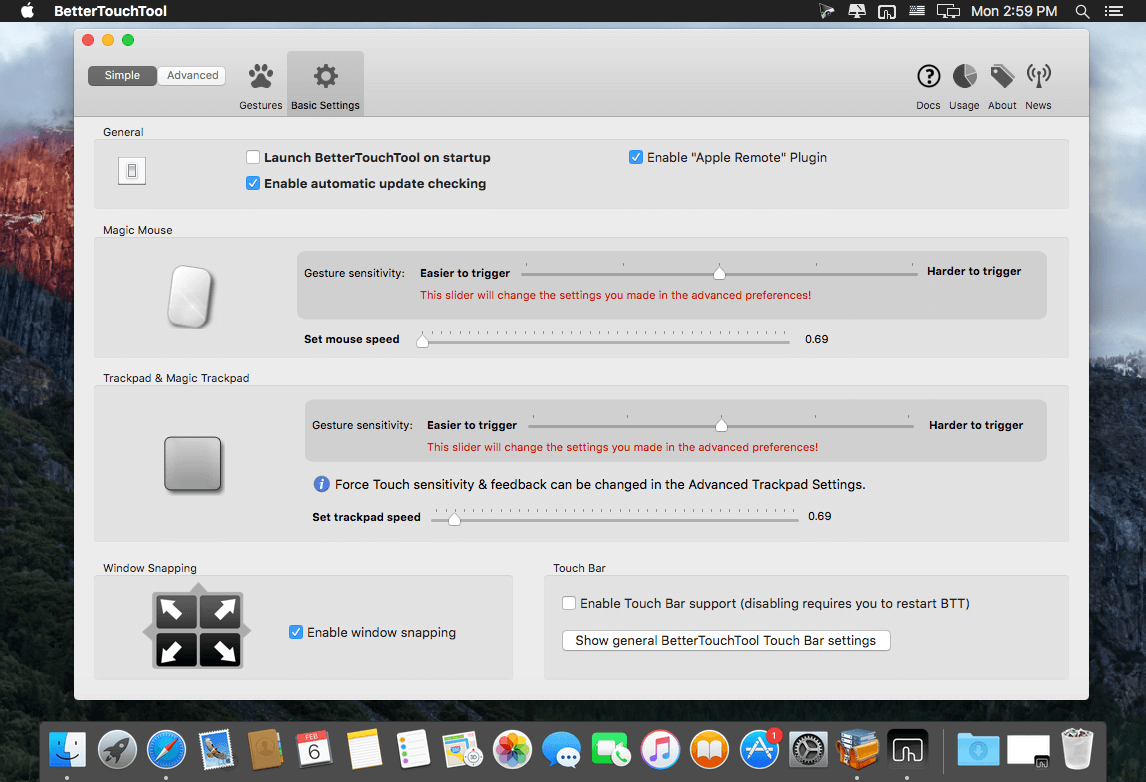
BetterTouchTool adds many new, fully customizable gestures to the Magic Mouse,
Multi-Touch MacBook trackpad, and Magic Trackpad.
These gestures are customizable:
- Magic Mouse:
- Pinch in / out (zoom)
- single-finger tap left
- single-finger tap right
- single-finger tap middle
- single-finger tap
- single-finger click middle
- two-finger tap
- two-finger click
- two-finger swipe (up/down/left/right)
- two-finger tip tap left/right
- three-finger tap
- three-finger click
- three-finger swipe (up/down/left/right)
- four-finger swipe up/down
- four-finger click
- TipTap left/right
Touchpad:
- single-finger tap top-left
- single-finger tap top-right
- single-finger tap top-middle
- single-finger tap bottom-left
- single-finger tap bottom-right
- single-finger tap bottom-middle
- single-finger tap left-middle
- single-finger tap right-middle
- two-finger tip tap left/right
- three-finger swipes (up/down/left/right)
- three-finger tap
- three-finger click
- four-finger swipes (up/down/left/right)
- four-finger tap
- five-finger tap
- five-finger swipe up/down/left/right (see FAQ)
- TipTap
- two-finger TipTap
- three-finger TipTap
Version 5.632:
- Release notes were unavailable when this listing was updated
Comments
No comments yet. Be the first.
Information
Visitors in the group Guests cannot leave comments on this publication.