
Multitouch 1.48
Easily add gestures to macOS
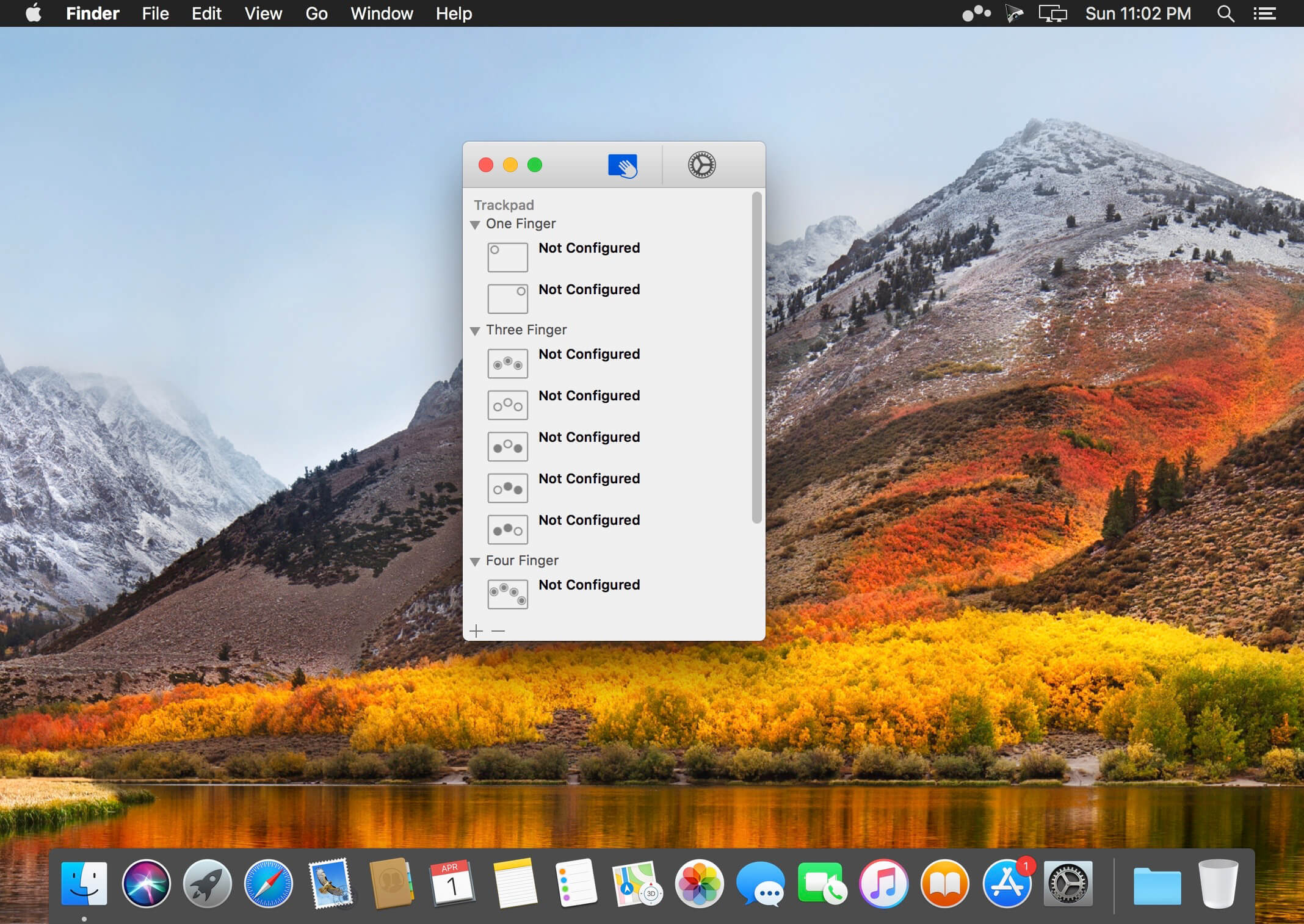
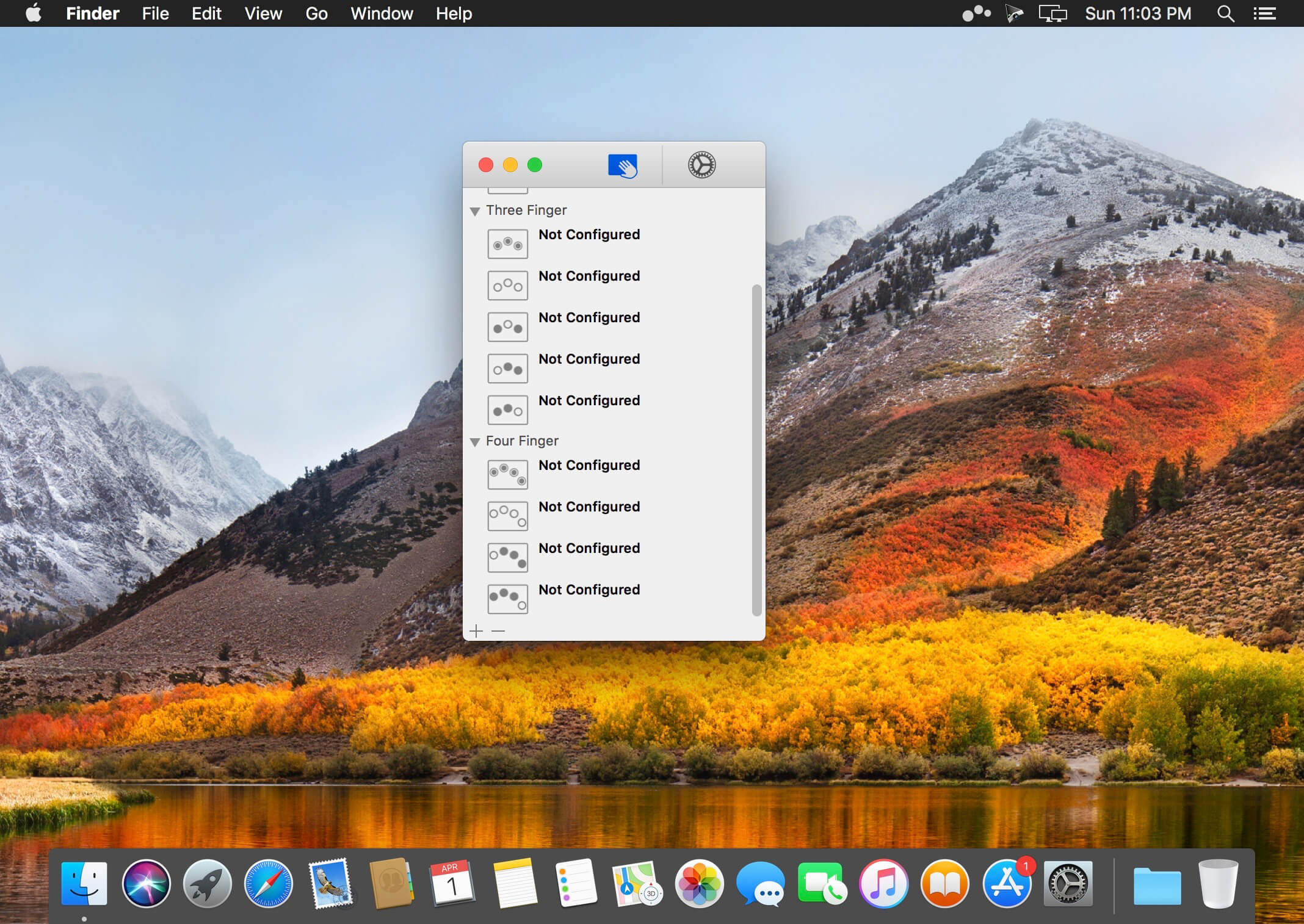
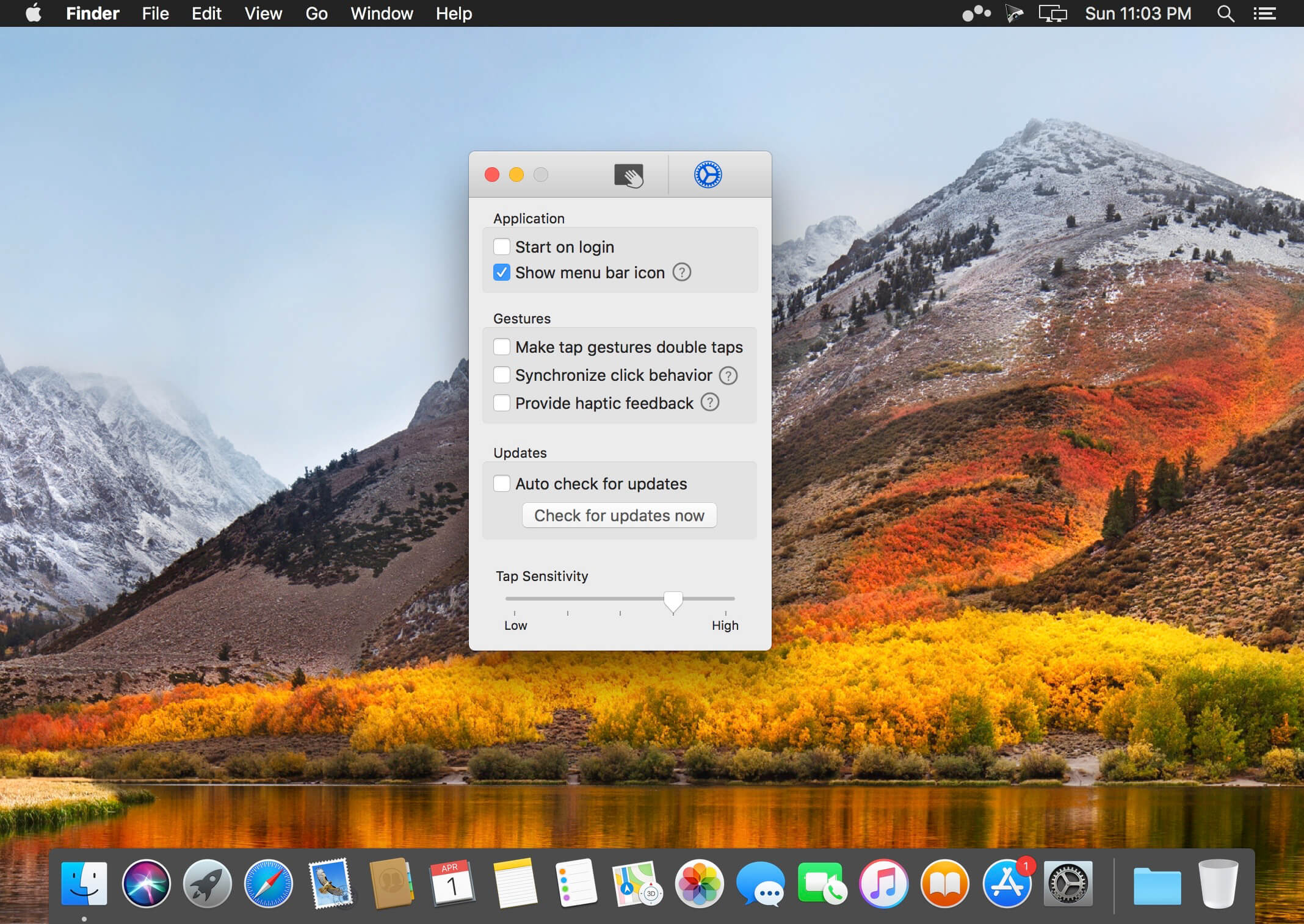
Multitouch lets you tie a custom action to a specific magic trackpad or magic mouse gesture. For example, a three finger click can execute a paste. Improve your workflow by executing keyboard shortcuts, controlling your browser's tabs, performing a middle mouse click, and much more.
Features
- One time purchase and free updates with a growing list of gestures and actions.
- Privacy. No user data is gathered from the app.
- Does not require Accessibility privileges to run.
Version 1.48:
- Settled on a better size for the menu bar icon.
- Fixed scenario where the unminimize all minimized windows wasn't working properly.
Frequently asked questions
How do I install the app?
Mount the image, drag the app into the "Applications" folder and launch it. If the system blocks the launch, allow it in "System Settings → Privacy & Security".
The app is damaged or won't launch
Reinstalling from a fresh image usually helps. Make sure your macOS version matches the one listed in the compatibility specs.
How do I update?
Download the new version from the site and install it over the current one — your settings will be preserved.
The download link doesn't work
Try a mirror or a download manager. For large files the browser often drops the connection.
How do I completely remove the app?
Use an uninstaller utility — it cleans up the service files that remain after moving the app to the trash.



Choose a download source
Multitouch 1.48 · 11.4 MB
Previous versions
Multitouch 1.48
Previous versions are available to registered users.