Swish 1.11


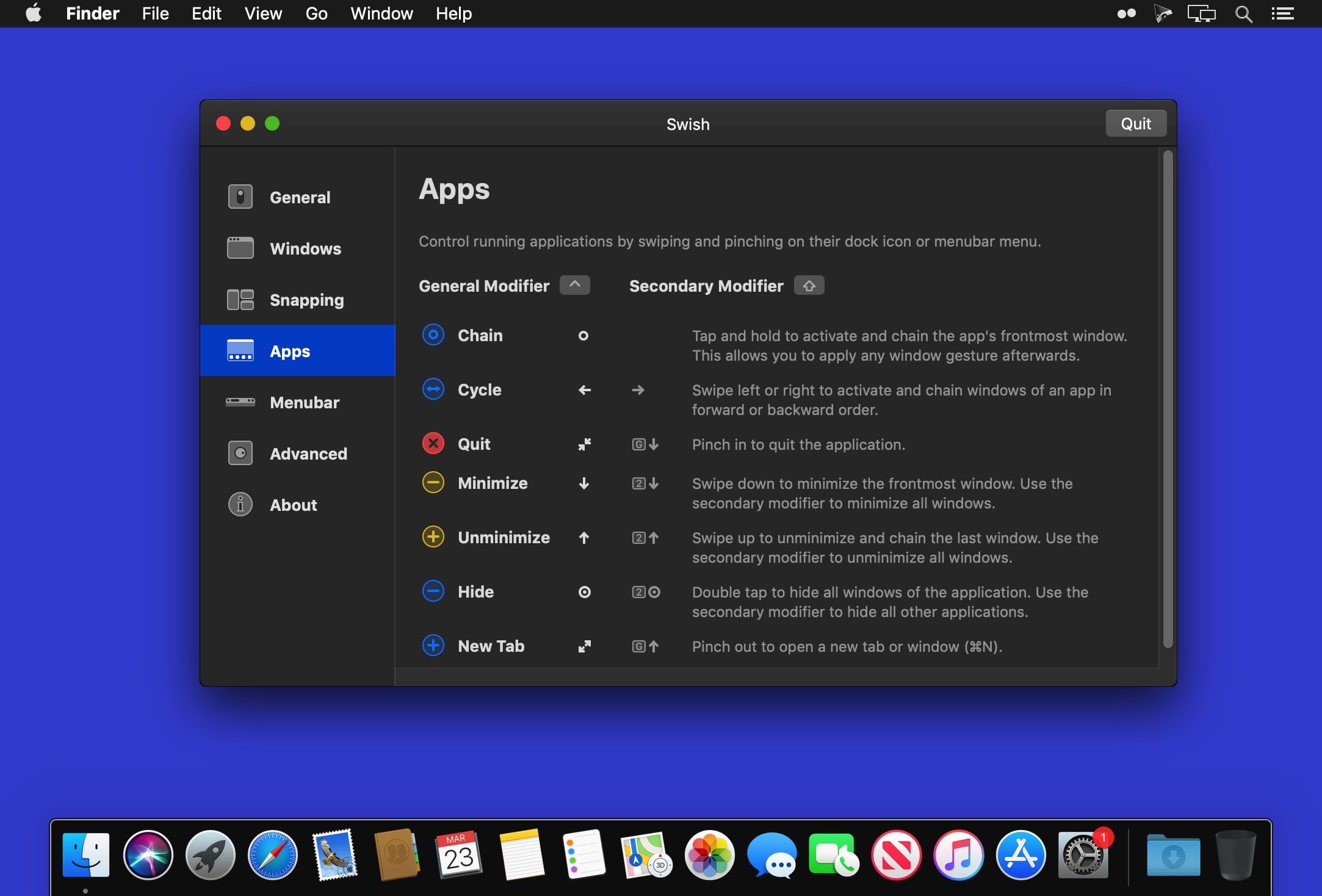
The missing gesture layer for macOS. Control windows and applications right from your trackpad with intuitive two-finger swipe, pinch, tap and hold gestures. Swish features 28 easy-to-use titlebar, dock and menubar gestures that will supercharge your workflow and make you a trackpad power user.
Version 1.11:
- Release notes were unavailable when this listing was updated.
Frequently asked questions
How do I install the app?
Mount the image, drag the app into the "Applications" folder and launch it. If the system blocks the launch, allow it in "System Settings → Privacy & Security".
The app is damaged or won't launch
Reinstalling from a fresh image usually helps. Make sure your macOS version matches the one listed in the compatibility specs.
How do I update?
Download the new version from the site and install it over the current one — your settings will be preserved.
The download link doesn't work
Try a mirror or a download manager. For large files the browser often drops the connection.
How do I completely remove the app?
Use an uninstaller utility — it cleans up the service files that remain after moving the app to the trash.





Choose a download source
Swish 1.11 · 10.26 MB