
HighTop 1.3.4
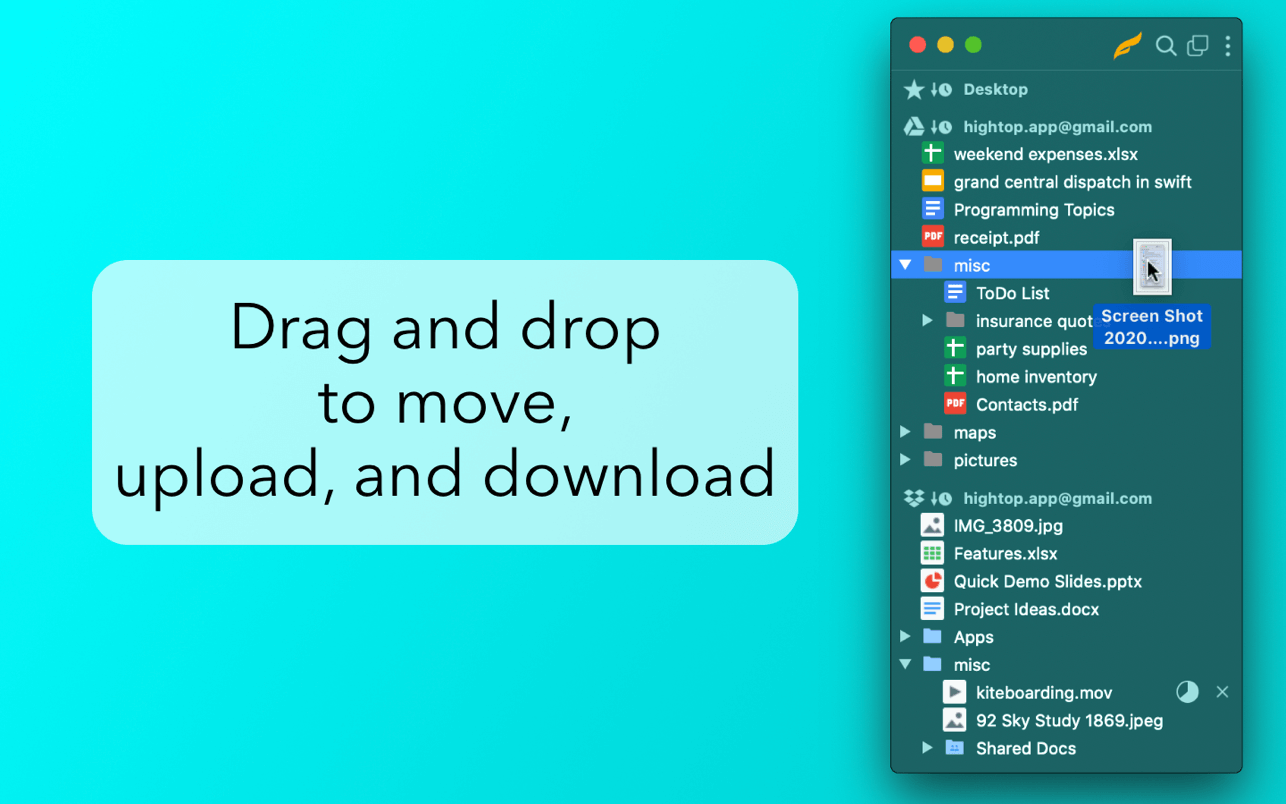

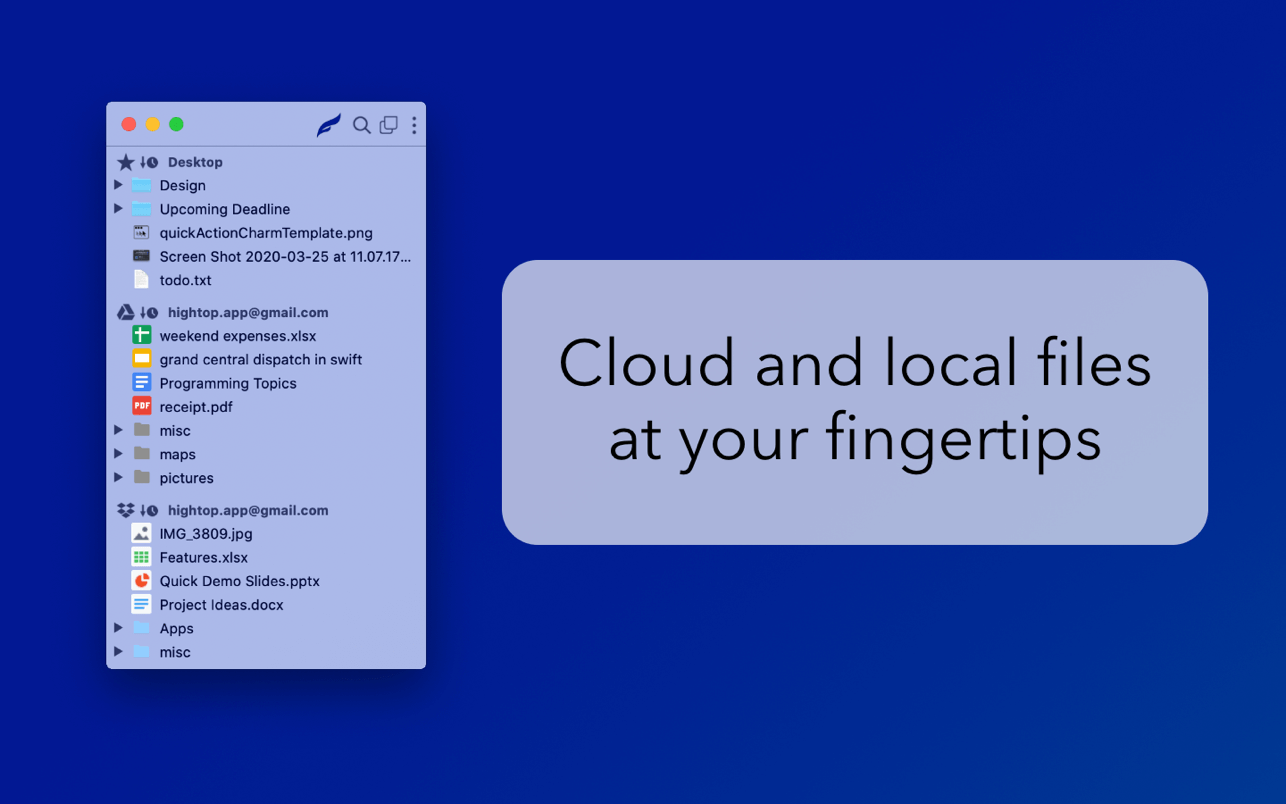
HighTop is the most convenient way to work with favorite local folders, Google Drive, or Dropbox. Avoid hunting for Finder windows, digging up a buried Desktop, or loading a browser tab.
Simply put, HighTop is a tree view of your files, and it's packed with macOS integration.
- Minimal learning curve and setup.
- Drag and drop to and from folders in the app to move, upload, and download files and folders.
- Drag and drop files and folders on the dock or menu bar icon.
- Drag and drop to a "drop panel" that is displayed when files are dragged in macOS.
- Quickly search as you type across all cloud accounts and favorite local folders at once.
- Cloud accounts are accessed securely and directly using official libraries.
- No servers in the middle handle your data.
- No user data is collected by the app.
- Easily switch between menu bar and window views.
- Minimal usage of system resources compared to other file browsers and cloud storage clients.
Version 1.3
- New Icon!
- Improved searching local folders.
- Google Drive files and folders can be added to or removed from Starred.
- A lot of under-the-hood changes are in, including updated 3rd party libraries.
- The app is now free for one cloud account or local folder, with a "full version" in-app-purchase for unlimited accounts/folders. More "full version" features are planned to be included in this one time in-app-purchase.
Frequently asked questions
How do I install the app?
Mount the image, drag the app into the "Applications" folder and launch it. If the system blocks the launch, allow it in "System Settings → Privacy & Security".
The app is damaged or won't launch
Reinstalling from a fresh image usually helps. Make sure your macOS version matches the one listed in the compatibility specs.
How do I update?
Download the new version from the site and install it over the current one — your settings will be preserved.
The download link doesn't work
Try a mirror or a download manager. For large files the browser often drops the connection.
How do I completely remove the app?
Use an uninstaller utility — it cleans up the service files that remain after moving the app to the trash.




Choose a download source
HighTop 1.3.4 · 27.69 MB