
Magic Sort List 3.5.2
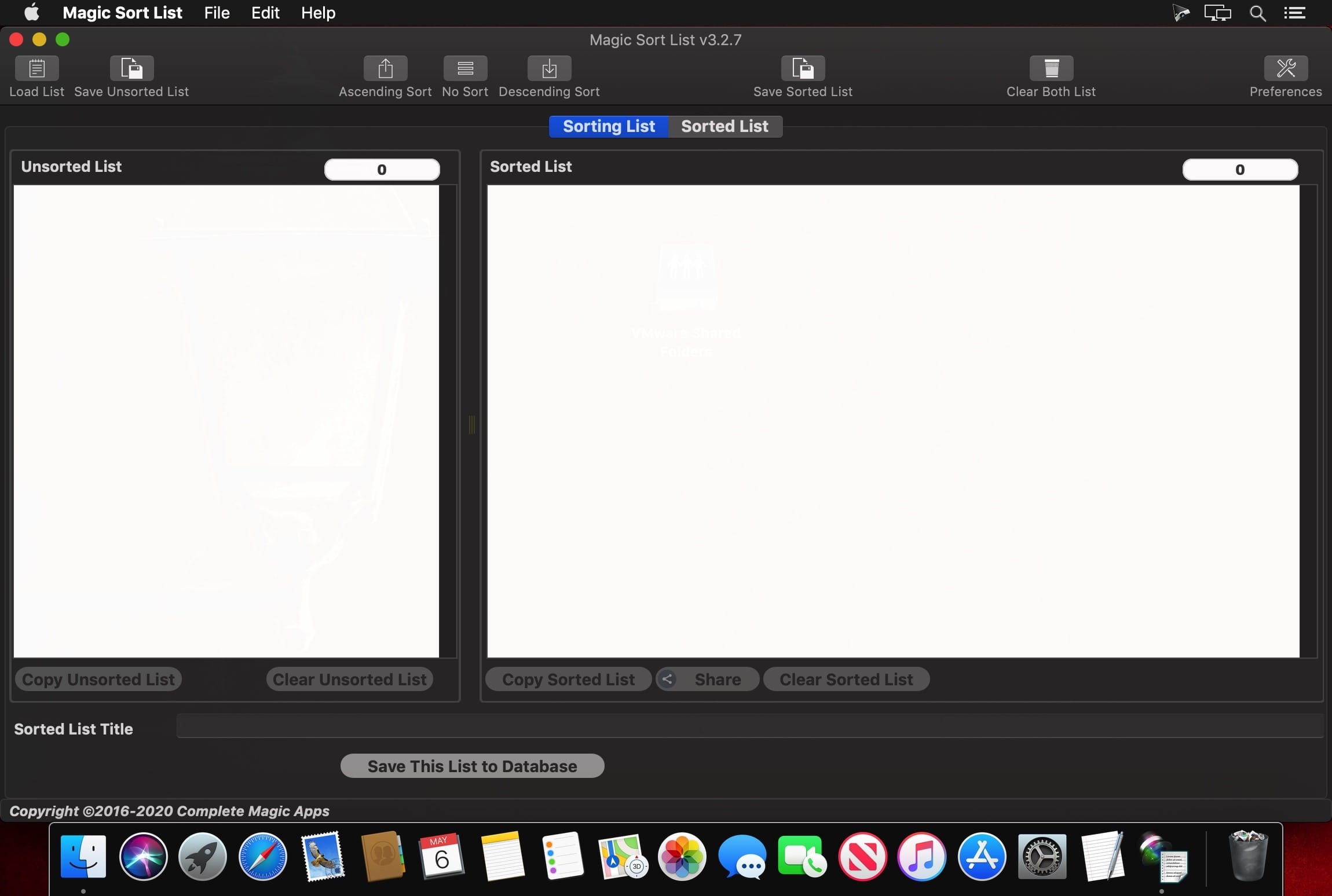
Do You have lists which are unsorted and do not have a spreadsheet ready to sort it ? Don't despair, Magic Sort List is here to the rescue.
Magic Sort List comes with our revolutionary sorting engine which we have perfected and further refined over the years
Other sorting application is good at sorting alphabetical list but failed when encountering non-zero padded numbers. Have you ever sorted a list of say, 5 1 10 and ended up with a list like 1 10 5 ? Magic Sort List treats numbers as numbers and will give you a proper sorted list of 1 5 10. It does not matter if the numbers are at the beginning of the text or somewhere in the middle, Magic Sort List is up to the challenge.
Key Strengths of Magic Sort List
- Sort List in either the Ascending or Descending Order
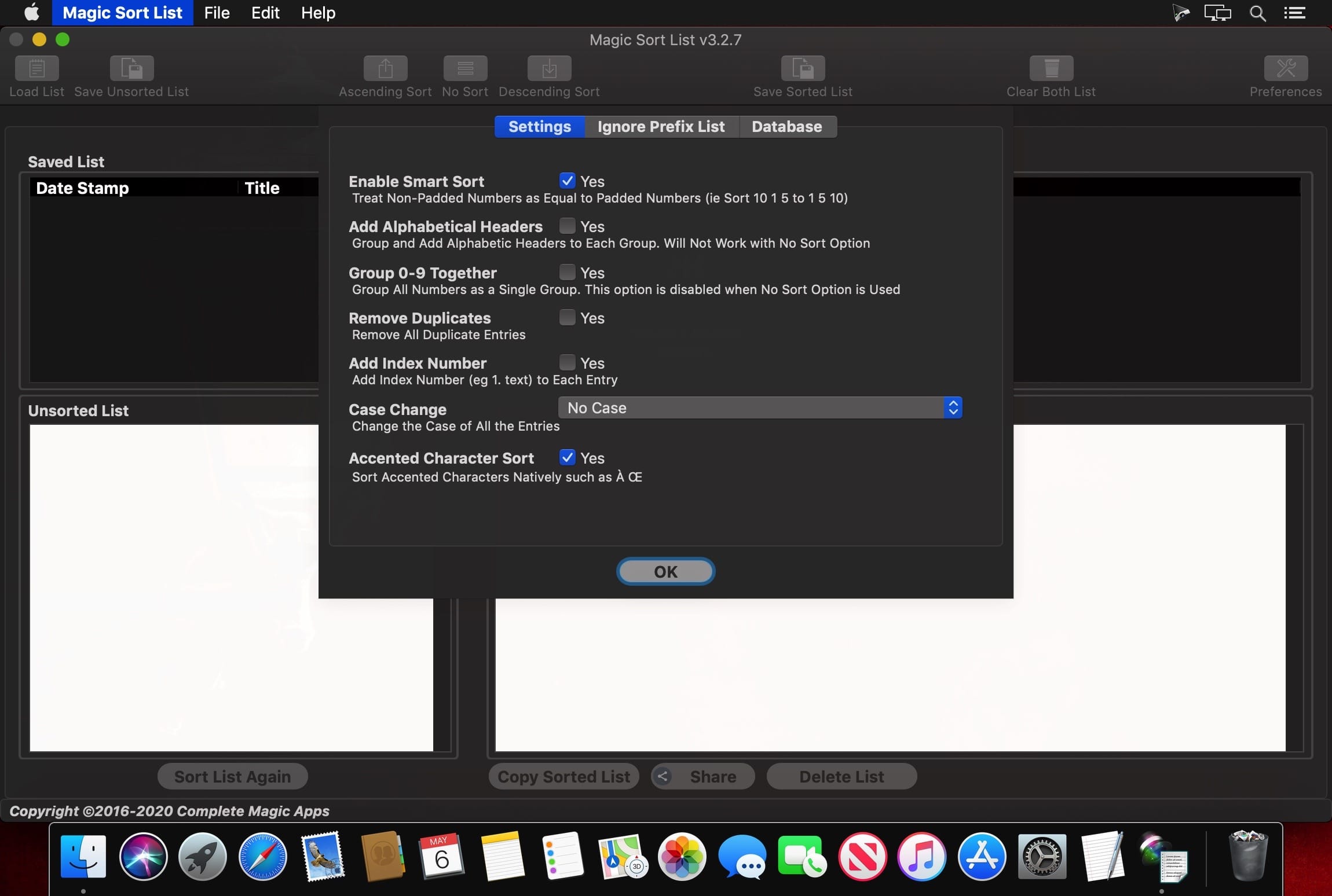
- Smart Sort option which will treat numbers as numbers no matter if they are zero padded or not
- Has the ability to Group and Add Alphabetic Headers in a sorted list
- Can help remove duplicates entry within the list and remove blank lines
- Provides the option to ignore certain prefixes to the list such as A, An and The. Not just those but you can set your own prefix ignore list
- Add Running Index Number in front of each line which is zero padded so the list would look neat
- Change Text Case - All Lowercase, All Uppercase, Capitalize 1st Letter of Each Word, Capitalize 1st Letter of 1st Word and No Change.
- The No Sort option allows you to Remove Duplicates and Add Index Number to your list
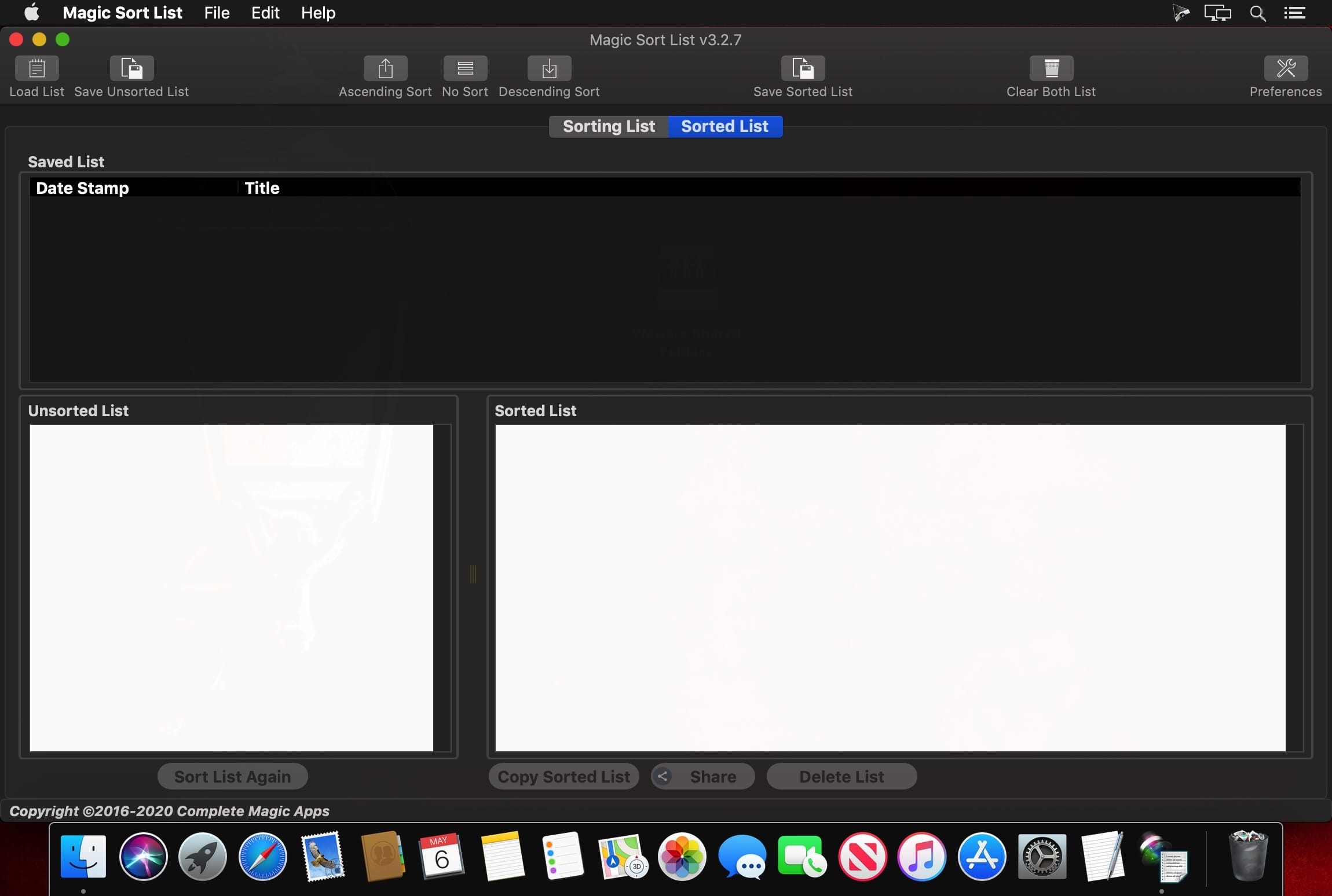
- Saving the Sorted Lists in the built-in database for future retrieval and re-sorting
- As the lists (both unsorted and sorted) are text based files, you can export them to anywhere which requires the sorted list.
- Can Share the Sorted List with a variety of applications through the Mac's Share Menu
- Support for Accented Characters
Version 3.5.2
- Fixed Dark Mode issue where the text are the same colour as the background
- Added Support to export to Text, CSV and Excel Format - This can be set under the Preferences > Export Format
Frequently asked questions
How do I install the app?
Mount the image, drag the app into the "Applications" folder and launch it. If the system blocks the launch, allow it in "System Settings → Privacy & Security".
The app is damaged or won't launch
Reinstalling from a fresh image usually helps. Make sure your macOS version matches the one listed in the compatibility specs.
How do I update?
Download the new version from the site and install it over the current one — your settings will be preserved.
The download link doesn't work
Try a mirror or a download manager. For large files the browser often drops the connection.
How do I completely remove the app?
Use an uninstaller utility — it cleans up the service files that remain after moving the app to the trash.
Related posts




Choose a download source
Magic Sort List 3.5.2 · 22.03 MB