Typeeto 1.6
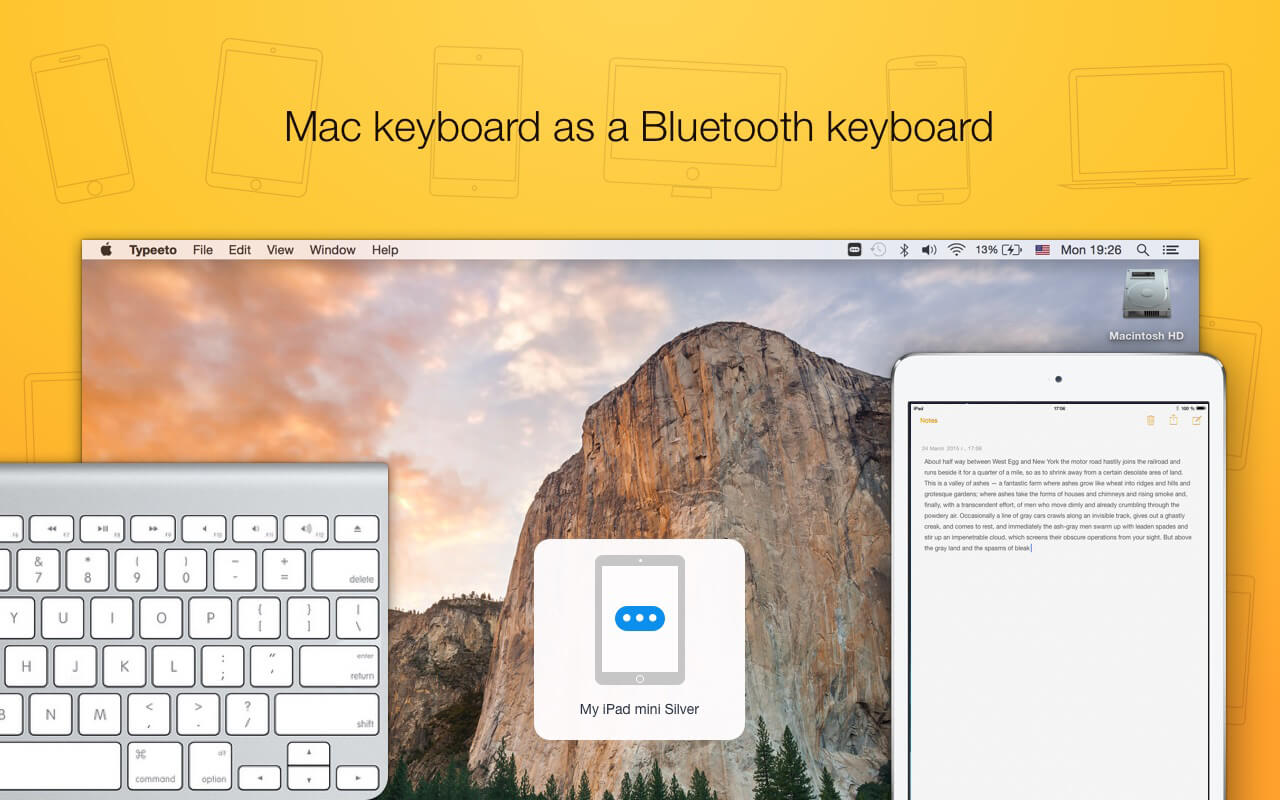
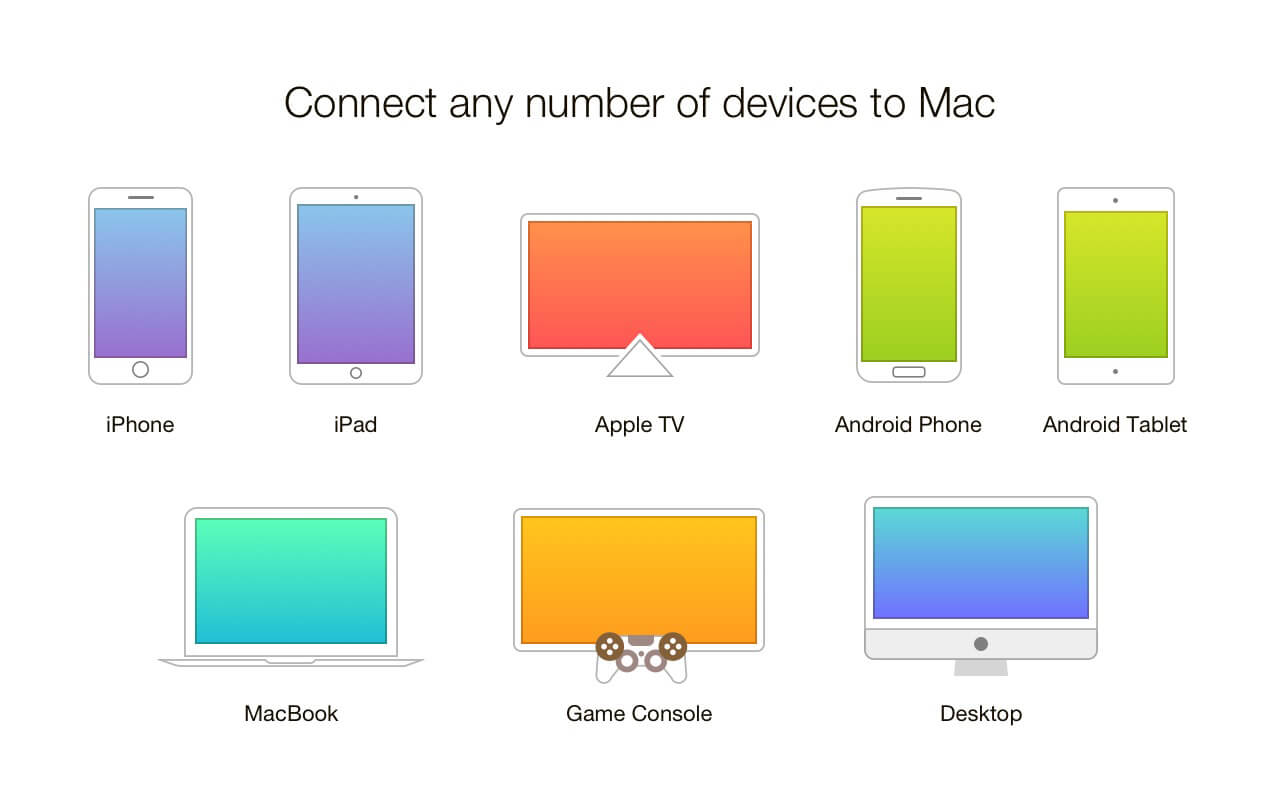
Typeeto is an app that allows you to use your Mac keyboard as a Bluetooth keyboard for other devices such as iPad, iPhone, Apple TV, Android device, etc. Now use a full-scale keyboard to type in text and it will be displayed in real-time on your device screen. You do not need to install any other apps on your device -- just connect it to Mac and start typing.
Features
- Connect any number of devices to Mac
- Copy-paste a text from Mac to connected devices
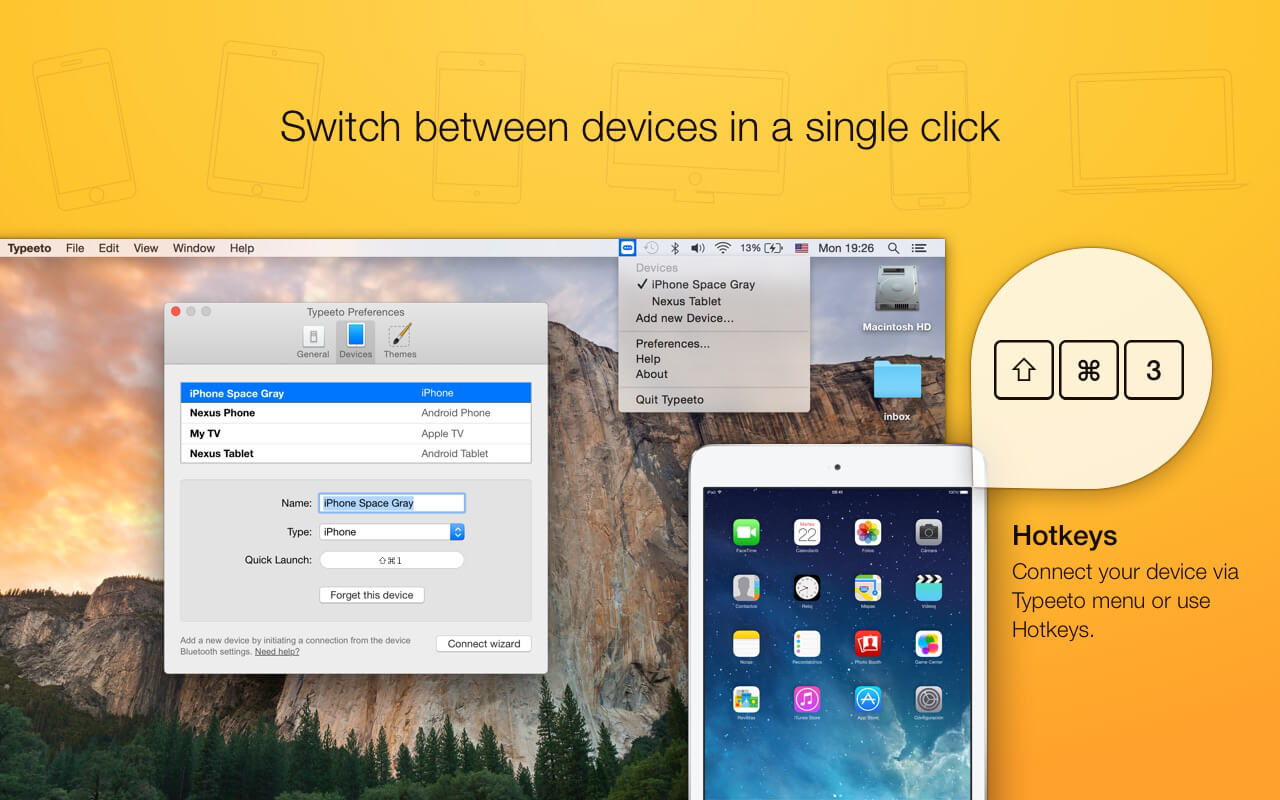
- Switch between devices in a single click or a hot key press
- Save your time and effort - you do not need to set up an extra keyboard separately
- Select between Dark and Light themes
- Make use of sound effects
- Designate a hotkey to each device
- The device's type is detected automatically, but you can always change it in Preferences
- Enjoy our cool animation :)
To start working with Typeeto follow these 3 simple steps:
- Turn on Bluetooth on Mac and a device you'd like to connect, make sure that both of them are discoverable
- Go to Bluetooth settings on Mac and pair the device
- Connect your device to Mac. Remember that for iOS devices, you need to initiate the connection from them first
Version 1.5
- Added: support for dark mode on macOS 10.14 and higher.
Frequently asked questions
How do I install the app?
Mount the image, drag the app into the "Applications" folder and launch it. If the system blocks the launch, allow it in "System Settings → Privacy & Security".
The app is damaged or won't launch
Reinstalling from a fresh image usually helps. Make sure your macOS version matches the one listed in the compatibility specs.
How do I update?
Download the new version from the site and install it over the current one — your settings will be preserved.
The download link doesn't work
Try a mirror or a download manager. For large files the browser often drops the connection.
How do I completely remove the app?
Use an uninstaller utility — it cleans up the service files that remain after moving the app to the trash.





Choose a download source
Typeeto 1.6 · 6.1 MB