
Super Vectorizer Pro 2.4.0
Convert Image to Vector and Export SVG, PDF or DXF
Screenshots
Click to enlarge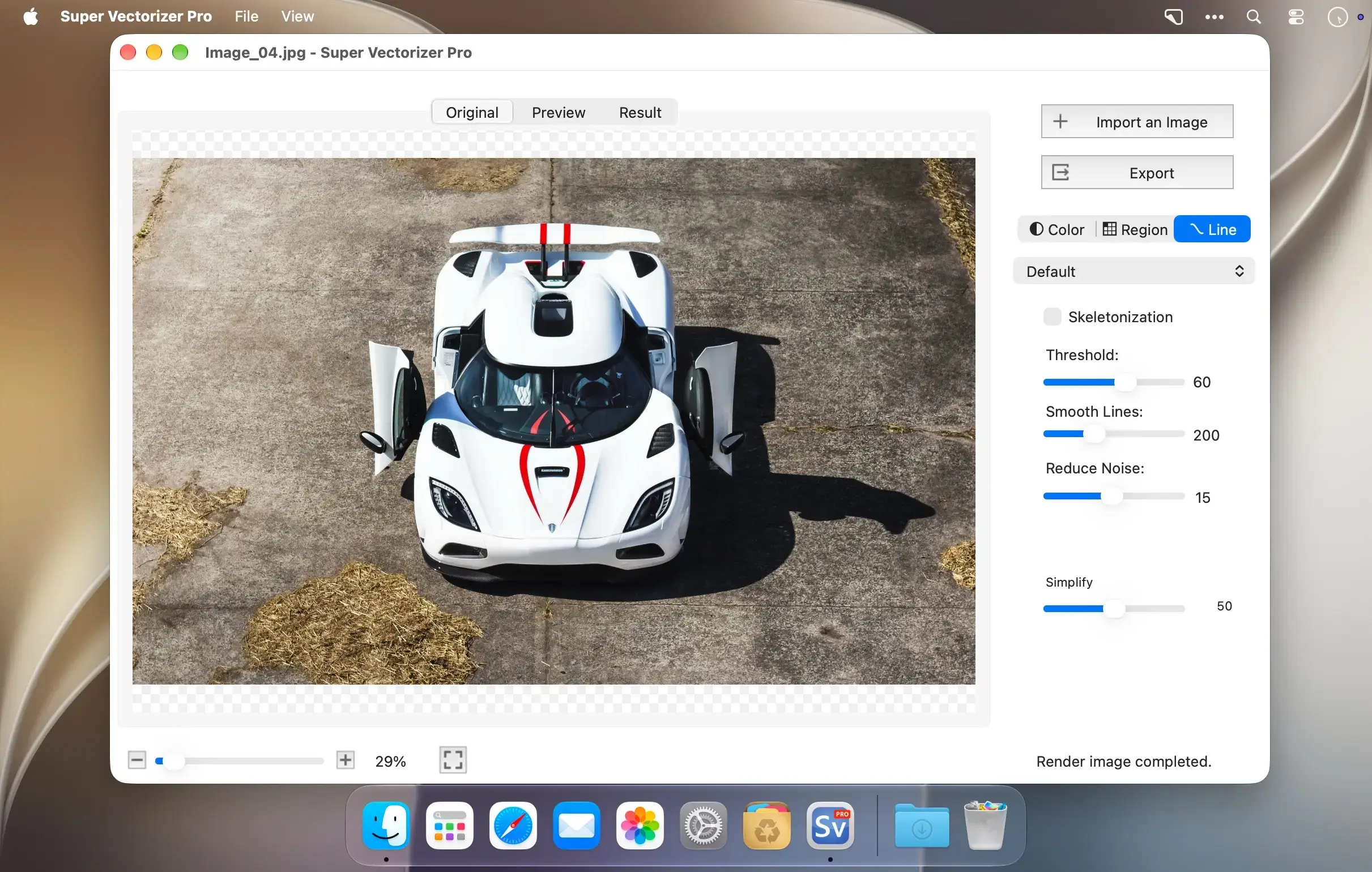
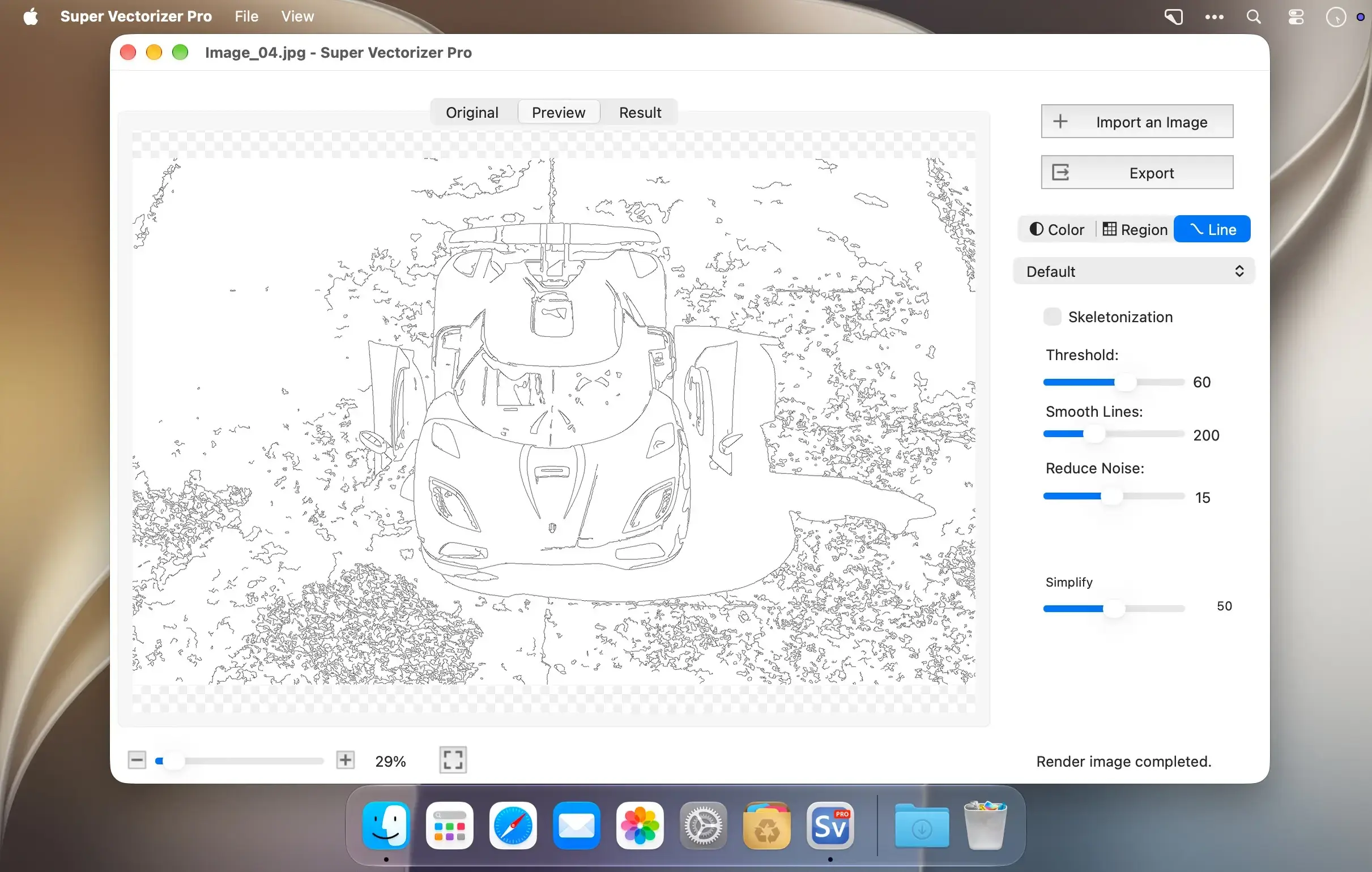
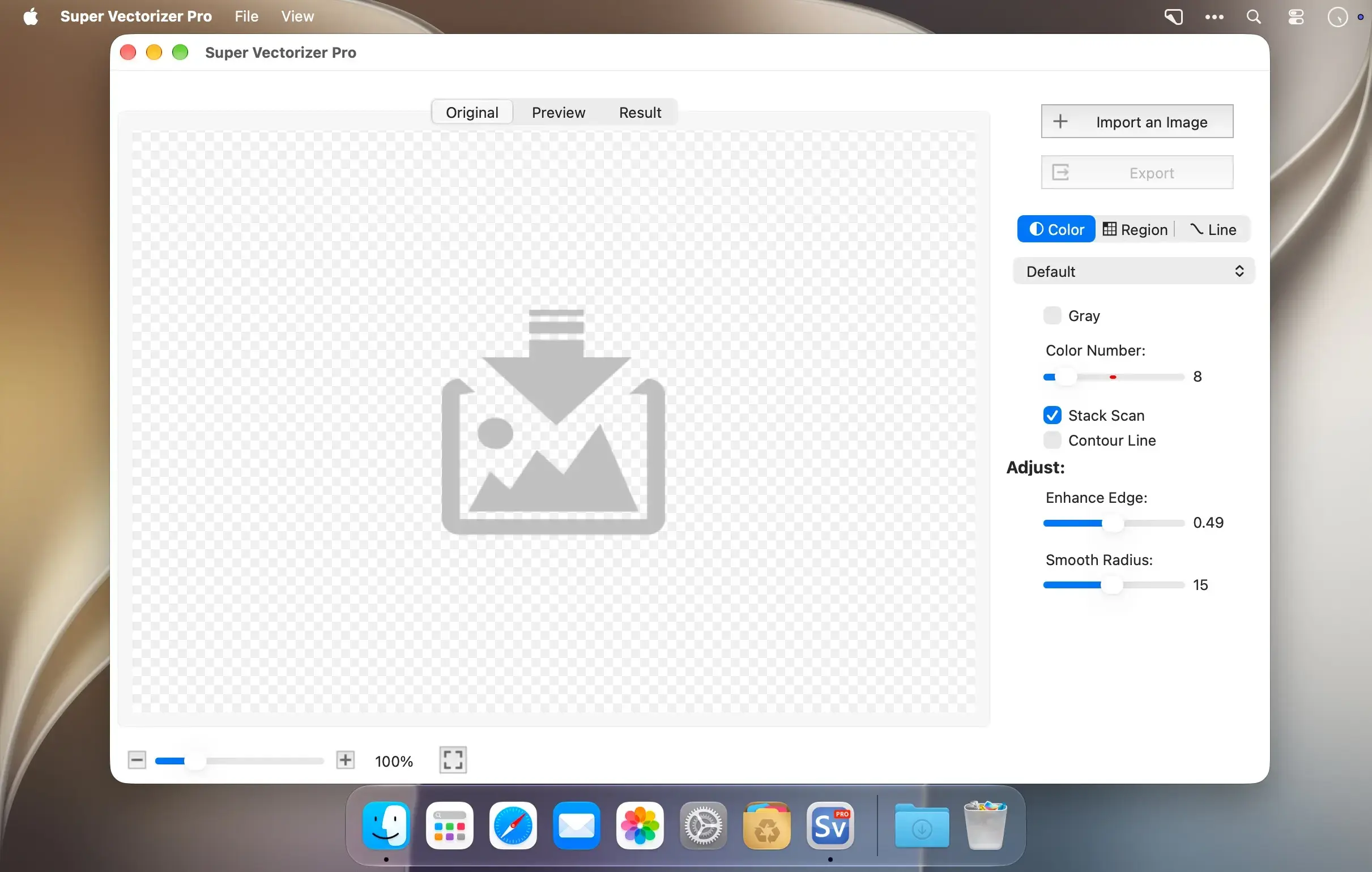
Super Vectorizer Pro converts raster images such as JPEG, BMP, and PNG into scalable vector graphics in a few simple clicks. It traces color, grayscale, and black-and-white images automatically and turns photos and bitmaps into crisp, clean line art, illustrations, and vector art. Hobbyists and graphic designers can use it for personal and professional projects, and it helps anyone who spends a lot of time on vector-image cleanup work faster.
Choose how your image is traced
Vectorize by edge, color, or gray color, and pick between skeletonization and line tracing. Skeletonization makes it easy to convert a pencil drawing into a vector graphic. The line-tracing engine is optimized to match your needs more closely, and the results stay close to the original image.
Cleaner results, easier editing
Segmentation editing creates cleaner line borders and simplifies the image information, so the vector graphic is more concise and easier to edit. It also avoids region overlapping. Pre-processing smoothing simplifies complex images, and the smoothing algorithm is four times better than in the original Super Vectorizer.
Key features
- Fully automatic vectorization: create vector traces from your images without manual setup.
- Up to 64 colors: trace color images with a wider color range.
- Two color modes: work with a color mode based on an image segmentation polymerization algorithm.
- 70+ input formats: trace files including JPG, BMP, PNG, GIF, PDF, PSD, TIFF, HDR, ICNS, ICO, and many camera RAW formats.
- Vector output: export to Ai, SVG, DXF, and PDF.
- Powerful preview: inspect the result in detail before you finish.
- Convenient zooming: zoom in and out to check the processing results.
- Drag and drop: open files by dropping them onto the app icon.
- Large image support: vectorize very large images.
- Transparency support: keep transparent areas in your artwork.
Get started
Add your first bitmap, choose a tracing mode, and turn it into a scalable vector graphic.
Version 2.4.0:
- New Region mode - a true region-based tracer: the image is split along real edges, then each region is filled with its own representative color. No longer limited by a color count;
complex portraits can resolve thousands of regions while keeping gradients and fine structure. - Sharper edges, no drift - the edge enhancement pass was rewritten: colors snap once at the boundary, and the boundary itself doesn't move. No more soft halos or white seams.
- Two new controls - Simplify merges similar-colored regions; Min Area removes speckles. Previously both were tied to one slider.
- 10 built-in presets - added Portrait, Landscape, Icon, Manga, Line Art and Text, plus Icon / Manga for Color mode.
- Al super-resolution preprocessing - small images and line art are upscaled before tracing for finer edges; exports stay at the original size. (Apple Silicon only)
- Added support for EPS format output.
Comments
No comments yet. Be the first.