
Easy App Locker 1.2
Screenshots
Click to enlarge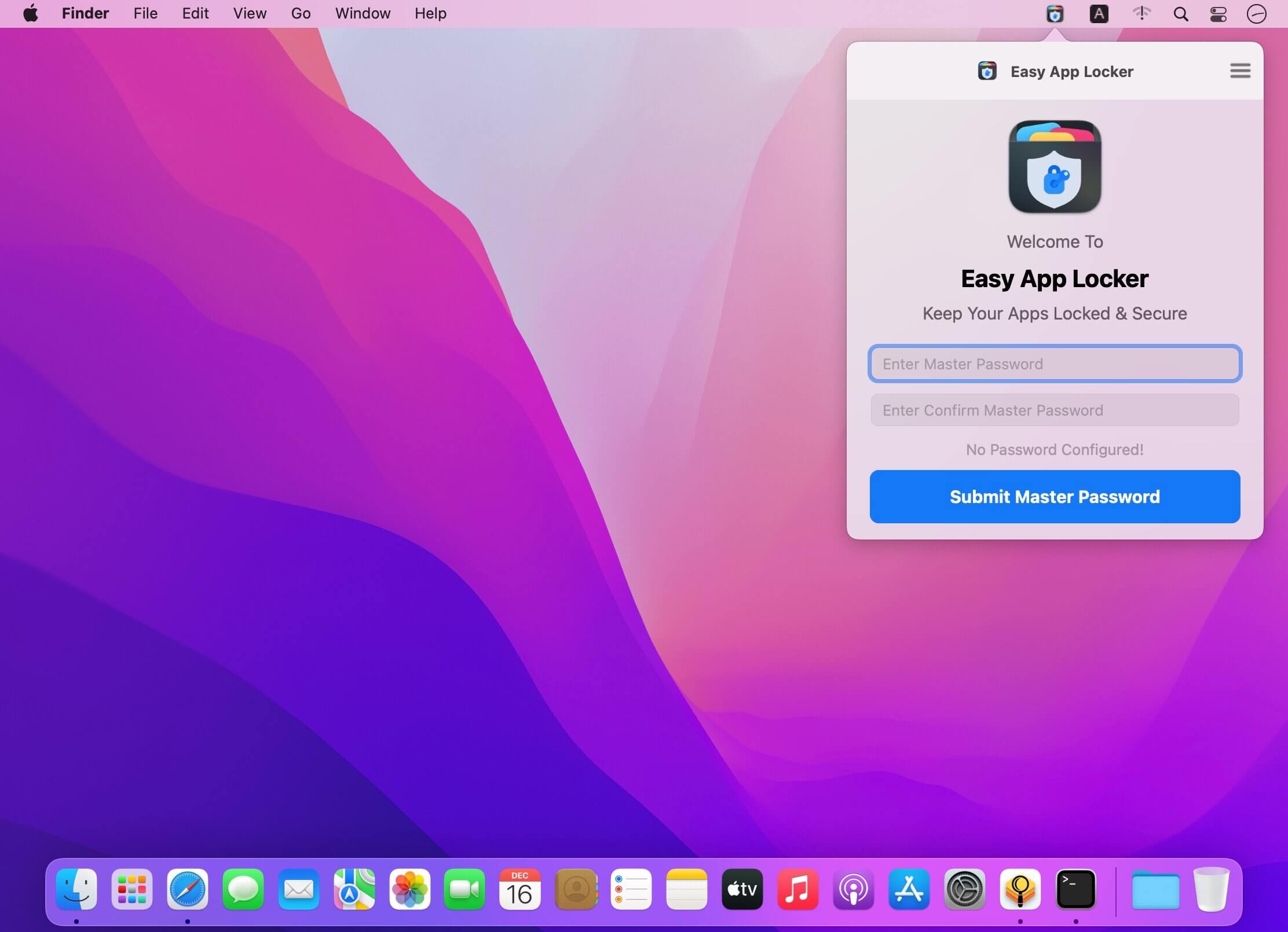

Easy App Locker can password protect individual apps on your Mac. Keep your privacy intact on your Mac.
Password protect any macOS application from unauthorised usage without modifying anything in your system settings and/or applications. Avoid unauthorised access to your personal applications simply by applying Easy App Locker with a master password. Use this tool you don't need to worry about your privacy when you lend your computer to a guest, friend, family member or others. You can also prevent your kids or wife from using your Mac. No one will mess with your important apps anymore.
Easy App Locker is a privacy protector app that uses advanced security algorithms that ensure the impenetrable security of your confidential belongings and blocks unauthorised access to your personal apps.
FEATURES:
- Password protect individual applications on your Mac
- Block access to applications in full screen mode for enhanced privacy
- Block access to applications in window mode
- Add or remove apps from the LockList
- Easy-to-use and user perspective app interface.
It is easy to use, there is absolutely no complicated configuration required as setting up parental controls, just start Easy App Locker, create a master password and select the apps you want to keep private.
See how to use:
- Launch the app and set your master password.
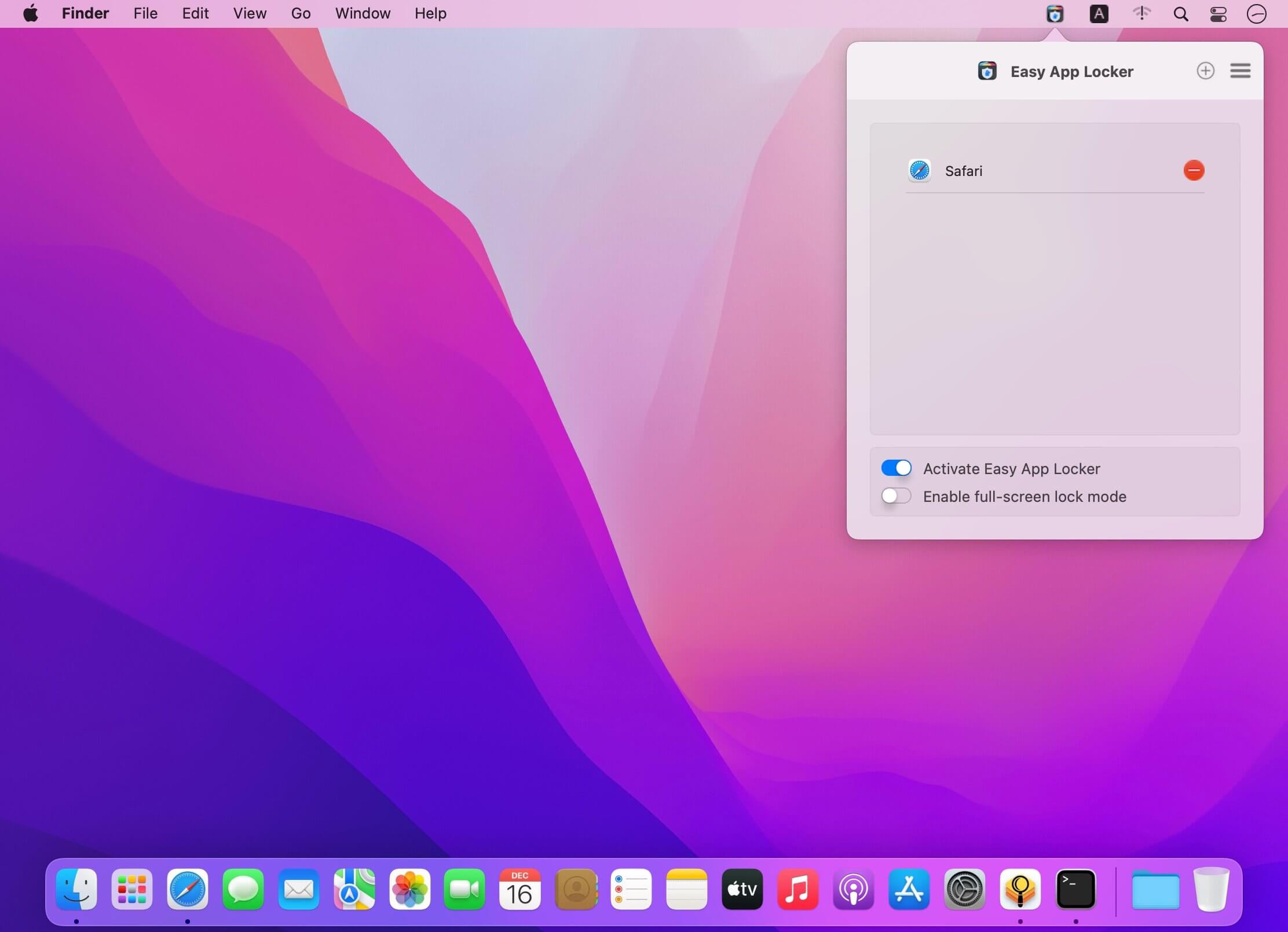
- In the main console, click "+" and select the apps you want to lock.
- You can apply full-screen lock
- You can set Easy App Locker to launch at the startup.
- To access the locked application enter your Master Password.
- You can reset password anytime under General Preferences
Version 1.2
- Compatible with MacOSX Version 12 (Monterey).
- Minor Improvements
Comments
No comments yet. Be the first.