
USB Block - Data Leak Prevention 2.6

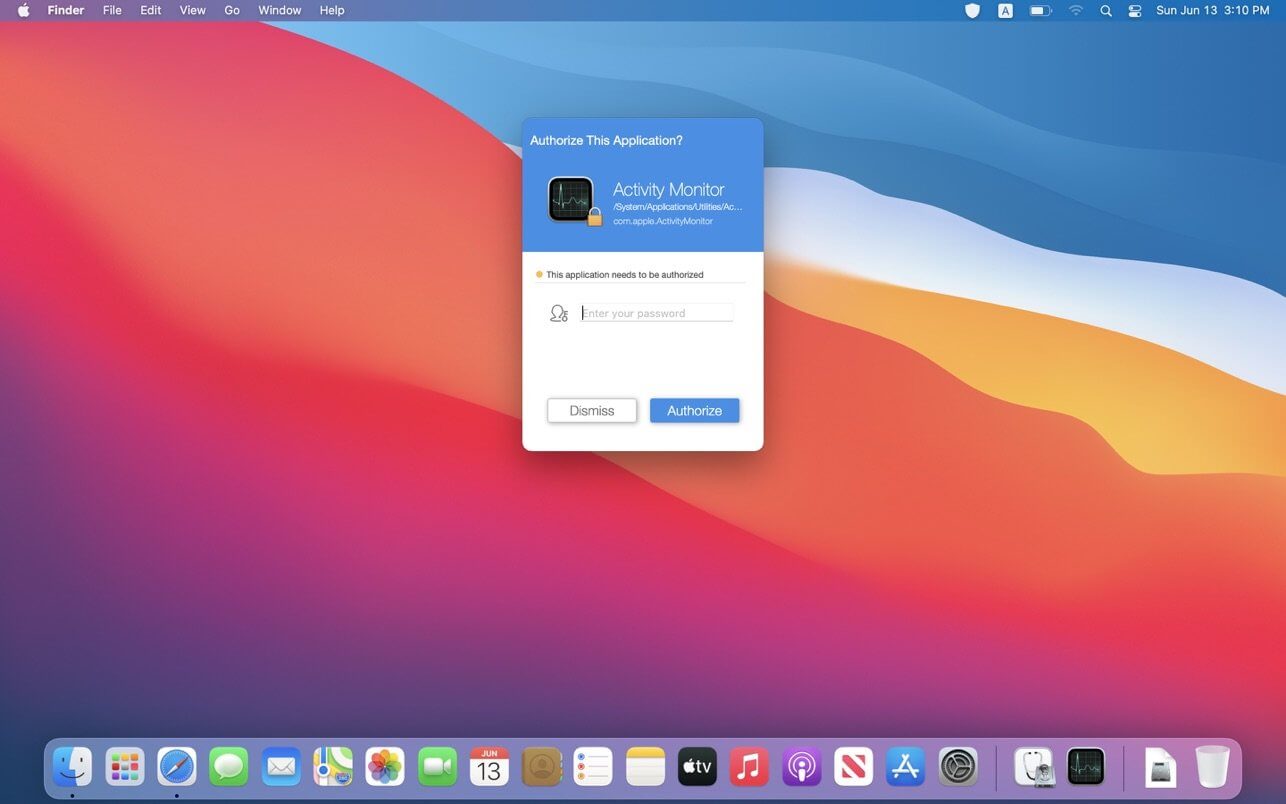
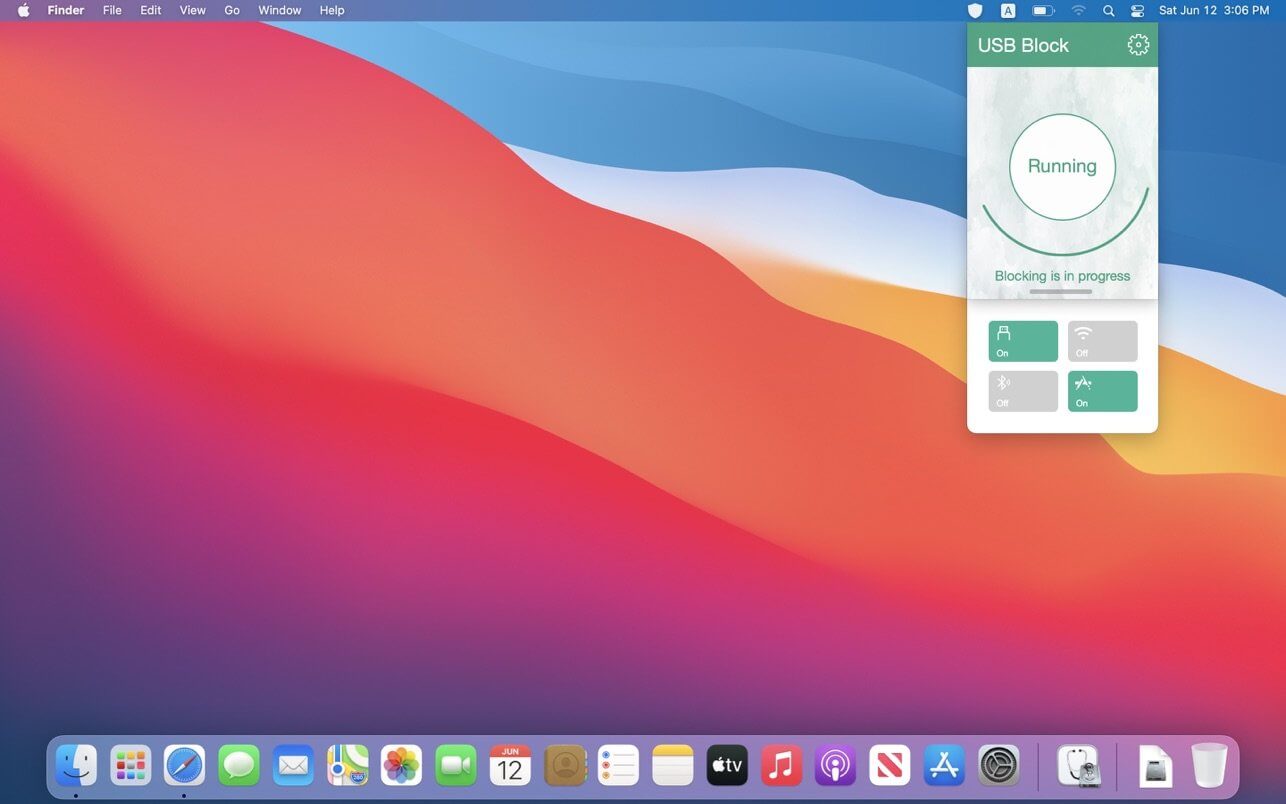
USB Block is a data leakage prevention tool which can:
- Authorize USB devices and prevent any unauthorized access to your Mac computer.
- Password protect USB authorization (Without password, non-trusted USB devices will be automatically blocked when they are inserted)
- Disable USB storage.
- Add trusted USB devices to the white-list.
- Block network access(WLAN).
- Block Bluetooth access.
- Self process protection.
- Silent Mode(Hidden to others)
- Support Touch ID.
- Import & Export Configuration, apply the configuration to all accounts with 1-click.
- Record Logs.
- Lock apps.
Version 2.6
- Run natively on Apple Silicon
- Fixed known crashes
- Improved the security of protection
Frequently asked questions
How do I install the app?
Mount the image, drag the app into the "Applications" folder and launch it. If the system blocks the launch, allow it in "System Settings → Privacy & Security".
The app is damaged or won't launch
Reinstalling from a fresh image usually helps. Make sure your macOS version matches the one listed in the compatibility specs.
How do I update?
Download the new version from the site and install it over the current one — your settings will be preserved.
The download link doesn't work
Try a mirror or a download manager. For large files the browser often drops the connection.
How do I completely remove the app?
Use an uninstaller utility — it cleans up the service files that remain after moving the app to the trash.
VersionUSB Block - Data Leak Prevention 2.6
DeveloperXiang He
CompatibilitymacOS 10.8 or later.
LanguageEnglish, French, Japanese, Simplified Chinese, Spanish, Traditional Chinese
IncludesK'ed by HCiSO




Information
Visitors in the group Guests cannot leave comments on this publication.
Choose a download source
USB Block - Data Leak Prevention 2.6 · 3.85 MB