
XMind 2021 v11.1.0

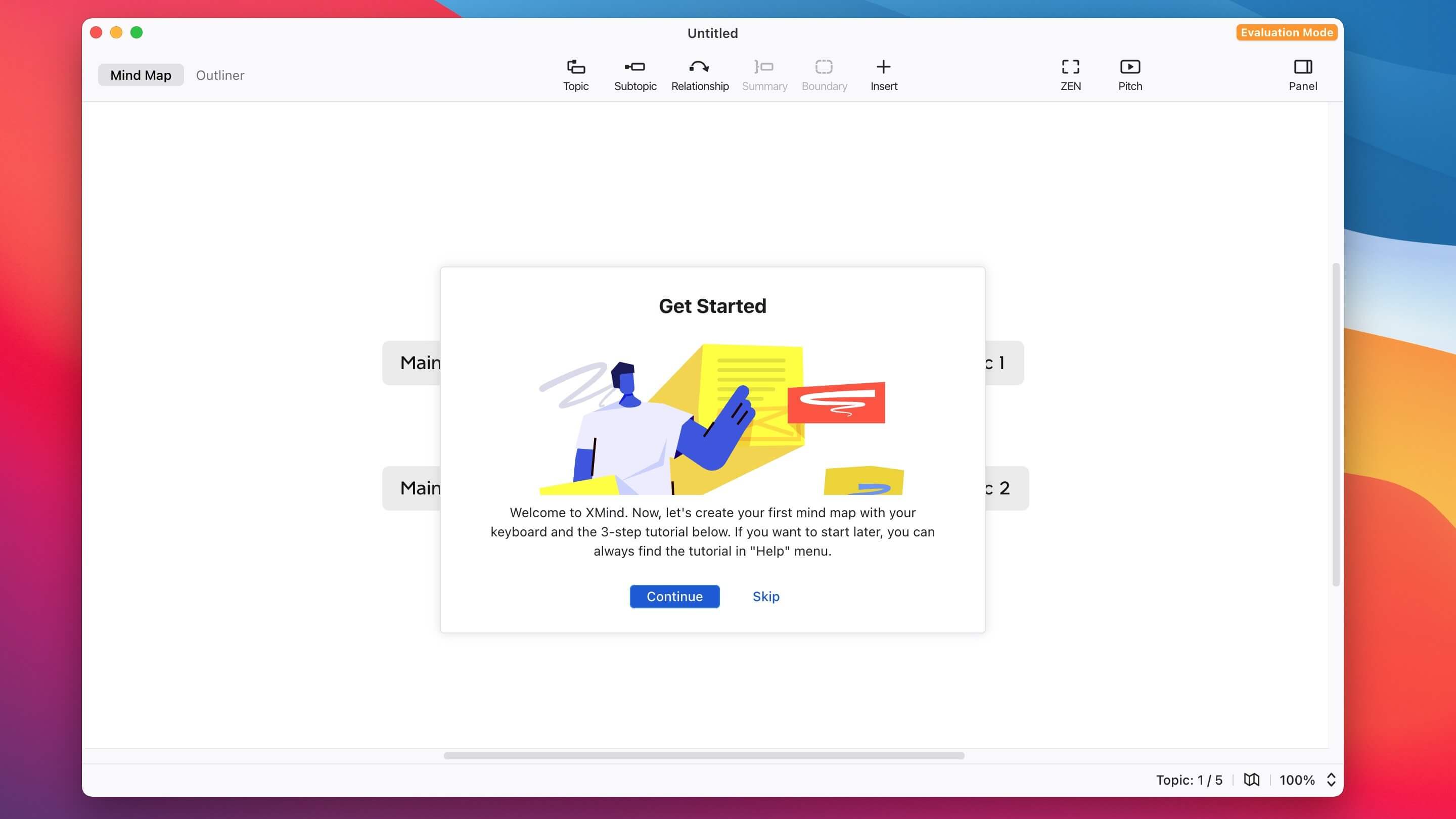
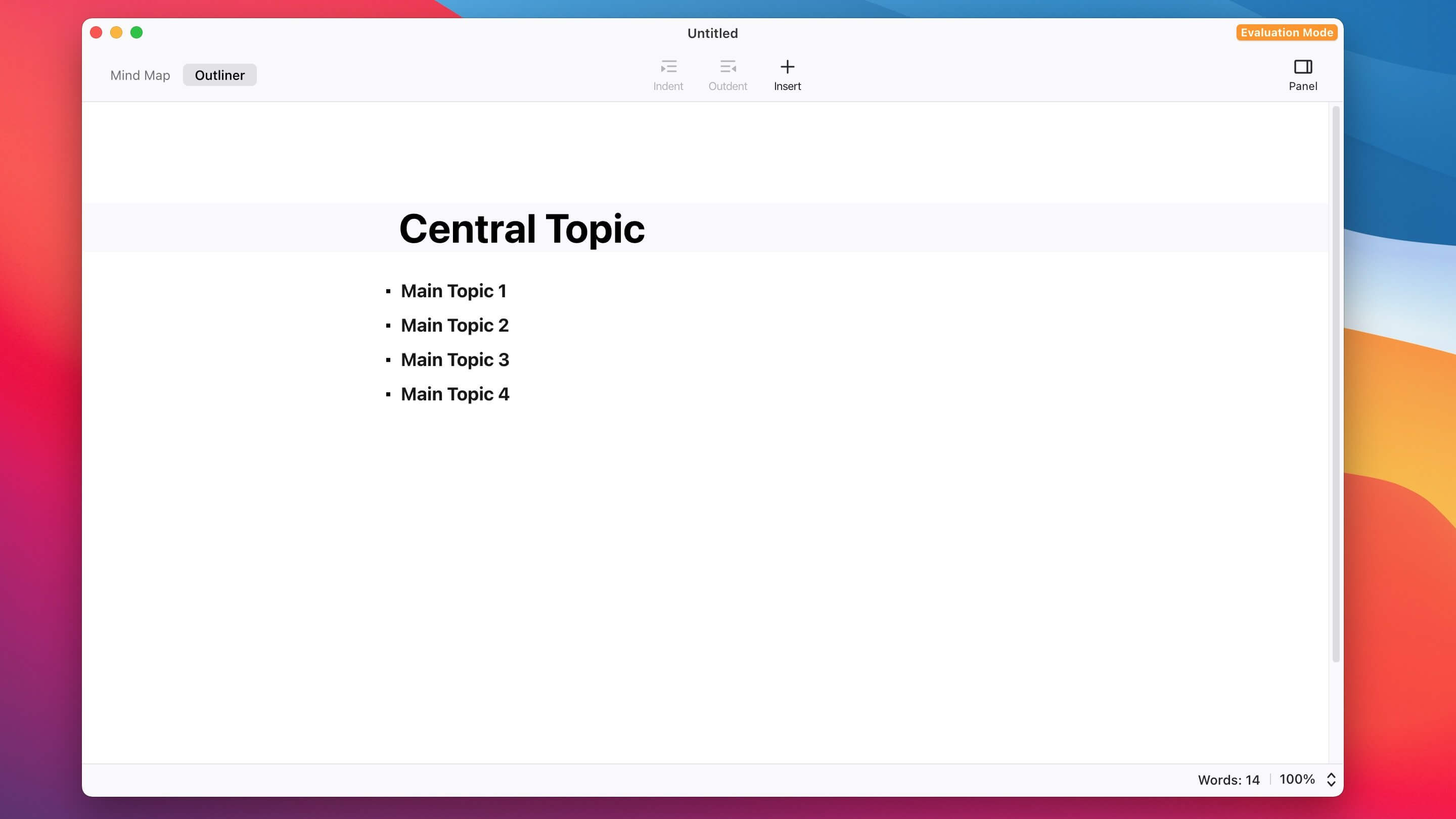
XMind is great software to create mind maps or Mind Map. When you think about your ideas or do a group on a particular subject of brainstorming, you come to mind sporadically with ideas, information, data, and clues. XMind software is designed to collect this scattered information in a central location and process and aggregate them later at the right opportunity. The software also has the ability to automatically store and synchronize mental maps online and make you feel comfortable about the security of your information.
Features:
- Easy building of mental maps with different features
- Possibility of building commercial and organizational charts
- BrainStorming mode for holding brainstorming sessions between team members
- Presentation mode to efficiently provide mental maps
- Gantt display mode like Microsoft Project
- Various features for mental maps such as communication between them, summarization, markup, notes, comments, etc.
- Ability to change themes and fonts with high customization capability
- Ability to get output in PDF, PPT, XLS and Word (doc,docx) format
- Ability to store mental maps cloudy
- Ability to save to Evernote
- Ability to share mind maps created on social networks
- Having over 60,000 beautiful icons for different applications
- Ability to subscribe between LAN local network
- Print multiple pages simultaneously side by side
- Ability to take screenshots from parts of the mental map
- Advanced Filtering
- Powerful Search
- Ability to take voice notes
- Ability to encrypt documents
- Ability to save with SVG vector format
- Having many and varied templates on a ready-made basis
- And…
Frequently asked questions
How do I install the app?
Mount the image, drag the app into the "Applications" folder and launch it. If the system blocks the launch, allow it in "System Settings → Privacy & Security".
The app is damaged or won't launch
Reinstalling from a fresh image usually helps. Make sure your macOS version matches the one listed in the compatibility specs.
How do I update?
Download the new version from the site and install it over the current one — your settings will be preserved.
The download link doesn't work
Try a mirror or a download manager. For large files the browser often drops the connection.
How do I completely remove the app?
Use an uninstaller utility — it cleans up the service files that remain after moving the app to the trash.





Choose a download source
XMind 2021 v11.1.0 · 223.92 MB