
Fantastical 2.5.16 fix
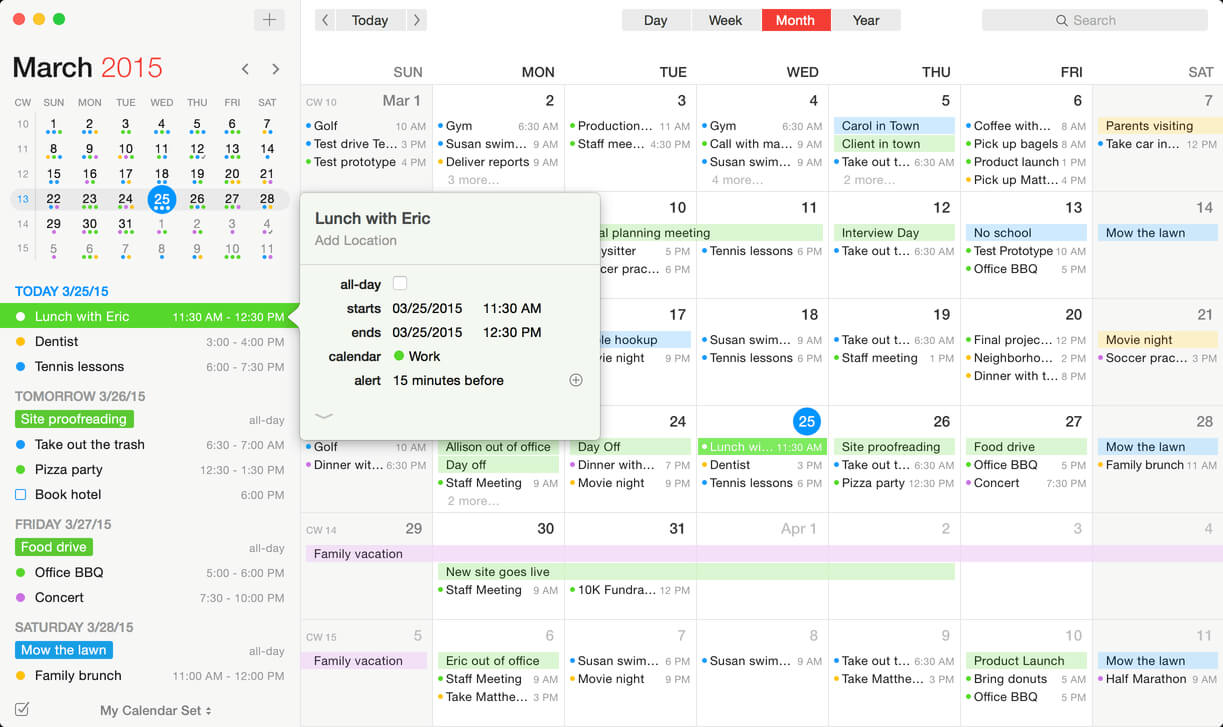

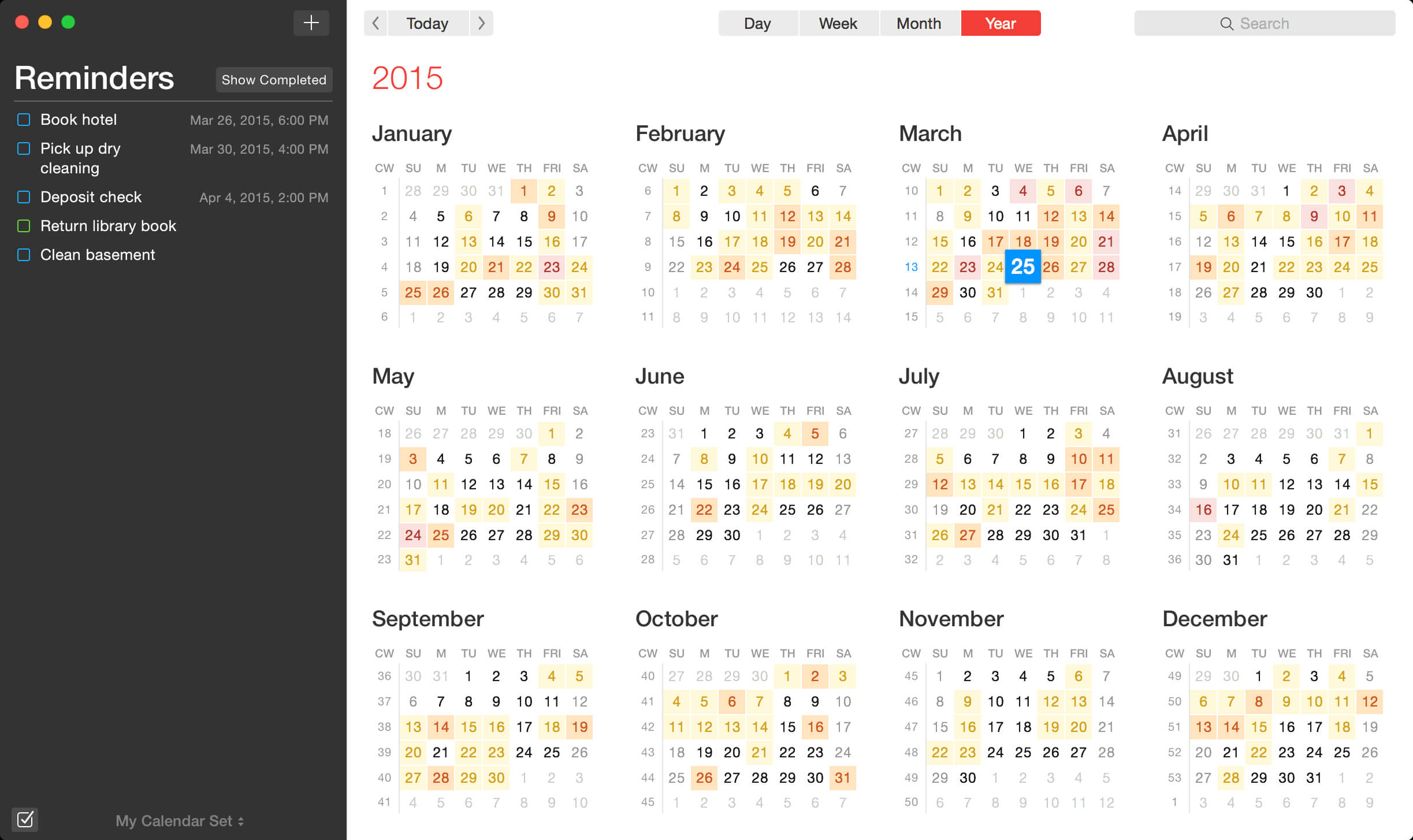
Fantastical 2 is the Mac calendar you'll actually enjoy using. Creating an event with Fantastical is quick, easy, and fun:
Open Fantastical with a single click or keystroke
Type in your event details and press return
...and you're back to what you were doing with a shiny new event in your calendar!
Fantastical's natural-language engine is expressive and intelligent, so you can write in your own style. Fantastical also automatically recognizes the location of your event and can even invite people from your Contacts to the event.
Version 2.5.15:
- Fixed a crash when responding to certain recurring invitations
- Fixed updates being sent to attendees when changing an alert on Exchange
- Various fixes and improvements
Frequently asked questions
How do I install the app?
Mount the image, drag the app into the "Applications" folder and launch it. If the system blocks the launch, allow it in "System Settings → Privacy & Security".
The app is damaged or won't launch
Reinstalling from a fresh image usually helps. Make sure your macOS version matches the one listed in the compatibility specs.
How do I update?
Download the new version from the site and install it over the current one — your settings will be preserved.
The download link doesn't work
Try a mirror or a download manager. For large files the browser often drops the connection.
How do I completely remove the app?
Use an uninstaller utility — it cleans up the service files that remain after moving the app to the trash.



Choose a download source
Fantastical 2.5.16 fix · 18.24 MB
Previous versions
Fantastical 2.5.16 fix
Previous versions are available to registered users.
Comments 6