
Exposure X7 7.3.0
xposure X7: Photo Editing Software and Organizer for Creative Workflows
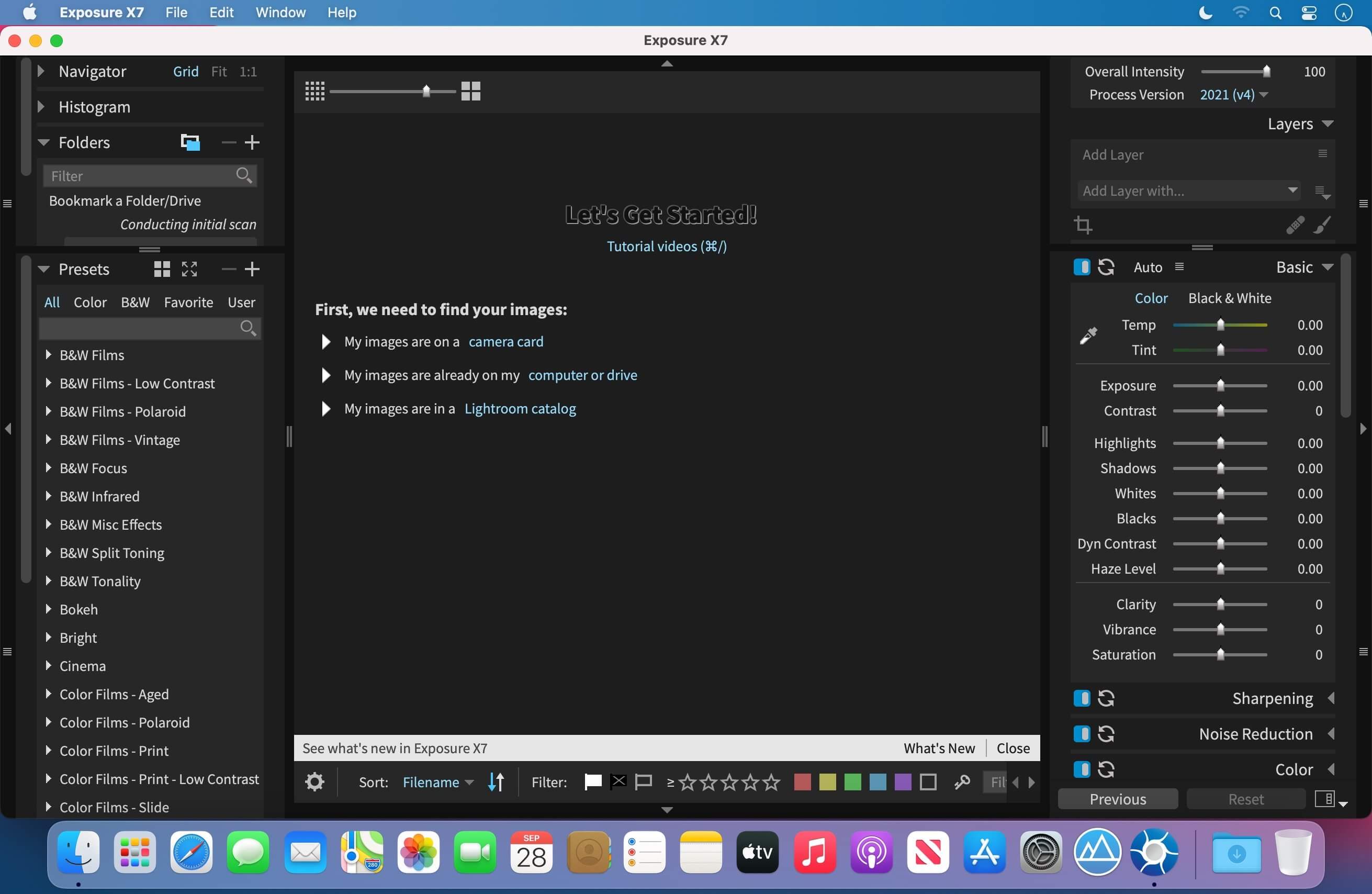
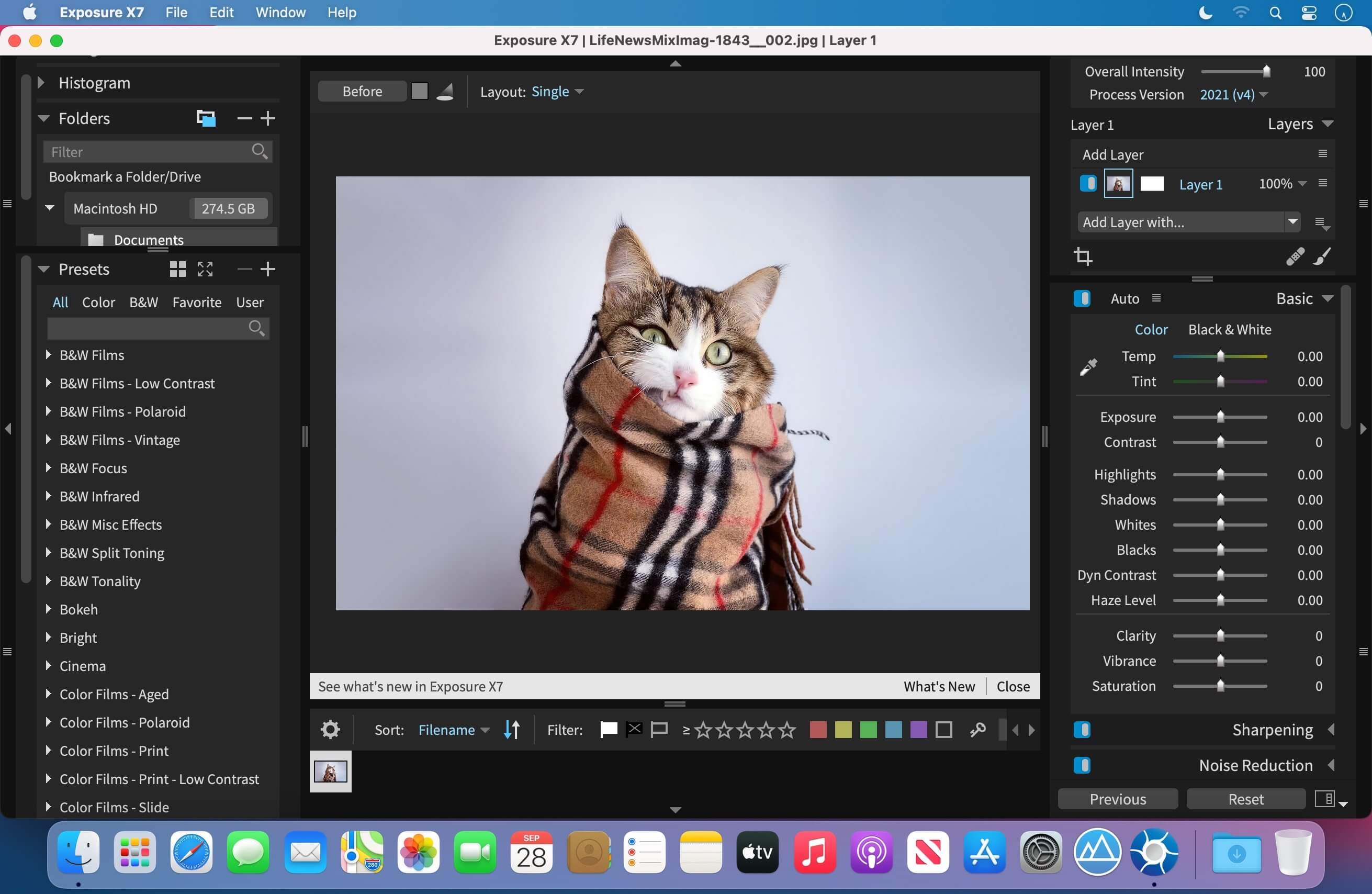

Create distinctive, artistic photographs with Exposure X7—a complete photo editing and organizing solution for creative photographers.
Explore a large library of carefully crafted looks, then customize every effect to match your vision. Exposure X7 combines creative tools, efficient organization, and a focused workflow that helps you spend less time managing panels and more time refining your images.
Use Exposure X7 as a standalone photo editor and organizer, or as a plug-in for Adobe Photoshop and Lightroom.
Creative editing tools
- Apply and customize a wide range of artistic looks
- Create precise masks with an intelligent subject-selection tool
- Add composition guides based on the golden ratio, golden spiral, golden triangle, and diagonals
- Crop and transform images from one unified interface
- Add fine texture noise to help restore detail after strong noise reduction
- Remove defective pixels from RAW photos
- Improve color accuracy with custom DCP profiles and DNG files
A workflow built around your process
Selectable workspaces organize the tools you need for culling, editing, and retouching. Use the included layouts or create custom workspaces tailored to your workflow.
Exposure X7 works as a complete editing application or integrates with supported versions of Adobe Photoshop and Adobe Lightroom.
Plug-in requirements:
Requires Adobe Photoshop CS6 or newer, or Adobe Lightroom 6 or newer.
Frequently asked questions
How do I install the app?
Mount the image, drag the app into the "Applications" folder and launch it. If the system blocks the launch, allow it in "System Settings → Privacy & Security".
The app is damaged or won't launch
Reinstalling from a fresh image usually helps. Make sure your macOS version matches the one listed in the compatibility specs.
How do I update?
Download the new version from the site and install it over the current one — your settings will be preserved.
The download link doesn't work
Try a mirror or a download manager. For large files the browser often drops the connection.
How do I completely remove the app?
Use an uninstaller utility — it cleans up the service files that remain after moving the app to the trash.





Choose a download source
Exposure X7 7.3.0 · 528.82 MB
Previous versions
Exposure X7 7.3.0
Previous versions are available to registered users.