
Exposure X7 Bundle 7.3.0
Exposure X Bundle: Photo Editing Software for Complete Creative Workflows
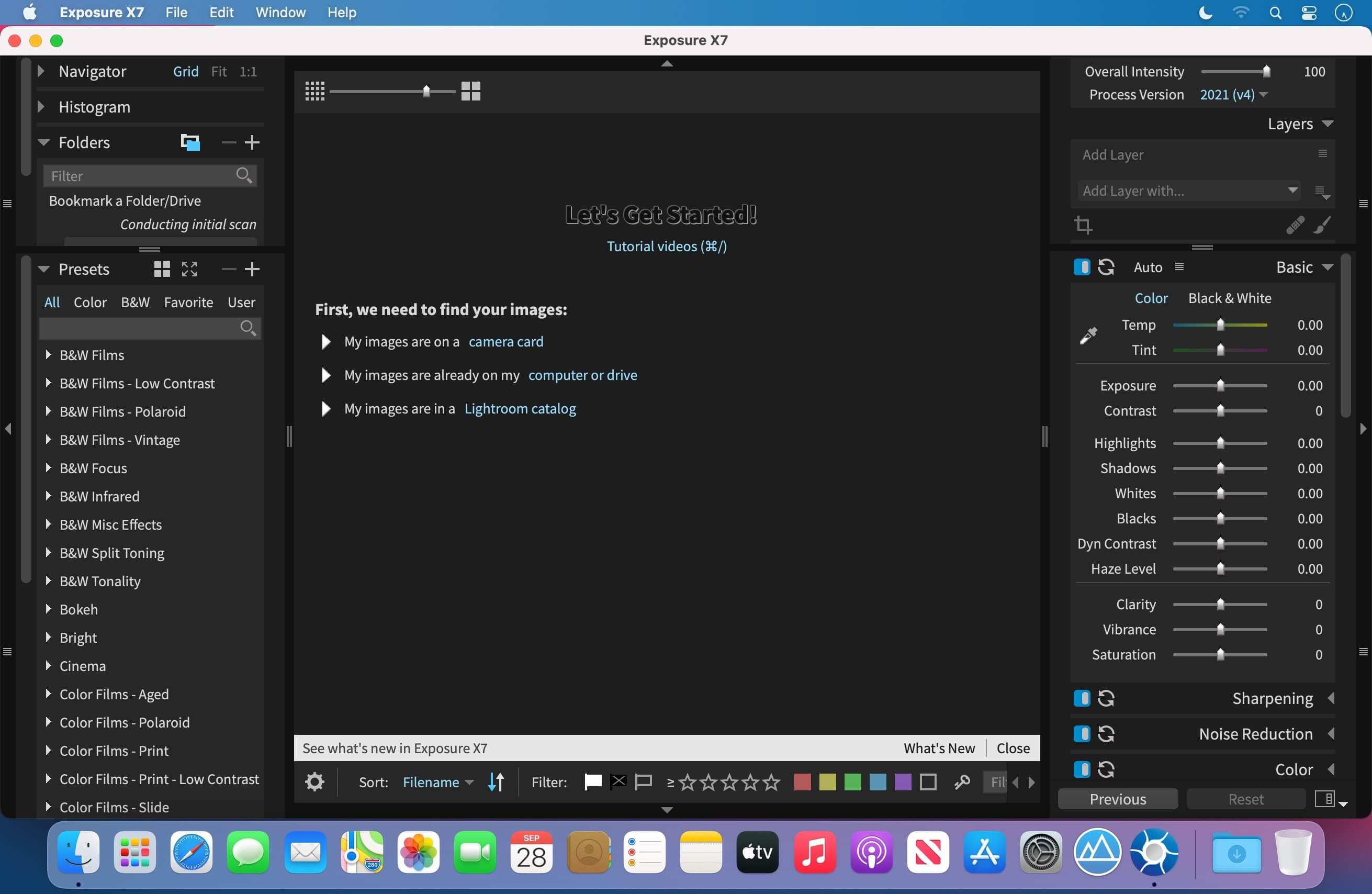
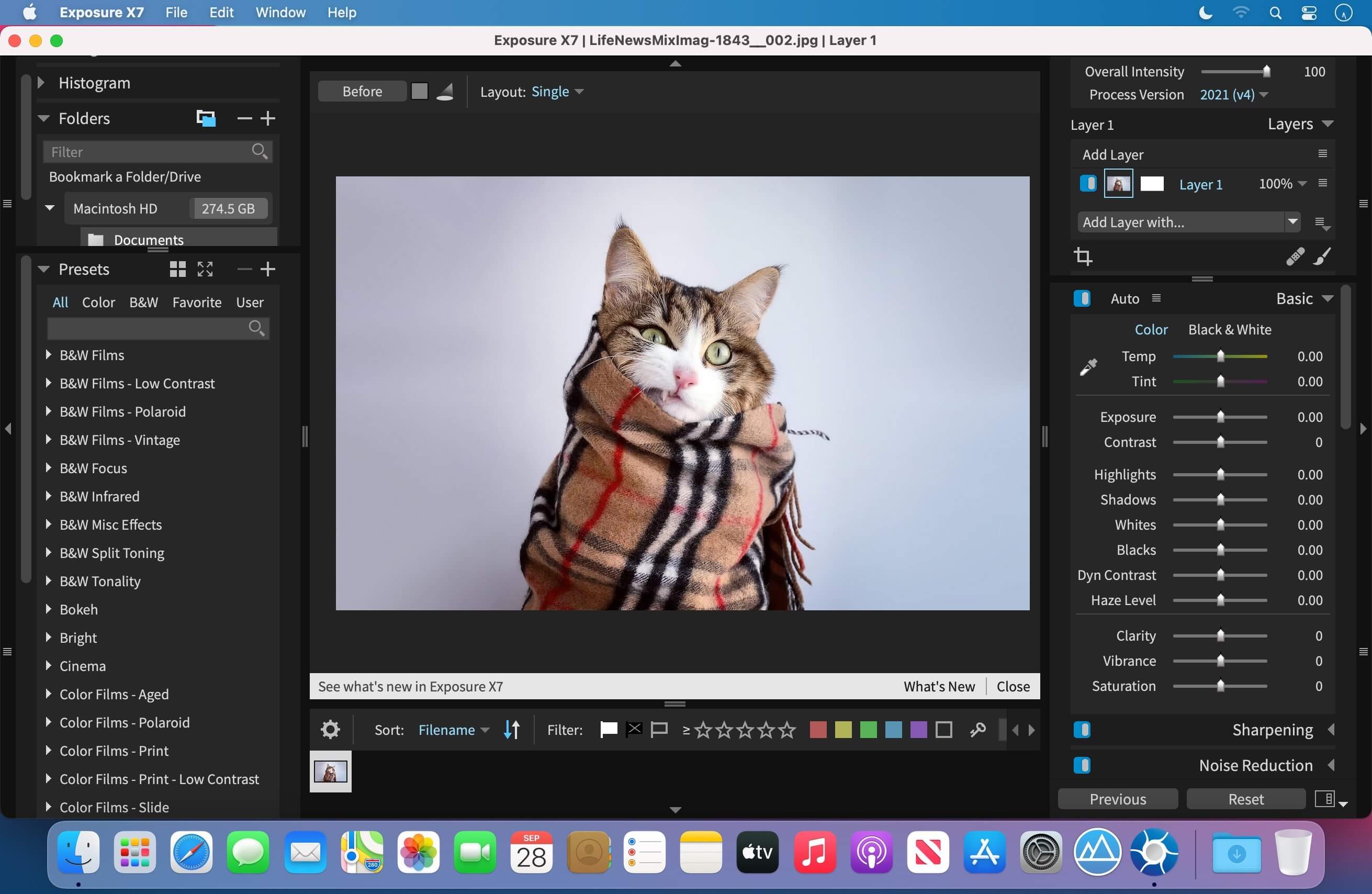
Bring your complete creative photo workflow together with the Exposure X Bundle—a powerful collection of tools for editing, organizing, enlarging, and transforming your images.
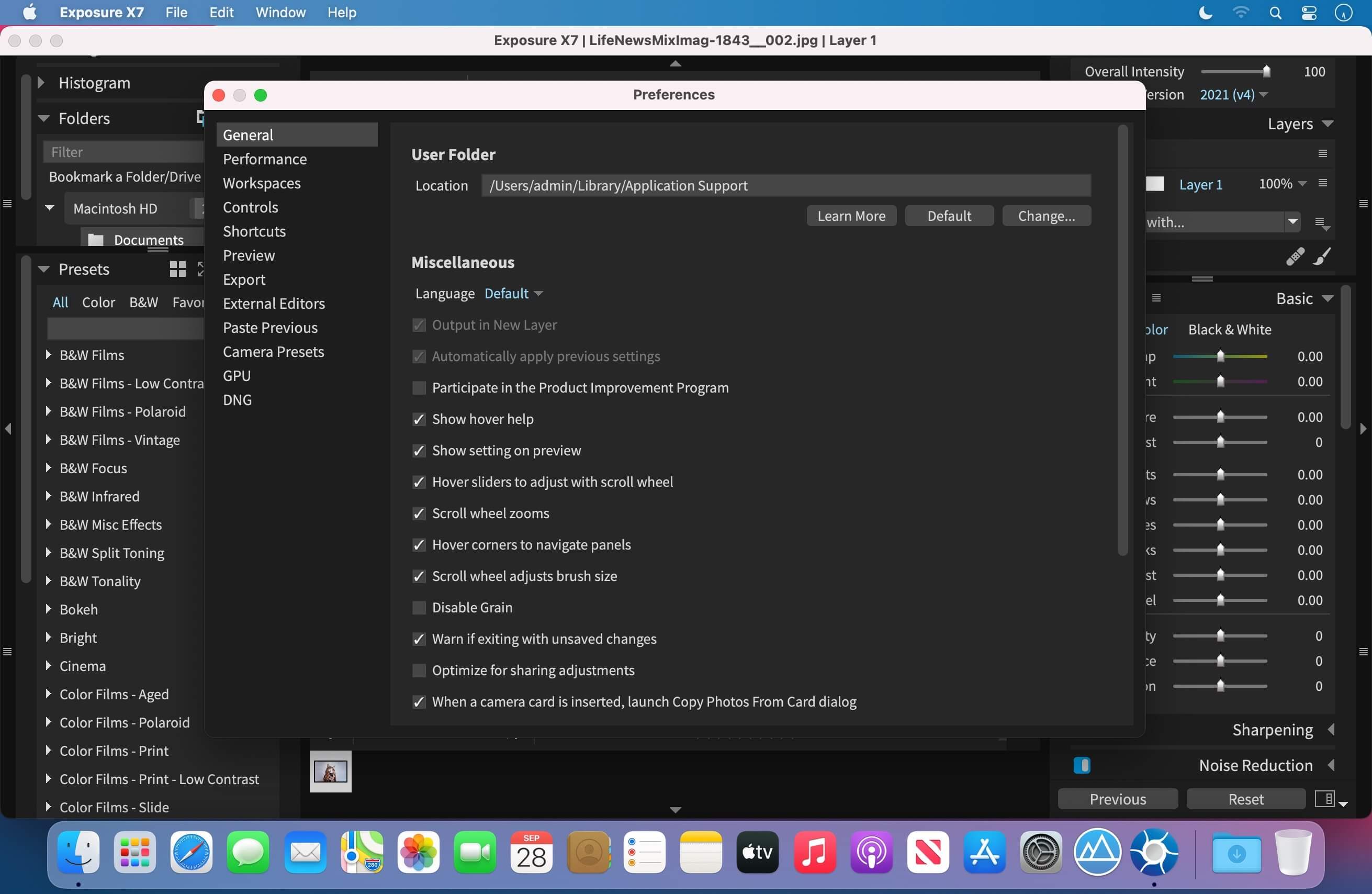
At the center of the bundle is Exposure X7, a non-destructive RAW photo editor and organizer designed to streamline your workflow. Explore creative looks, refine your images, manage your photo library, and make detailed edits without changing your original files.
The bundle also includes two specialized creative applications:
- Snap Art 4 transforms photographs into handcrafted-looking paintings using natural media such as oil, watercolor, and pencil.
- Blow Up 3 enlarges photos for detailed, high-quality prints while reducing halos, jagged edges, and digital artifacts.
Included applications
- Exposure X7 non-destructive RAW photo editor and organizer
- Snap Art 4 natural media effects
- Blow Up 3 high-quality photo enlargement
- Integrated creative tools for artistic photo editing
- Support for professional photo workflows
- Plug-ins for Adobe Photoshop and Adobe Lightroom
Use Exposure X7 as a standalone application or integrate the included tools into supported host applications.
Plug-in requirements:
Requires Adobe Photoshop CS6 or newer, or Adobe Lightroom 6 or newer.
Frequently asked questions
How do I install the app?
Mount the image, drag the app into the "Applications" folder and launch it. If the system blocks the launch, allow it in "System Settings → Privacy & Security".
The app is damaged or won't launch
Reinstalling from a fresh image usually helps. Make sure your macOS version matches the one listed in the compatibility specs.
How do I update?
Download the new version from the site and install it over the current one — your settings will be preserved.
The download link doesn't work
Try a mirror or a download manager. For large files the browser often drops the connection.
How do I completely remove the app?
Use an uninstaller utility — it cleans up the service files that remain after moving the app to the trash.





Choose a download source
Exposure X7 Bundle 7.3.0 · 623.95 MB
Previous versions
Exposure X7 Bundle 7.3.0
Previous versions are available to registered users.
Comments 1