ON1 NoNoise AI 2027 v27.0.0.19336
AI noise reduction for high-ISO photos that keeps detail
Noise reduction for Mac that keeps every detail
Push your ISO as high as the shot demands. ON1 NoNoise AI 2027 brings AI noise reduction to your Mac, removing grain from your photos while keeping fine detail sharp and natural. Wildlife, night skies, events and portraits come out clean instead of soft and painterly. Try it free on your own photos, or buy it once and own it outright.
Noise gone, detail kept
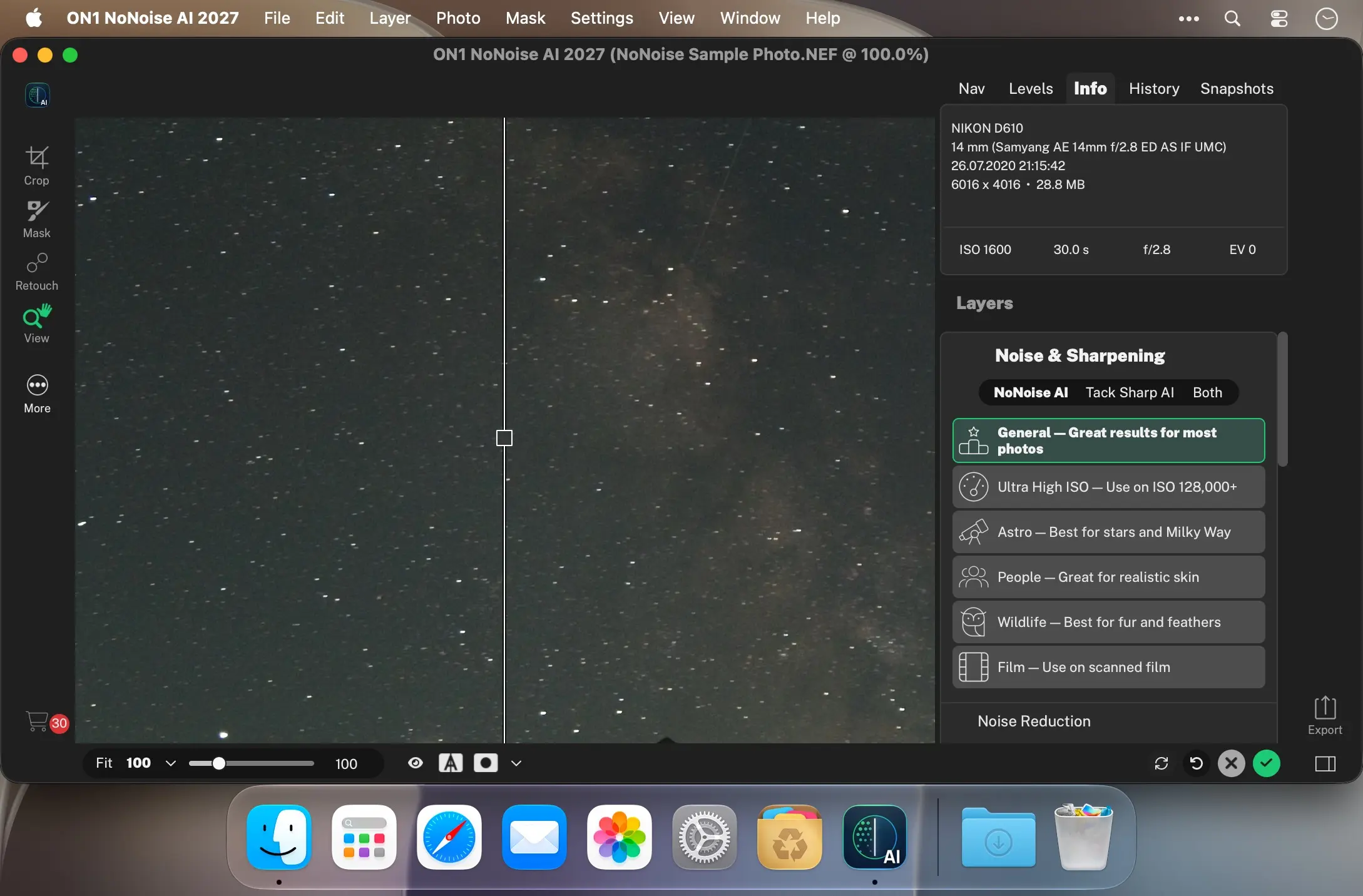
Most noise reduction tools trade grain for a smeared, plastic look. NoNoise AI is built around the opposite goal. Its rebuilt AI models separate grain from genuine texture more accurately than ever, so feathers, fabric and stars hold up even at your highest ISO settings.
Recover sharpness without bringing noise back
The deblurring AI behind TackSharp AI has been retrained to correct missed focus and camera shake while adding less noise and fewer artifacts. Shots you'd have written off as too soft are worth a second look.
Pick the AI model built for your subject
A new model selector puts specialized noise reduction models one click away. Choose the one tuned for wildlife, people, astrophotography or scanned film, and the tool matches your subject so you don't have to guess at settings.
Starts from your raw data
NoNoise AI processes raw photos with ON1's raw engine and demosaics each image from its raw data. It then works out the right amount of noise reduction for that specific photo, so every shot gets the cleanup it needs instead of a one-size-fits-all setting.
Sharpening that adapts to the detail
ON1's exclusive Progressive Sharpening sets the amount of sharpening by the size of the detail. Fine textures get a lift, larger edges become more defined, and you won't see halos or crunchy artifacts.
Fits your Mac workflow
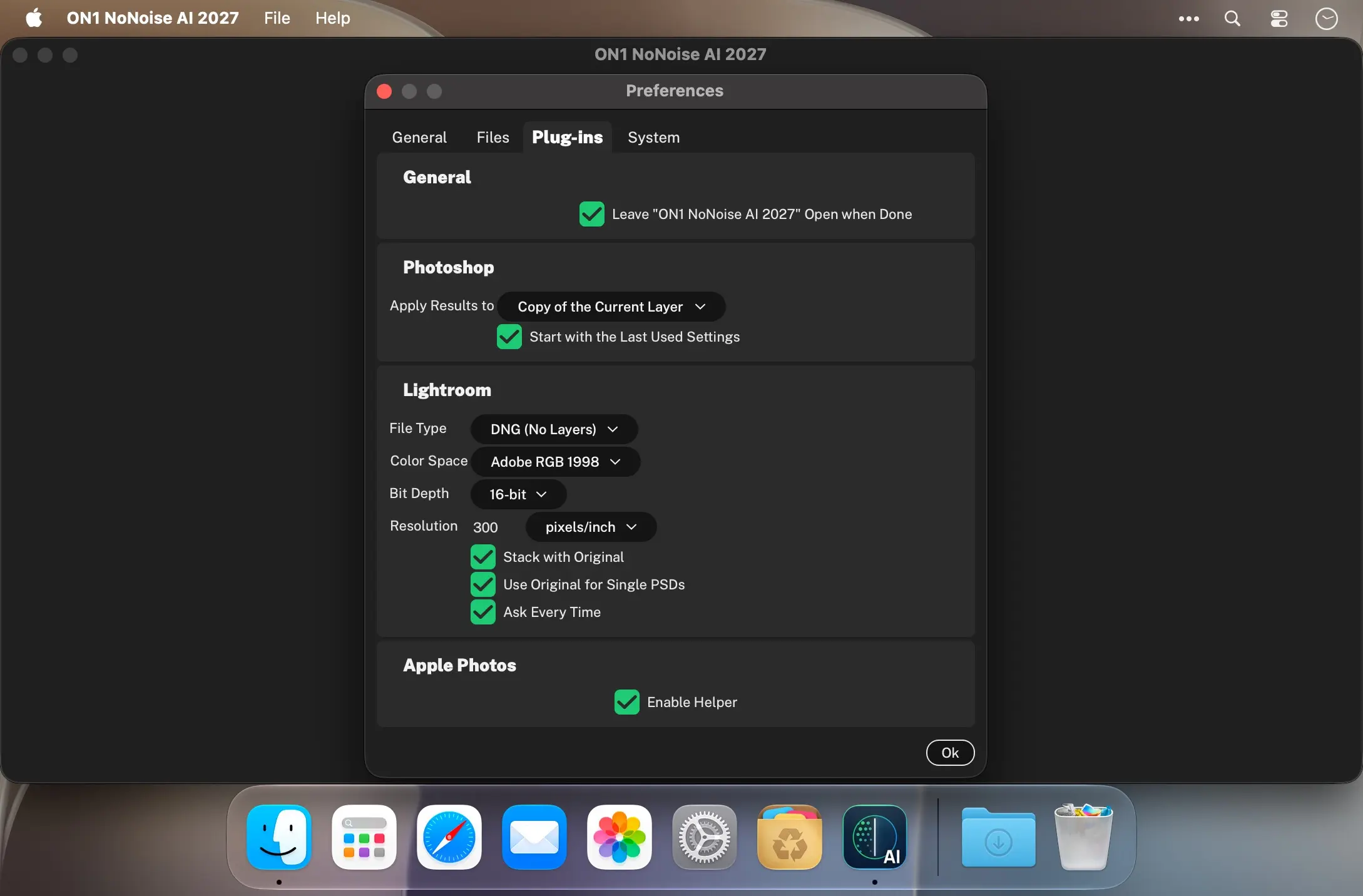
Use NoNoise AI as a standalone app on your Mac, as a plugin inside the editor you already use, including Apple Photos, or built right into ON1 Photo RAW. Your cleaned-up raw files save as DNG and keep their full tonal and color range for editing anywhere.
Key features
Everything you need for cleaner, sharper photos on your Mac:
- Rebuilt AI noise reduction: removes more noise and recovers more detail, with fewer artifacts.
- TackSharp AI deblurring: corrects soft focus and camera shake without adding noise.
- Subject-specific AI models: wildlife, people, astrophotography and scanned film.
- Raw-based processing: demosaics from raw data and sets noise reduction per photo.
- Progressive Sharpening: sharpens by detail size, with no halos or crunchy edges.
- Standalone Mac app: open, clean up and save without launching anything else.
- Plugin support: Apple Photos, Adobe Photoshop, Adobe Lightroom Classic, Photoshop Elements and Affinity Photo.
- Built into Photo RAW: already included in ON1 Photo RAW and Photo RAW MAX.
- Wide file support: raw files from 800+ cameras, DNG, JPG, TIFF and PNG.
- DNG output: keeps the full tonal and color range of your cleaned-up raw.
Stop choosing between a fast shutter and a clean image. Download ON1 NoNoise AI 2027 for Mac, try it free on your own photos, and see how much detail your high-ISO shots really hold.
What's new in NoNoise AI 2027
Major AI improvements
- Improved noise reduction models: remove more noise with a natural look and far fewer artifacts at any ISO.
- Improved TackSharp models: retrained deblurring AI corrects focus and camera shake with less noise and fewer artifacts.
- Noise reduction model selector: choose the AI model tuned for wildlife, people, astrophotography or scanned film.
More improvements
- One-click subject and background masks: create accurate masks in a single click.
- Masking layers: stack multiple masks per adjustment with add, subtract and intersect control.
- Sharper mask edges: AI-generated masks hold up better on hair and branches.
- Depth masks: blur and tone adjustments that vary with distance from the camera.
- Automatic distraction removal: detect and remove sensor dust and power lines without manual retouching.
- Generative Erase: remove people, cars and other large distractions seamlessly.
- Generative Expand: extend your canvas with realistic AI-generated detail.
- Auto Crop and Level: crop and level to a target aspect ratio in one click, even across a batch.
- Modernized rendering engine: faster performance on complex stacks and heavy masking.
- Smarter component manager: AI models, camera profiles and presets update in the background.
- Faster, easier export: quicker exports and simpler preset handling.
- JPG-XL support: smaller files with 16-bit color, transparency and lossless compression.
- Improved DNG support: compatible with the latest DNG options, including JPG-XL compression.
- Grayscale support: view and edit grayscale scans and photos natively.
Frequently asked questions
How do I install the app?
Mount the image, drag the app into the "Applications" folder and launch it. If the system blocks the launch, allow it in "System Settings → Privacy & Security".
The app is damaged or won't launch
Reinstalling from a fresh image usually helps. Make sure your macOS version matches the one listed in the compatibility specs.
How do I update?
Download the new version from the site and install it over the current one — your settings will be preserved.
The download link doesn't work
Try a mirror or a download manager. For large files the browser often drops the connection.
How do I completely remove the app?
Use an uninstaller utility — it cleans up the service files that remain after moving the app to the trash.




Choose a download source
ON1 NoNoise AI 2027 v27.0.0.19336 · 577.08 MB