Flexi Player Turntable 1.4
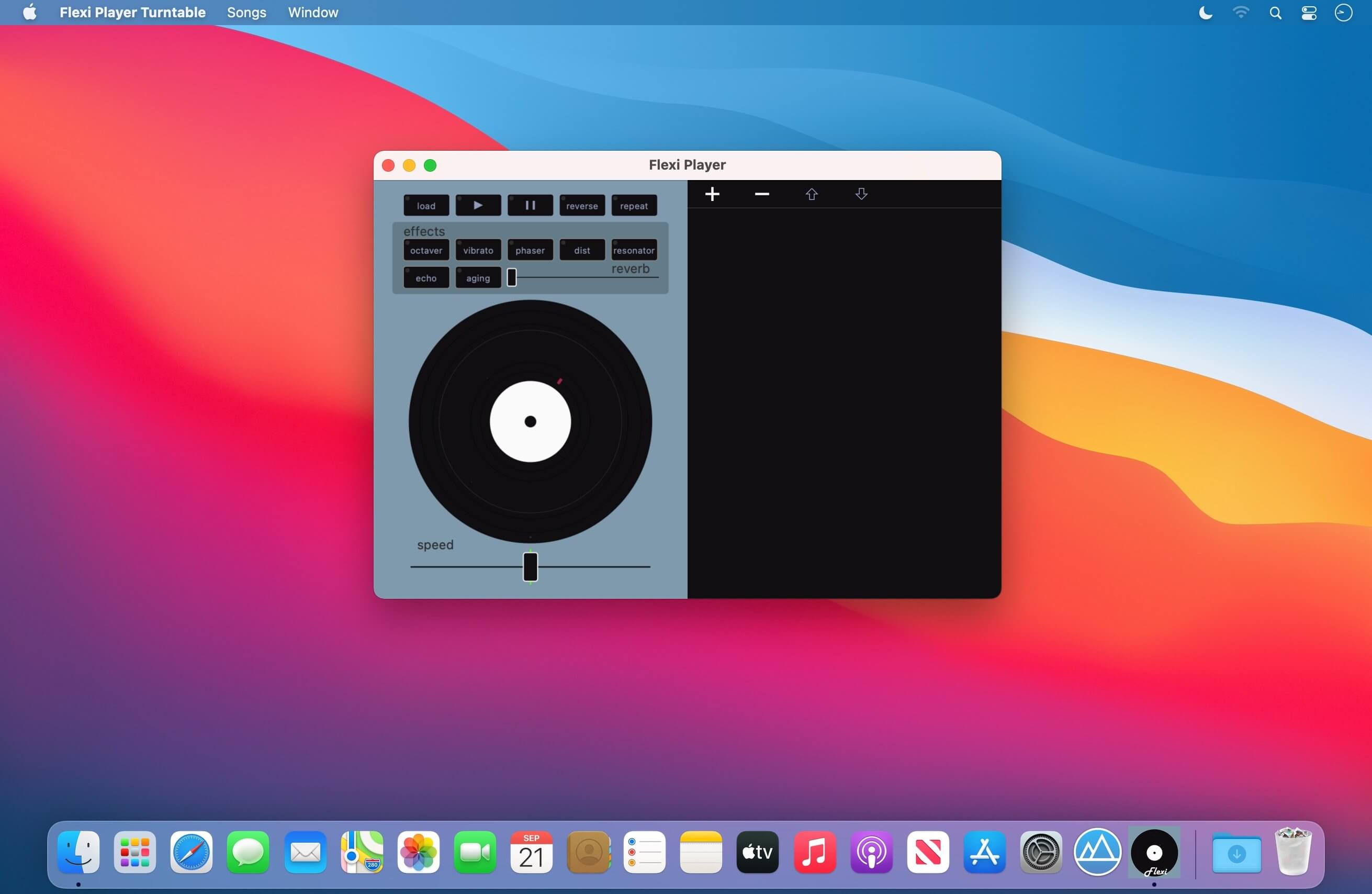
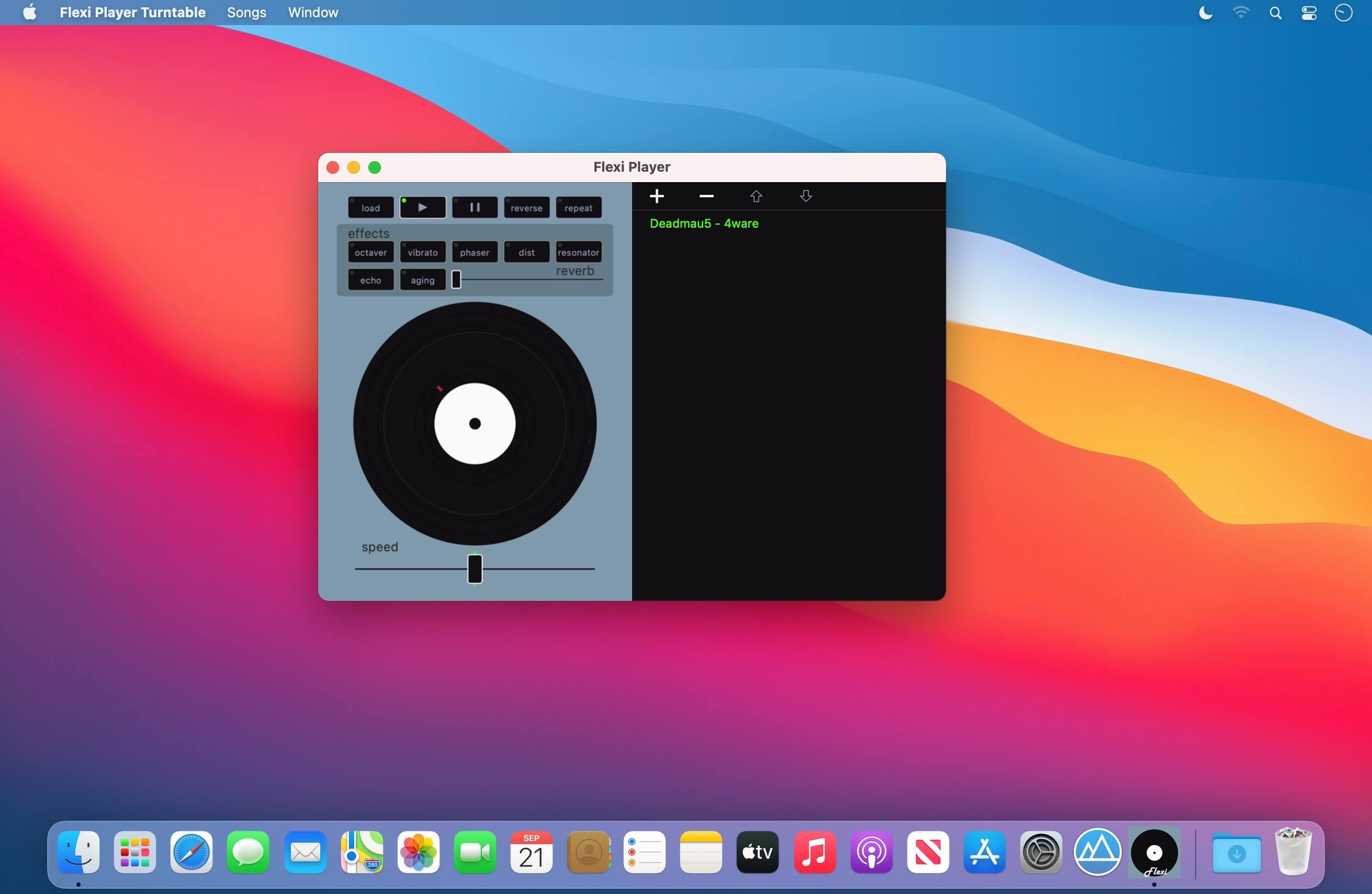
Flexi Player is interactive music player with lots of effects and real turntable for scratches.
8 build in effects and song speed changer.
Made for the Hi-Fi lovers
Old songs are fun again. Flexi Player is interactive music player with lots of effects and real turntable.
It is easy to remake and play with your songs.
Flexi uses its own Hi-Fi audio technology and is even better than real vinyl turntables as it can remaster the sound with the click of one button. You can play the songs with different speed and adjust the sound using the build-in effects of the player. That will give new soul and personality to your music.
Songs should be downloaded to load them into the Flexi Player, one song at a time .
You can:
- change the speed / tempo of a song
- make scratches
- reverse (play song backwards)
- octave down
- vibrato effect
- phaser effect
- resonator effect
- distortion effect
- reverb effect
- remake effect
- aging effect
- manage the playlist
Version 1.4
- New time control
- Drag and drop songs from Finder
- Better key bindings
- reverb and scratch improvements
Frequently asked questions
How do I install the app?
Mount the image, drag the app into the "Applications" folder and launch it. If the system blocks the launch, allow it in "System Settings → Privacy & Security".
The app is damaged or won't launch
Reinstalling from a fresh image usually helps. Make sure your macOS version matches the one listed in the compatibility specs.
How do I update?
Download the new version from the site and install it over the current one — your settings will be preserved.
The download link doesn't work
Try a mirror or a download manager. For large files the browser often drops the connection.
How do I completely remove the app?
Use an uninstaller utility — it cleans up the service files that remain after moving the app to the trash.




Choose a download source
Flexi Player Turntable 1.4 · 6.39 MB