musicMath 5.5
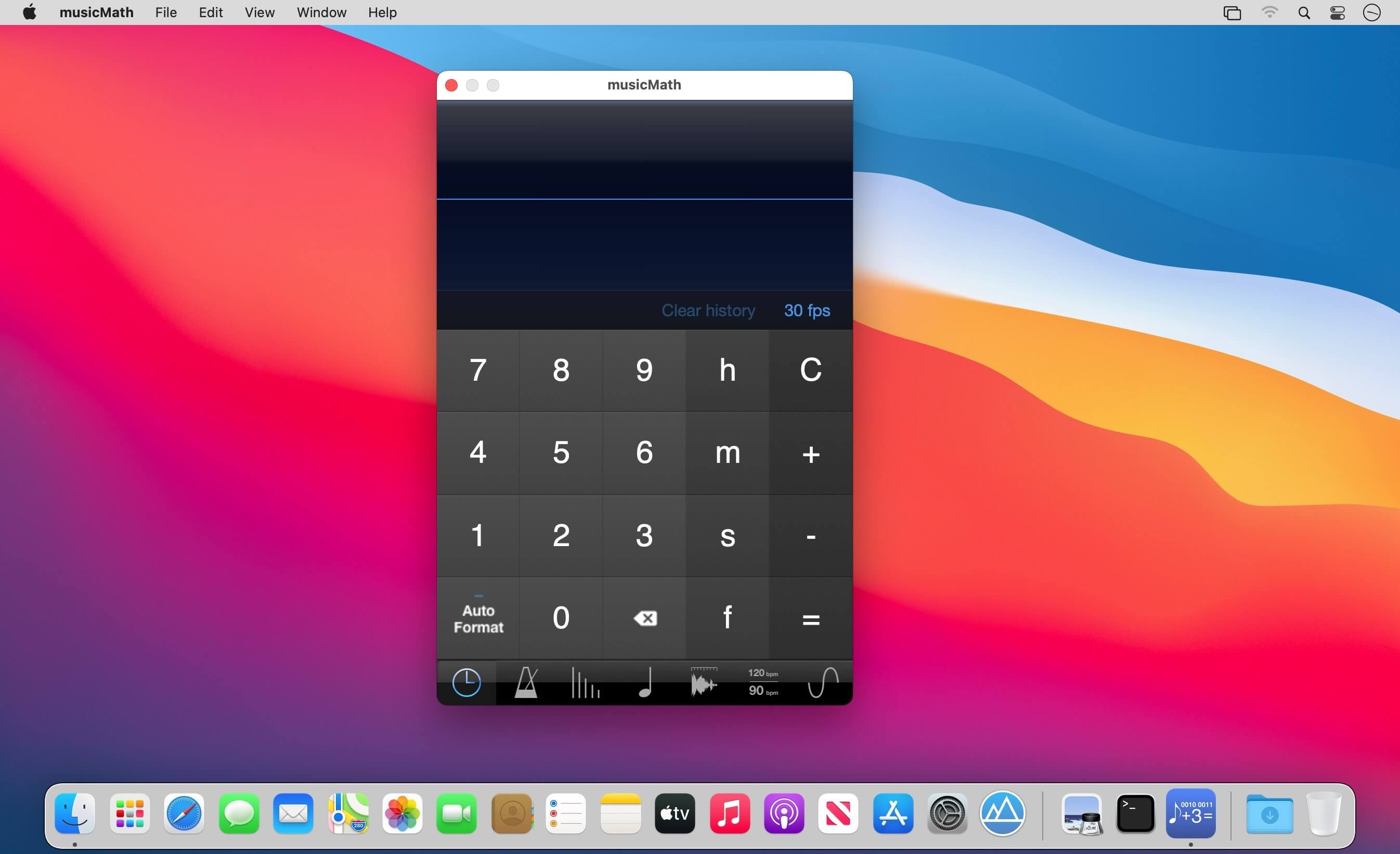

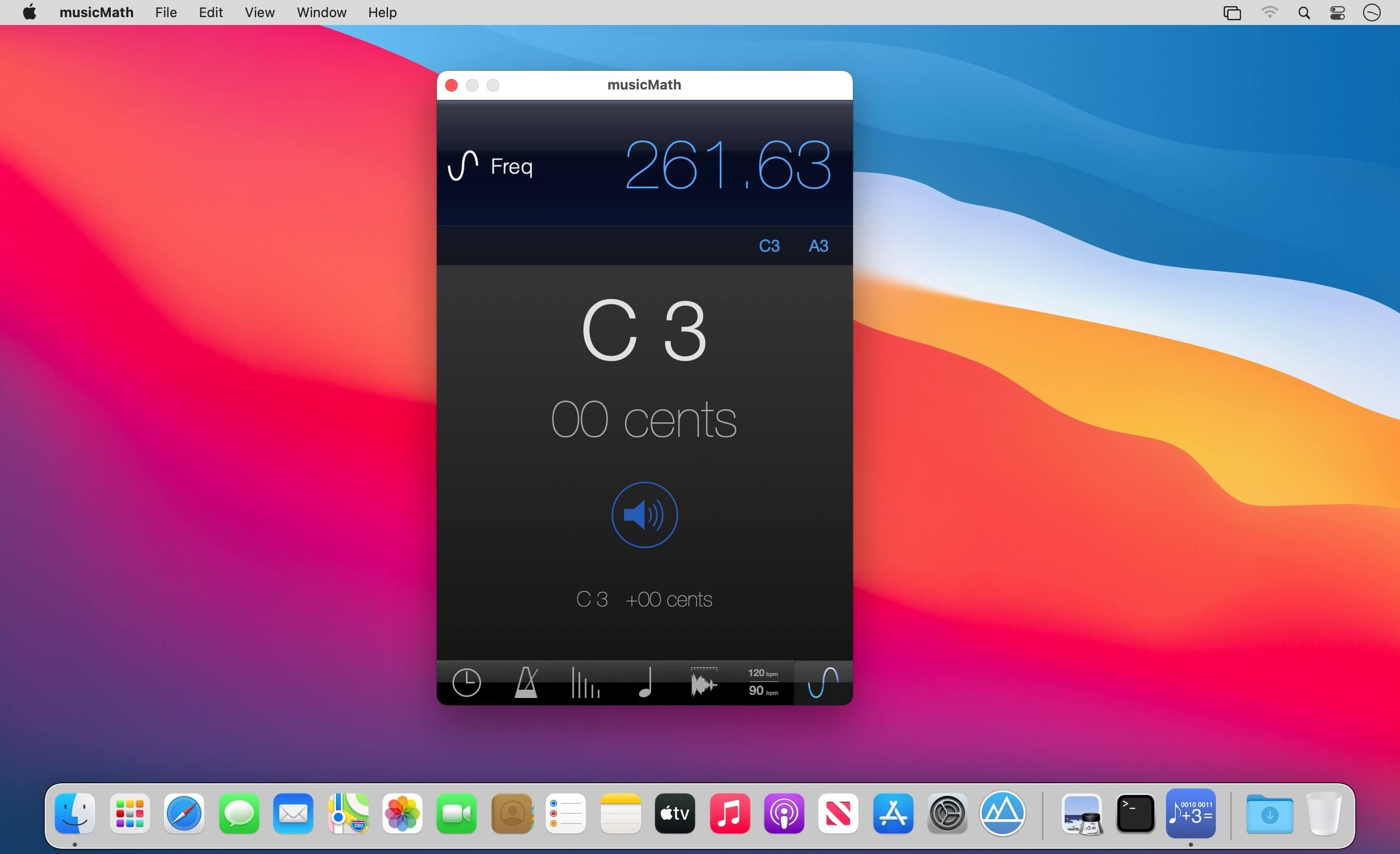
musicMath is a musical tool that includes a timecode calculator, a tap tempo, a tempo to delay in millisecond and hertz converter, a note to frequency table converter, a sample length converter, a tempo change converter, and a frequency to note converter.
Timecode calculator:
- Add and subtract timecodes or frames
- Convert a number of frames to timecodes
- Simultaneously convert the number of frames and the timecode
- Conversion of timecode when changing the frames format
- Managing frames formats 23.976 fps, 24 fps, 25 fps, 29.94 fps, 29.97 fps, 29.97 fps drop frame, 30 fps, 50 fps, 59.94 fps, 60 fps
- Real time display for formats 23.976 fps, 29.94 fps, 29.97 fps 59.94 fps
- Unlimited history calculations
- History can be saved and exported to other applications
Tap Tempo:
- Improved algorithm for imprecise tap
- Metronome
- Transfer calculated tempo to other musicMath tools
Tempo to delay table:
- Convert tempo to milliseconds and hertz
- Convert for whole-note, half-note, quarter-note, eighth-note, sixteenth-note, thirty-note and sixty-fourth-note for dotted notes and triplets
Note to frequency table:
- Convert Midi notes to frequencies
- Adjustable diapason and root note
- One hundred selectable temperaments
- Visualization of intervals in cents for each temperament
- Taking into account the temperament for the calculation of frequencies
- Plays piano sound when notes are touched
Sample length converter:
- Convert length between samples, milliseconds, and tempo
Tempo change converter:
- Calculates tempo change by ratio (%) and transposition
Frequency to note converter:
- Convert a frequency to the closest note and the cents needed
- Plays the frequency
Version 5.4
- Optimized for Apple Silicon ARM, new Universal version provides improved performance and efficiency on Mac computers with Apple silicon
- Added support for macOS Big Sur
Frequently asked questions
How do I install the app?
Mount the image, drag the app into the "Applications" folder and launch it. If the system blocks the launch, allow it in "System Settings → Privacy & Security".
The app is damaged or won't launch
Reinstalling from a fresh image usually helps. Make sure your macOS version matches the one listed in the compatibility specs.
How do I update?
Download the new version from the site and install it over the current one — your settings will be preserved.
The download link doesn't work
Try a mirror or a download manager. For large files the browser often drops the connection.
How do I completely remove the app?
Use an uninstaller utility — it cleans up the service files that remain after moving the app to the trash.





Choose a download source
musicMath 5.5 · 22.55 MB