Gear Player 2.2.38
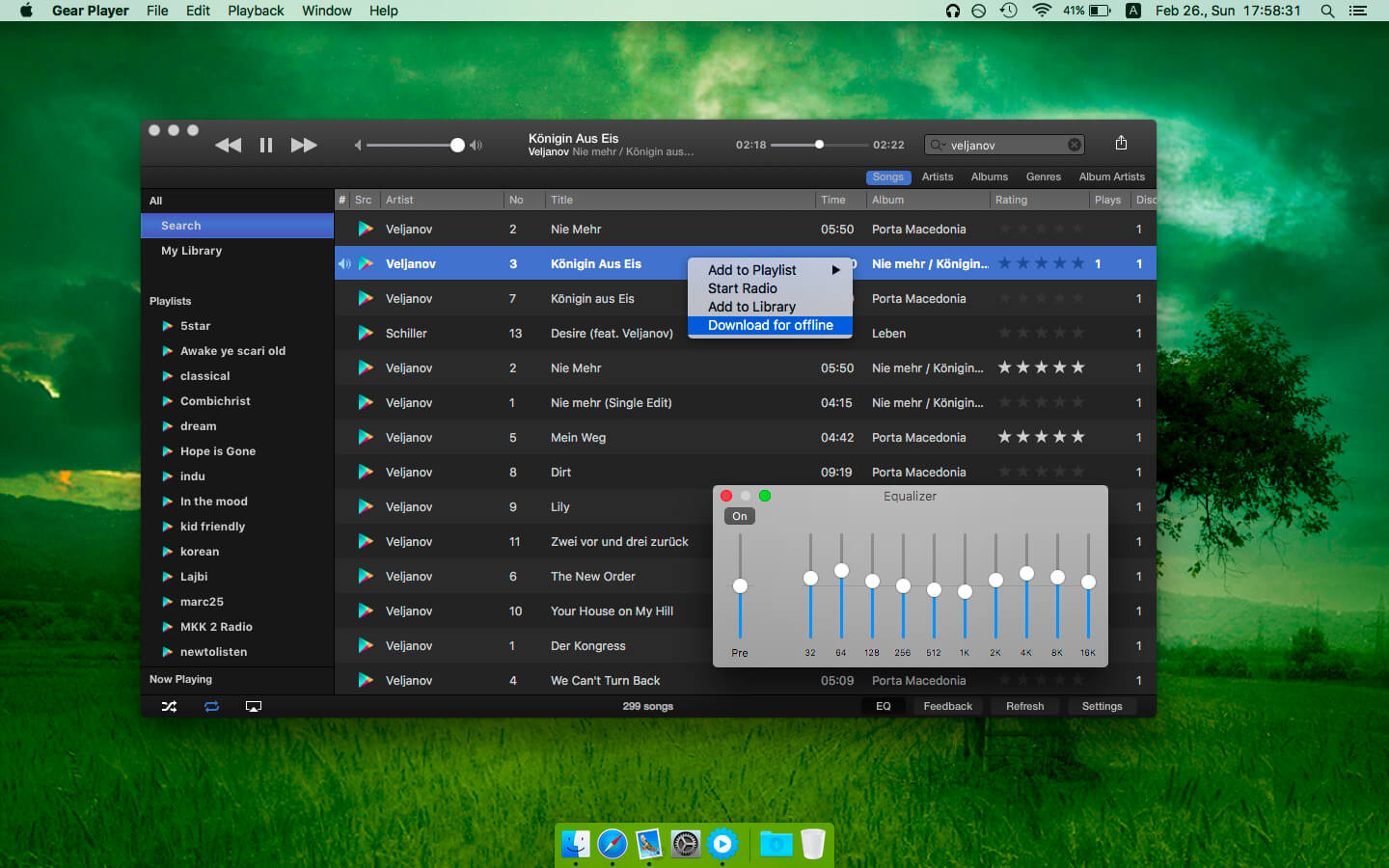
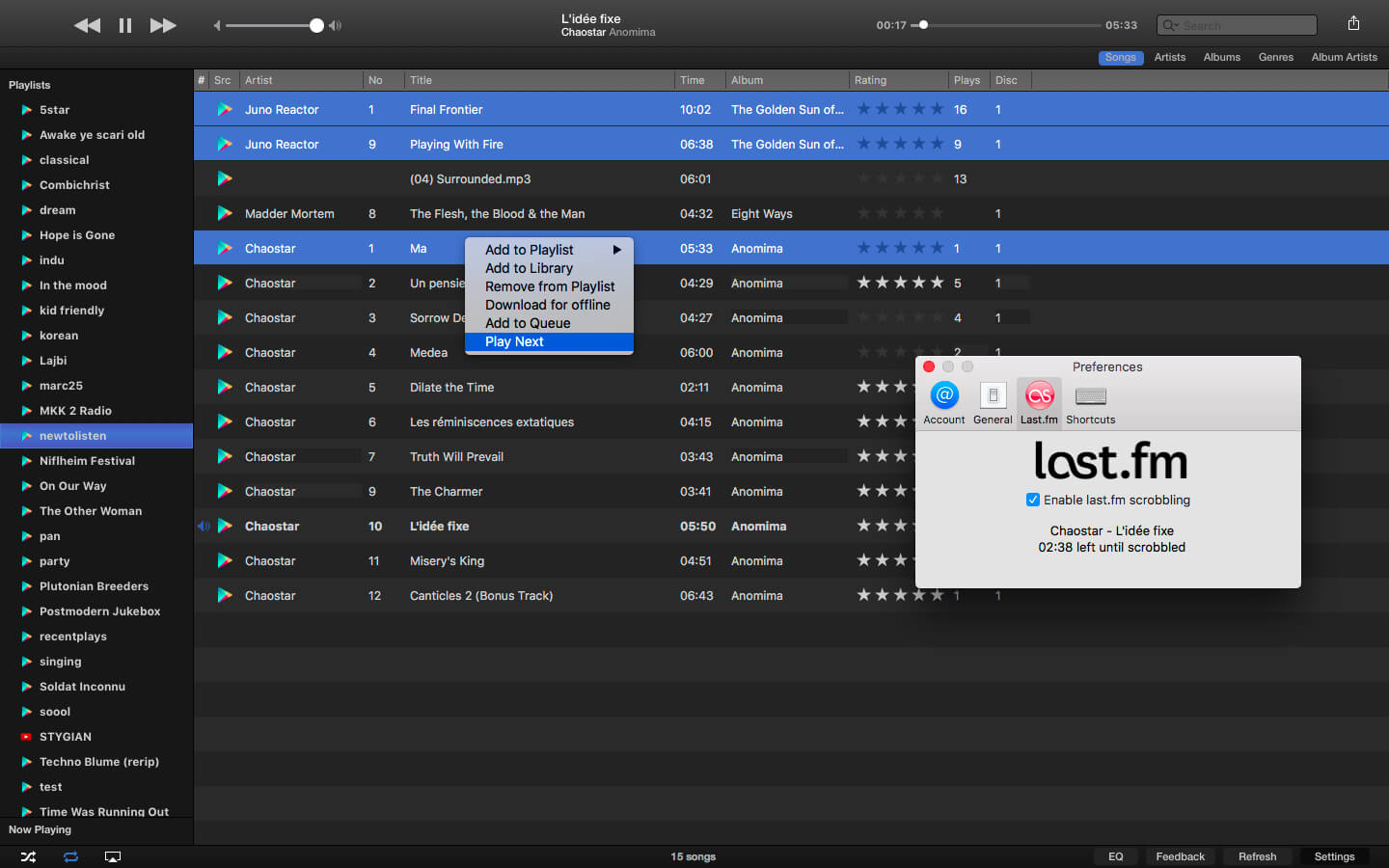
Gear Player allows you to manage your Google Play Music and YouTube music collection, without the difficulties of a web browser or Flash Player. This way playback is flawless, navigation is swift, in an easy-to-use interface.
Users can upload 50,000 of their songs to the Google Play Music* service for free. Put your music into the cloud and listen to your songs without carrying them on your device! Edit your music library comfortably with Gear, access songs on YouTube too, create playlists and radios, use the EQ, rate songs, scrobble them to Last.fm, or if you wish, save for later offline listening**!
Features:
- full Google Play Music All Access*** support, including curated radios***
- YouTube support
- gapless playback
- graphic Equalizer
- customizable shortcuts
- pause/play by pressing Space
- pause playback if Mac goes to sleep
- Last.fm scrobbling
- audio output devices: AirPlay, ChromeCast (except the ChromeCast Audio), or even multiple devices at the same time
- Notification Center (on Mountain Lion or better) / Today View widget (on Yosemite)
- Offline mode (only for Google Play Music)
- can sit in status bar instead of Dock
- add song to/delete songs from Library (by right click on song)
- create Radios and Instant Mixes based on song, album, or artist (by right click on each)
- select multiple songs and add to offline
- 'I'm Feeling Lucky’ radio
- editable queue
- Previous, Play, and Next buttons in OS X status bar (can be turned off in settings if not desired)
- rate your songs with optional 5 star ratings or thumbs up/down
- create Auto playlists (Thumbs Up, Thumbs Down, Recently Added, the meaning of the latter is configurable)
- order songs by international characters
- full screen support
- high resolution album art via Last.fm
- compatible with Nicecast
- 2-factor Google authentication
- fully Retina compatible
- edit song metadata
- post currently played song via Twitter or Facebook
Version 2.2.37
- Fixed behaviour where search results were jumping around in All Access making them hard to select
- Minor fixes
Frequently asked questions
How do I install the app?
Mount the image, drag the app into the "Applications" folder and launch it. If the system blocks the launch, allow it in "System Settings → Privacy & Security".
The app is damaged or won't launch
Reinstalling from a fresh image usually helps. Make sure your macOS version matches the one listed in the compatibility specs.
How do I update?
Download the new version from the site and install it over the current one — your settings will be preserved.
The download link doesn't work
Try a mirror or a download manager. For large files the browser often drops the connection.
How do I completely remove the app?
Use an uninstaller utility — it cleans up the service files that remain after moving the app to the trash.
VersionGear Player 2.2.38
DeveloperZsolt Szatmari
CompatibilityOS X 10.9 or later, 64-bit processor
LanguageEnglish
IncludesK'ed by TNT



Information
Visitors in the group Guests cannot leave comments on this publication.
Choose a download source
Gear Player 2.2.38 · 12.45 MB