
Cryptomator 1.10.0
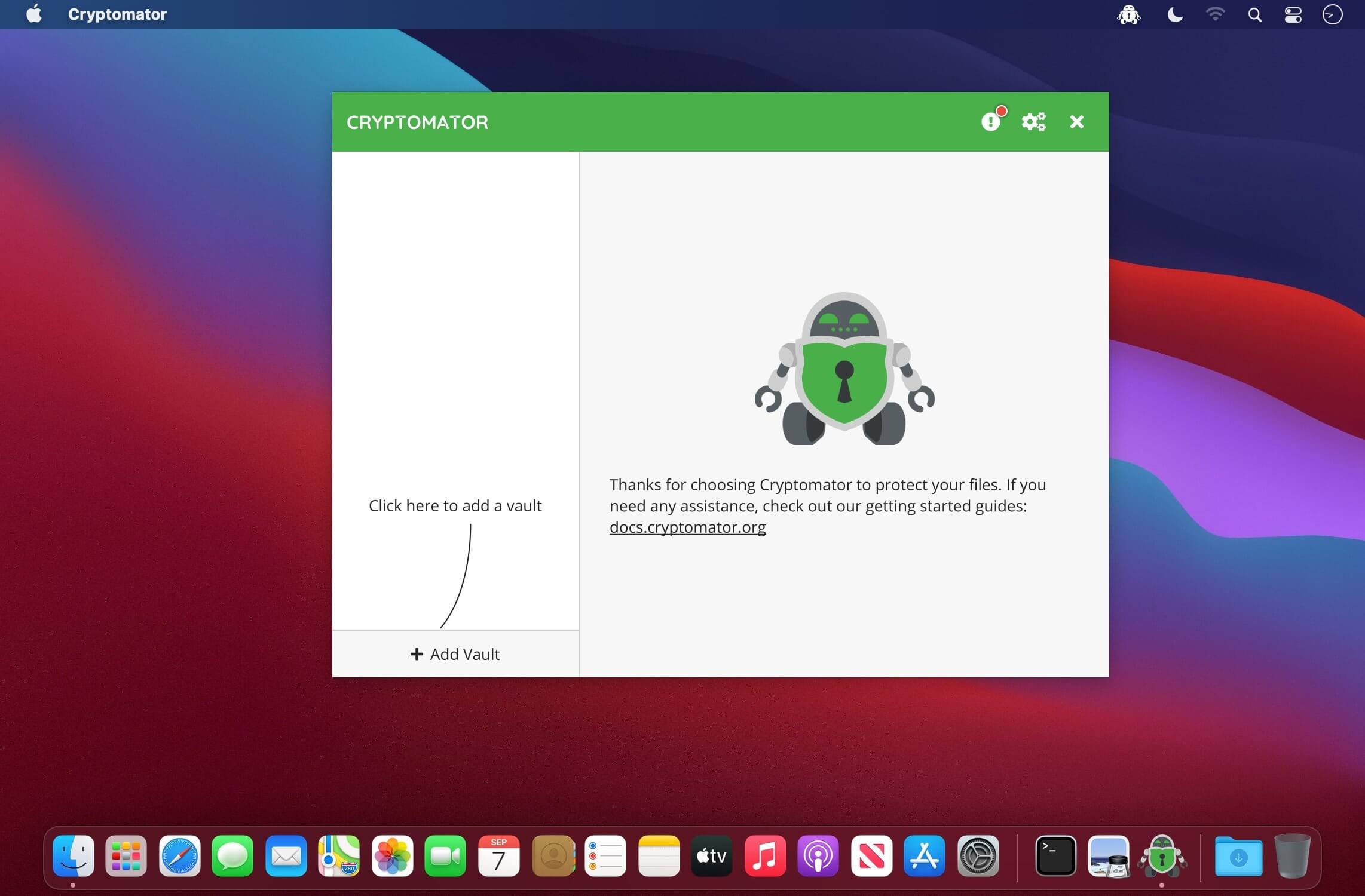
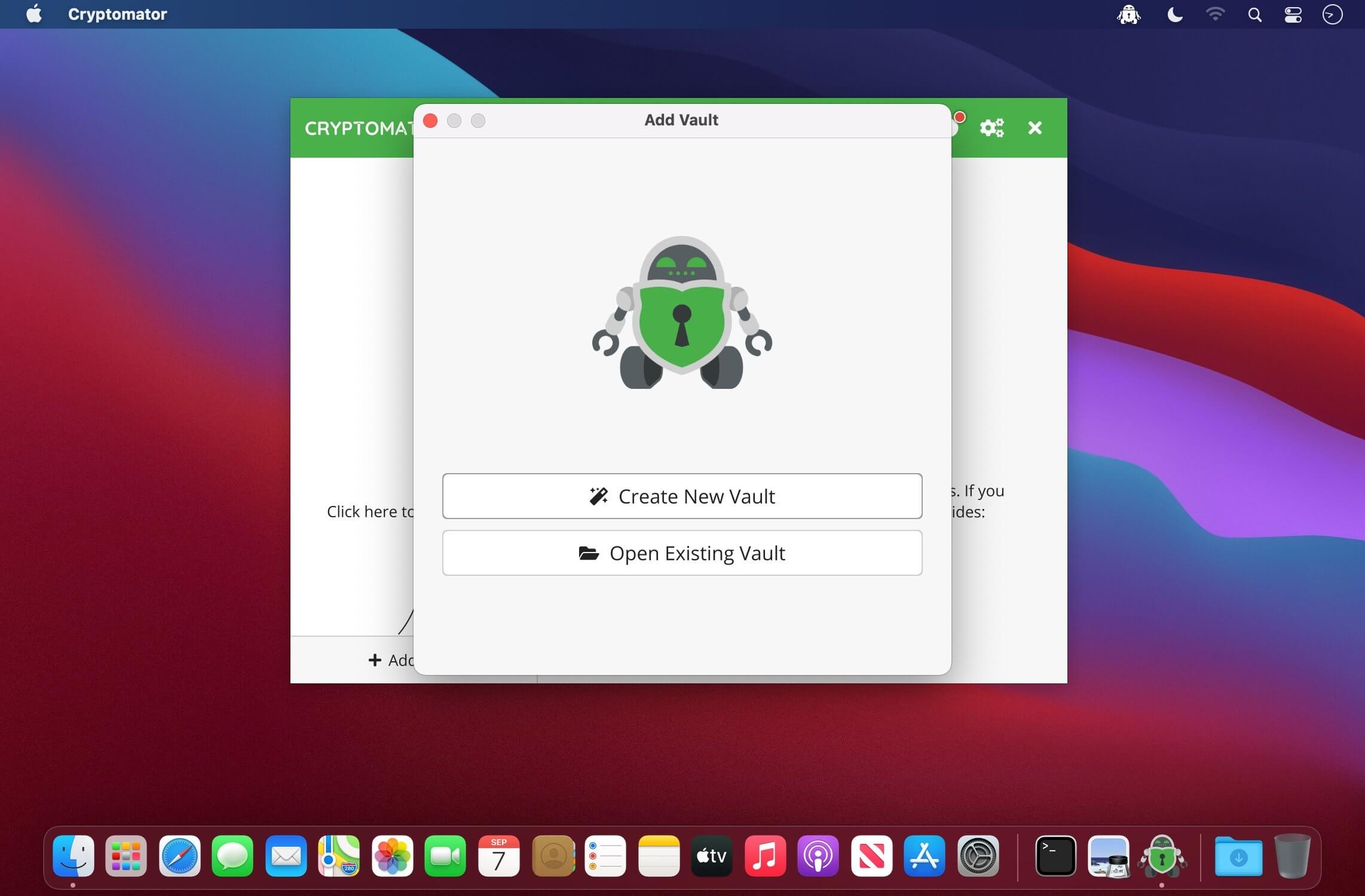
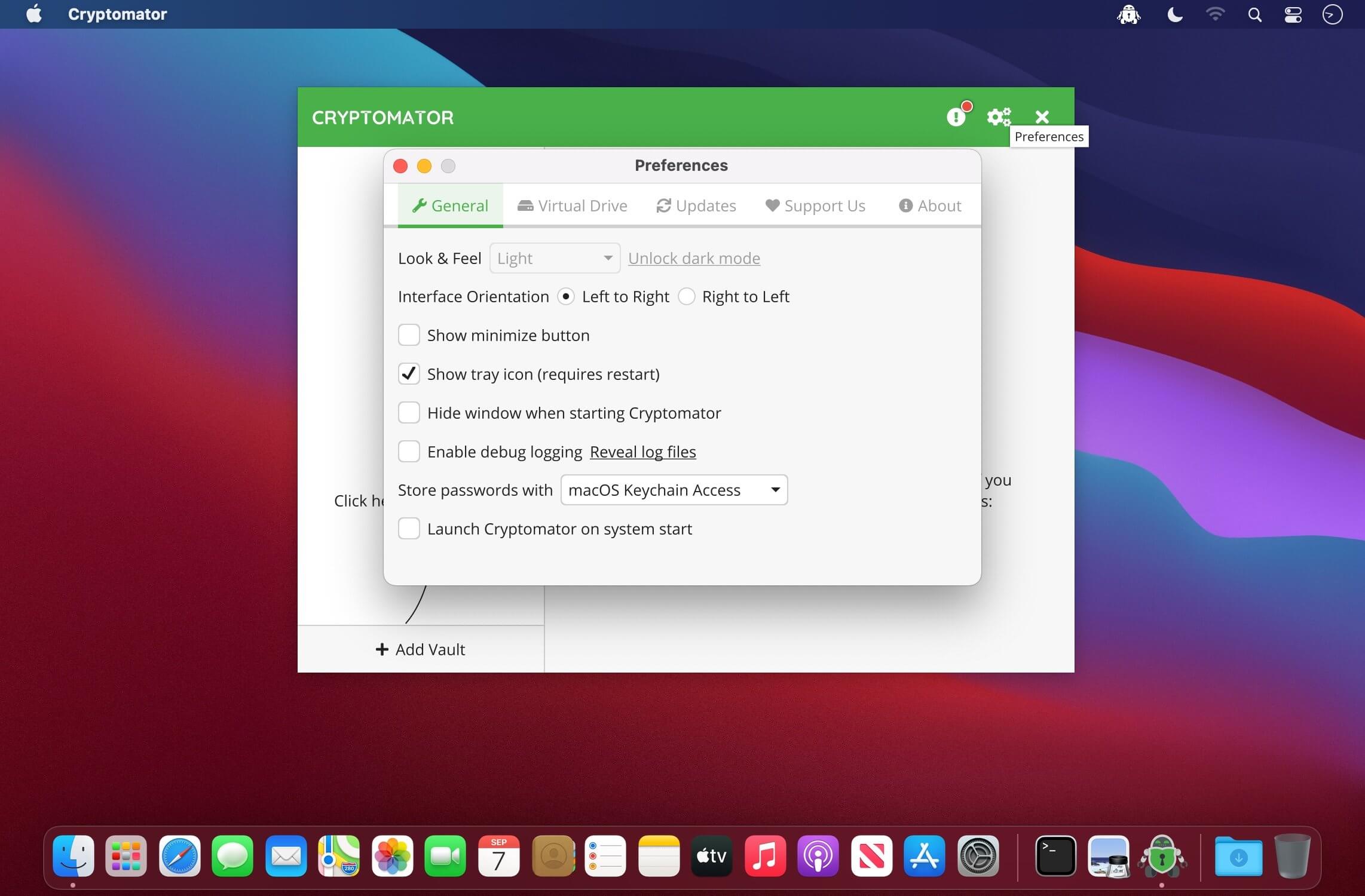
Cryptomator is a multi-platform transparent client-side encryption of your files in the cloud that protects your documents from an unauthorized access.
Features:
- Open source software: No backdoors - control is better than trust
- Client-side: No accounts, no registration, no data shared with any online service
- Works with Dropbox, Google Drive, OneDrive, Nextcloud and any other cloud storage service which synchronizes with a local directory
- Totally transparent: Just work on the virtual drive as if it were a USB flash drive
- AES encryption with 256-bit key length
- File names get encrypted
- Folder structure gets obfuscated
- Use as many vaults in your Dropbox as you want, each having individual passwords
Version 1.10.0:
What's New:
- Linux: AppImage AArch64 build (#3102)
- Error dialog points user to a solution, if one exists in the error database (#2953)
- Expert settings during vault creation (e.g. setting custom shortening threshold) (#2987)
- Update Reminder (#2998)
- Proper Tray-Menu for Linux: Support for appindicator by @purejava in #2885
- Error code lookup: Ask before downloading error code database (#3060)
- Added more error messages during unlock (#3001)
- Replaced "Add Vault" selection screen by dropdown menu (#3082)
- macOS: New app icon (#2517)
- icon_32x32@2x
What's Fixed:
- Replacing a file with a very long filename failed (#3021)
- On Windows, no specifc error screen for already occupied drive letter was shown (#2961), kudos to @sschuberth
- On Windows, Cryptomator settings were not always stored in Users appdata directory (#2838)
- Windows: Improved handling of mount during unlock (#2996)
- Cryptomator Hub: Show unathorized message if vault is archived (#3051)
- Linux: Delayed app shutdown (#3020)
- Reset position when out of display bounds by @Rexbas in #3017
- Bring up the main window from the tray on pressing "Show" on the tray… by @purejava in #3080
Other Changes:
- Replace GSON with Jackson (#2974)
- Preprocess JVM properties at app start to adjust to system environment (#2957)
- Translation Updates (#2945, #3071)
- macOS Build: Use Temurin JVM and Gluon FX Jmods instead of Zulu JVM+FX (#3033)
- Updated dependencies (#3073, #3081, #3089)
Frequently asked questions
How do I install the app?
Mount the image, drag the app into the "Applications" folder and launch it. If the system blocks the launch, allow it in "System Settings → Privacy & Security".
The app is damaged or won't launch
Reinstalling from a fresh image usually helps. Make sure your macOS version matches the one listed in the compatibility specs.
How do I update?
Download the new version from the site and install it over the current one — your settings will be preserved.
The download link doesn't work
Try a mirror or a download manager. For large files the browser often drops the connection.
How do I completely remove the app?
Use an uninstaller utility — it cleans up the service files that remain after moving the app to the trash.




Choose a download source
Cryptomator 1.10.0 · 95.04 MB