
AVTouchBar 3.0.7
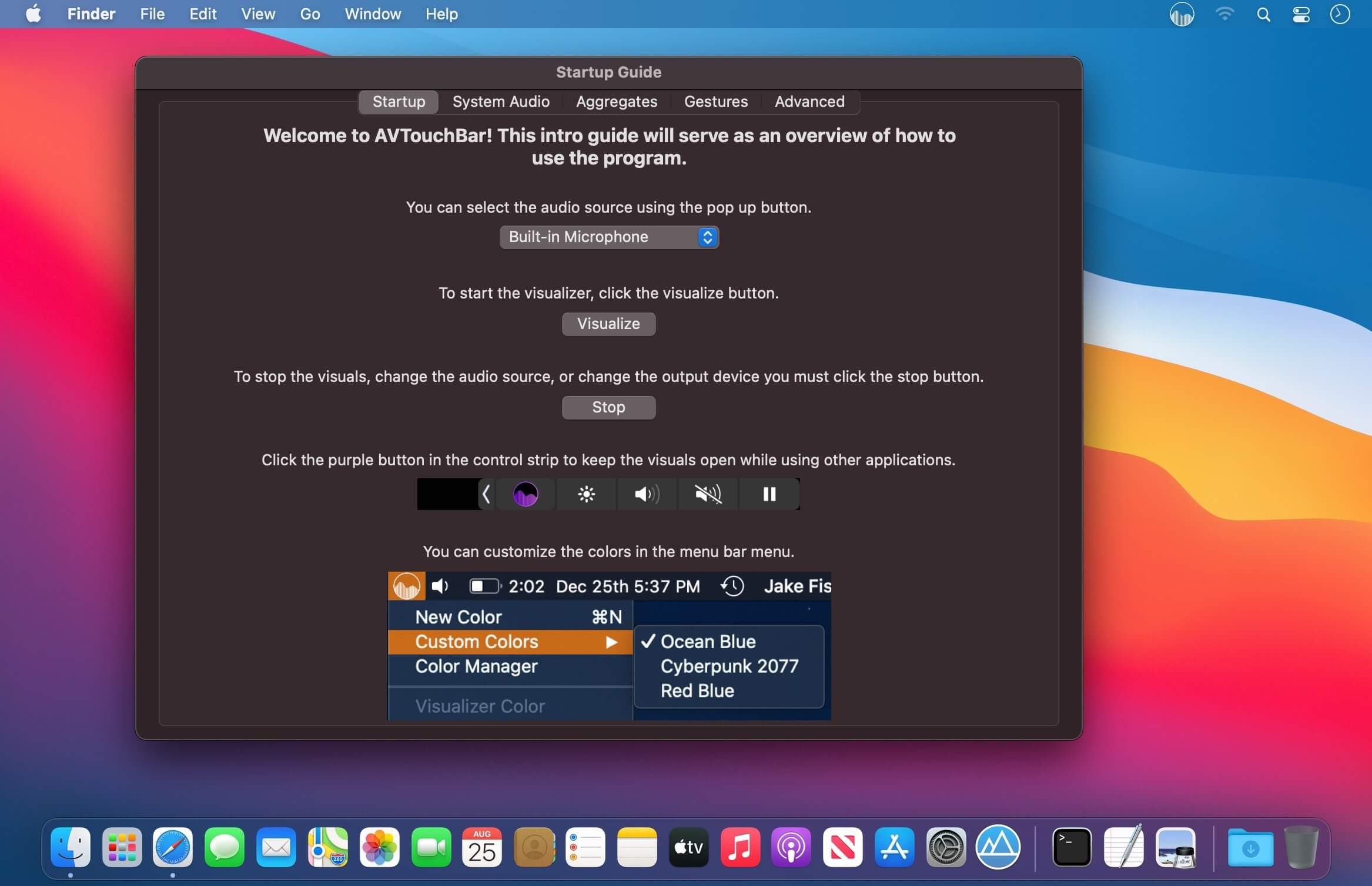
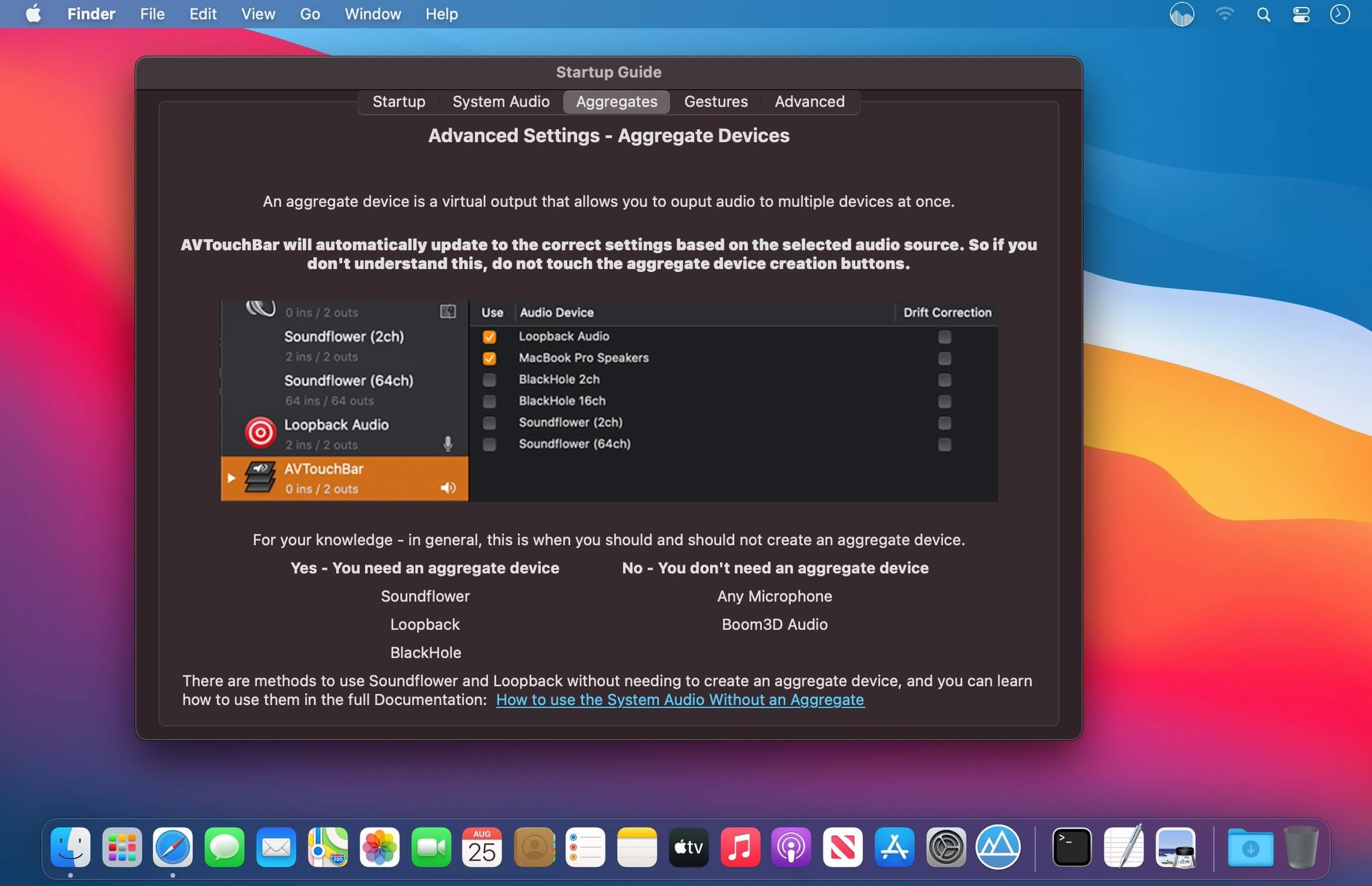

AVTouchBar is an audio visualizer for the touch bar. AVTouchBar will automatically create an aggregate device when needed. It includes features such as custom gradients, touch bar gestures to change colors, enter full screen mode, and adjust the volume.
Audio Selection
- Works with the internal microphone and system audio. *For system audio, you will need to install a third party audio driver to select it in the menu.
Color Selection
- Use the menu bar to choose the color of the audio visualizer or to quit the app.
Color Manager
- Use the color manager to easily create, delete, import, and share custom color gradients.
Color Creation
- Easily add, delete, and adjust nodes to create your favorite gradients.
Basic Mode
- Let AVTouchBar automate all the settings for you.
Advanced Mode
- Freedom to customize everything.
Touch Bar Gestures
- Single Finger Tap - Change Color
- Single Finger Long Press - Toggle Fullscreen Mode
- Single Finger Slide - Volume Up/Down
Aggregate Output Device
- When needed, AVTouchBar will automatically create an aggregate output device for you. This aggregate device automatically deletes itself upon closing of the app. No setup required and no messing with inputs/outputs.
Version 3.0.7:
- Added customization to the actions of the touch bar gestures in preferences
- Fixed a bug that was occurring while gathering the system inputs and outputs
- Experimental feature to automatically switch between different outputs. Currently does not work with bluetooth headphones due to the microphone causing issues.
Frequently asked questions
How do I install the app?
Mount the image, drag the app into the "Applications" folder and launch it. If the system blocks the launch, allow it in "System Settings → Privacy & Security".
The app is damaged or won't launch
Reinstalling from a fresh image usually helps. Make sure your macOS version matches the one listed in the compatibility specs.
How do I update?
Download the new version from the site and install it over the current one — your settings will be preserved.
The download link doesn't work
Try a mirror or a download manager. For large files the browser often drops the connection.
How do I completely remove the app?
Use an uninstaller utility — it cleans up the service files that remain after moving the app to the trash.


Choose a download source
AVTouchBar 3.0.7 · 5.45 MB