
PANTONE Color Manager 2.3.5
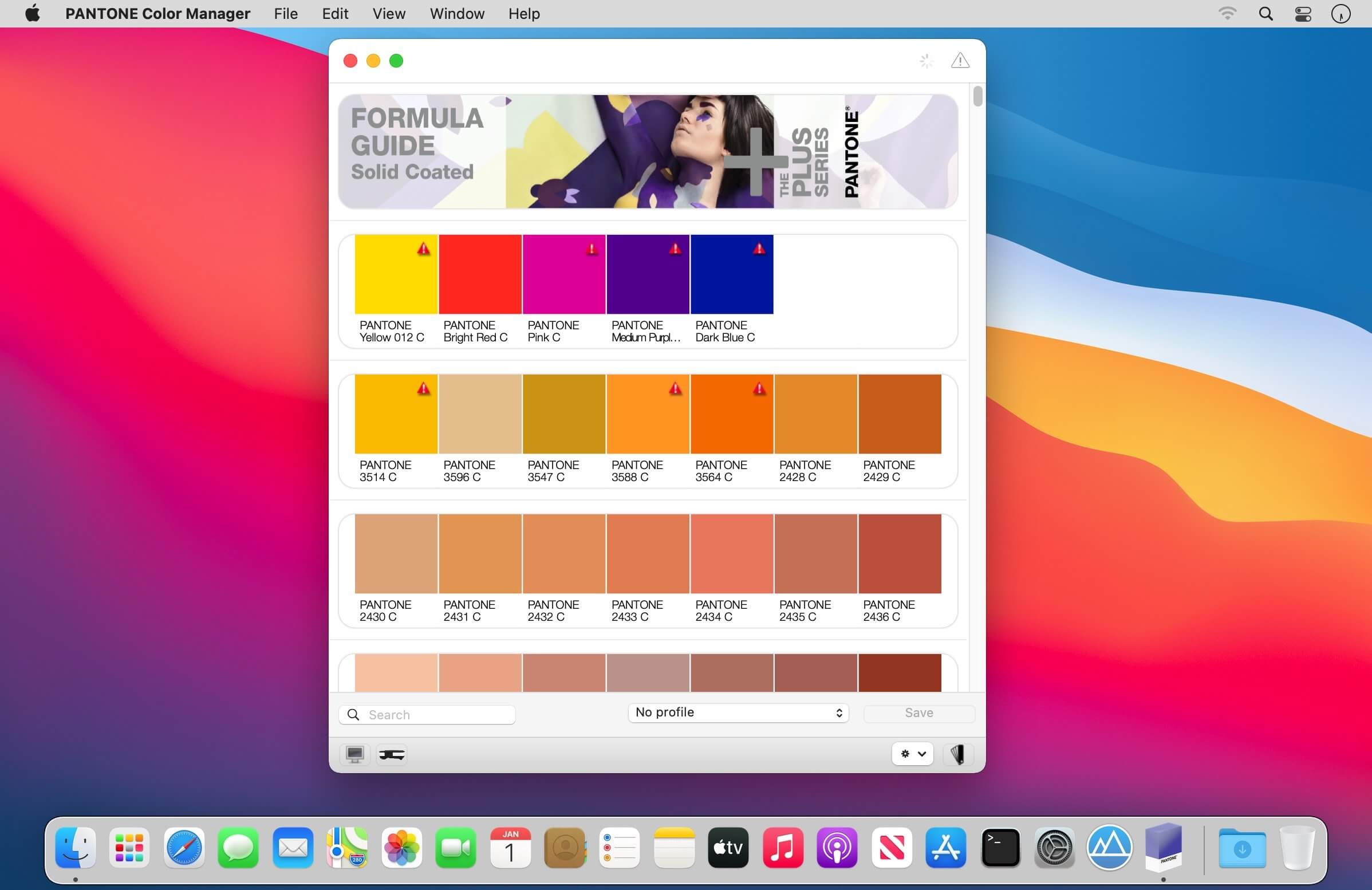
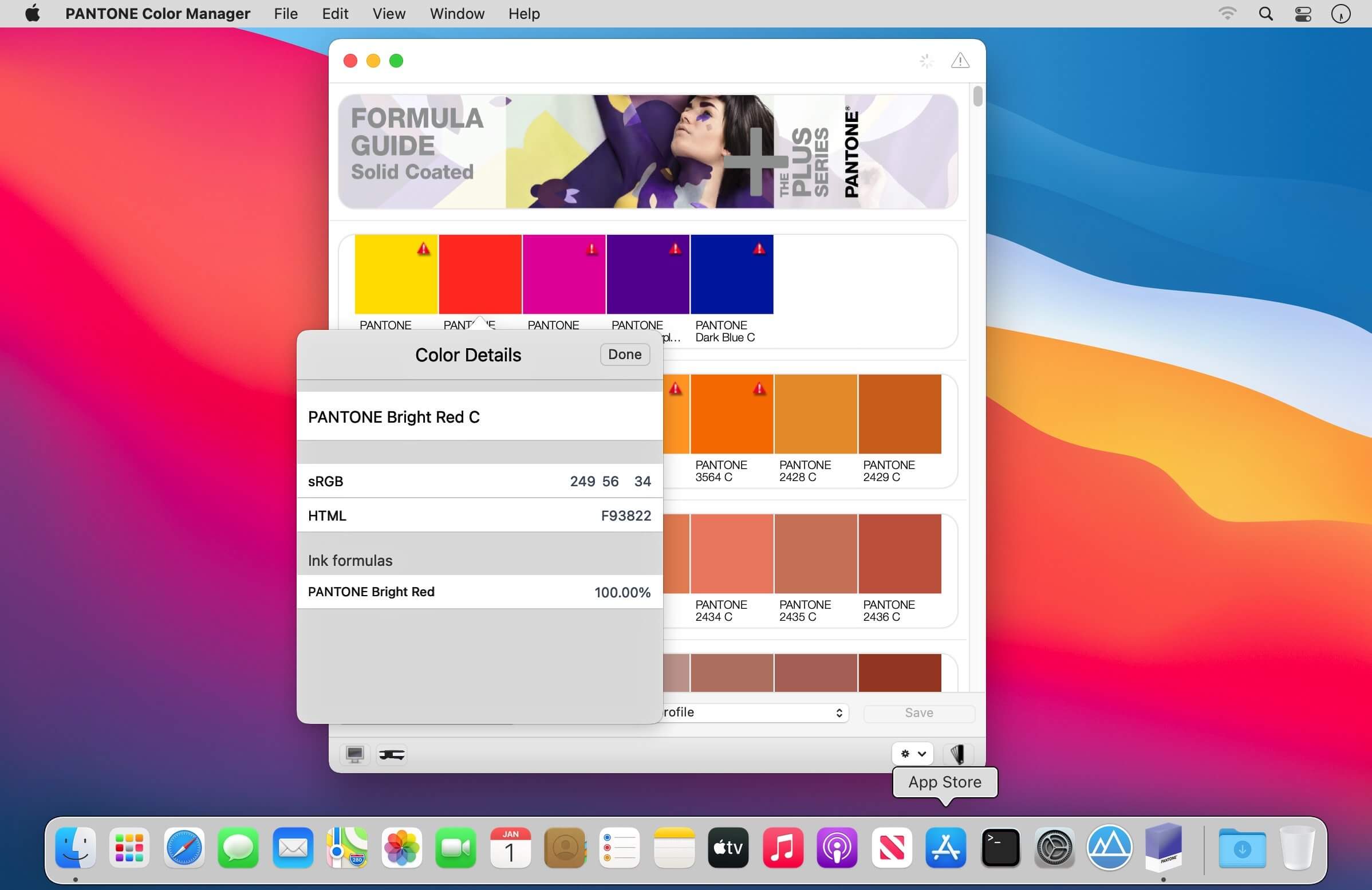
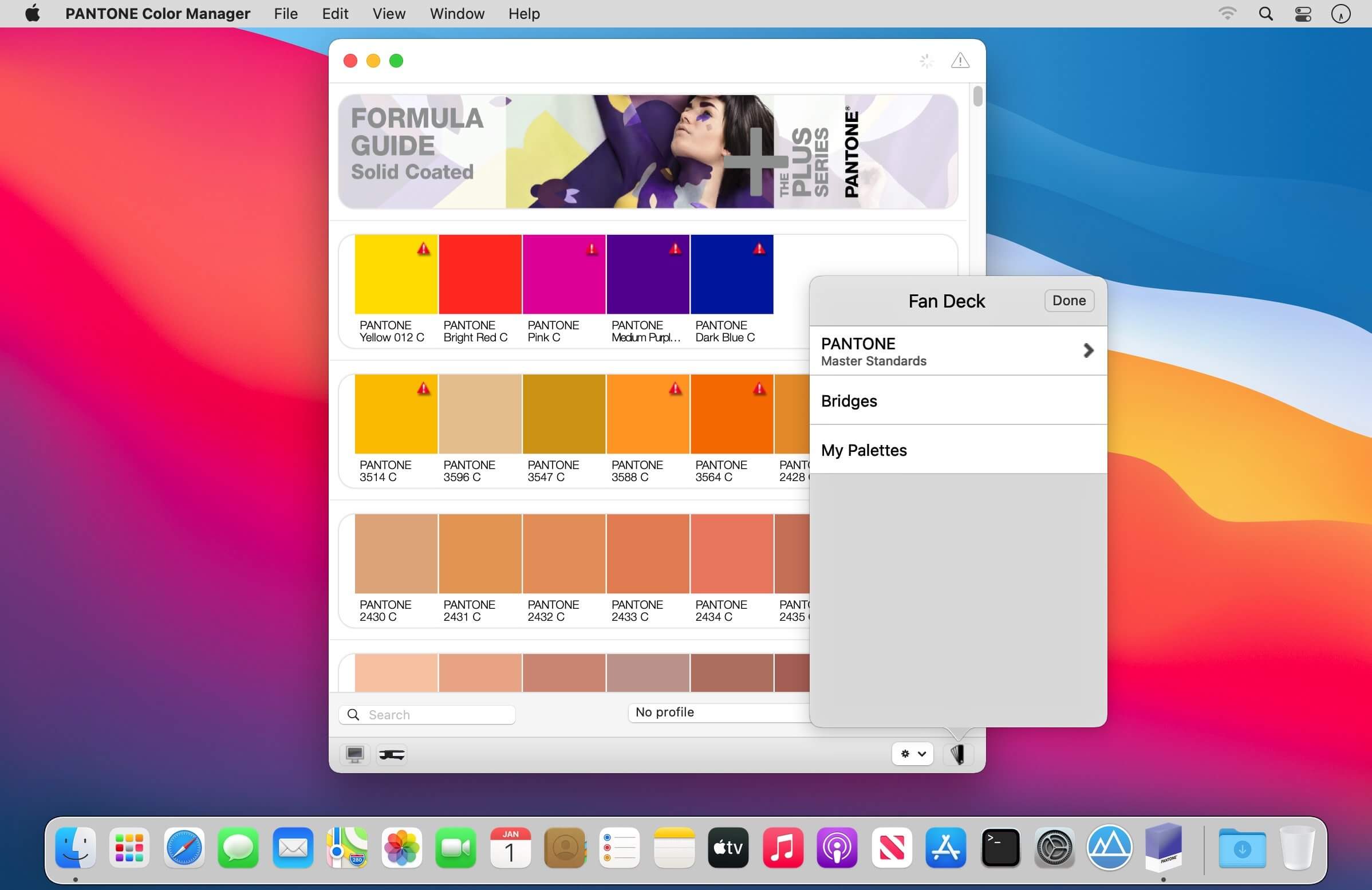
COLOR MANAGER Software is a robust desktop application that provides the assurance and confidence to use the latest PANTONE Colors accurately.
COLOR MANAGER directly integrates values from all of the PANTONE libraries of over 11,000 colors, including the dazzling new PLUS SERIES Colors, PANTONE FASHION + HOME cotton and paper formats and the new PANTONE FASHION + HOME nylon brights into design software programs making it easy to use in your QuarkXPress®, Corel® and Adobe® Creative Suite® design programs. ICC profiles provide optimized values enabling best possible representation of PANTONE Colors on monitors and printers. With COLOR MANAGER you can create your own color-managed PANTONE Color libraries and sync up those libraries to your design software and to the myPANTONE™ iPhone® app. Image color extraction allows you to pull colors and create palettes from your existing photos and images. Automatic updates make it easy to stay current with your PANTONE Color Libraries.
Frequently asked questions
How do I install the app?
Mount the image, drag the app into the "Applications" folder and launch it. If the system blocks the launch, allow it in "System Settings → Privacy & Security".
The app is damaged or won't launch
Reinstalling from a fresh image usually helps. Make sure your macOS version matches the one listed in the compatibility specs.
How do I update?
Download the new version from the site and install it over the current one — your settings will be preserved.
The download link doesn't work
Try a mirror or a download manager. For large files the browser often drops the connection.
How do I completely remove the app?
Use an uninstaller utility — it cleans up the service files that remain after moving the app to the trash.
VersionPANTONE Color Manager 2.3.5
DeveloperPantone LLC
CompatibilitymacOS 10.11 or later 64-bit
LanguageEnglish
IncludesK'ed by TNT





Information
Visitors in the group Guests cannot leave comments on this publication.
Choose a download source
PANTONE Color Manager 2.3.5 · 125.23 MB