Paletter 4.3.0

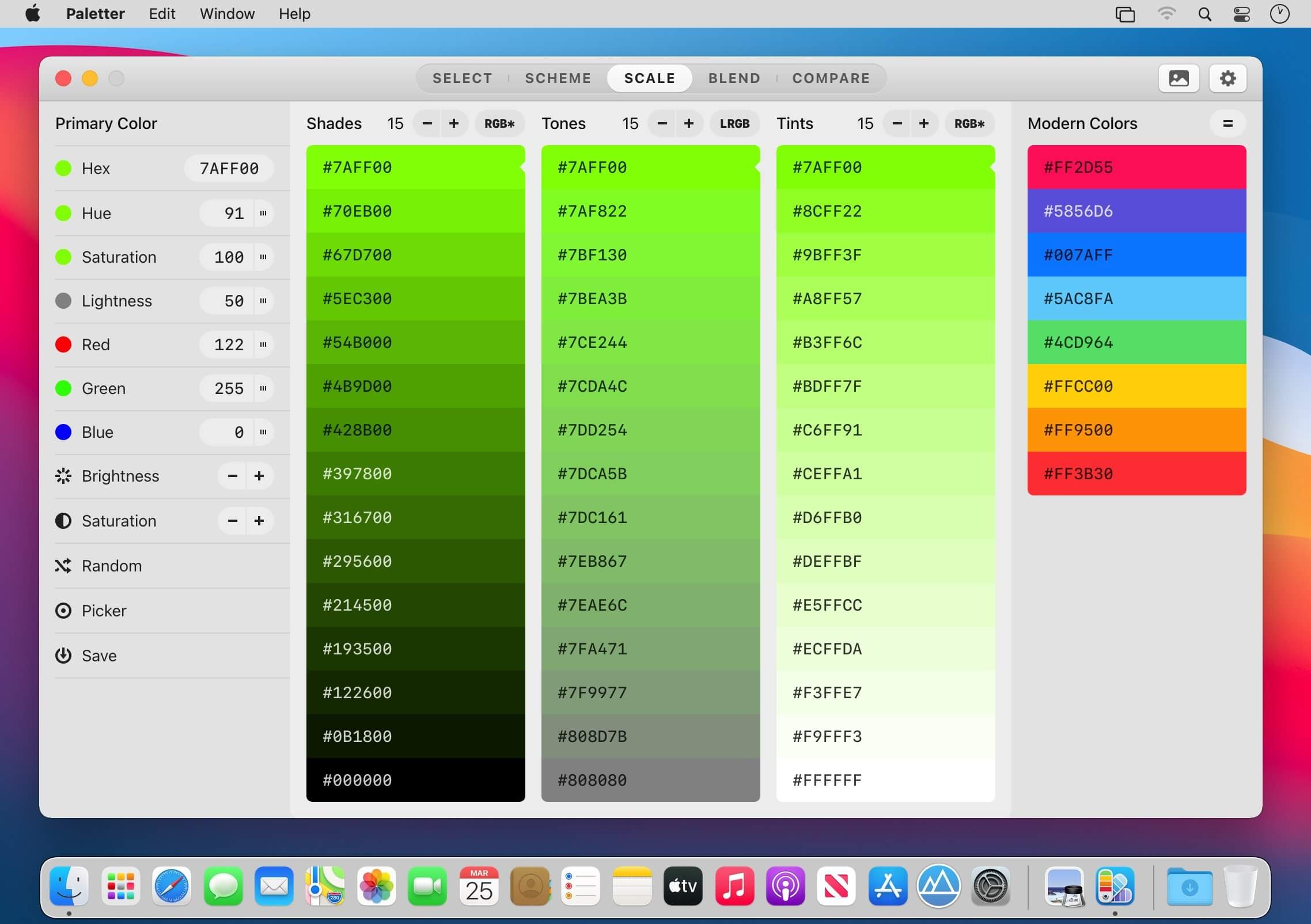
The hardest thing in design might just be choosing colors. Paletter is here to make your life easier by helping you discover and create beautiful color combinations.
Get Back to the Core of Color Theory
- Triad
- Tetrad
- Analogous
- Monochromatic
- Complementary
- Split complementary
- Shades
- Tones
- Tints
Insanely Handy
- Click on a color to set it in focus
- Right click on a color to copy
- Hold the F, W, G, or B key for a surprise
- Mix colors and perform WCAG contrast analysis
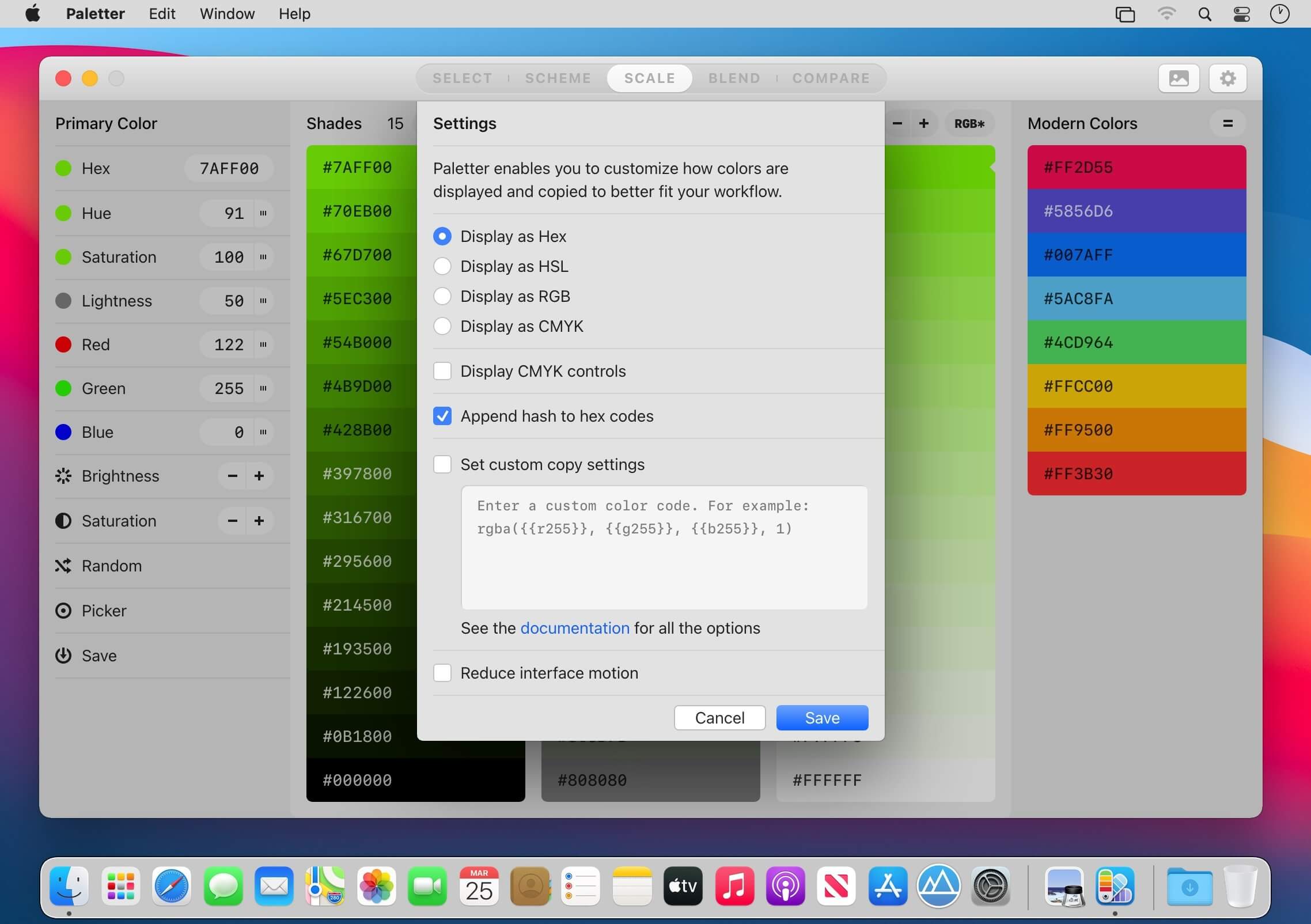
- Customize the display and copy settings
Made for Mac People
- Cached undo/redo for up to 100 colors
- Dark Mode support
- Touch Bar support
- Works offline
Version 4.3
- UI bug fixes and maintenance
Frequently asked questions
How do I install the app?
Mount the image, drag the app into the "Applications" folder and launch it. If the system blocks the launch, allow it in "System Settings → Privacy & Security".
The app is damaged or won't launch
Reinstalling from a fresh image usually helps. Make sure your macOS version matches the one listed in the compatibility specs.
How do I update?
Download the new version from the site and install it over the current one — your settings will be preserved.
The download link doesn't work
Try a mirror or a download manager. For large files the browser often drops the connection.
How do I completely remove the app?
Use an uninstaller utility — it cleans up the service files that remain after moving the app to the trash.

Choose a download source
Paletter 4.3.0 · 77.44 MB