Master PDF Editor 5.7.90
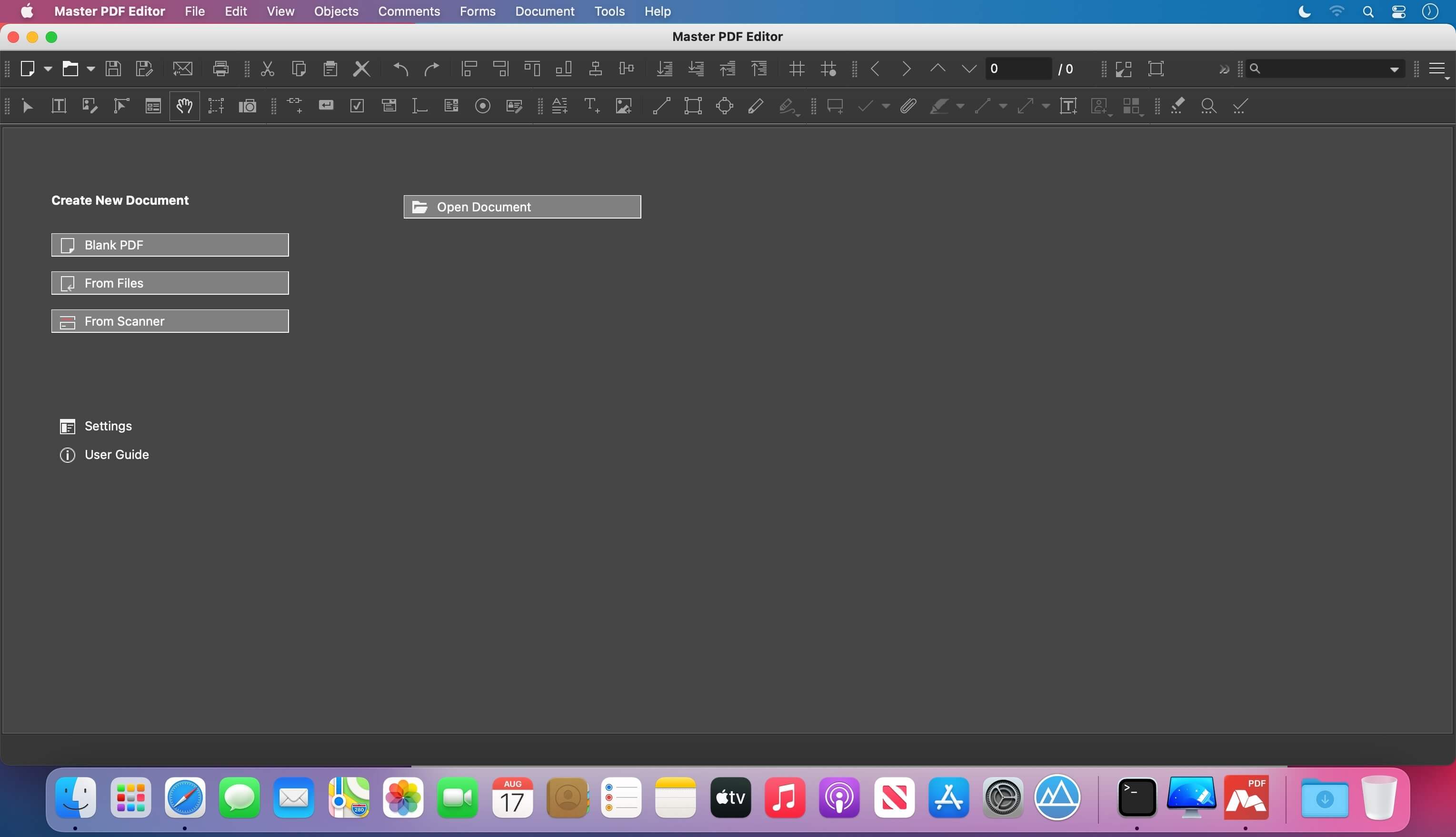

Master PDF Editor is straightforward, easy to use application for working with PDF documents equipped with powerful multi-purpose functionality. With Master PDF Editor you can easily view, create and modify PDF documents. The application enables you to merge several files into one, split a source document into multiple documents, and also to comment, sign and encrypt PDF files.
View, create, modify, sign, scan, OCR and print PDF documents
Modify text and objects
With Master PDF Editor you can add text with any formatting to a PDF document or edit existing text. You can also insert images to the document, select and move objects, change the size of objects, save images to a file and copy objects them to the clipboard.
Annotate PDF documents
Powerful annotation tools such as Sticky Note, Measuring tools and Shapes, as well as the enhanced editing capabilities provided by the Strikethrough, Underline, and Highlight functions will make your work easier than ever. Create unique Stamps and use them when reviewing the document or making a note of its status.
Create and fill in PDF forms
With Master PDF Editor it is very simple to edit the various elements of interactive PDF forms such as buttons, text fields, checkboxes and more, as well as implement event handlers for predefined user actions. Automatic calculation and data validation with jаvascript is supported.
Optical character recognition in PDF
Optical character recognition allows the ability to search for text fast and efficiently, as well as to edit scanned documents and documents containing images.
Operations on PDF pages
Master PDF Editor supports both the merging and spiting of PDF files. It enables you to easily move, remove, insert and rotate pages in PDF documents as well as change their size.
PDF Bookmarks
Create, edit and remove bookmarks. Add bookmarks for specified pages or paragraphs to allow fast document navigation and efficiently look up information.
Digital signatures in PDF
Check digital signatures, create new ones and sign documents with digital certificate. For PDF documents, a digital signature is the equivalent of the handwritten signature on paper documents, so the recipient of the signed document may be confident about its authenticity.
Create PDF documents
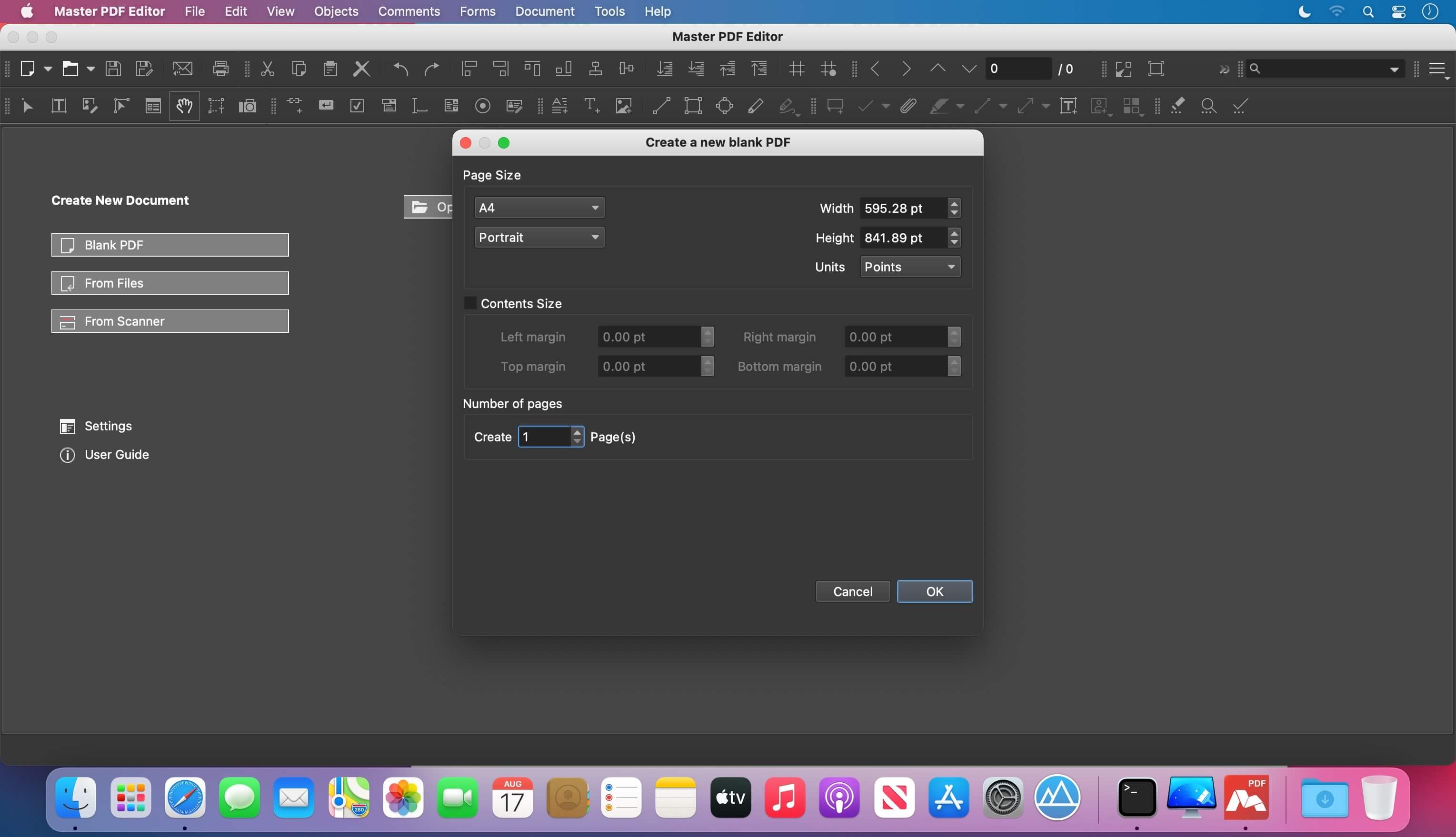
PDFs can be created straight from paper documents using a scanner. Master PDF Editor allows you to create documents from existing files, create empty documents or insert empty pages into an existing document .
Version 5.7.90:
- Added quick creation for 19 different comments. (Comments -> Label). If the application was already installed before update, toolbar button for must be manually added from Toolbar settings.
- Added scrolling when moving page with mouse on Pages tab in Navigation bar.
- Enlarged menu on "Pages" tab, added export for selected pages.
- Reworked Take a Snapshot function. Now the image is created with 300 DPI minimum, the DPI information is also written into created image.
- When pasting an image from the clipboard, DPI of the image is accounted for.
- Fixed issue with floating menu with quick actions for text.
- Added possibility to merge files (PDF, XPS, TIF, JPEG, PNG) from Windows explorer. Right click selected button and choose "Combine in Master PDF Editor" item. It is now also possible to merge files from Linux command line.
- Fixed display of some PDF files in Facing pages mode.
- Added progress bar when exporting to image, it is now possible to cancel export.
- Fixed several critical issues with display of some PDF files.
- Fixed several critical issues with saving of some PDF files.
- Fixed other critical issues, which caused the application crash.
- Fixed other minor issues.
Frequently asked questions
How do I install the app?
Mount the image, drag the app into the "Applications" folder and launch it. If the system blocks the launch, allow it in "System Settings → Privacy & Security".
The app is damaged or won't launch
Reinstalling from a fresh image usually helps. Make sure your macOS version matches the one listed in the compatibility specs.
How do I update?
Download the new version from the site and install it over the current one — your settings will be preserved.
The download link doesn't work
Try a mirror or a download manager. For large files the browser often drops the connection.
How do I completely remove the app?
Use an uninstaller utility — it cleans up the service files that remain after moving the app to the trash.
Choose a download source
Master PDF Editor 5.7.90 · 29.48 MB