
StatsBar 2.9
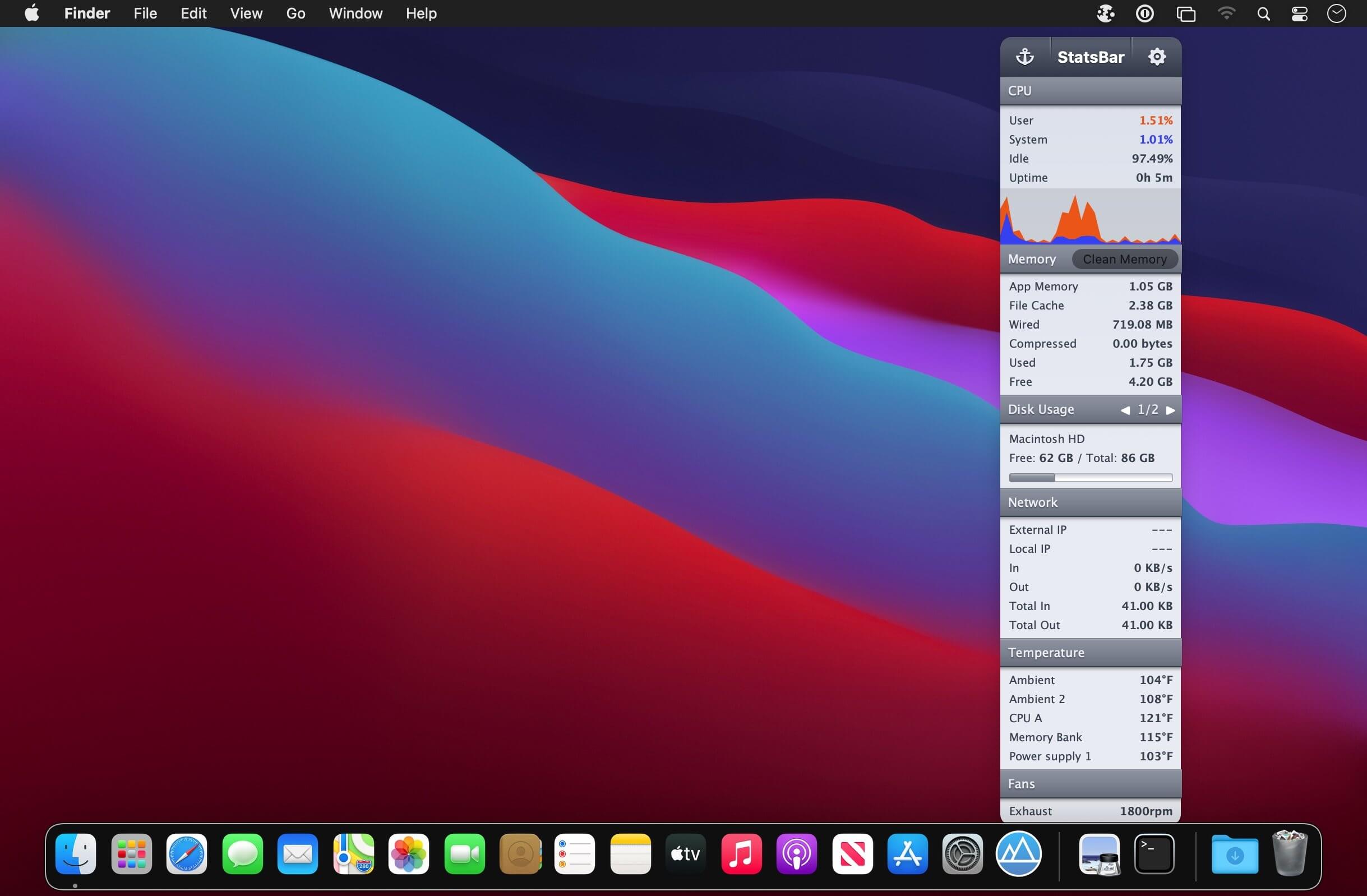

StatsBar gives you a comprehensive and detailed analysis of the following areas of your Mac:
- CPU usage
- Memory usage
- Disk usage
- Network and bandwidth usage
- Battery power and health (MacBooks only)
- Monitoring these stats allows you to easily keep a check on your Mac's health and performance.
- Memory Clean feature to free up used RAM
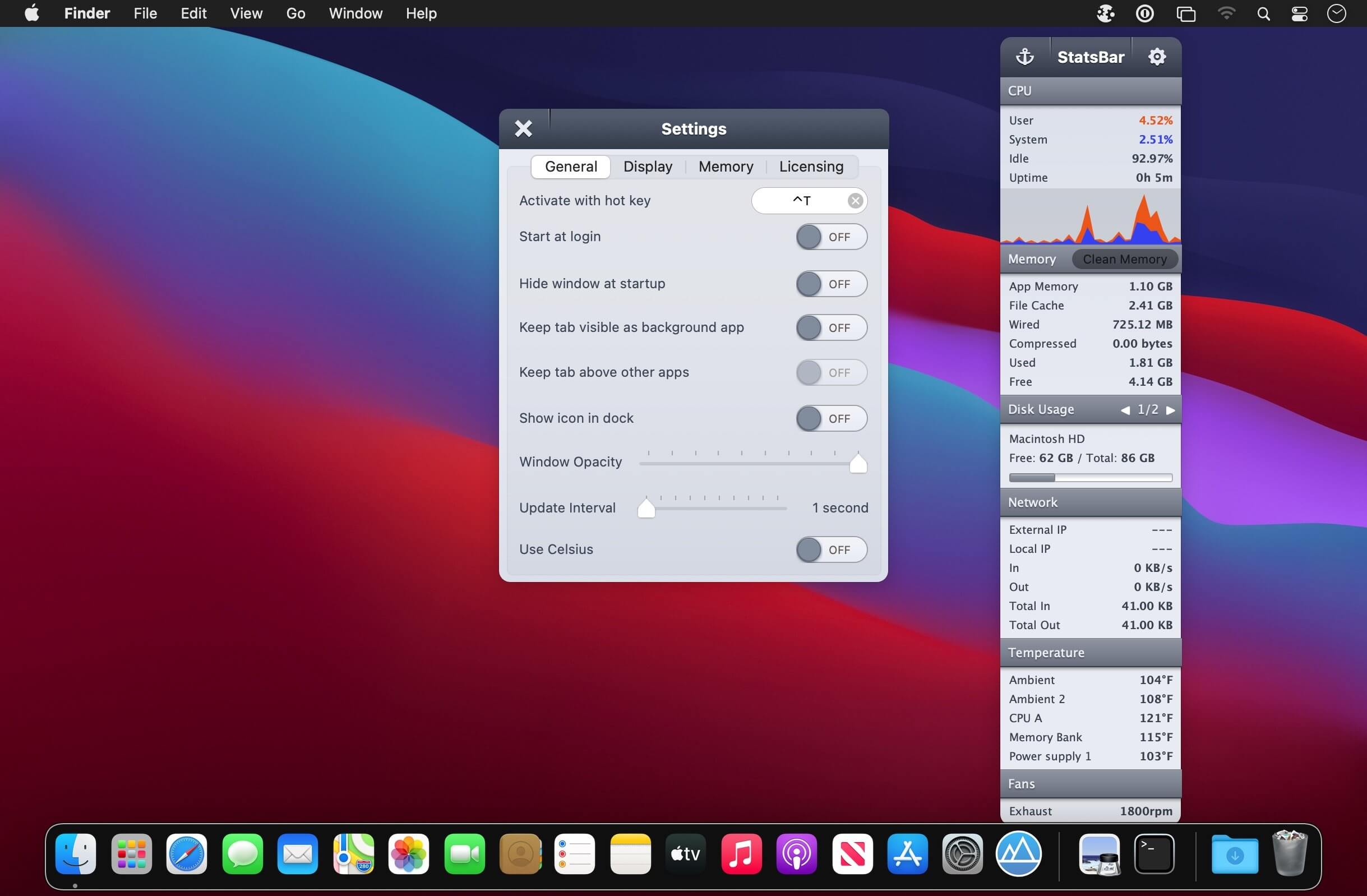
- Run the app either in menubar mode or dock mode
- Customizable hotkey support to quickly launch the app
- Program app to launch at login
- Opacity control (can toggle the transparency of the app)
- Anchor button to keep the app locked on screen and above all other programs
- Gorgeous Retina graphics
Version 2.9:
- Release notes were unavailable when this listing was updated.
Frequently asked questions
How do I install the app?
Mount the image, drag the app into the "Applications" folder and launch it. If the system blocks the launch, allow it in "System Settings → Privacy & Security".
The app is damaged or won't launch
Reinstalling from a fresh image usually helps. Make sure your macOS version matches the one listed in the compatibility specs.
How do I update?
Download the new version from the site and install it over the current one — your settings will be preserved.
The download link doesn't work
Try a mirror or a download manager. For large files the browser often drops the connection.
How do I completely remove the app?
Use an uninstaller utility — it cleans up the service files that remain after moving the app to the trash.
VersionStatsBar - System Monitoring 2.9
DeveloperFIPLAB Ltd
CompatibilitymacOS 10.9 or later.
LanguageEnglish
IncludesK'ed by HCiSO





Information
Visitors in the group Guests cannot leave comments on this publication.
Choose a download source
StatsBar 2.9 · 7.26 MB
Previous versions
StatsBar 2.9
Previous versions are available to registered users.