
Memory Optimizer and Booster 1.2

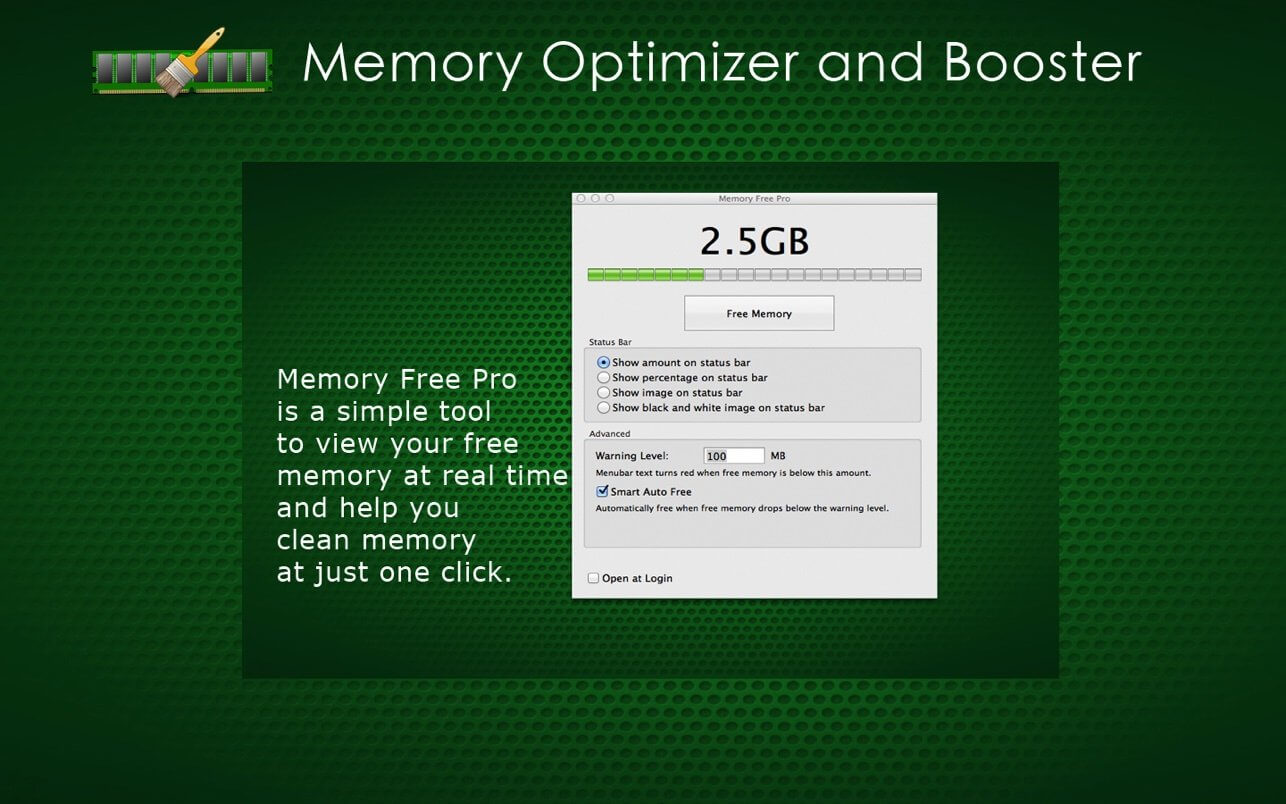
Memory Optimizer and Booster is a simple tool to view your free memory at real time and help you clean memory at just one click. It always monitors your memory usage in your menu bar. It is great for graphic artists, final Cut Pro users, architects, programmers, 3D modeler and animators, developers, musicians, photographers, scientists and parallels desktop users. Memory Optimizer and Booster is a wonderful magical application to allow you to monitor your Mac’s free memory timely.
This software can meet the need of keeping the user informed of the current status of memory usage in the menu bar. This application can also extract used memory out of the operating memory and make it available for new applications that you might be planning to launch. Memory Optimizer and Booster is just as suitable for you, just give it a try!
Features:
- Easy to use.
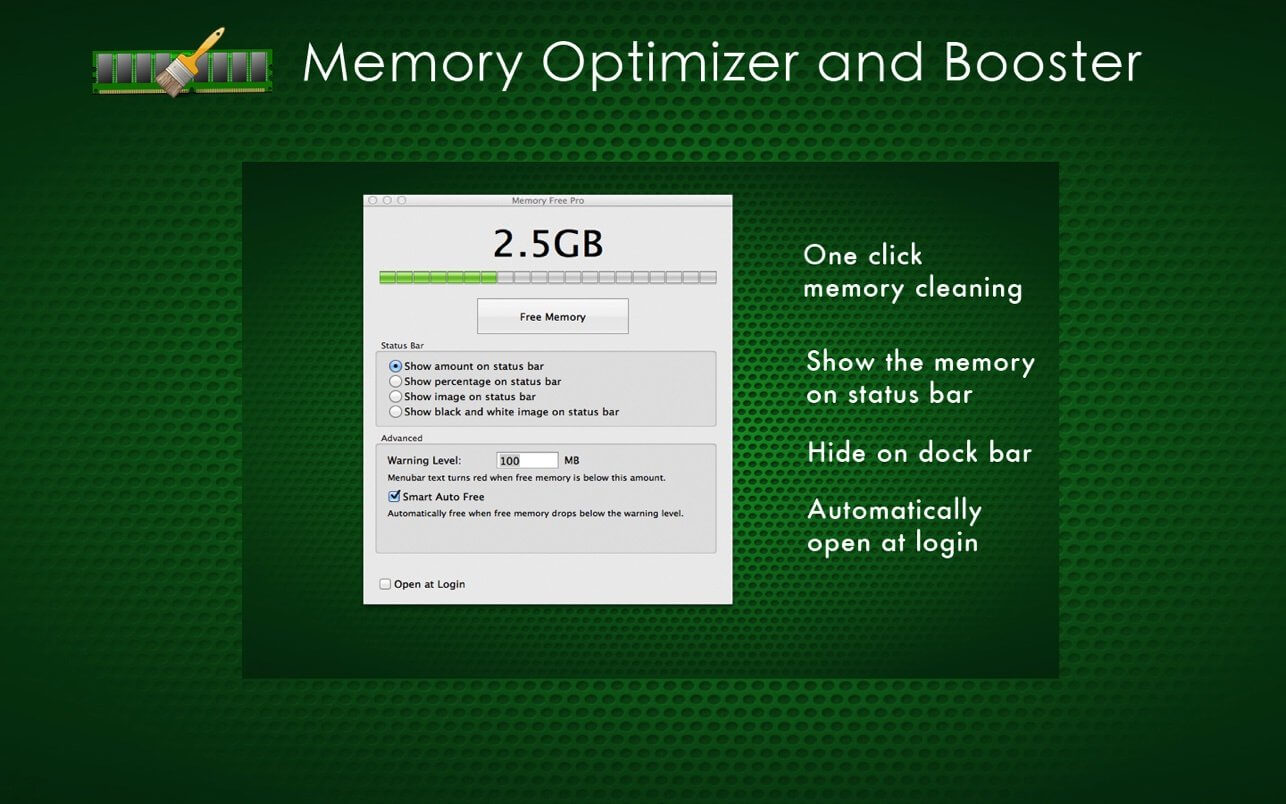
- One click memory cleaning.
- Show the memory on status bar.
- Hide on dock bar. You can hide the dock icon with a click in Extras Settings, allowing Memory Optimizer and Booster to only show in the menu bar.
- Automatically open at login. It will free up your Mac’s memory when it knows it’s necessary. Some users may not touch the application again after installation.
Version 1.2
- bug fix
Frequently asked questions
How do I install the app?
Mount the image, drag the app into the "Applications" folder and launch it. If the system blocks the launch, allow it in "System Settings → Privacy & Security".
The app is damaged or won't launch
Reinstalling from a fresh image usually helps. Make sure your macOS version matches the one listed in the compatibility specs.
How do I update?
Download the new version from the site and install it over the current one — your settings will be preserved.
The download link doesn't work
Try a mirror or a download manager. For large files the browser often drops the connection.
How do I completely remove the app?
Use an uninstaller utility — it cleans up the service files that remain after moving the app to the trash.
VersionMemory Optimizer and Booster 1.2
DeveloperFangcheng Yin
CompatibilitymacOS 10.6 or later.
LanguageEnglish
IncludesK'ed by HCiSO





Information
Visitors in the group Guests cannot leave comments on this publication.
Choose a download source
Memory Optimizer and Booster 1.2 · 2.24 MB