
Tempomate 4.7.0
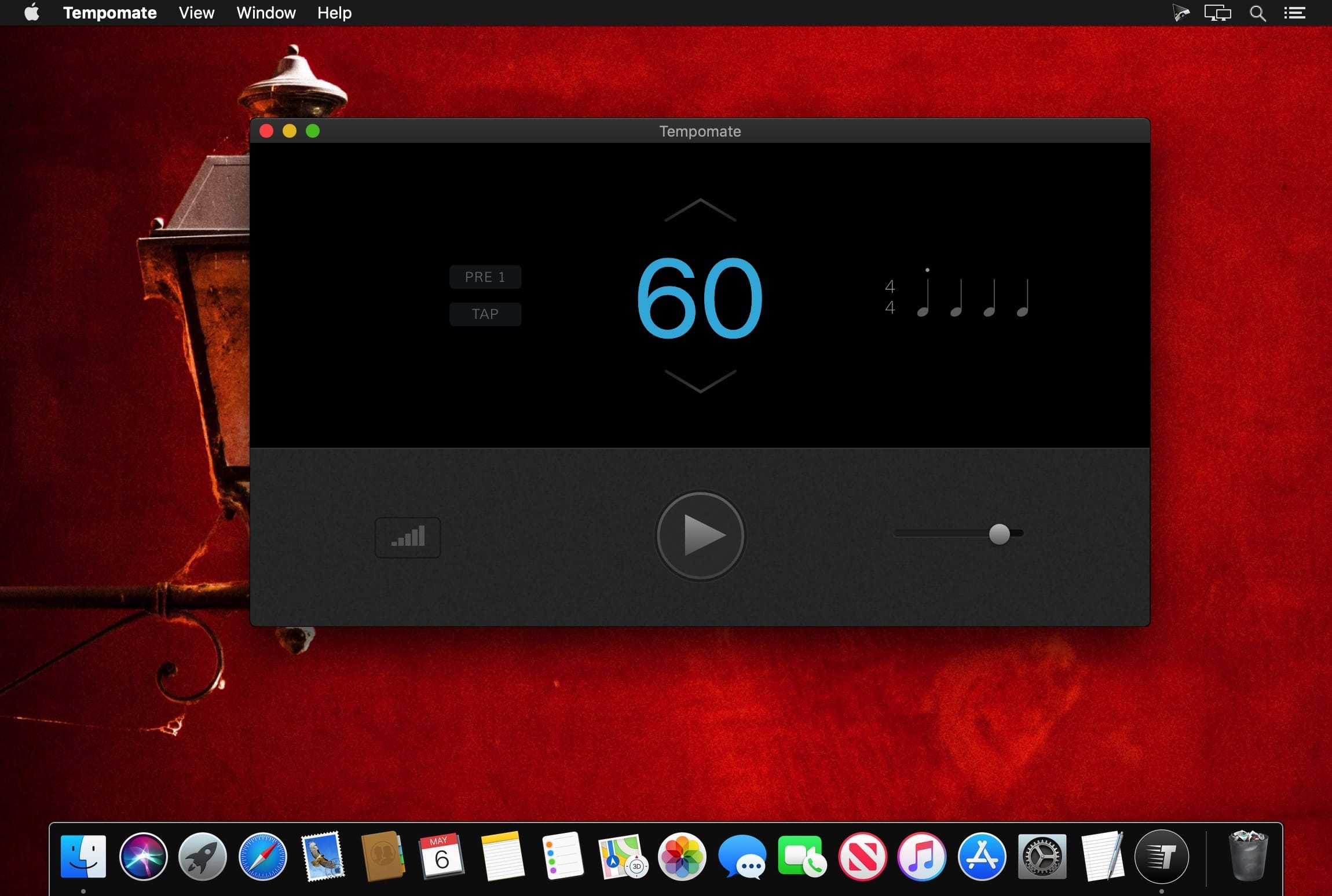
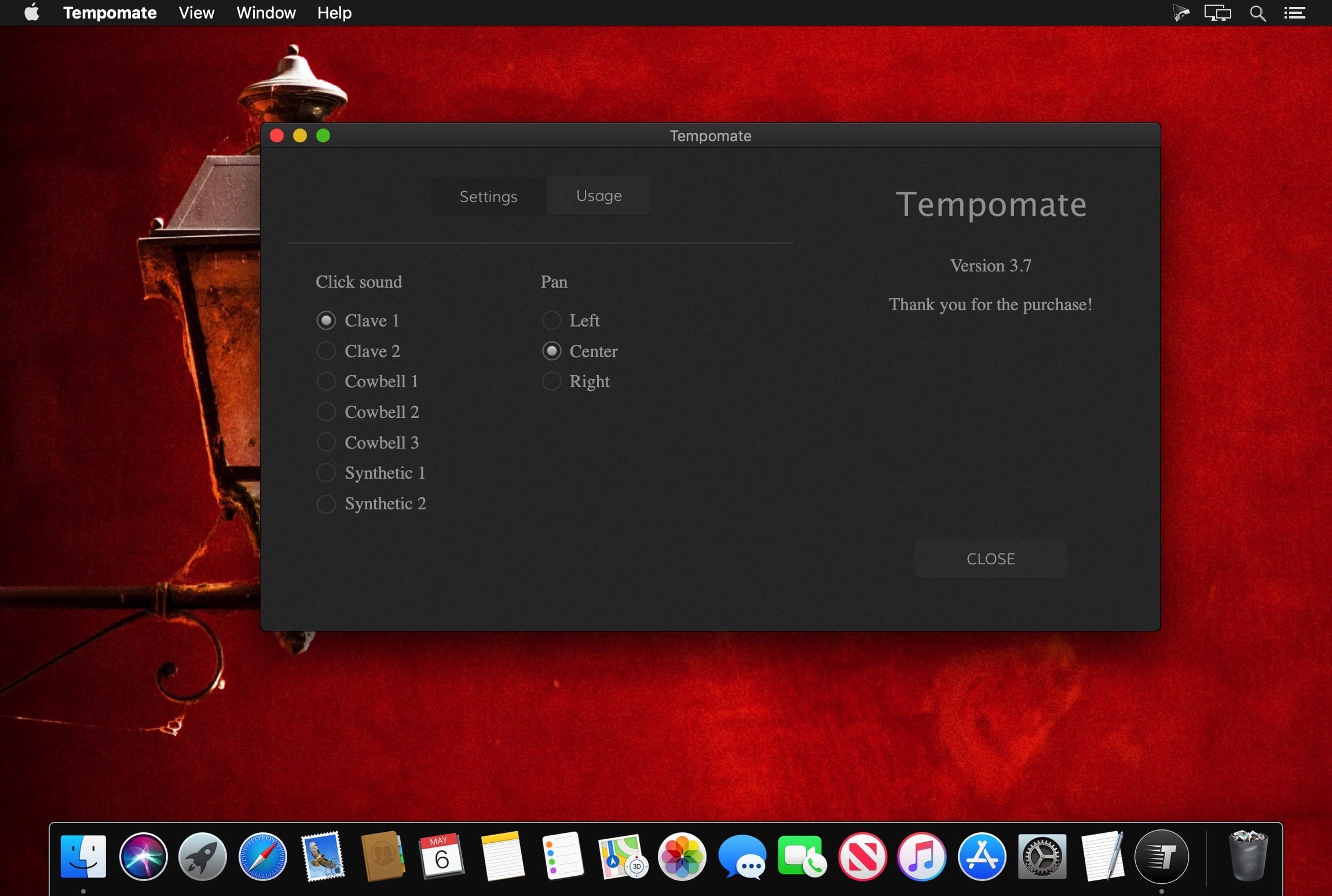
Tempomate is clever and beautiful metronome.
Features
- Tempos from 20 to 360 bpm
- Tap tempo; during taps, the beats syncronise to your input
- Change tempo by 1 or 5 bpm at a time
- Click light can be turned on and off
- Mouse and keyboard input options
Keyboard Shortcuts
- Space: Play / Stop
- Up, Down: Change tempo by 5 bpm
- Left, Right: Change tempo by 1 bpm
- Enter, T: Tap tempo
- V: Toggle click light
Version 4.7
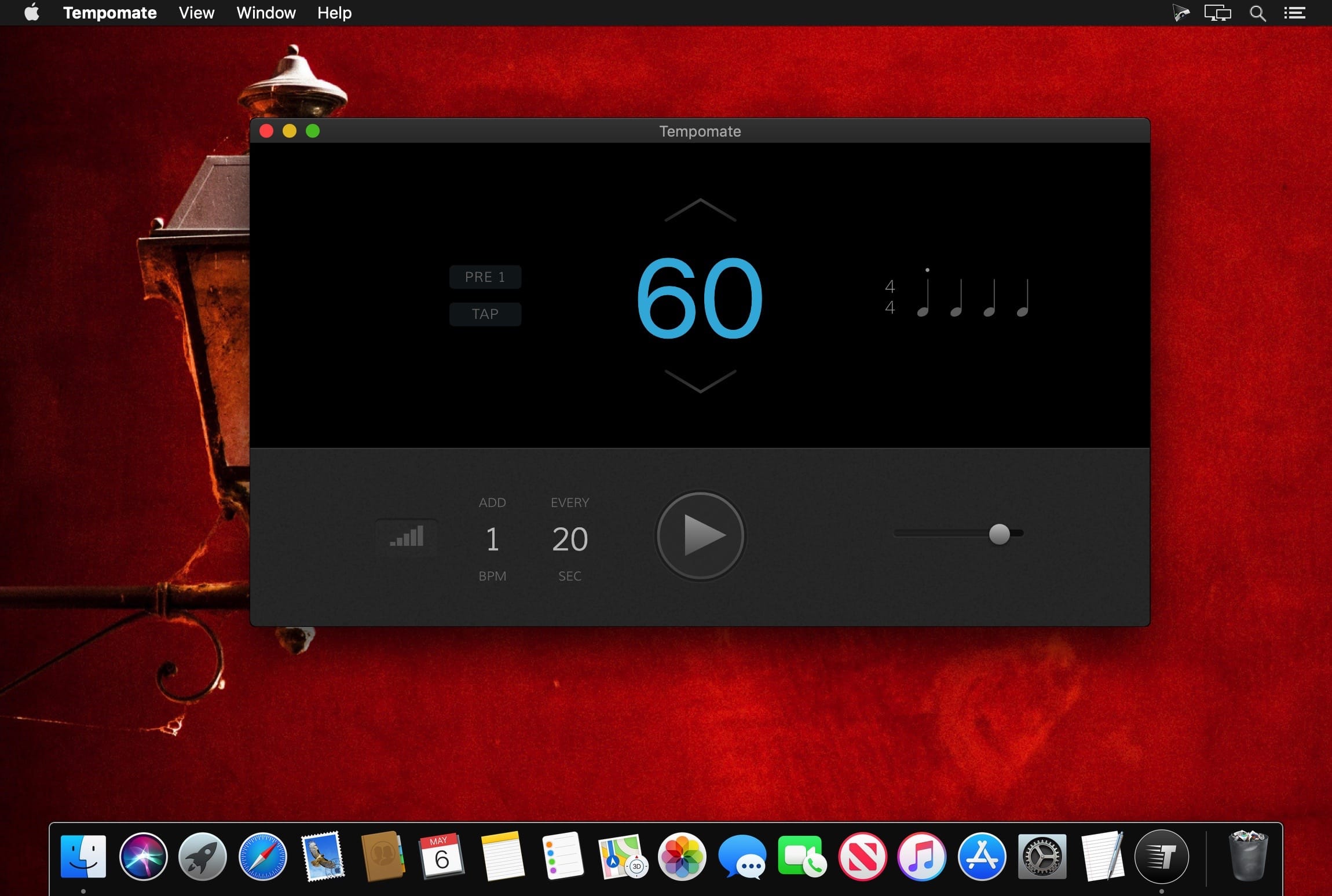
- Auto mode can be set to change the tempo after a number of bars, in addition to after a number of seconds, which was previously possible.
- Auto mode can be set to mute the metronome periodically, after a number of bars.
- Improved tap tempo behaviour.
- Many fixes and tweaks.
- For further explanation, please visit https://tempomate.com.
Frequently asked questions
How do I install the app?
Mount the image, drag the app into the "Applications" folder and launch it. If the system blocks the launch, allow it in "System Settings → Privacy & Security".
The app is damaged or won't launch
Reinstalling from a fresh image usually helps. Make sure your macOS version matches the one listed in the compatibility specs.
How do I update?
Download the new version from the site and install it over the current one — your settings will be preserved.
The download link doesn't work
Try a mirror or a download manager. For large files the browser often drops the connection.
How do I completely remove the app?
Use an uninstaller utility — it cleans up the service files that remain after moving the app to the trash.




Choose a download source
Tempomate 4.7.0 · 75.94 MB
Previous versions
Tempomate 4.7.0
Previous versions are available to registered users.