
Audirvana 3.5.50 - simple and lovely audio player
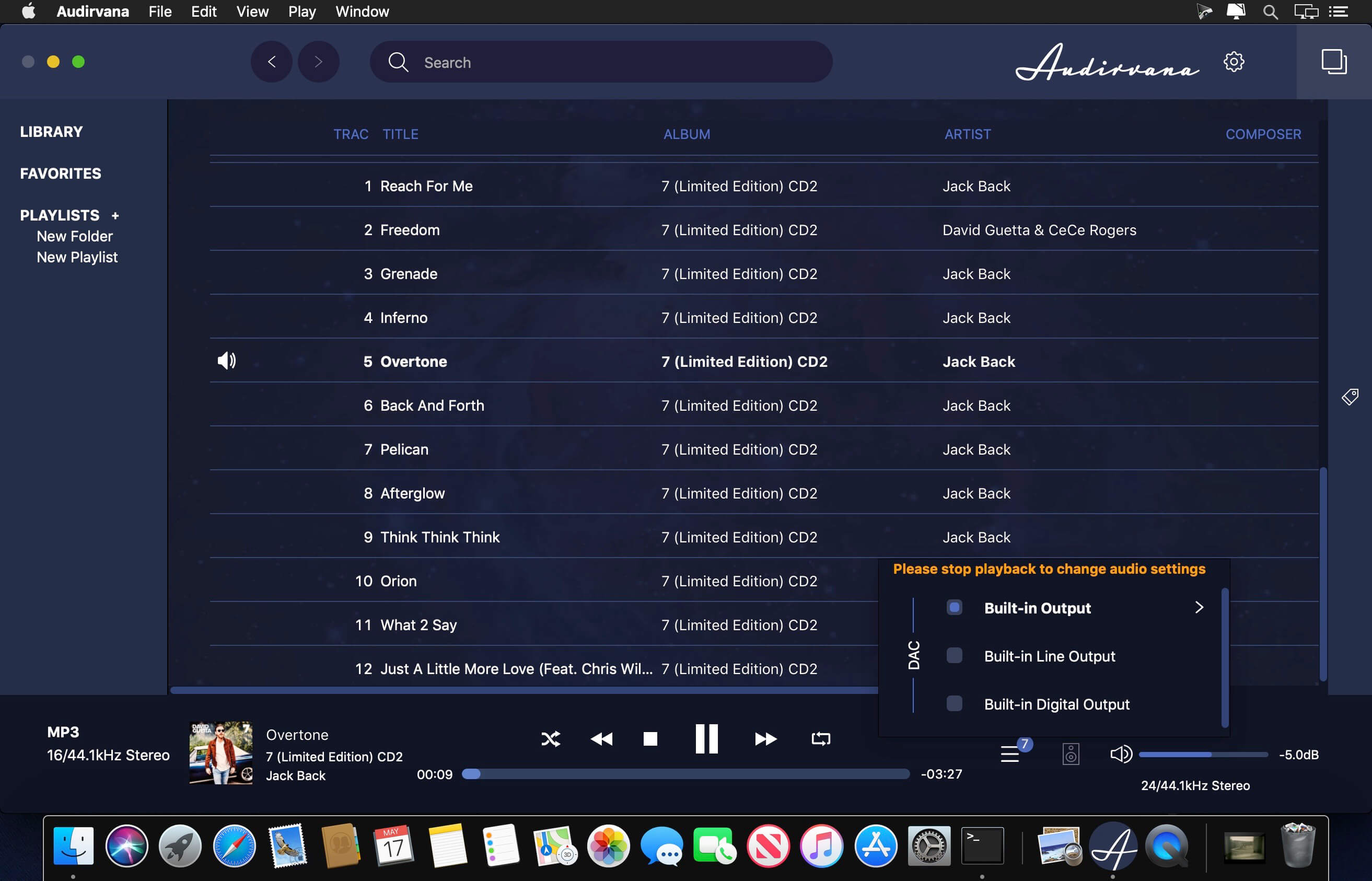
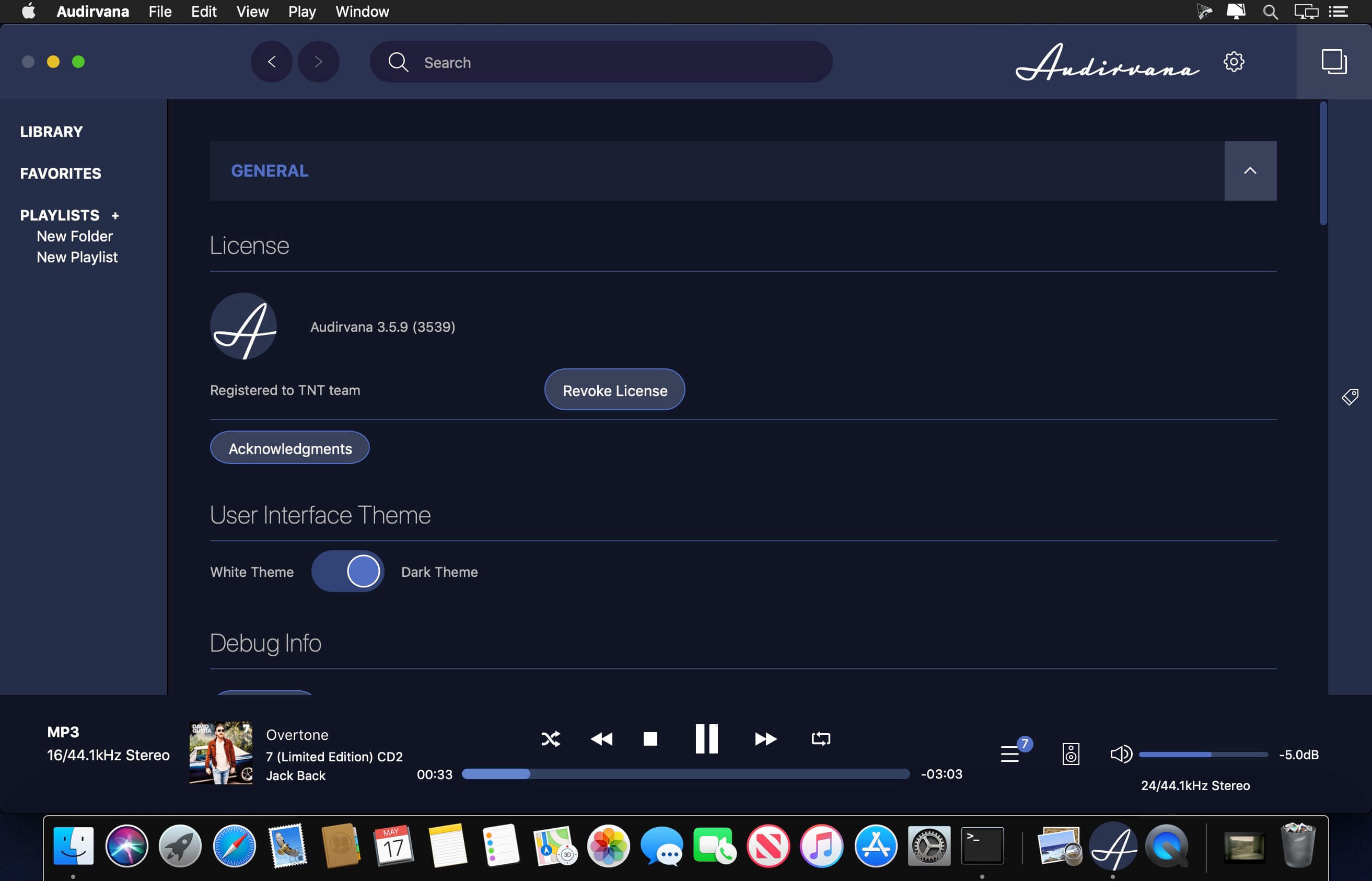
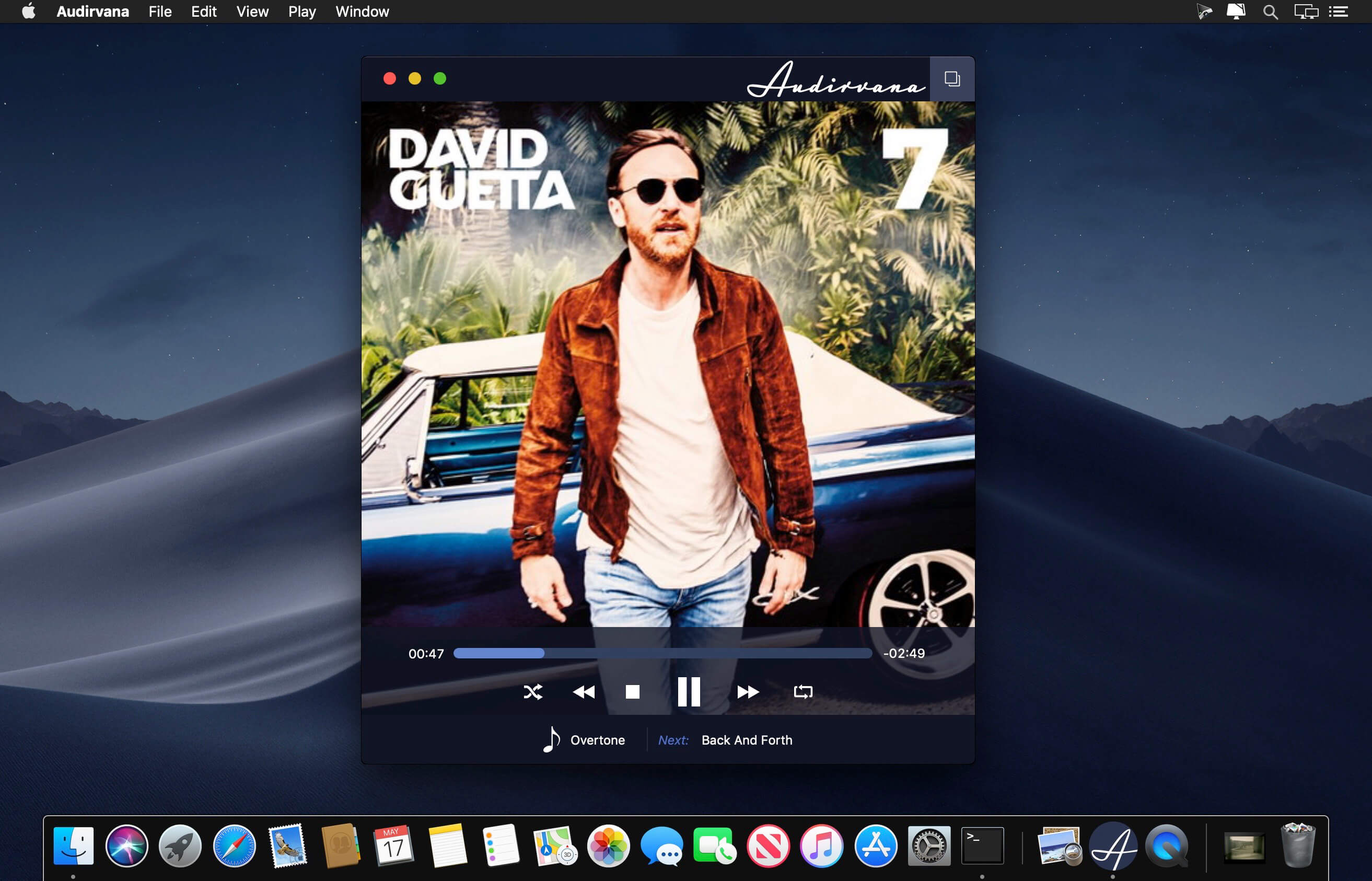
Following the acclaimed Audirvana Plus versions, specially the one including Direct Mode and Integer Mode, Audirvana Plus is now offering a full featured library manager that can scale up to more than 100,000 tracks.
Catalog all your music library and easily retrieve your albums and tracks with optimized user interface. Edit metadata with advanced tags for jazz and classical music
With the utmost sound quality with 64-bit internal processing, Direct Mode, Integer Mode, iZotope algorithms, native DSD streaming, SysOptimizer and Audio Unit plugins support
FEATURES:
- Native playing of FLAC, libSndFile (WAV, AIFF, ...), ALAC and other quicktime formats (AAC, MP3, ...)
- Direct sound path, directly to the !CoreAudio HAL for pure bit perfect sound
- Audio Device exclusive access mode
- HAL I/O using DAC native physical formats "Integer Mode" (instead of CoreAudio 32bit float)
- Automatic sample rate switching
- Up/Oversampling capability
- Plays completely from memory
- Tracks are loaded, decoded and sample rate converted in a memory buffer before being played
- Minimizing CPU and hard drive activity to lessen sources of interference
- Gapless playback by using a double buffering mechanism (playing track and next track)
- Transparent split load for loading tracks of any size
- Background tracks loading/decoding (including sample rate conversion)
- Playlist (m3u & m3u8 formats) load/save
- Handles Apple IR Remote
Version 3.5.50:
- Fix 16 bit MQA files playback
- Fix Qobuz favorites retrieval
- Minor fixes
Frequently asked questions
How do I install the app?
Mount the image, drag the app into the "Applications" folder and launch it. If the system blocks the launch, allow it in "System Settings → Privacy & Security".
The app is damaged or won't launch
Reinstalling from a fresh image usually helps. Make sure your macOS version matches the one listed in the compatibility specs.
How do I update?
Download the new version from the site and install it over the current one — your settings will be preserved.
The download link doesn't work
Try a mirror or a download manager. For large files the browser often drops the connection.
How do I completely remove the app?
Use an uninstaller utility — it cleans up the service files that remain after moving the app to the trash.




Choose a download source
Audirvana 3.5.50 - simple and lovely audio player · 13.15 MB
Previous versions
Audirvana 3.5.50 - simple and lovely audio player
Previous versions are available to registered users.
Comments 3