
PasteNow 2.32
PasteNow: clipboard manager for text, links, images, and code

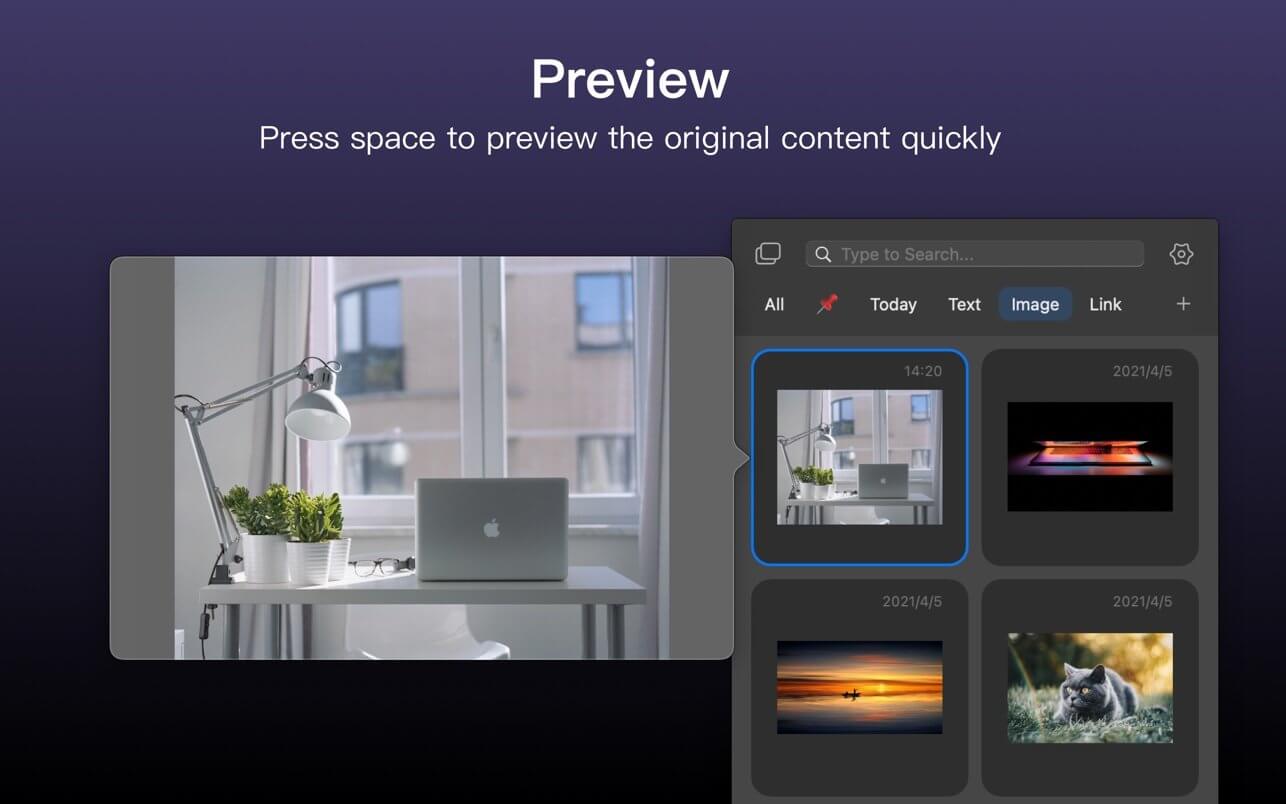

PasteNow is a clipboard management app that make your daily work easier and faster. You can use it to store every kinds of temporary dаta: text, link, image and even code.
It support the following features:
- Sync data between multi-devices
- Create smart lists to filter and search content easily
- View different content in different styles of list view
- Use shortcuts to paste near the cursor instantly
We will add more features in the future release.
Enjoy PasteNow in your daily work, we're looking forward to hear your advice!
Version 2.32
- Drag and drop to reorder items in normal lists
- More reliable Cloud sync with better conflict handling across devices
- Fewer duplicate items in the All list
- On iOs, editing text is less likely to be covered by the keyboard, and opens more naturally
- Smoother list updates with less unnecessary flicker
- Various stability and compatibility fixes
Frequently asked questions
How do I install the app?
Mount the image, drag the app into the "Applications" folder and launch it. If the system blocks the launch, allow it in "System Settings → Privacy & Security".
The app is damaged or won't launch
Reinstalling from a fresh image usually helps. Make sure your macOS version matches the one listed in the compatibility specs.
How do I update?
Download the new version from the site and install it over the current one — your settings will be preserved.
The download link doesn't work
Try a mirror or a download manager. For large files the browser often drops the connection.
How do I completely remove the app?
Use an uninstaller utility — it cleans up the service files that remain after moving the app to the trash.





Choose a download source
PasteNow 2.32 · 7.52 MB
Previous versions
PasteNow 2.32
Previous versions are available to registered users.