Alcove 1.7.9
Alcove: Dynamic Island for macOS with live notifications
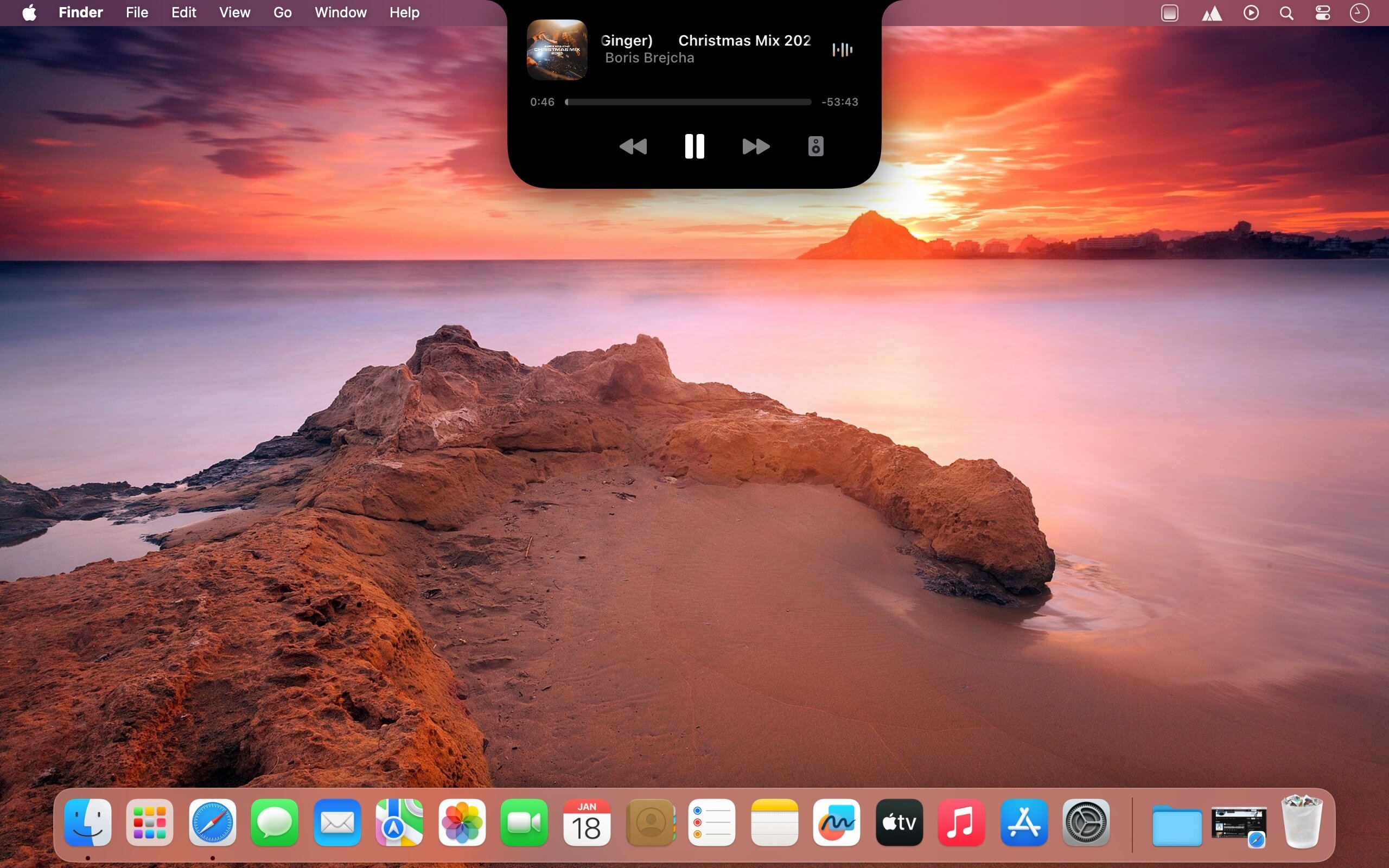
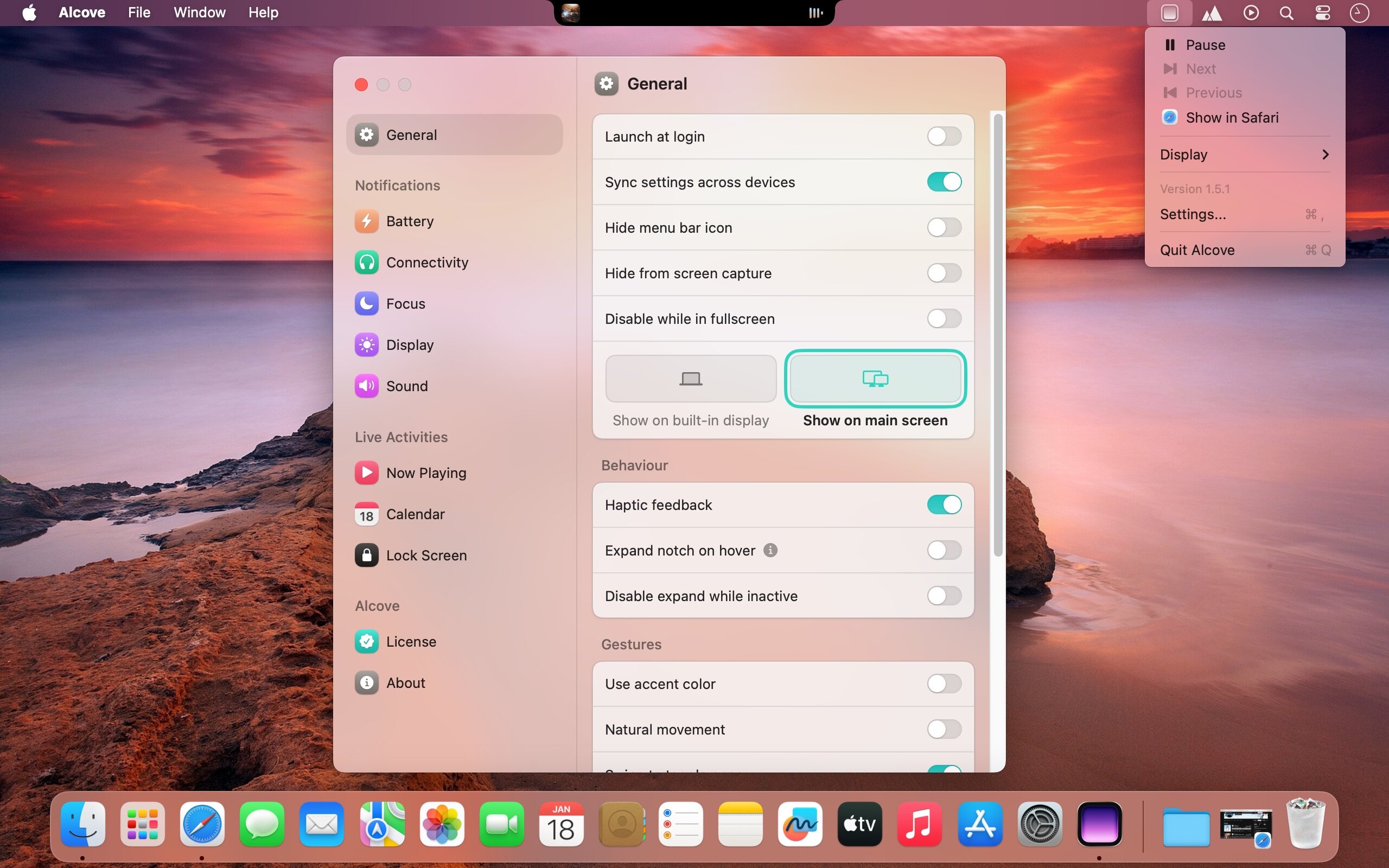
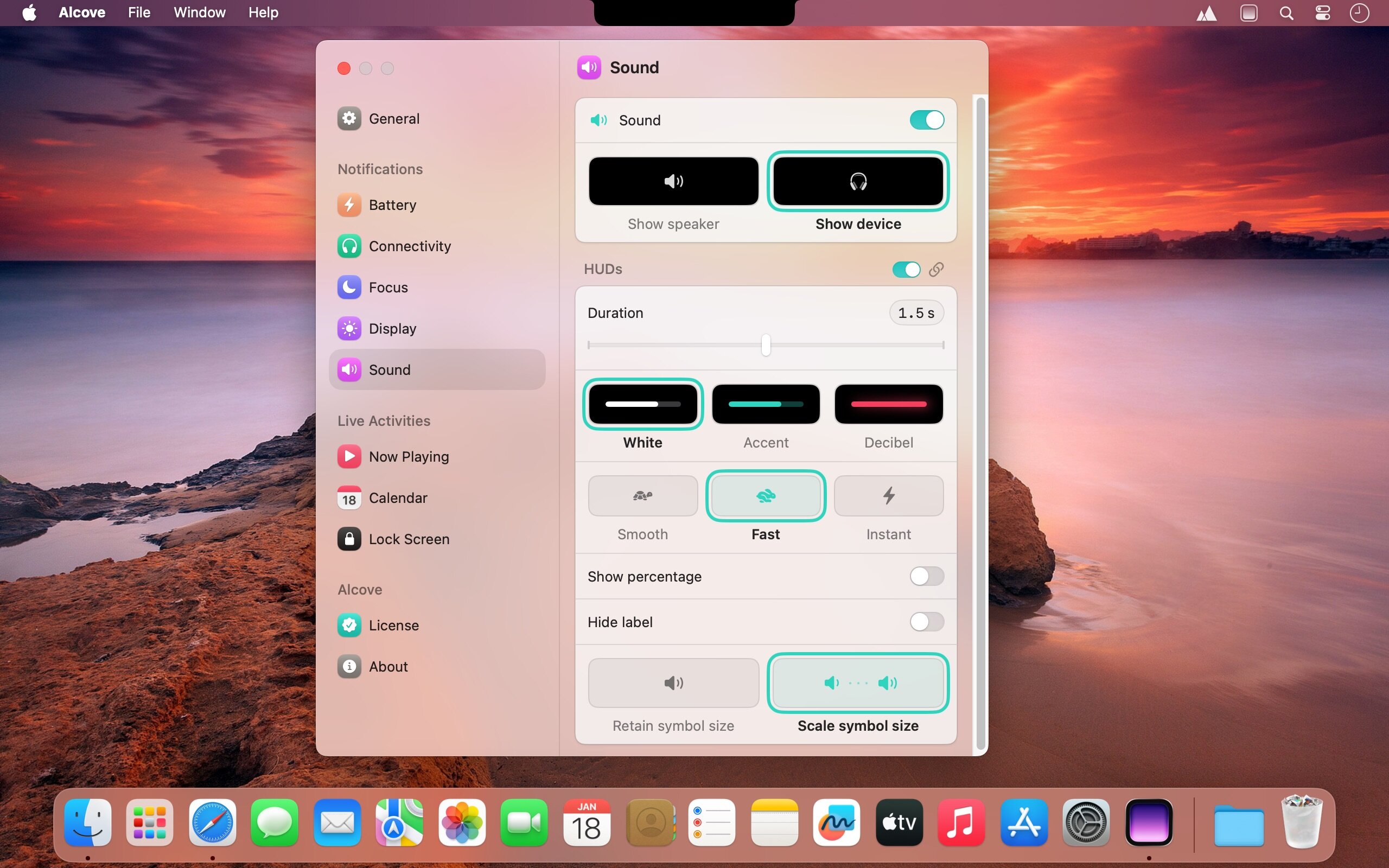
The Dynamic Island has proven quite popular with iPhone users, but the feature hasn’t made its way to macOS yet, if Apple even plans to do so. It’s a great way to provide notifications and house controls, all built around the camera cutout.
Alcove tries to bring this feature to your Mac in the same way that Apple would, if they decided to do it. It works pretty much the same way as the iOS version, with most of its features.
Dynamic Island for macOS
- If you already have a relatively new iPhone, everything will feel familiar. For Macs without a notch, you’ll see the same pill shape, but the app works just fine with notched Macs.
- There are many other apps that add similar features to the notch, but Alcove is different because it sticks to the functionality Apple built into the Dynamic Island, and nothing more. It’s clean, easy to understand, and feels like a part of macOS.
Live activities
- Album art and a waveform visualizer are displayed when music is played, and you can access playback controls, a seek bar, and even the volume slider via gestures, clicking, or just hovering.
- The calendar widget displays, well, the calendar, along with recent events. You can switch between the two widgets via gestures, but you also have an optional Duo view that shows both at the same time.
System notifications
- Just like the iOS Dynamic Island, it can provide notifications about your battery, connected devices, and focus mode, along with brightness and volume HUDs that replace the default ones.
- You also have optional lock screen widgets for all these features, and everything can be customized down to the smallest detail.
- Alcove is perfect if you’re looking for a direct port of the iPhone Dynamic Island to Mac. It’s native, lightweight, and was designed to blend seamlessly into macOS.
Version 1.7.9:
Banner suppression will come back soon, needs a rework.
Features
- Added extended support for AirPlay
- Added speed control for Spotify podcasts
Fixes
- Removed banner suppression (temporarily)
- Optimized focus on startup
- Improved focus list order to match macOS
- Improved transition between waveform and other symbols
- Fixed duration missing in some edge cases
- Fixed Spotify tap related issues
- Improved padding for AutoMix in compact mode
- Optimized input monitoring to reduce wakes
- Optimized brightness repeats
- Optimized volume repeats
- Improved connectivity with AirPlay devices
- Optimized mission control logic
- Improved Spotify album tap to go to playlist
- Fixed skips to be accurate for all media
- Improved Spotify skips
- Fixed Spotify album art being incorrect sometimes
- Fixed issues related to hide in fullscreen
- Prevented QuickPeek showing when hide in fullscreen
- Improved AutoMix reliability
- Improved pill hide/show animation
Frequently asked questions
How do I install the app?
Mount the image, drag the app into the "Applications" folder and launch it. If the system blocks the launch, allow it in "System Settings → Privacy & Security".
The app is damaged or won't launch
Reinstalling from a fresh image usually helps. Make sure your macOS version matches the one listed in the compatibility specs.
How do I update?
Download the new version from the site and install it over the current one — your settings will be preserved.
The download link doesn't work
Try a mirror or a download manager. For large files the browser often drops the connection.
How do I completely remove the app?
Use an uninstaller utility — it cleans up the service files that remain after moving the app to the trash.




Choose a download source
Alcove 1.7.9 · 15.24 MB