
Mac Restart 2.3
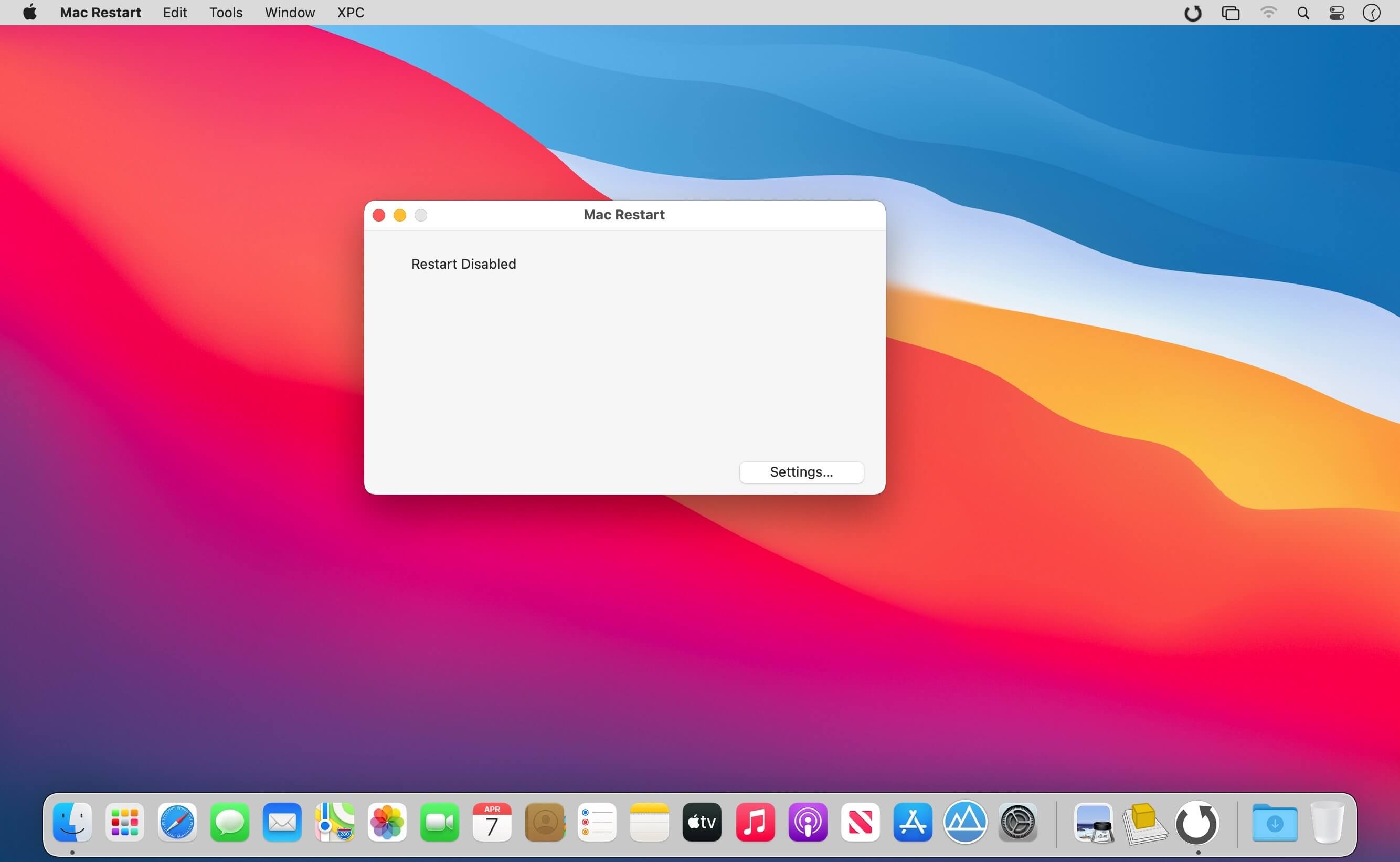
Mac Restart is the modern macOS application to restart the Mac when unattended under different conditions.
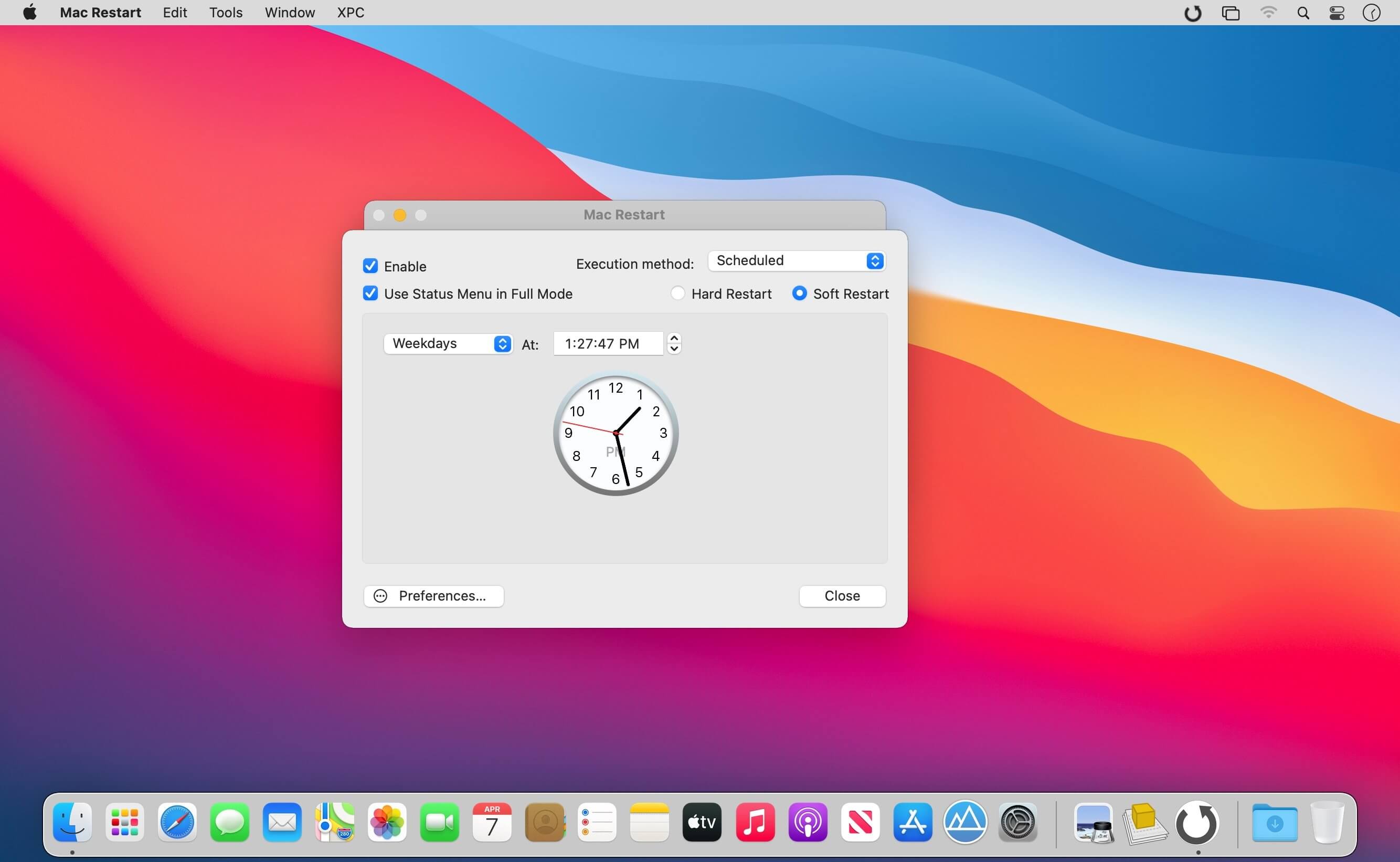
Mac restart is able to use 'Soft Restart' and 'Hard Restart' to restart your Mac. The 'Soft Restart' is issued at finder level and ask to all the running app to quit before restart the Mac
The 'Hard Restart' is issued at system level and offers a very low level of probability of having the restart interrupted by an app refusing to quit. The ‘Hard Restart’ uses the latest Apple XPC technology (the recommended way now by Apple, secure and digitally signed, to escalate privileges for sys tasks) to provide admin right actions. It allows to restart your Mac in a secure way, just providing admin right one time only at installation.
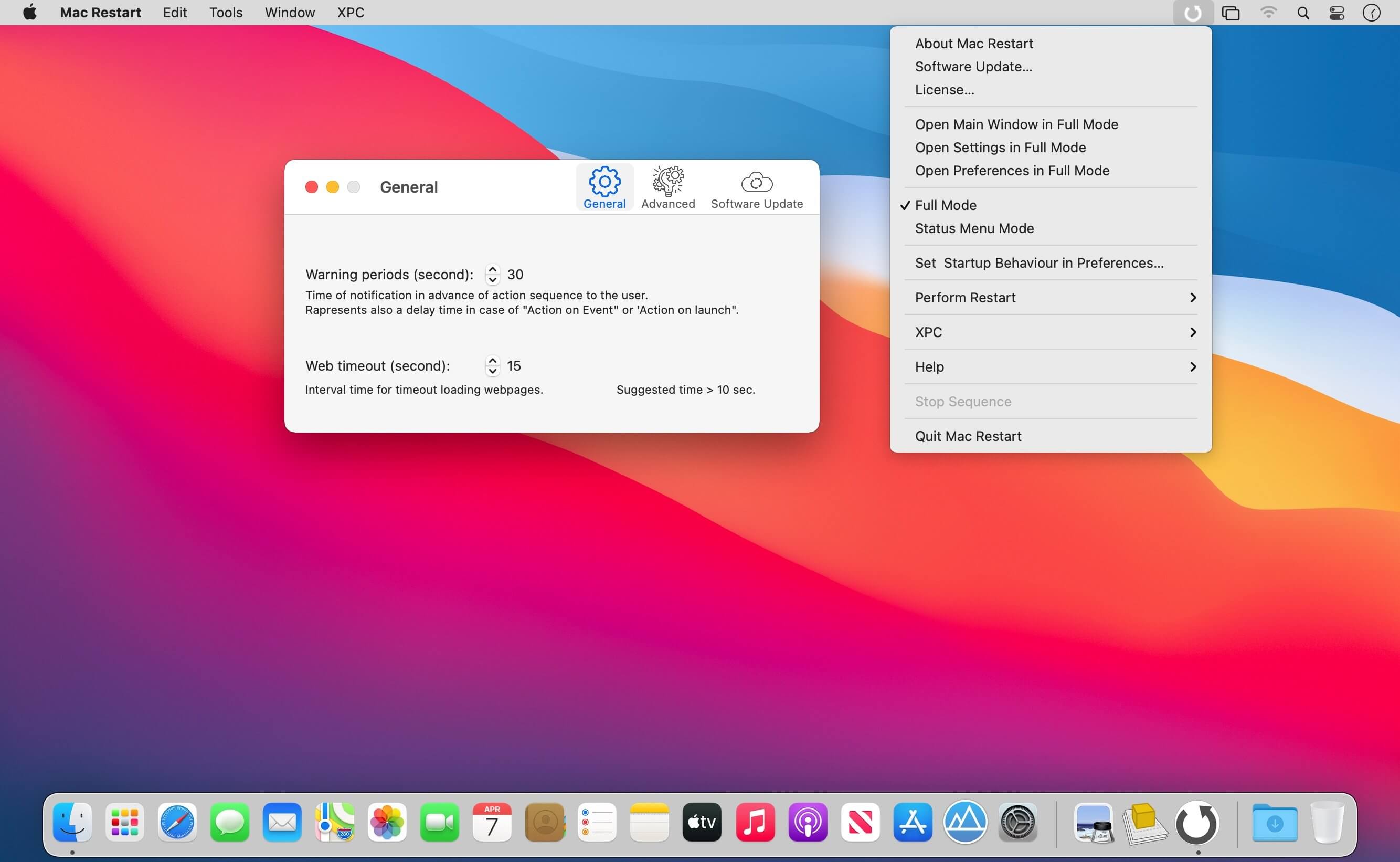
Mac Restart can now work also as a status menu only application, always available from the menu also when in background and without showing any window to just silently waiting in the background.
Mac Restart can provide what others tools can’t. Just an example: it can help a user start a download of big files over the net in the night and have the Mac automatically restarted when the download is finished.
Mac Restart is customizable using an easy to use setting setup panel (no coding or editing of script required). It's small, fast, simple and reliable and now more stable then ever and fully complaint with the latest macOS 10.11 and is fully optimized for use with macOS 11 Big Sur.
Mac Restart is fully customizable. The user can choose to shutdown the Mac:
- On a scheduled plan
- On a specific date and time
- When a generic file is removed or moved on your Hard Disk
- When a download is finished: using Safari using Firefox or Camino or Netscape using Speed Download
- At launch time to use it via Apple iCal
- When a keyword is found inside a continuously checked web wage
- Using the scheduled plan the user can set any repetitive interval, selecting a time and a day of the week or - any day or any weekday and so on. With the 'On date' option the user can specify the preferred date and time.
Version 2.3:
- Optimized for macOS 11 Big Sur
- Universal format for Apple silicon and Intel-based Mac
- Various layout improvements
- Bug fix
Frequently asked questions
How do I install the app?
Mount the image, drag the app into the "Applications" folder and launch it. If the system blocks the launch, allow it in "System Settings → Privacy & Security".
The app is damaged or won't launch
Reinstalling from a fresh image usually helps. Make sure your macOS version matches the one listed in the compatibility specs.
How do I update?
Download the new version from the site and install it over the current one — your settings will be preserved.
The download link doesn't work
Try a mirror or a download manager. For large files the browser often drops the connection.
How do I completely remove the app?
Use an uninstaller utility — it cleans up the service files that remain after moving the app to the trash.
VersionMac Restart 2.3
DeveloperEcleti
CompatibilitymacOS 10.11 or later
LanguageEnglish
IncludesK'ed by TNT





Information
Visitors in the group Guests cannot leave comments on this publication.
Choose a download source
Mac Restart 2.3 · 6.49 MB