iRamDisk 3.6.12
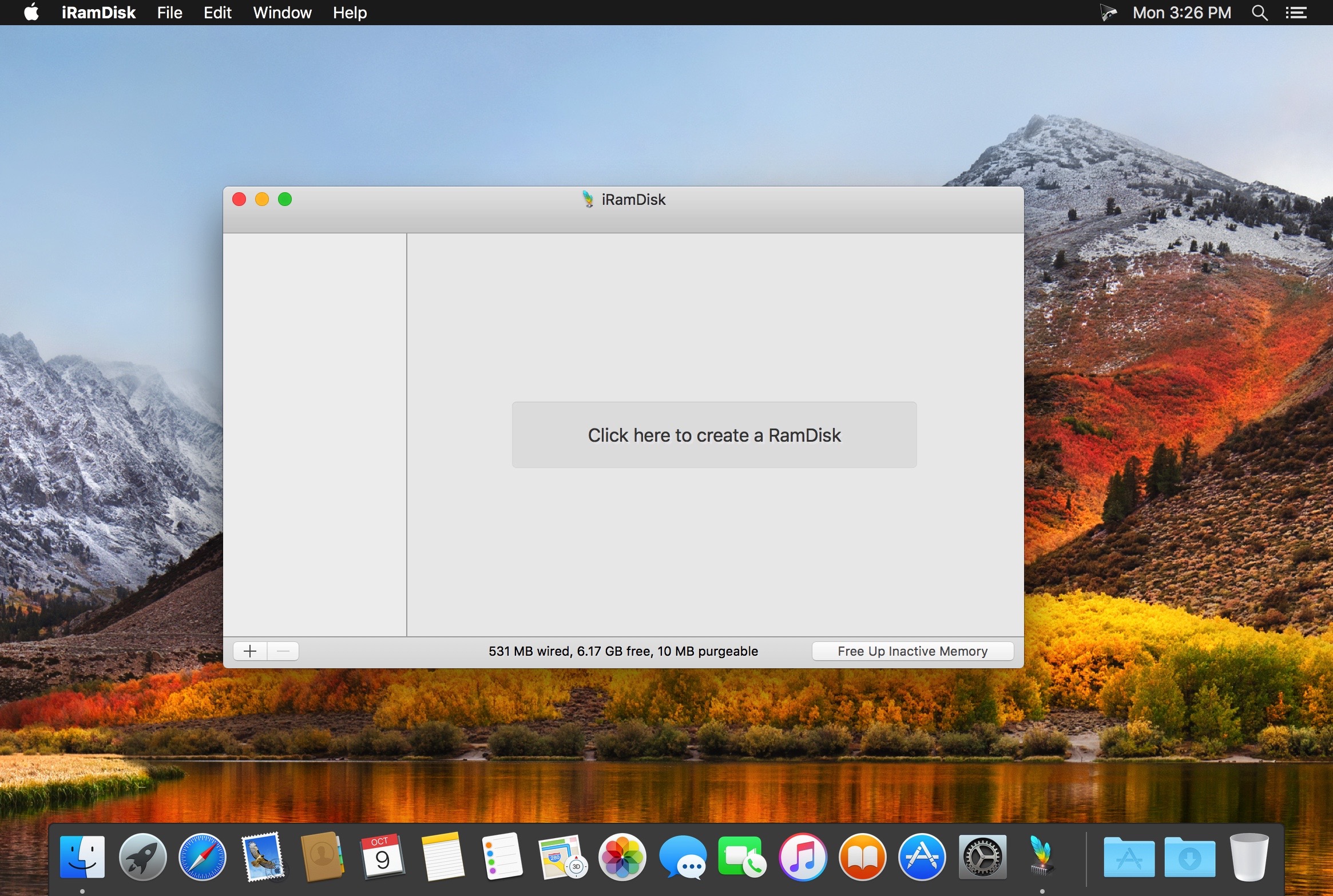
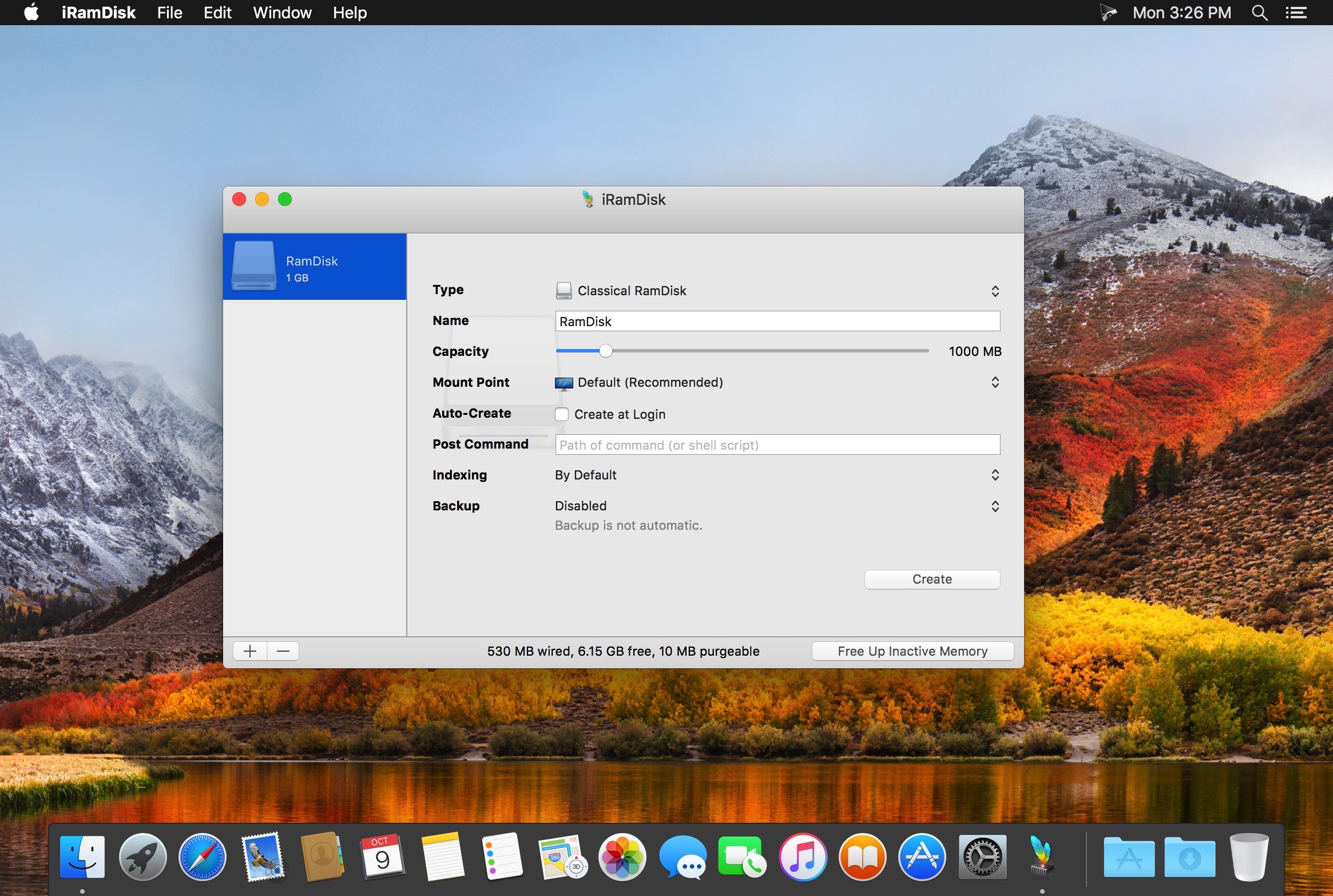
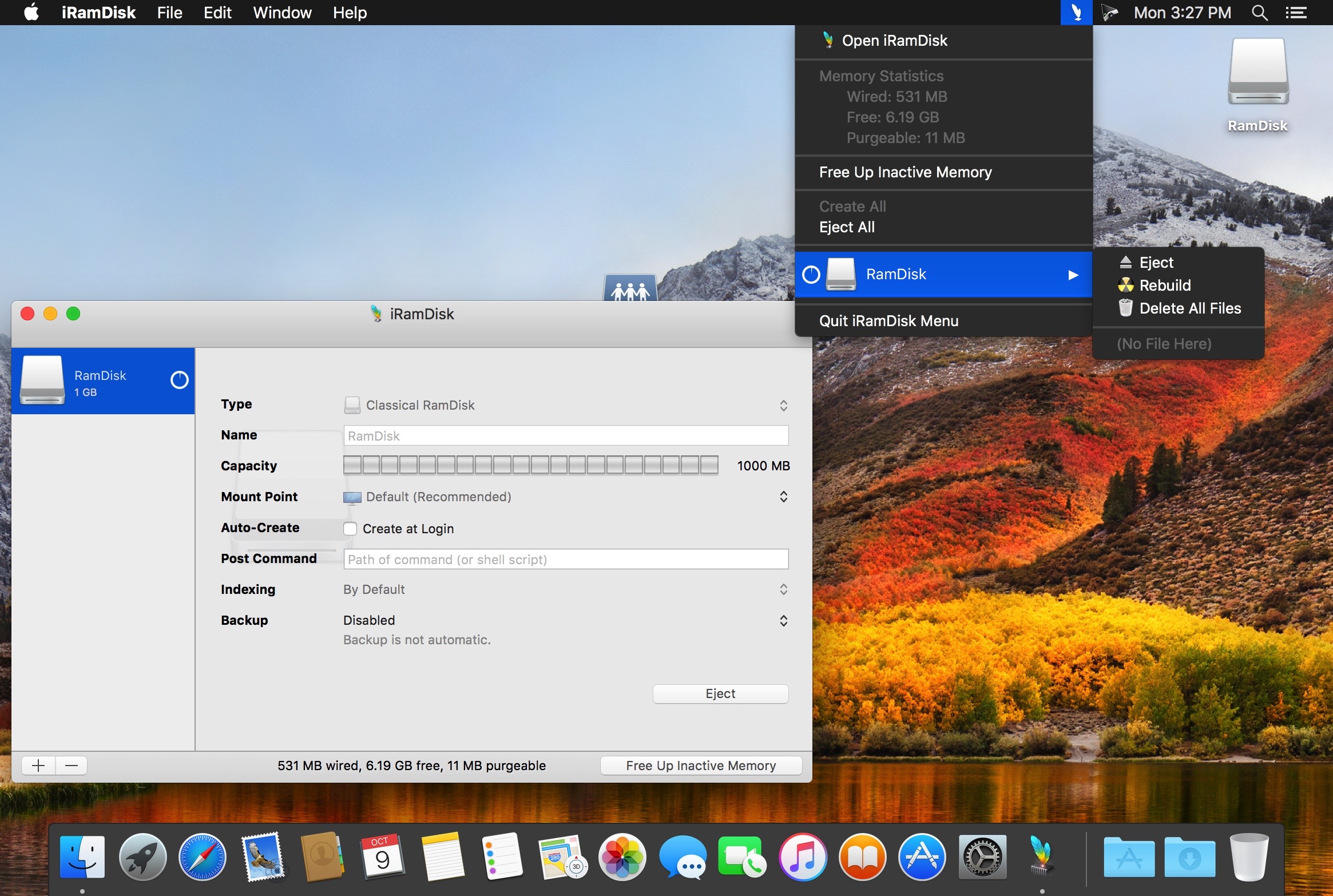
iRamDisk uses a part of your RAM to create a new volume shown as an ordinary drive that can be mounted and used independently in your Finder.
Since the access time to these datas is way more faster than usual (it can reach over 10 times of the normal speed for some configuration), it lets you do some things you would not be able to realize with a classic hard drive (along with relieving your internal one) such as getting a writing speed amazingly fast or moving the temporary files of some apps (Safari, Xcode, ...) over it when you want to optimize their own access time along with minimizing the impact of these files on your SSD.
However, do not forget that your computer does not have as much of RAM as your disk space and that you will lose the data placed on the new volume when you restart it. So, be careful when using it!
Version 3.6.12:
- Minor UI Improvements
Frequently asked questions
How do I install the app?
Mount the image, drag the app into the "Applications" folder and launch it. If the system blocks the launch, allow it in "System Settings → Privacy & Security".
The app is damaged or won't launch
Reinstalling from a fresh image usually helps. Make sure your macOS version matches the one listed in the compatibility specs.
How do I update?
Download the new version from the site and install it over the current one — your settings will be preserved.
The download link doesn't work
Try a mirror or a download manager. For large files the browser often drops the connection.
How do I completely remove the app?
Use an uninstaller utility — it cleans up the service files that remain after moving the app to the trash.
VersioniRamDisk 3.6.12
DeveloperMichael Parrot
CompatibilityOS X 10.6.6 or later, 64-bit processor
LanguageEnglish, French
IncludesK'ed by TNT




Information
Visitors in the group Guests cannot leave comments on this publication.
Choose a download source
iRamDisk 3.6.12 · 5 MB