
Noise Machine 1.19
Screenshots
Click to enlarge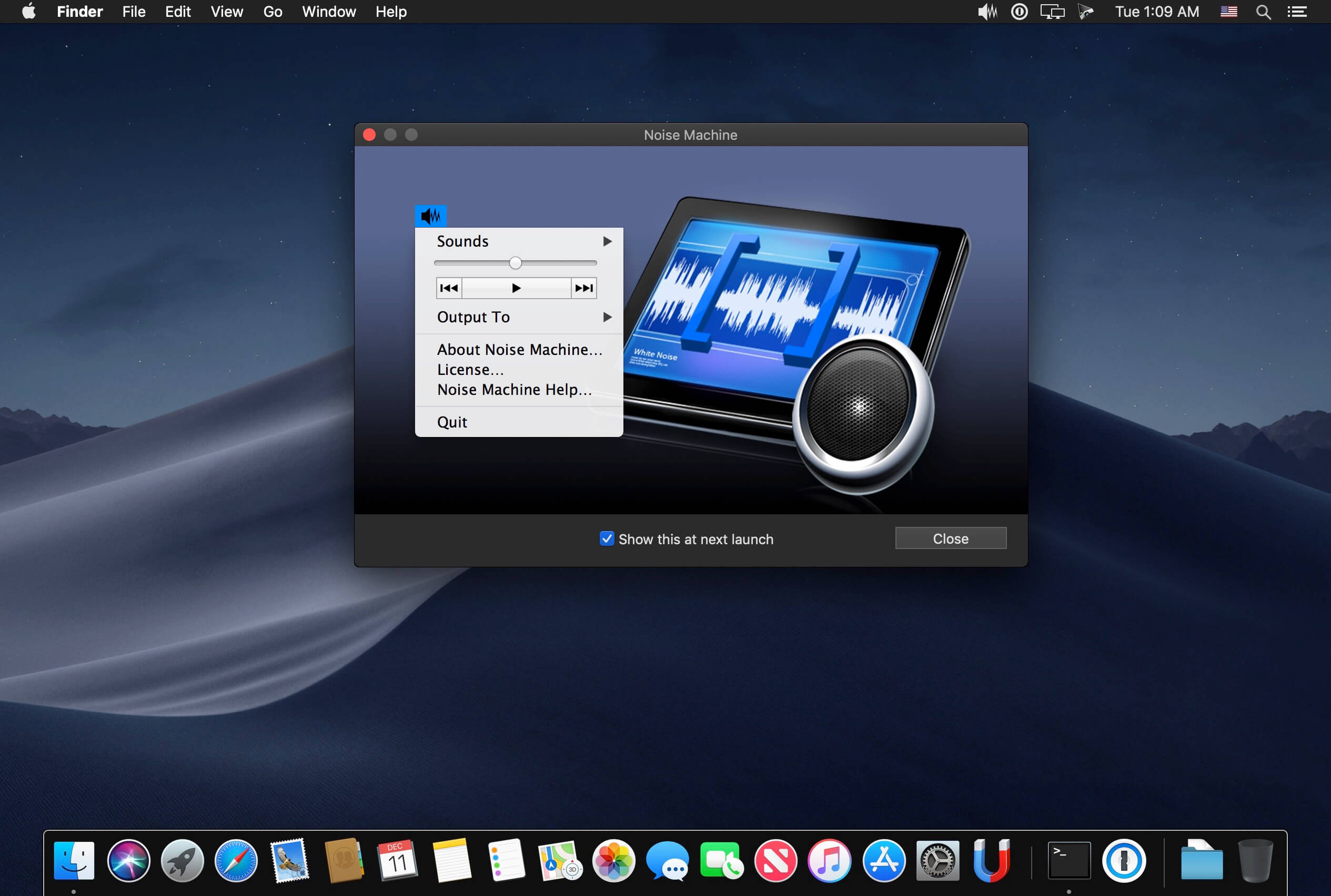

Noise Machine is a white-noise and soundscape generator designed to help you block out workplace noise and create a more productive work environment to suit your mood. It can be very hard and tiring to try to concentrate in a noisy work environment. The chatter of co-workers can be especially hard to block out. Conversely, excessively quiet environments can lack energy and can feel very isolated.
Noise Machine generates white, brown, and pink noise, whose special properties are often used to mask out other environmental sounds, and favor concentration and task focus. It also features a range of natural and artificial soundscapes to suit your mood, ranging from relaxing to energizing.
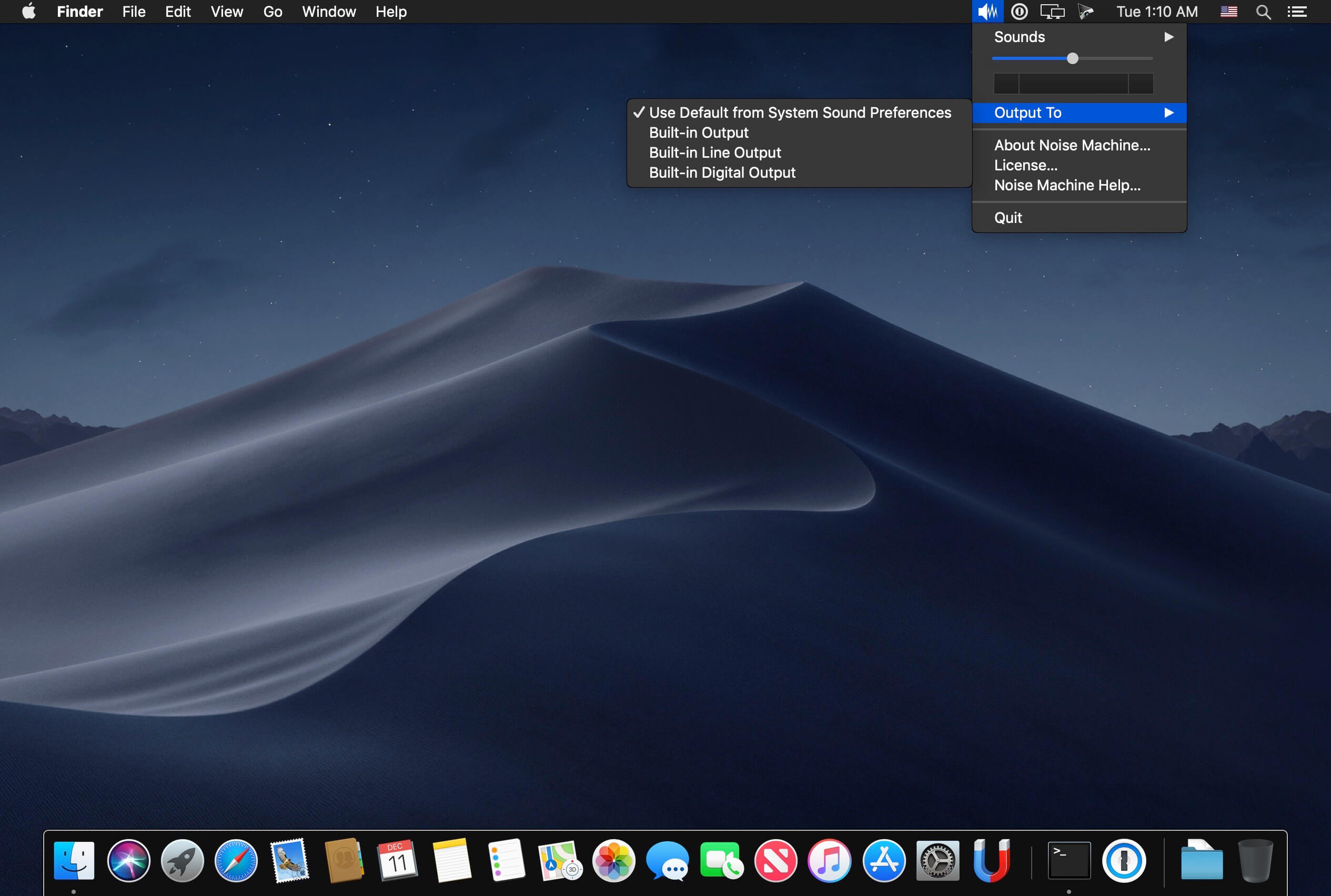
Designed to be as unobtrusive and simple to use as possible, Noise Machine's icon "lives" in the menu bar and is accessible at any time via a simple click. The menu bar item allows you to choose between a range of sounds, adjust the volume and change the sound output device.
Version 1.18:
- The new version delivers native Apple Silicon support and macOS 11 Big Sur compatibility.
Comments
No comments yet. Be the first.