Image Cleaner v1.1
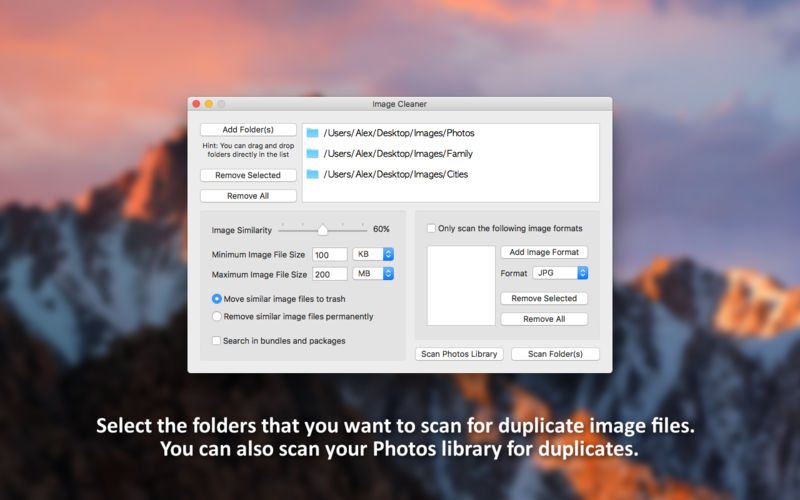
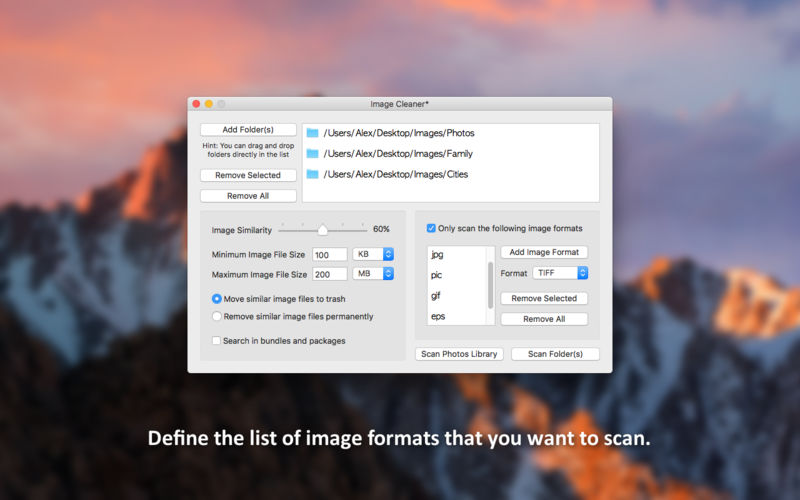
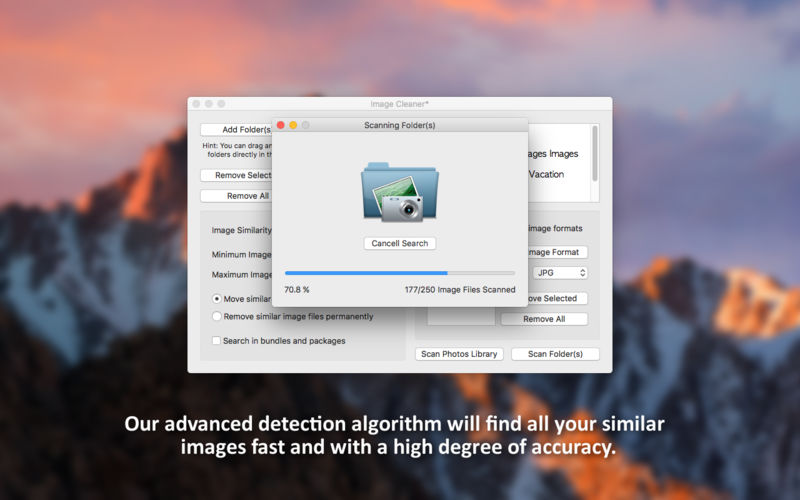
Image Cleaner is the complete solution for finding and removing duplicate image files. If you are a point and shoot photographer, your hard drive will inevitably get filled up with a lot of nearly identical images that will take up a considerable amount of disk space. This is where Image Cleaner comes in with its advanced detection algorithm that will identify all your similar images fast and with a very high degree of accuracy. Duplicate image files can be marked for deletion either manually or automatically.
But here is what Image Cleaner has to offer:
- Select the folder(s) that you want to scan for duplicate image files
- Scan your Photos library for duplicate image files
- Select the degree of similarity beyond which images will be considered duplicates
- Set a minimum and maximum file size for the images that will be scanned
- Scan all images or define a custom list of image formats that will be scanned
- Move duplicate image files to trash or remove them permanently
- Very fast and accurate algorithm for detecting similar images
- User-friendly interface for selecting the duplicate image files that will be removed
- Automatically select the duplicate image files that will be deleted by analysing their file size
- The cases where similar images are not selected properly for deletion will be highlighted accordingly
- Preview the currently selected image file so you can better identify the images you want to keep
- Real-time indicator of the disk space that will be saved with the removal of the selected image files
- Instantly move to trash/remove the selected duplicate image files
Version 1.1
- Scan your Photos library for duplicate image files
- Bugfix: The app does not freeze anymore
- Minor user interface improvements
Frequently asked questions
How do I install the app?
Mount the image, drag the app into the "Applications" folder and launch it. If the system blocks the launch, allow it in "System Settings → Privacy & Security".
The app is damaged or won't launch
Reinstalling from a fresh image usually helps. Make sure your macOS version matches the one listed in the compatibility specs.
How do I update?
Download the new version from the site and install it over the current one — your settings will be preserved.
The download link doesn't work
Try a mirror or a download manager. For large files the browser often drops the connection.
How do I completely remove the app?
Use an uninstaller utility — it cleans up the service files that remain after moving the app to the trash.
VersionImage Cleaner v1.1
DeveloperDay 1 Solutions SRL
CompatibilityOS X 10.10 or later, 64-bit processor
LanguageEnglish
IncludesK'ed by TNT



Information
Visitors in the group Guests cannot leave comments on this publication.
Choose a download source
Image Cleaner v1.1 · 3.62 MB