
Scudo 1.0 Beta 11

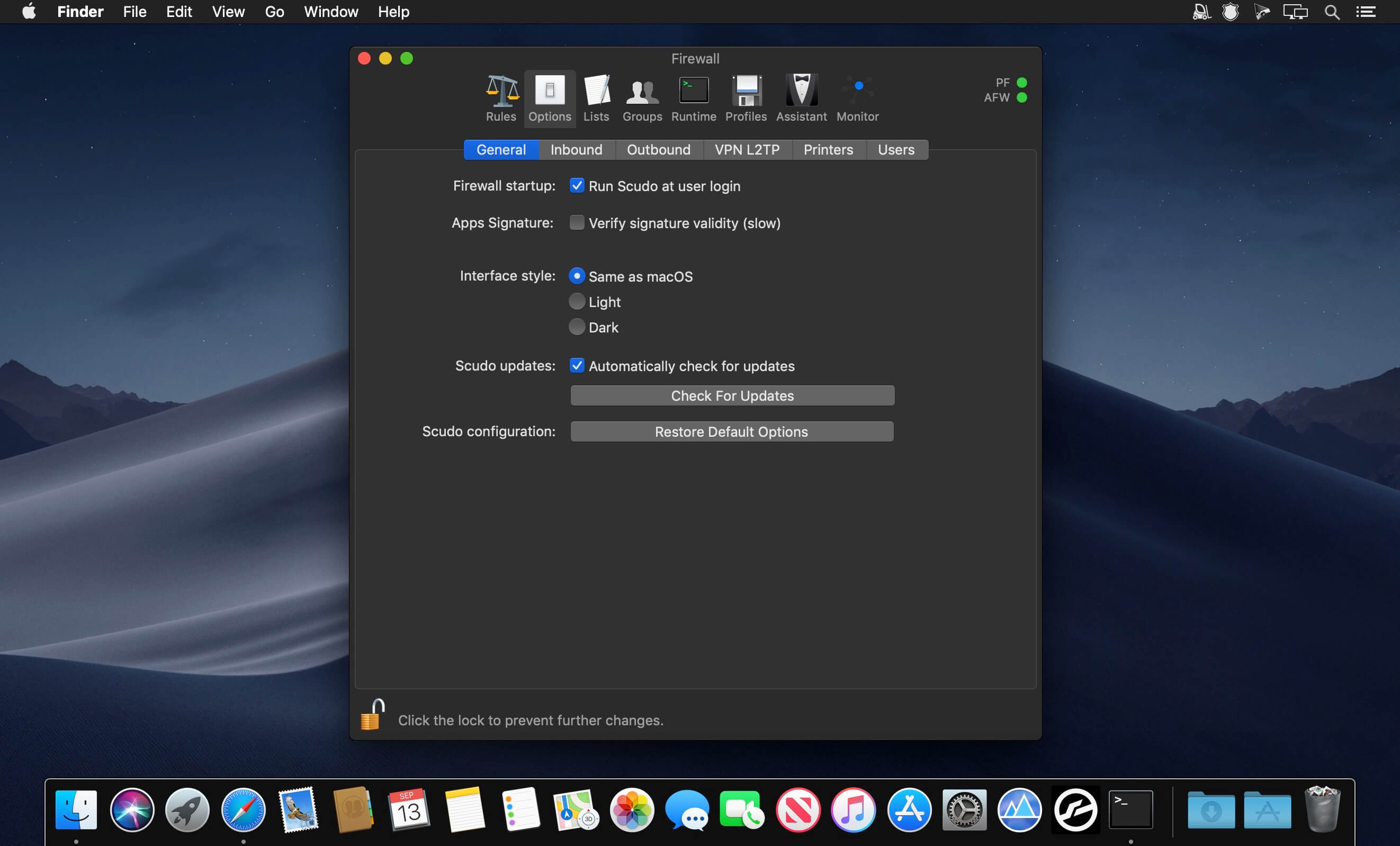
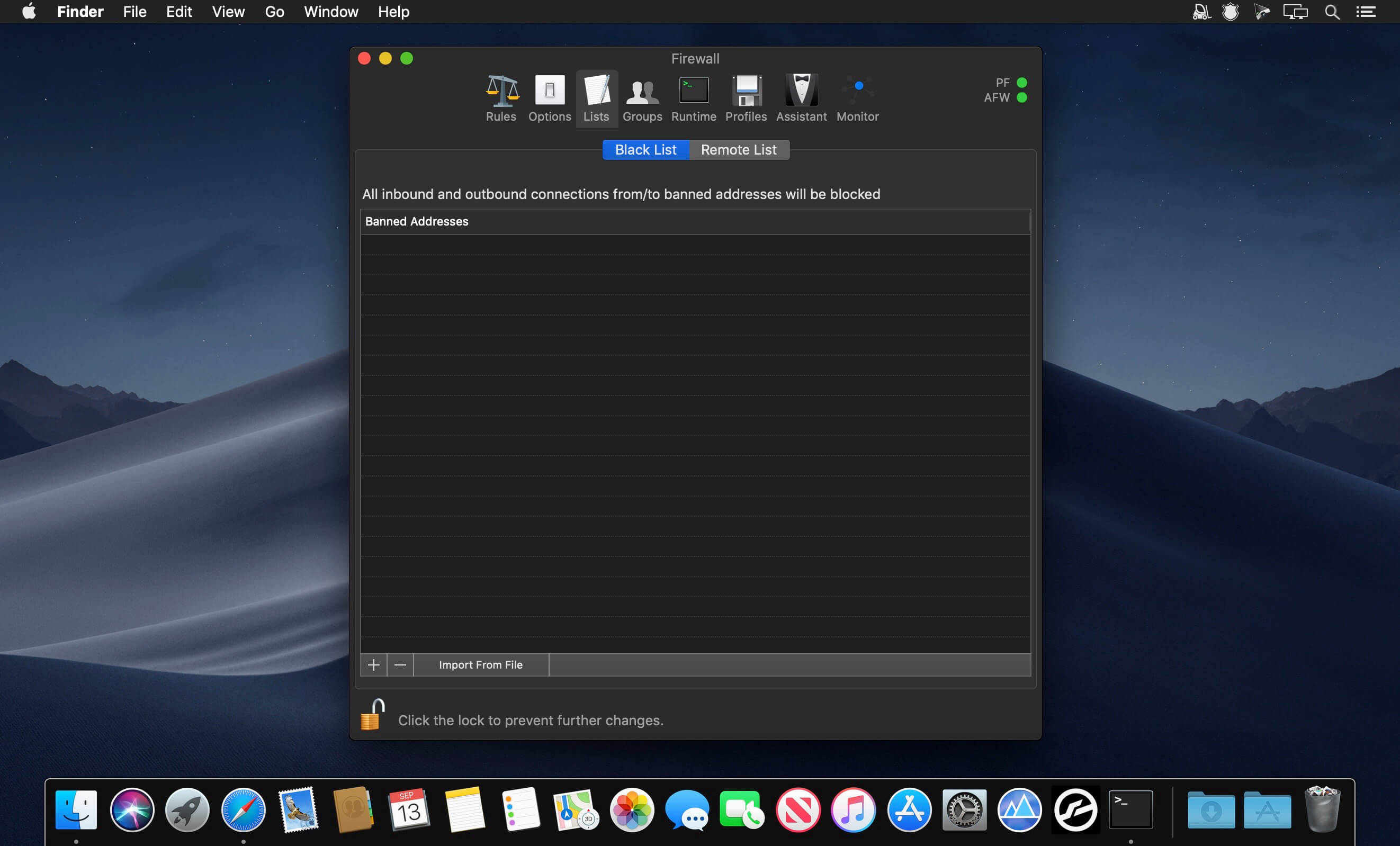
Scudo is a hybrid firewall for macOS that combines an inbound network-layer packet filter with an outbound application-layer firewall. Scudo helps protecting your Mac’s network services from unwanted connections from remote computers and improves your privacy and security controlling all apps network activities, allowing you to choose which app is allowed to connect to the network.
Everything is controlled in a single window, its usage is really simple and safe. Scudo uses a new technology to identify processes and apps: signature fingerprint. Because of that you are always sure that only genuine apps are allowed to connect. Should an authorized app be modified, hacked or tampered with, Scudo will notify it an block it. Additionally, a real-time apps connections monitor allows you to check all network activities of your Mac. A detailed PDF manual is included in the package. Scudo is derived from Murus and Vallum, and is a simpler and friendlier alternative to them.
- Easy to install and start
- Protect your shared documents and network services
- Protect your privacy blocking apps
- Popup notifications: define inbound and outbound rules on the fly
- Limit upload or download bandwidth
- Protect your network from well-known dangerous hosts using on-line blacklists
- Monitor connections and runtime rules
Version 1.0 Beta 11:
- Release notes were unavailable when this listing was updated.
Frequently asked questions
How do I install the app?
Mount the image, drag the app into the "Applications" folder and launch it. If the system blocks the launch, allow it in "System Settings → Privacy & Security".
The app is damaged or won't launch
Reinstalling from a fresh image usually helps. Make sure your macOS version matches the one listed in the compatibility specs.
How do I update?
Download the new version from the site and install it over the current one — your settings will be preserved.
The download link doesn't work
Try a mirror or a download manager. For large files the browser often drops the connection.
How do I completely remove the app?
Use an uninstaller utility — it cleans up the service files that remain after moving the app to the trash.
VersionScudo 1.0 Beta 11
Developermurus.it
CompatibilityOS X 10.11 or later, 64-bit processor
LanguageEnglish
IncludesK'ed by The Shark





Information
Visitors in the group Guests cannot leave comments on this publication.
Choose a download source
Scudo 1.0 Beta 11 · 40 MB