Screen Tint 1.0.7
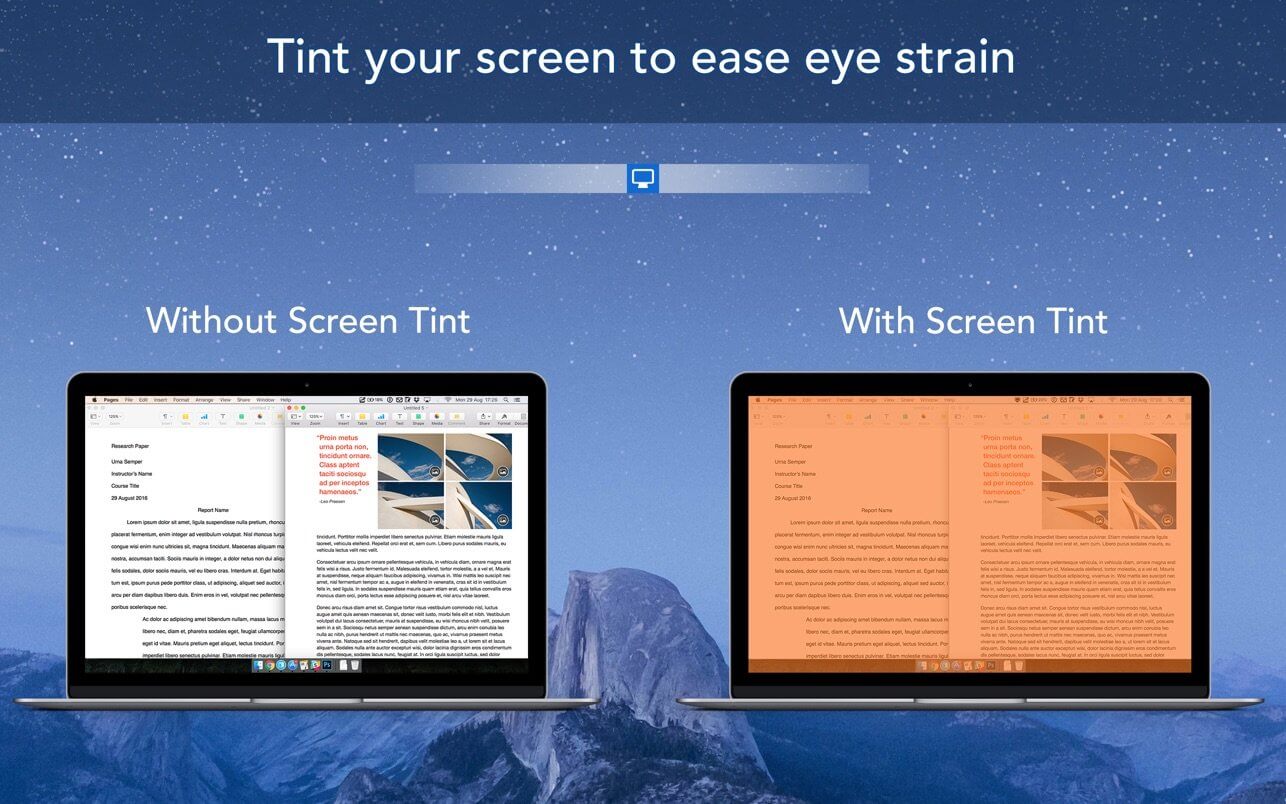
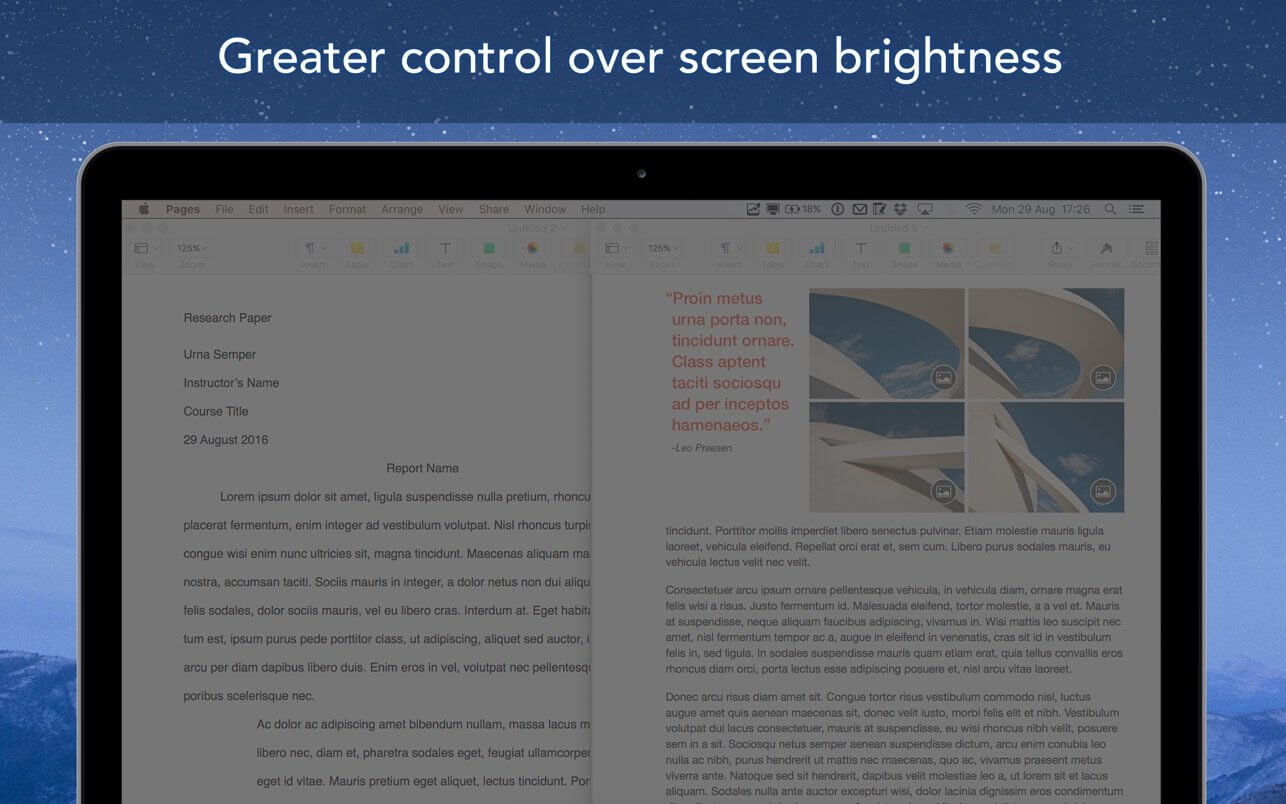
Screen Tint is a handy utility app that is designed to reduce the brightness of your Mac’s screen, proving particularly useful for users with sensitive eyes and for those that wish to use their Mac in a darker environment, but find that their screen’s brightness to be too harsh.
We recommend to use a warm tint when working at night and a cool tint for working in artificial light.
KEY FEATURES:
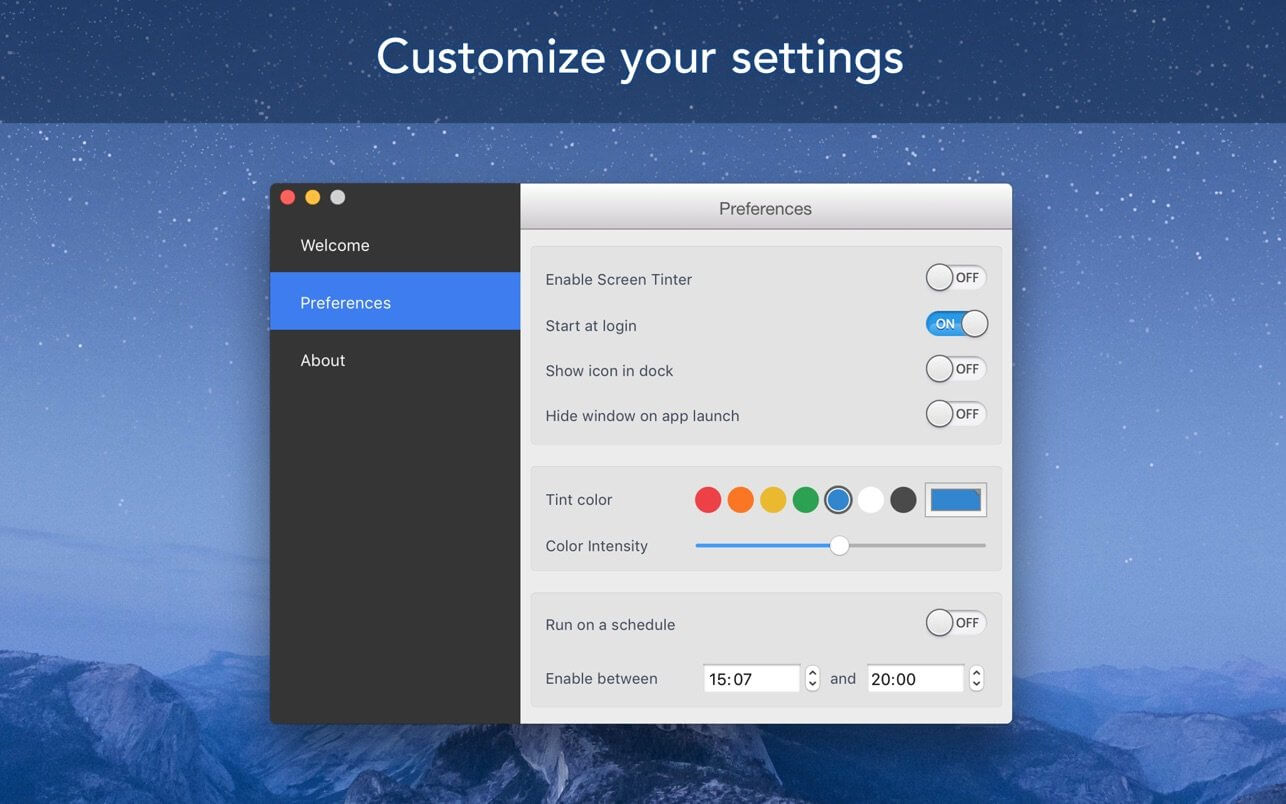
- Choose between 7 primary tint colors, with the ability to also configure any tint colour of your choice using the colour palette
- Ability to toggle the intensity of the tint colour using the ‘color intensity’ slider
- Enable the app to run between a specified time schedule automatically
- Quickly be able to enable/disable the app from the menubar itself
- Tint not only your Mac’s screen as the main display, but also attached external displays
BENEFITS:
- Perfect for users wanting to use their Mac’s in the night/dark environments
- Useful for users that have sensitive eyes and find the regular brightness levels of Macs to be too high
- Give your screen a unique colored tint that’s both good for your eyes, as well as visually appealing
Version 1.0.7
- Updated to support macOS Tahoe
- New liquid glass app icon
- Bug fixes and performance improvements
Frequently asked questions
How do I install the app?
Mount the image, drag the app into the "Applications" folder and launch it. If the system blocks the launch, allow it in "System Settings → Privacy & Security".
The app is damaged or won't launch
Reinstalling from a fresh image usually helps. Make sure your macOS version matches the one listed in the compatibility specs.
How do I update?
Download the new version from the site and install it over the current one — your settings will be preserved.
The download link doesn't work
Try a mirror or a download manager. For large files the browser often drops the connection.
How do I completely remove the app?
Use an uninstaller utility — it cleans up the service files that remain after moving the app to the trash.



Choose a download source
Screen Tint 1.0.7 · 10.05 MB