
JixiPix Hand Tint Pro 1.0.25
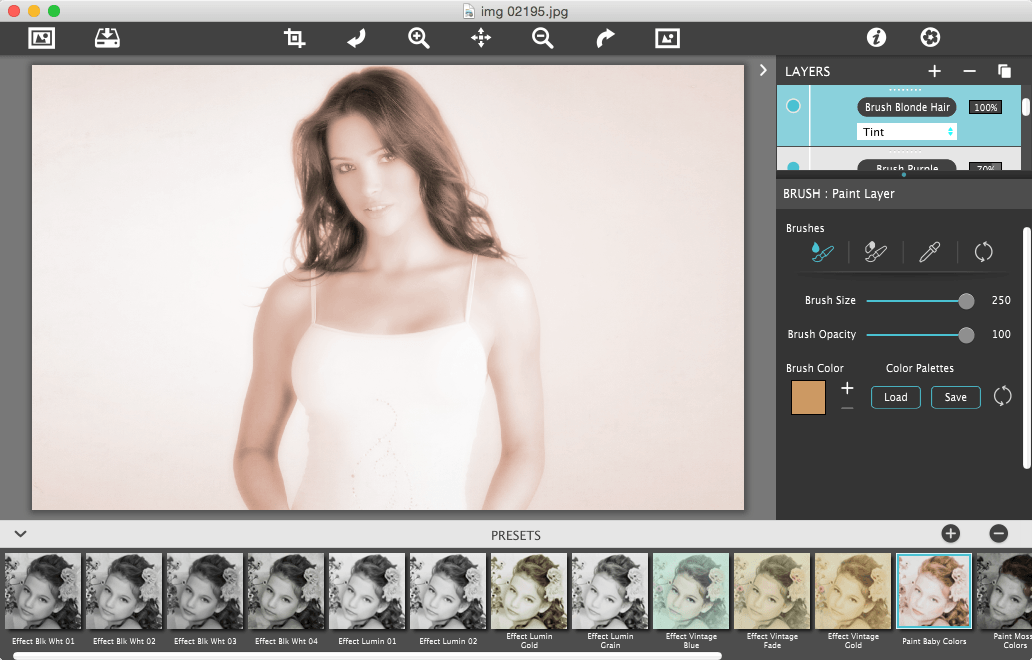
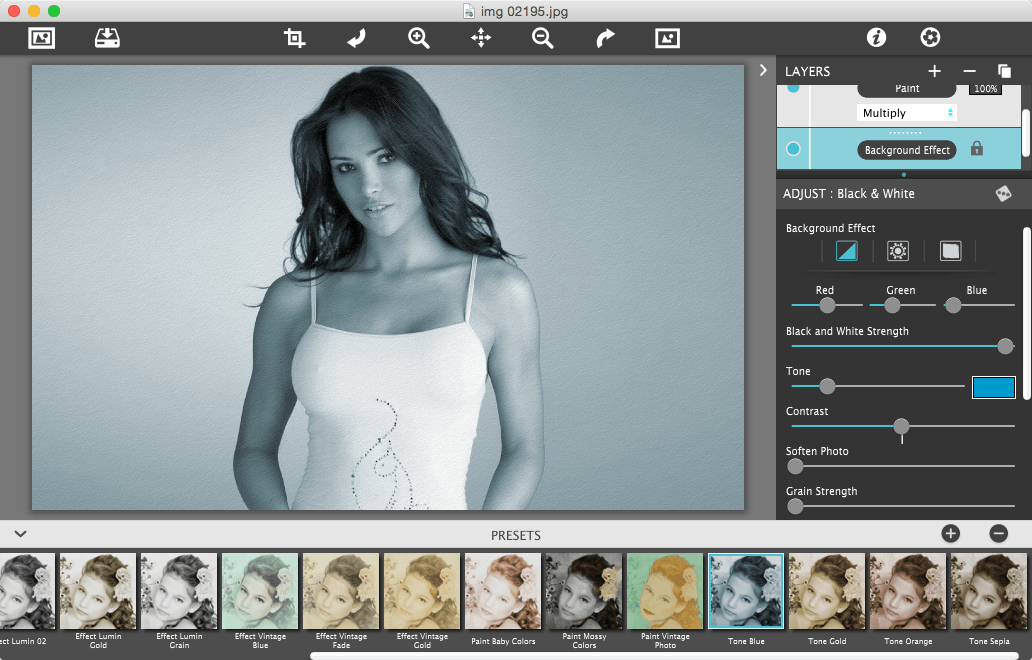

Hand Tint Pro supplies everything you need—color palettes, paper and smart brushes—for creating beautiful and timeless hand painted photography.
Like all art forms, preparing a good base for hand coloring is like stretching a canvas for painting, so every image placed in the app is stripped of color and transformed into a classic Black & White, a dreamy Luminescent or an aged Vintage photo we call a Background Effect. To keep your painting organized and in control, we give you Layers and a handy Selective Color tool to define areas for accurate brushing. Both pro features are designed to keep color where you want them.
Standalone Product that colorizes photos with brushed on tint, tone and color. Also includes plugin for Photoshop, Elements, Lightroom and PaintShop Pro.
Version 1.1.25:
- Release notes were unavailable when this listing was updated.
Frequently asked questions
How do I install the app?
Mount the image, drag the app into the "Applications" folder and launch it. If the system blocks the launch, allow it in "System Settings → Privacy & Security".
The app is damaged or won't launch
Reinstalling from a fresh image usually helps. Make sure your macOS version matches the one listed in the compatibility specs.
How do I update?
Download the new version from the site and install it over the current one — your settings will be preserved.
The download link doesn't work
Try a mirror or a download manager. For large files the browser often drops the connection.
How do I completely remove the app?
Use an uninstaller utility — it cleans up the service files that remain after moving the app to the trash.




Choose a download source
JixiPix Hand Tint Pro 1.0.25 · 109.15 MB