
NightTone 2.6.0
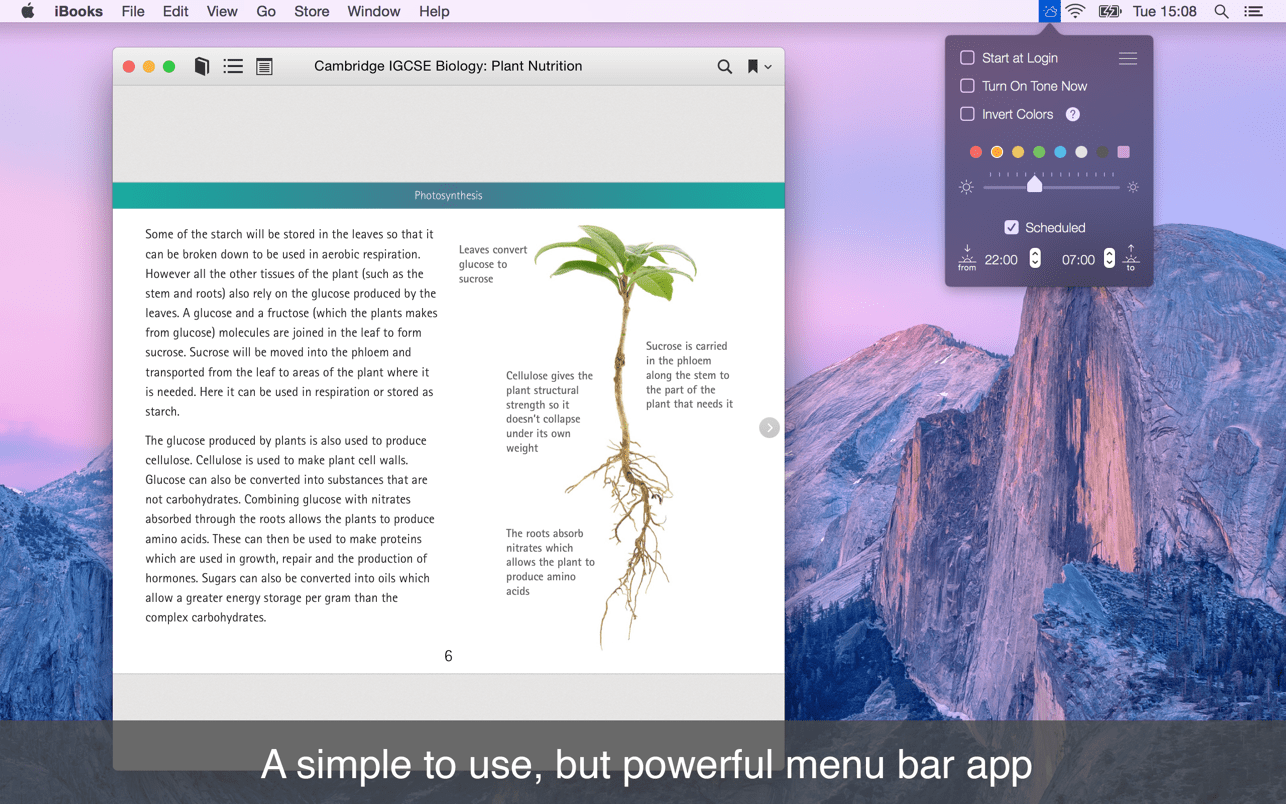

NightTone makes your screen more comfortable, enjoyable and healthier by shifting the colors of your display to a warmer, eye-friendly palette. It makes you sleep and feel better.
It's perfect for everyone's health, especially for people with visual perception problems, light sensitivity or discomfort.
The science behind the app
The monitor's blue light tricks our circadian rhythm (our natural body clock) into thinking that it’s daytime. It suppresses melatonin (that sends "time to sleep" cues) and builds up histamine that helps wake us up, boosts attention and reaction times. In other words, it resets that feeling of tiredness and hurts our sleep cycle.
Just remember: It's bad to be exposed to sleep-inhibiting blue light during the night.
Predefined color pallets for common scenarios
- Warm orange for late working hours
- Soft black or inverted colors for dark rooms
- Noisy green for long text reading
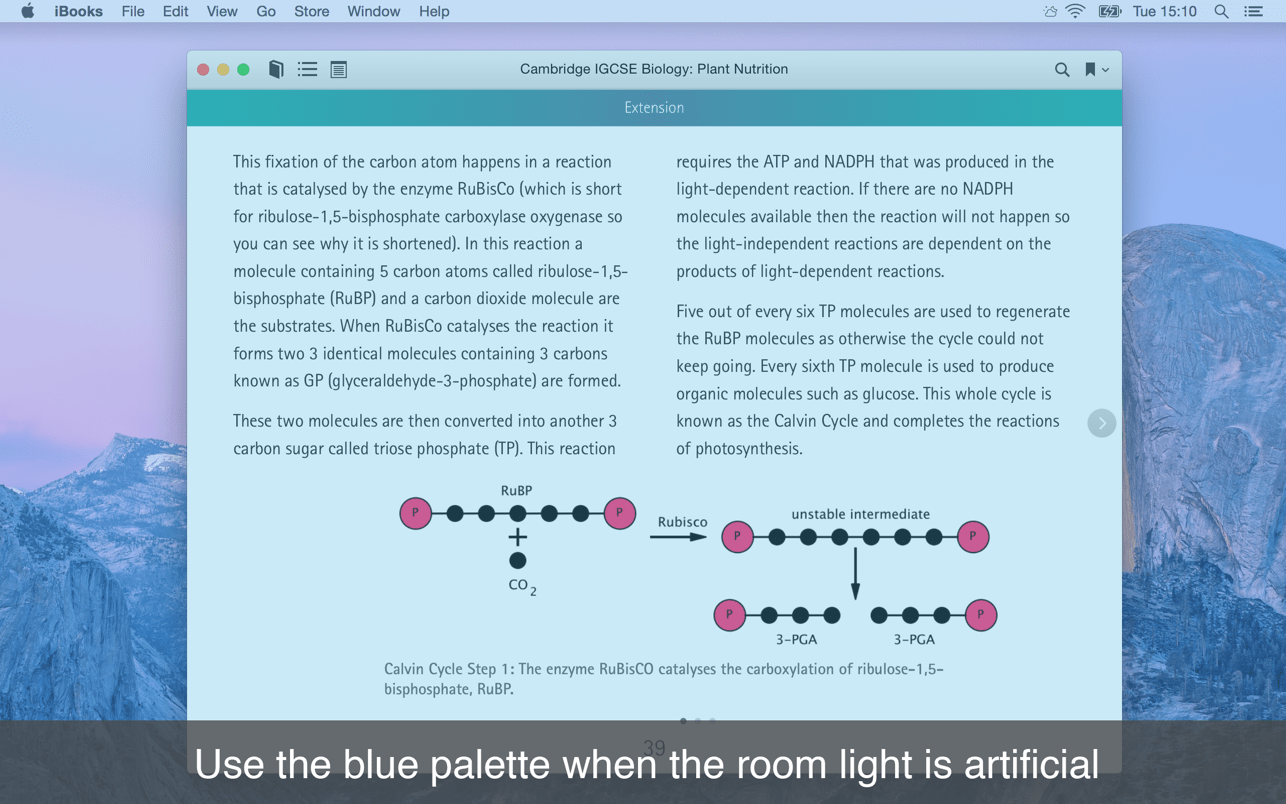
- Silky blue for rooms with artificial light
- Tender white for movies night or dark photo work
- All colors are adjustable and can be changed to anything you are comfortable with
- Change the screen brightness and palette to warmer colors
- Configure the display to virtually any color you want
- Invert the screen's colors for better usage in very dark rooms
- Multiple monitors supported
- The app can active itself only during nights (and you can customize the activation hours)
- Start at login, schedule the app and forget it exists. Just enjoy the benefits
- Easy to use and there is absolutely no configuration required
Version 2.6.0
- Bug fix: NightTone will not close when a screen saver starts or when you monitor goes to sleep
Frequently asked questions
How do I install the app?
Mount the image, drag the app into the "Applications" folder and launch it. If the system blocks the launch, allow it in "System Settings → Privacy & Security".
The app is damaged or won't launch
Reinstalling from a fresh image usually helps. Make sure your macOS version matches the one listed in the compatibility specs.
How do I update?
Download the new version from the site and install it over the current one — your settings will be preserved.
The download link doesn't work
Try a mirror or a download manager. For large files the browser often drops the connection.
How do I completely remove the app?
Use an uninstaller utility — it cleans up the service files that remain after moving the app to the trash.
VersionNightTone 2.6.0
DeveloperDenk Alexandru
CompatibilityOS X 10.10 or later, 64-bit processor
LanguageEnglish
IncludesK'ed by HCiSO




Information
Visitors in the group Guests cannot leave comments on this publication.
Choose a download source
NightTone 2.6.0 · 4.62 MB