
Record It PRO 1.7.6 U2B
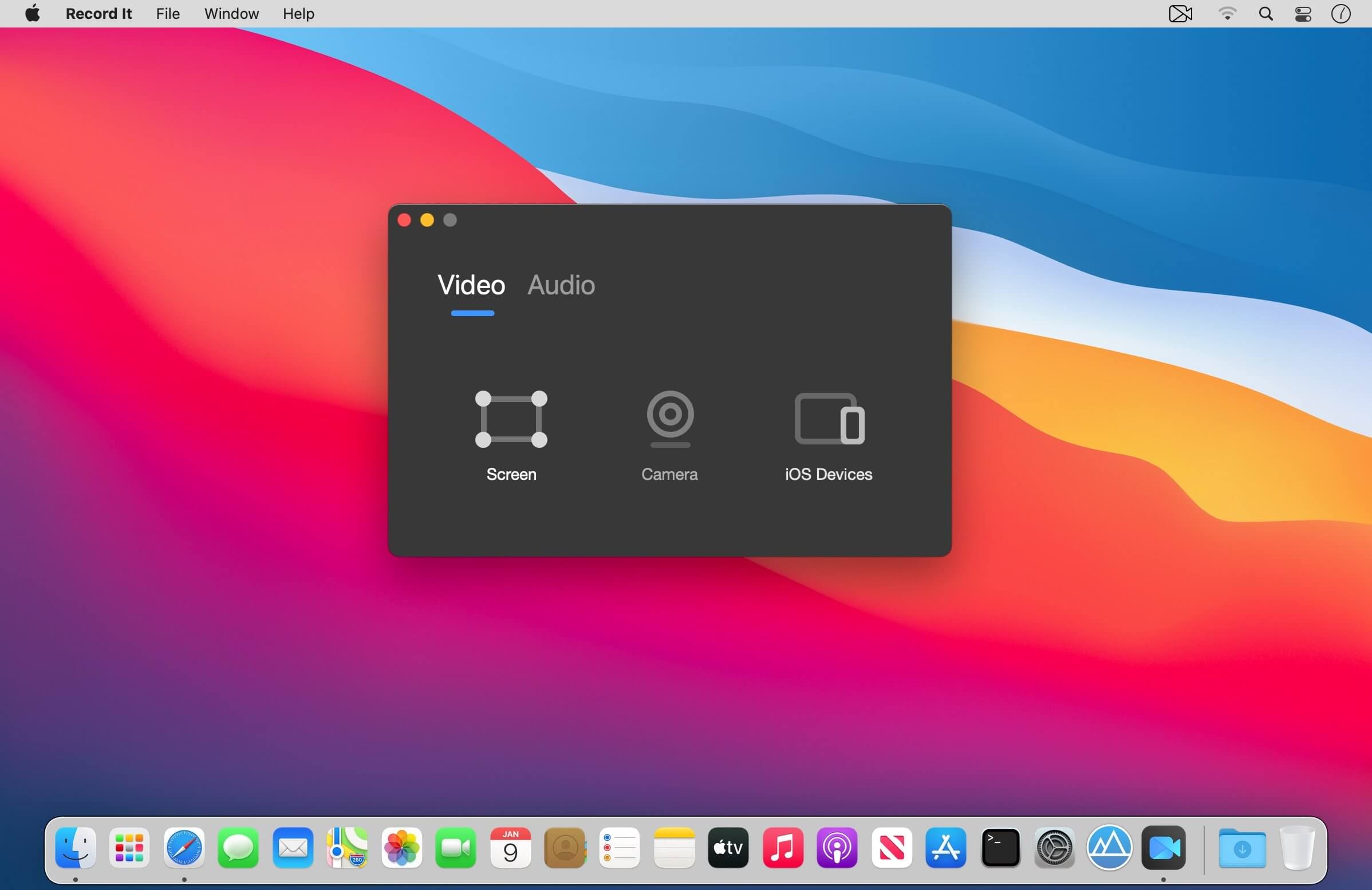


Record It Pro is a very practical, professional and light tool if you create video tutorials or demo software. It provides all the elements needs to create professional-looking product demonstrations of software application, can capture games screen, application tutorial, iPhone simulator, etc.
You can use it:
- To create demonstration videos for any software program;
- To record the reproduced step of problem with your computer so you can show it to technical support people;
- To create video tutorials for school or college class;
- To record new tricks and techniques you discover before you forget them.
Features:
- One click to complete recording.
- Capture your videos at full screen or any size
- Record the screen, record by build-in Camera and ios devices
- You can always record certain window whether it moves or being covered (Pro).
- Record the audio with system build-in microphone, computer sound card or audio input device.
- Set video quality choose audio device by your request (Pro).
- Make video at a very fast speed.
- Record the screen as high quality video.
- Record screen no time limit.
Version 1.7.6
New update!
- Record It helps you to capture any activities on your Mac screen with just one click. Light but Powerful!
- Bug fixes to improve stability and optimize performance.
Frequently asked questions
How do I install the app?
Mount the image, drag the app into the "Applications" folder and launch it. If the system blocks the launch, allow it in "System Settings → Privacy & Security".
The app is damaged or won't launch
Reinstalling from a fresh image usually helps. Make sure your macOS version matches the one listed in the compatibility specs.
How do I update?
Download the new version from the site and install it over the current one — your settings will be preserved.
The download link doesn't work
Try a mirror or a download manager. For large files the browser often drops the connection.
How do I completely remove the app?
Use an uninstaller utility — it cleans up the service files that remain after moving the app to the trash.





Choose a download source
Record It PRO 1.7.6 U2B · 10.41 MB
Previous versions
Record It PRO 1.7.6 U2B
Previous versions are available to registered users.