MIDI Keyboard - Piano Lessons 1.2.11
Meet our new piano keyboard simulator for your Mac.
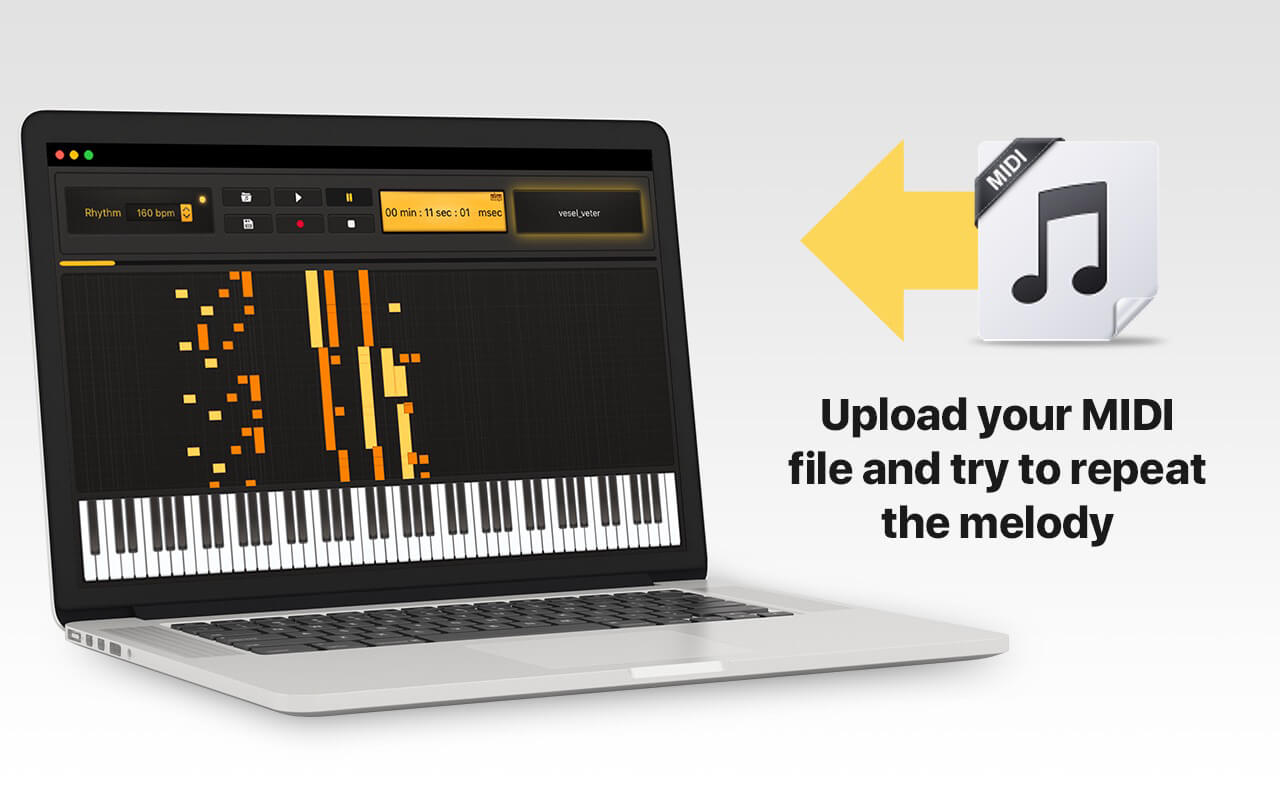
- Use Drag&Drop feature or upload your MIDI file from the menu bar;
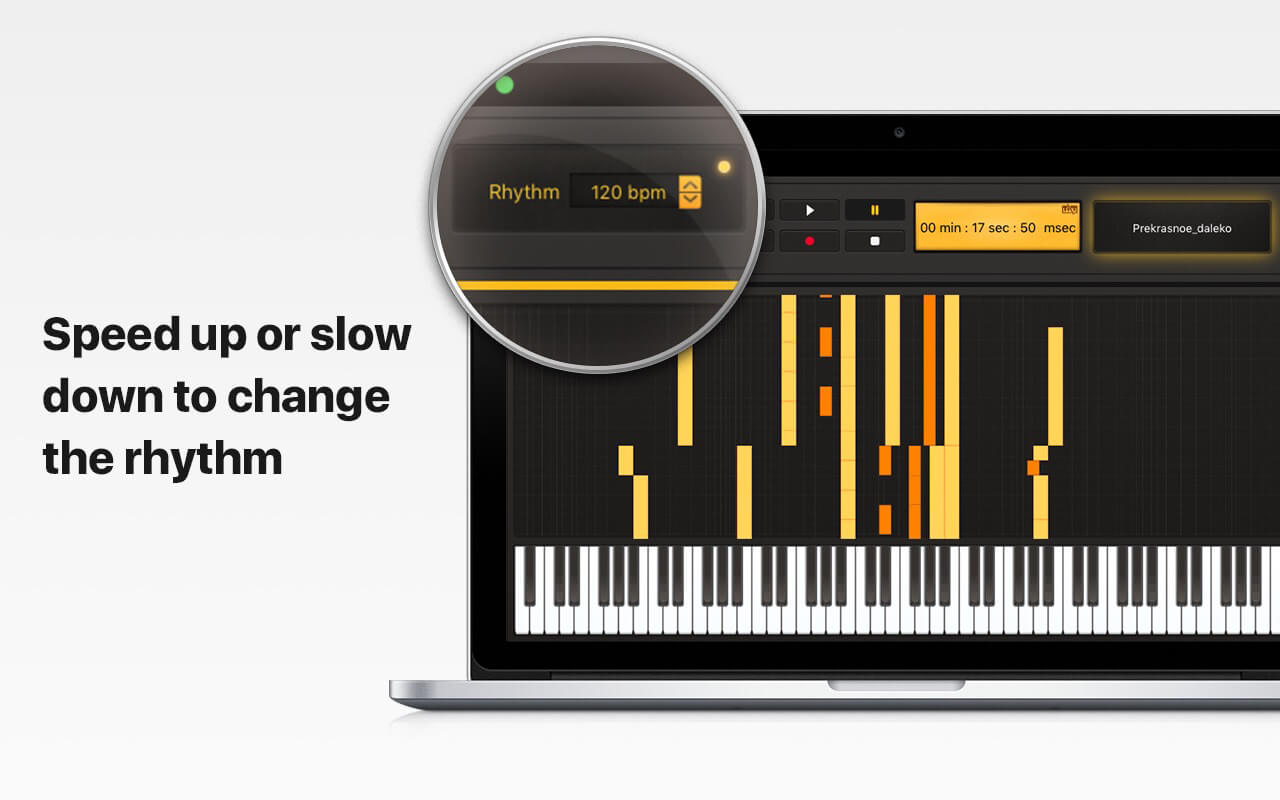
- Slow down or speed up sound by changing the rhythm;
- Try to repeat the melody during the playback;
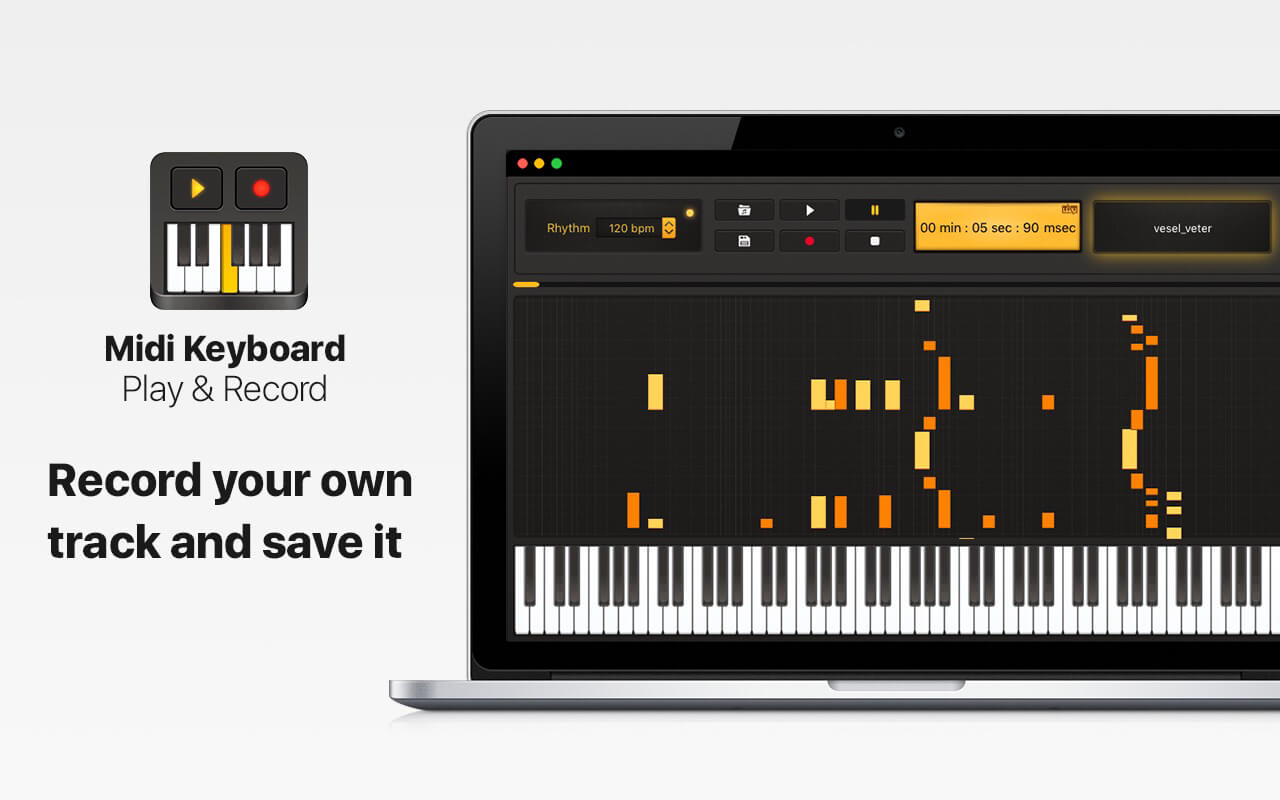
- Record your own track and save it on your Mac;
- Enjoy the opportunity to connect a MIDI keyboard!
You can start playing piano right now without any difficulties!
Create your own piano melodies with Midi Keyboard.
Version 1.2.11
We really appreciate all your feedback and to make it better we made some changes:
- We have found and fixed some bugs of previous versions
- We have improved the stability and performance
Frequently asked questions
How do I install the app?
Mount the image, drag the app into the "Applications" folder and launch it. If the system blocks the launch, allow it in "System Settings → Privacy & Security".
The app is damaged or won't launch
Reinstalling from a fresh image usually helps. Make sure your macOS version matches the one listed in the compatibility specs.
How do I update?
Download the new version from the site and install it over the current one — your settings will be preserved.
The download link doesn't work
Try a mirror or a download manager. For large files the browser often drops the connection.
How do I completely remove the app?
Use an uninstaller utility — it cleans up the service files that remain after moving the app to the trash.



Choose a download source
MIDI Keyboard - Piano Lessons 1.2.11 · 99.73 MB
Previous versions
MIDI Keyboard - Piano Lessons 1.2.11
Previous versions are available to registered users.