
Sip 1.2
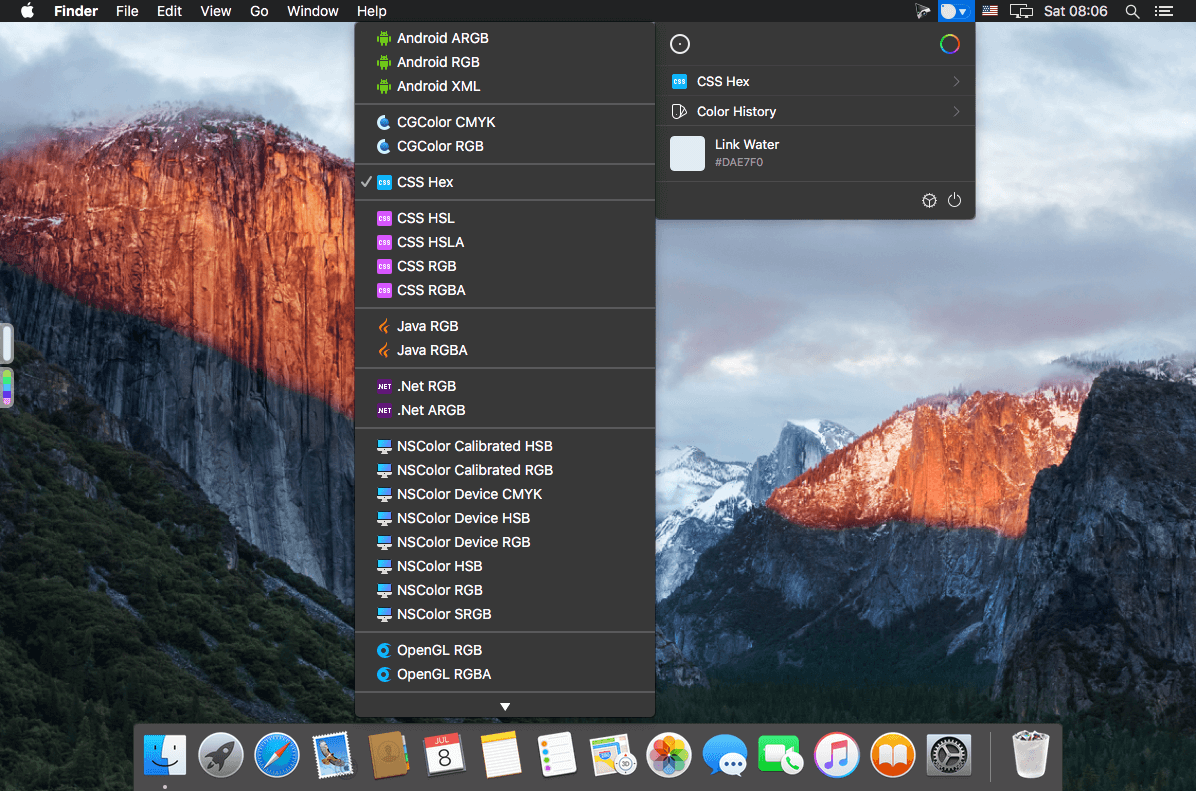

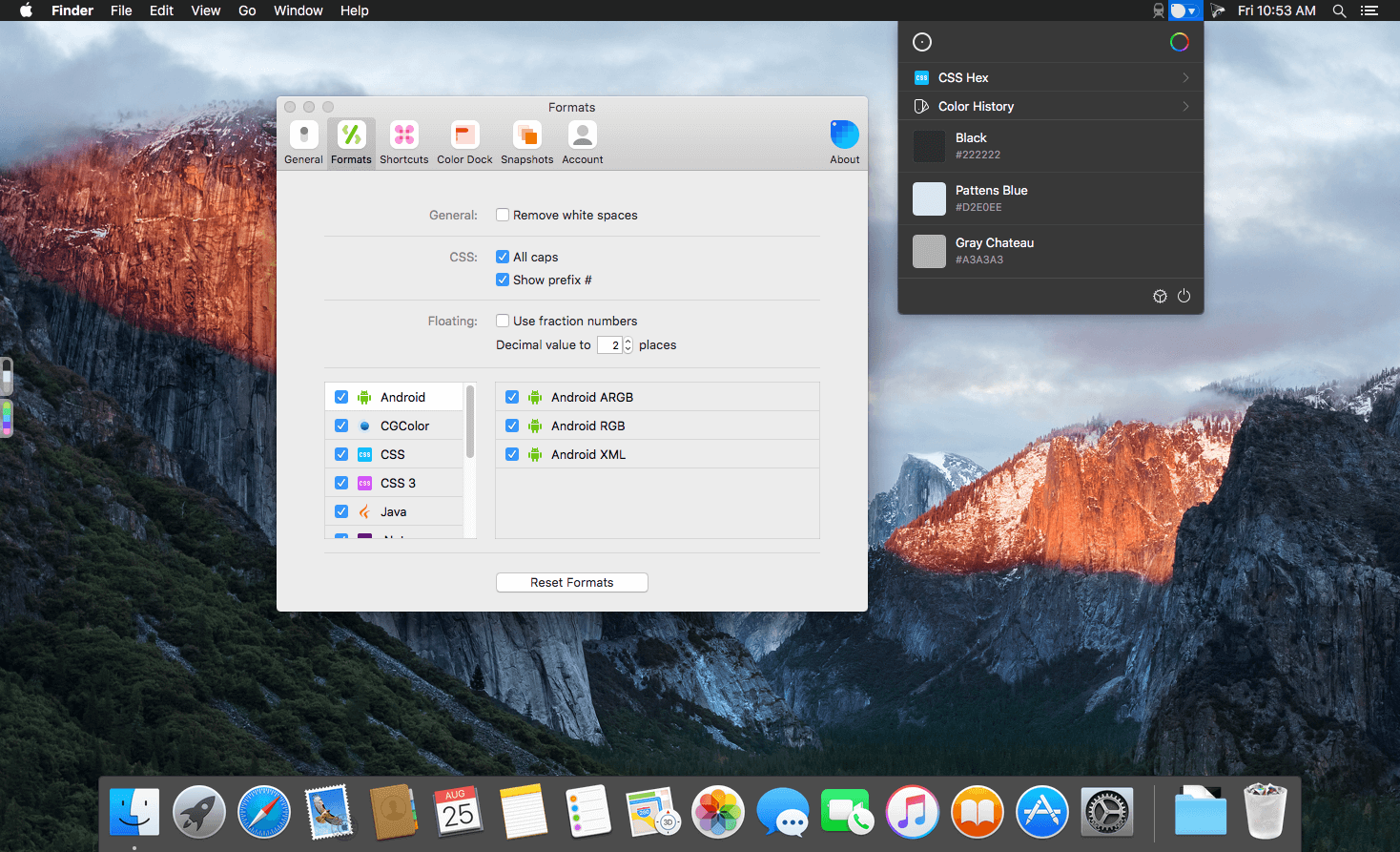
Sip is the refreshingly simple color picker for developers that instantly samples and encodes any color on your screen. Just one quick click to savor the flavor and you're set! See what's on special with Sip below.
Powerful Features
Palettes
A new and powerfull way to create, organize, edit and share colors with everyone.
Multiple Colors
Easy as it should be: Hold shift and click in the sequence of colors you need..
Snapshots
We know how important your data is. That’s why we created snapshots.
Custom formats
Customize color formats already provided, and also create and share new ones.
Color dock
Your “currently in use” palettes more available and unobtrusive than ever.
Editor
A quick and simple way to edit colors without the need of any additional software.
Shortcuts
Powerful shortcuts to help you Pick and use colors faster. Here’s the shortcuts List.
Touchbar
Interact with your colors directly from the touchbar.
Sip Sync
Besides all the new features, you now have all content synced in your devices.
Version 1.2:
- Release notes were unavailable when this listing was updated.
Frequently asked questions
How do I install the app?
Mount the image, drag the app into the "Applications" folder and launch it. If the system blocks the launch, allow it in "System Settings → Privacy & Security".
The app is damaged or won't launch
Reinstalling from a fresh image usually helps. Make sure your macOS version matches the one listed in the compatibility specs.
How do I update?
Download the new version from the site and install it over the current one — your settings will be preserved.
The download link doesn't work
Try a mirror or a download manager. For large files the browser often drops the connection.
How do I completely remove the app?
Use an uninstaller utility — it cleans up the service files that remain after moving the app to the trash.

Choose a download source
Sip 1.2 · 8.4 MB
Comments 1